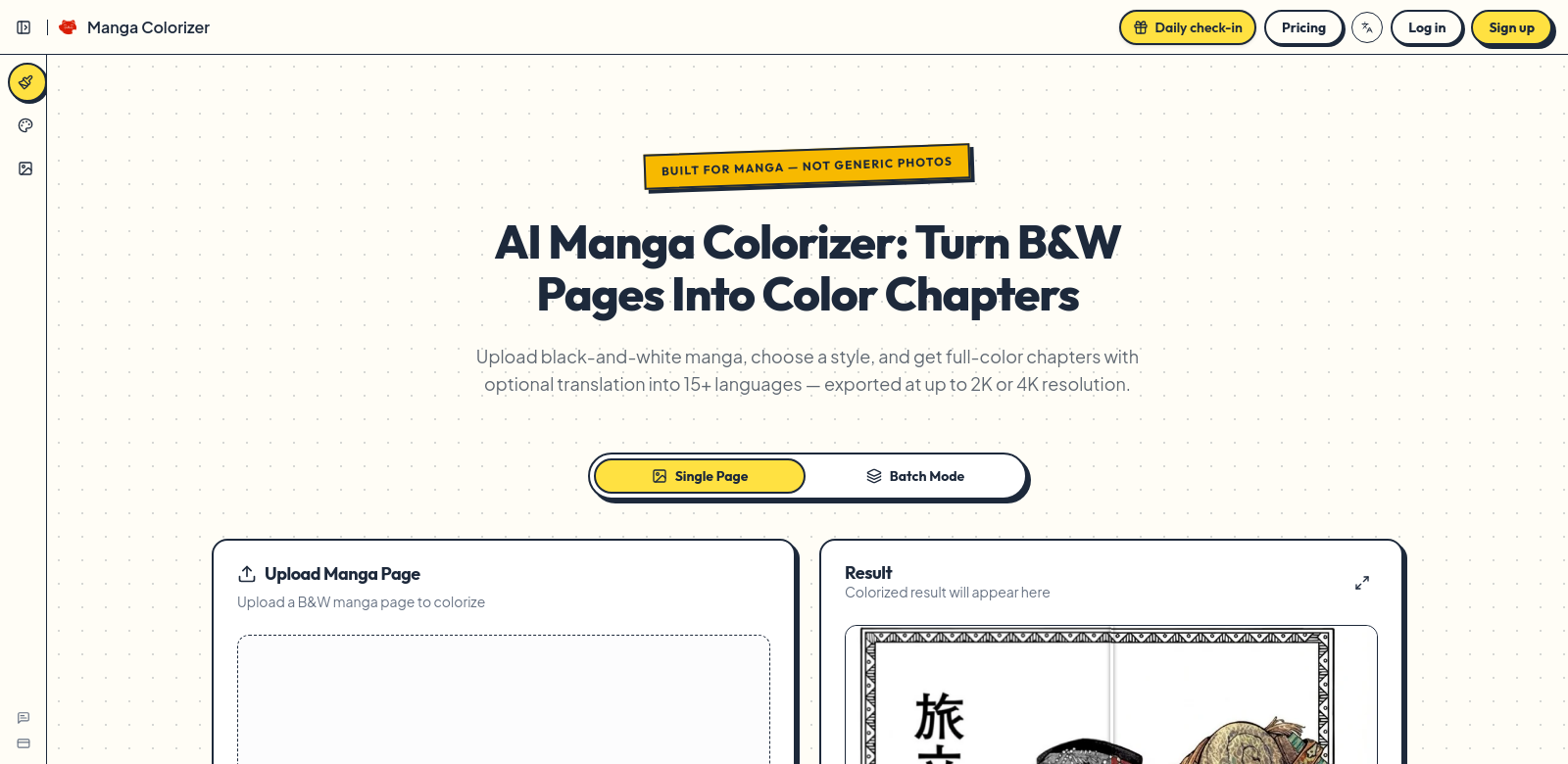
Manga Colorizer: Bringing Manga to Life
Manga Colorizer is an AI tool that takes black-and-white manga and turns it into full-color chapters, ready for high-resolution viewing. It can also translate your manga into over 15 languages. This makes it a powerful tool for anyone in the manga world, from professional artists to hobbyists. If you're looking to make your visual stories pop, Manga Colorizer is a serious contender.
Who Uses Manga Colorizer?
Manga Colorizer uses smart AI to help all sorts of people in the manga creation space. It's built with different artistic and language needs in mind. Here's a look at who gets the most out of it:
-
Manga Artists: Artists who want to add color to their black-and-white panels without spending endless hours doing it by hand will love this. It lets them bring their art to life much faster.
-
Publishers: Manga publishers can use accurate colorizations to reach more people and boost sales. Releasing updated, colored editions helps them grab new readers and get old fans excited about refreshed content.
-
Translators: Translators get a straightforward way to put manga into other languages. It keeps the art looking good, and now with colors that can feel right for different cultures.
-
Educators: Teachers using manga in class can use this tool to get students more involved. Colorful versions and translated texts make learning more fun and easier to connect with.
-
Hobbyists: Manga fans who love seeing their favorite stories in color will find this a blast. It's a fun way to play around, get creative, and make personal projects that show off their own style.
How Manga Colorizer Helps
Manga Colorizer tackles some big problems creators deal with in the manga world. It doesn't just make things look better; it also makes the whole process of creating and translating much smoother.
The Problems It Solves
-
Coloring Takes Forever: Coloring manga pages by hand eats up huge amounts of time. This often stops artists from trying out new, vibrant color schemes.
-
Language Walls for Global Reach: Many manga creators struggle to get their work to international readers because of language barriers. This limits how many people can enjoy their art.
-
Keeping Colors Consistent: It's tough to keep the coloring style consistent across hundreds of pages. This can lead to weird shifts in look that pull readers out of the story.
Manga Colorizer's Answer
Manga Colorizer fixes these problems by using AI for fast, accurate coloring. The AI looks at each panel, figures out what colors make sense, and applies them. This drastically cuts down the time artists spend bringing their work to life. Plus, the built-in translation feature knocks down language barriers, making it easy for creators to reach a global audience.
How You Can Use It
Manga Colorizer has tons of real-world uses.
- If you're a comic book creator, you can turn black-and-white drafts into full-color, print-ready pages way faster than doing it by hand.
- For teachers, it means making popular manga available in multiple languages, which is great for language lessons.
- Indie publishers can color classic works to get a new generation excited about older stories.
What Manga Colorizer Does Best
Manga Colorizer comes packed with features for all kinds of users:
-
AI Coloring: This is the main event. The AI applies colors dynamically and contextually, giving you professional-looking comic pages.
-
Multi-Language Support: Translate your manga into over 15 languages. This means creators can reach a global audience without any language walls.
-
High-Res Output: Your finished work comes out in high quality, perfect for both print and digital.
-
Easy to Use: The platform is simple to navigate. Even if you're not tech-savvy, you can use all its functions easily.
-
Customization: You can tweak settings for style preferences. This lets you personalize the colors to match your artistic vision.
Questions People Ask About Manga Colorizer
-
How accurate is the coloring? Manga Colorizer uses smart algorithms. It looks at the original black-and-white art's style and adds colors that feel right and authentic.
-
Can I use my own color palettes? Yes, you can upload and use your own color palettes. This makes sure the final look matches exactly what you're going for.
-
Is it okay to use this for commercial projects? Absolutely. The licensing usually covers commercial use, so it's a good choice for pros and publishers.
-
What file types does it work with? The platform handles many file formats. You can save and export your work to meet print and digital publishing standards.
-
Is there help for new users? Yes, Manga Colorizer provides full tutorials and customer support. This helps new users get the most out of the tool and create their best art.