Minimax Music 2.5: Make Music, Faster
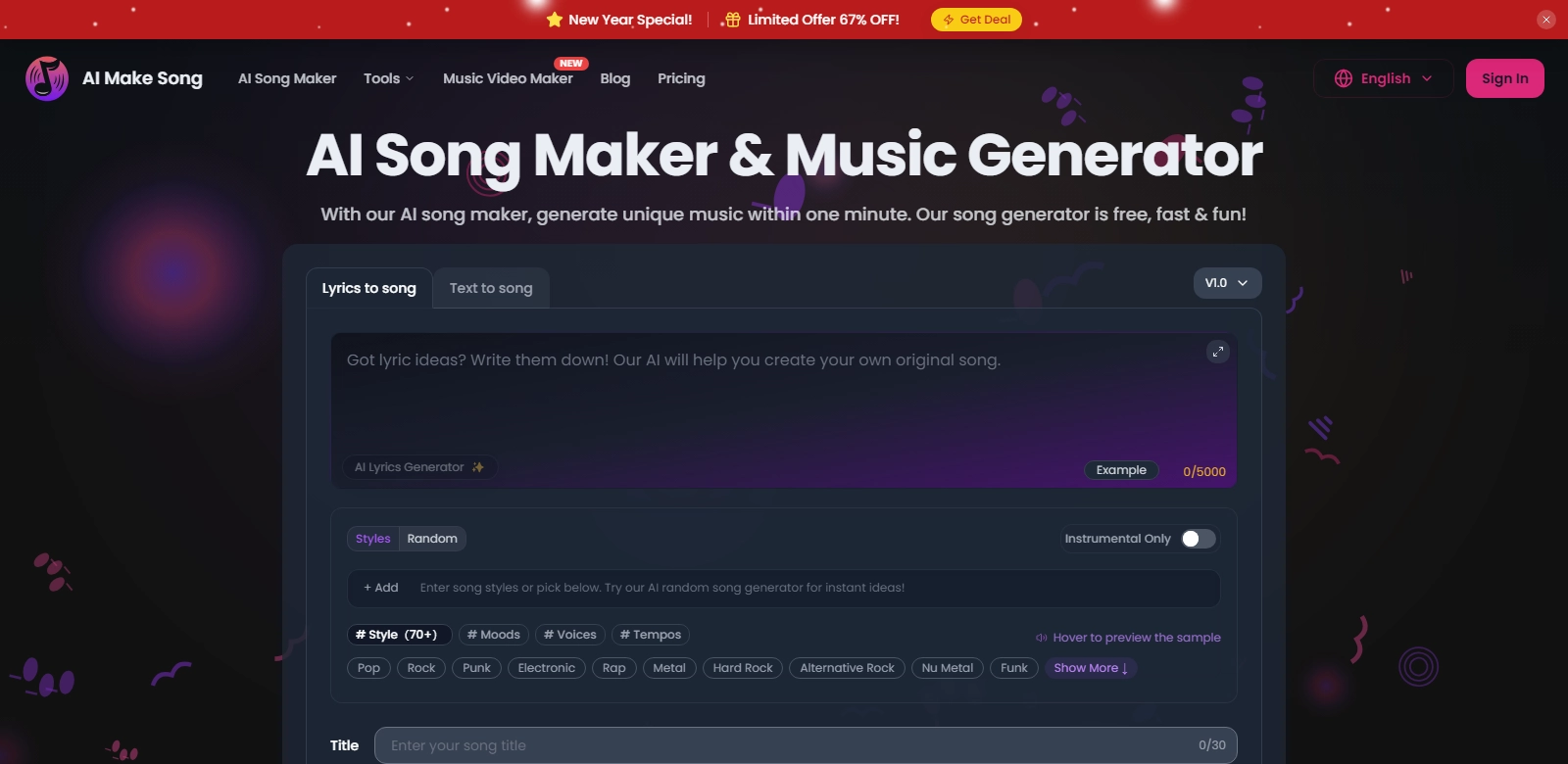
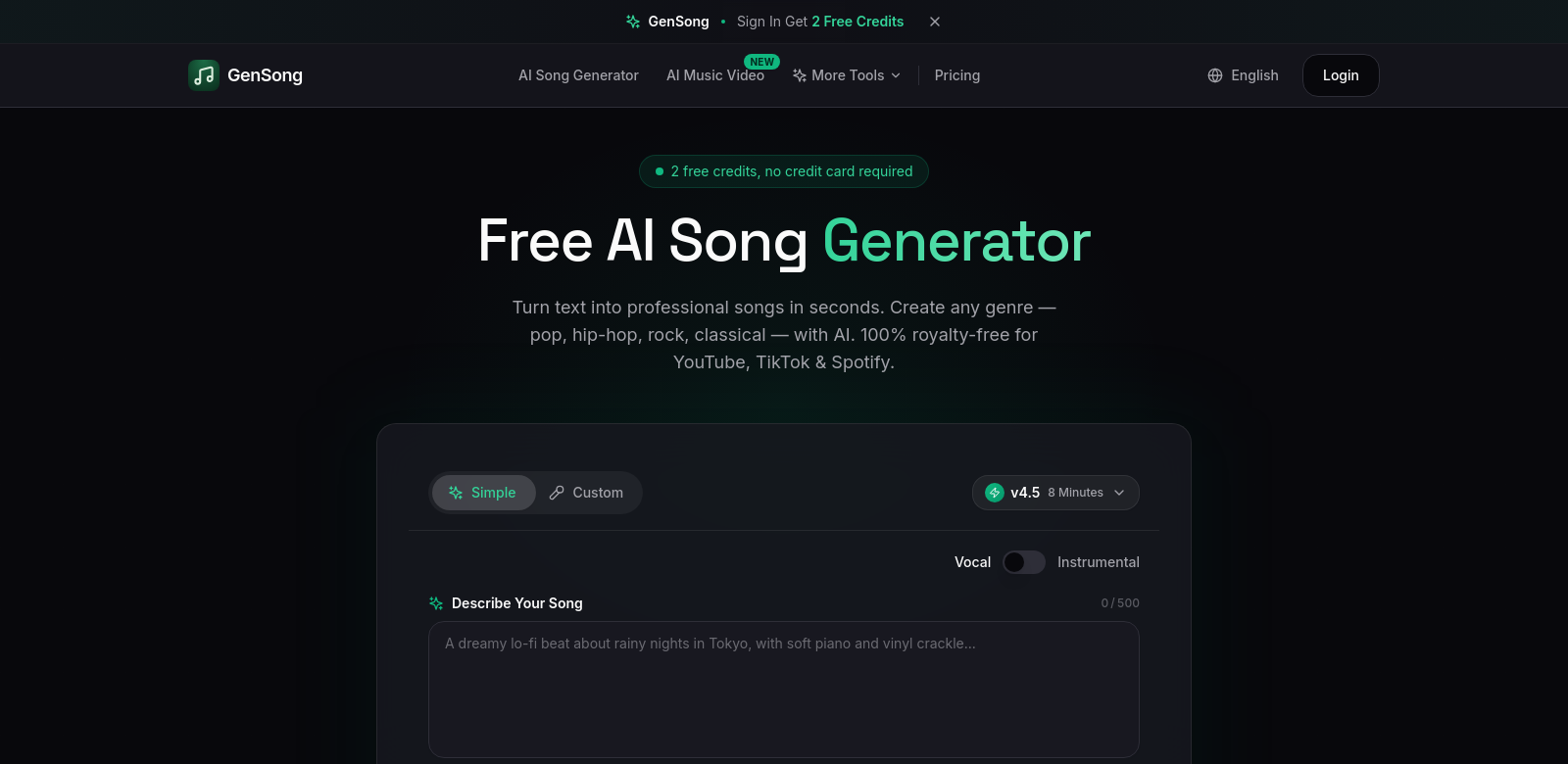
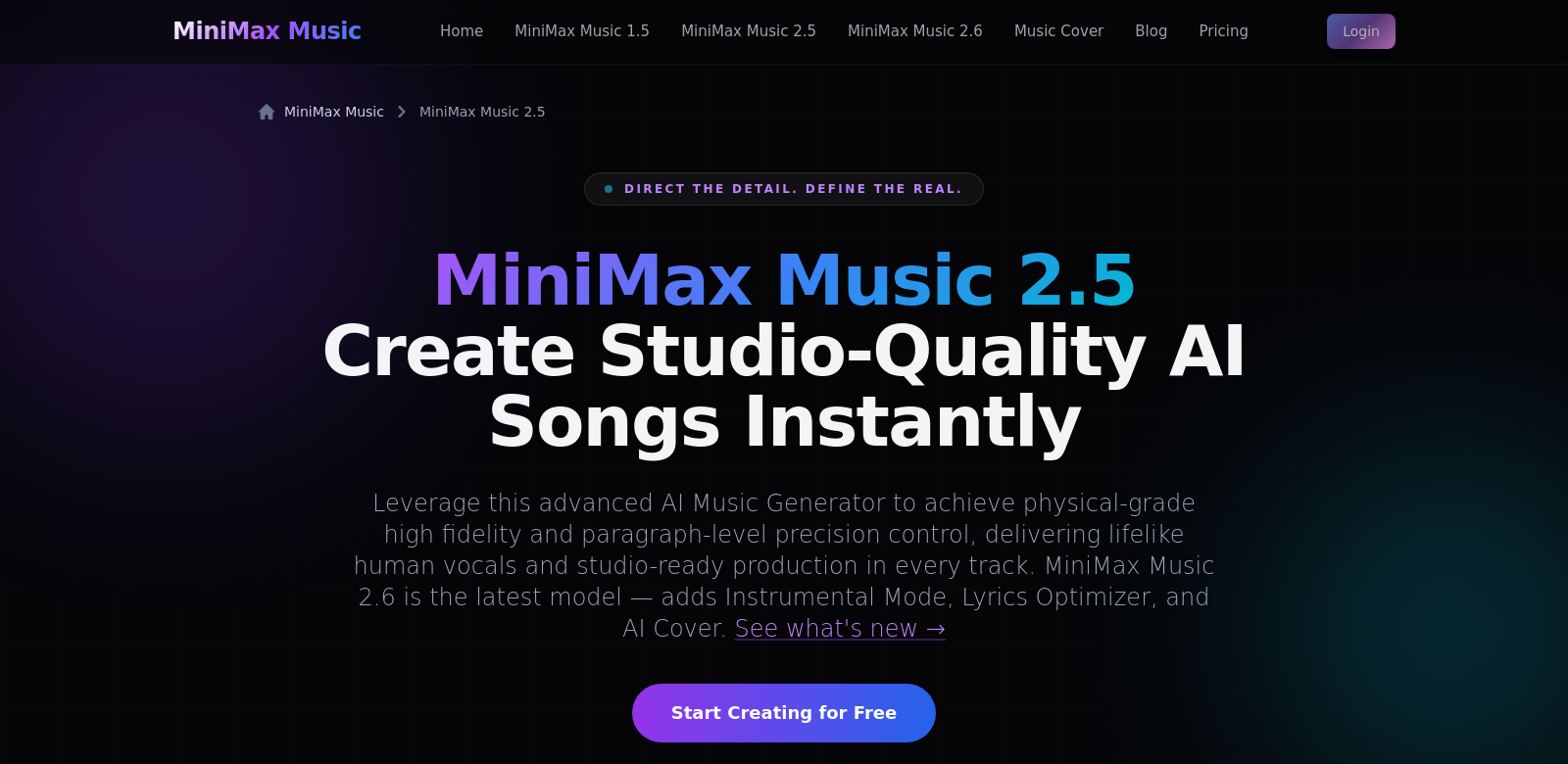
Minimax Music 2.5 is an AI tool that takes your lyrics and helps you turn them into finished songs. It's built to make professional-sounding music accessible, with crisp 48kHz audio. And the "emotional AI vocals"? They're designed to give your words a voice that truly resonates. Whether you're just starting out or you're a seasoned pro, Minimax Music 2.5 can really speed up your creative flow. It's also a handy way for businesses to whip up catchy soundtracks or jingles. Check it out: Minimax Music 2.5.
Who's Using Minimax Music 2.5?
Minimax Music 2.5 serves a wide range of people in the music world. Here’s how different users are making it work for them:
-
Independent Musicians: Got a tight budget? Minimax Music 2.5 lets you create high-quality tracks without needing an expensive studio. Its straightforward interface means you can finish songs fast, helping you get more music out there, quicker.
-
Content Creators: Vloggers, podcasters, and online creators know unique music helps their work stand out. Minimax Music 2.5 helps them craft custom scores and sound effects that make their content pop and keep viewers hooked.
-
Music Producers: Producers can use Minimax Music 2.5 as a quick way to experiment. The AI vocals let them sketch out ideas and layer sounds, then take those concepts to their usual digital audio workstations for the final polish.
-
Educators and Students: This platform makes learning music composition less daunting for students and teachers. Its simple features make understanding music theory and practice much easier.
-
Marketing Agencies: Need original music for ads or promos? Minimax Music 2.5 helps agencies create memorable jingles that really stick with their target audience.
Minimax Music 2.5: Solving Common Music Creation Headaches
Making music can be a real challenge. Minimax Music 2.5 aims to fix several common problems musicians and creators often hit:
The Problems We See
-
Getting Pro-Level Sound: Many new musicians struggle to get that professional sound without spending a fortune. They often end up using tools that just don't cut it, which can hold back their creative vision.
-
Overly Complex Software: Traditional music software can be a beast to learn. New users often face a steep learning curve, which can stop them from ever getting their musical ideas off the ground.
-
Not Enough Time: Musicians are often up against tight deadlines. The old way of songwriting can take forever, with endless tweaks needed to get a track just right.
-
AI Vocals Lacking Emotion: For a long time, AI voices sounded robotic and fake, missing the human touch needed to truly express feeling.
-
High Cost of Singers: Hiring good vocalists can be too expensive for independent artists and smaller studios, adding financial pressure to the whole creative process.
How Minimax Music 2.5 Helps
Minimax Music 2.5 tackles these issues head-on with smart features and an easy-to-use design. Its advanced AI technology simplifies song creation, making it approachable for all skill levels. Here's how it helps with each problem:
-
Pro-Quality Sound, No Studio Needed: You can create music with high-fidelity audio without needing a professional studio. Minimax Music 2.5's tools generate impressive sound that meets industry standards.
-
Easy-to-Use Interface: Minimax Music 2.5's design welcomes new users. Simple navigation and clear tutorials mean you can focus on being creative, not fighting with software.
-
Save Time: The AI-driven composition features cut down the time it takes to make music. You can quickly get drafts of songs, leaving more time for revisions and helping you hit deadlines.
-
Emotional AI Vocals: Minimax Music 2.5 stands out with its realistic, emotional vocal performances. The AI captures subtle emotions, giving you versatile vocal options for your tracks.
-
Affordable Vocals: By offering high-quality AI-generated vocals, independent musicians can save a lot of money while still getting professional-grade audio. This makes music production more affordable.
A Quick Example
Take Sarah, an independent artist, using Minimax Music 2.5 for her first single. She types in her lyrics. In minutes, the AI gives her several melodies to pick from. Once she chooses one, she can tweak things like tempo and vocal style. The emotional AI vocals really bring her lyrics to life, making a powerful track. With easy editing tools, Sarah finishes her song fast and gets it onto streaming platforms quickly.
Top Features
Minimax Music 2.5 has a lot of features to make music creation easier. Here are some of the best:
- High-Quality Audio: Your music will sound polished and professional with 48kHz audio.
- AI Vocals: Generate emotional, realistic vocals that fit your lyrics.
- Simple Design: An intuitive interface means you can easily find and use key features.
- Flexible Composition Tools: Access templates and sound libraries to spark new ideas.
- Faster Workflow: Create high-quality tracks in a fraction of the usual time.
Frequently Asked Questions
-
Can I use Minimax Music 2.5 for commercial projects? Yes, it's fine for both personal and commercial use. You can use the music you create for ads, videos, and more.
-
How does Minimax Music 2.5 compare to traditional music software? Traditional software often needs a lot of technical know-how. Minimax Music 2.5 focuses on being easy to use. Its AI features simplify production, letting you focus on creativity instead of getting bogged down in complexity.
-
Is there a learning curve? Every new