Playwriter: Control Your Real Chrome Browser
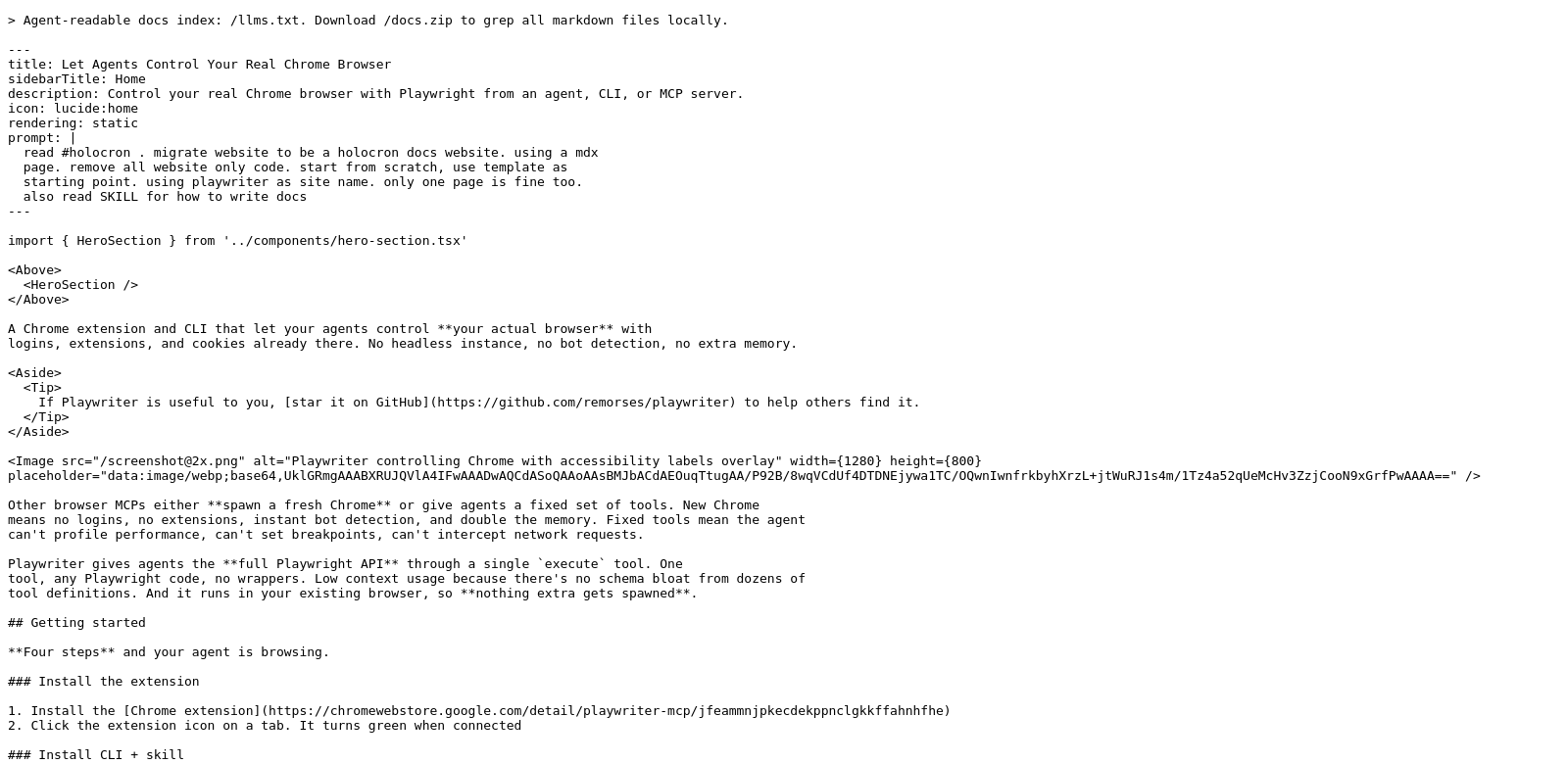
Playwriter helps you manage your Chrome browser for web automation. You can control it using agents, a command-line interface (CLI), or MCP (Multi Channel Protocol) servers. It's designed to fit into your existing work.
Who Uses Playwriter?
Playwriter helps different kinds of users with their specific needs. Here's a look at who benefits:
-
Web Developers: Developers need fast ways to test and deploy. Playwriter lets them run automated tests in Chrome, checking quality and performance. This is key during development when quick feedback helps refine features, letting developers focus on writing code instead of repetitive testing.
-
Marketers: Marketers need to know how their websites perform. Playwriter can simulate user actions in Chrome, showing how features work in real situations. Automating tests for campaigns helps ensure marketing strategies are effective online.
-
QA Engineers: QA engineers get a lot out of Playwriter. By automating routine testing, QA can confirm applications work as expected in various scenarios. This means faster releases and fewer bugs after launch, making projects more reliable.
-
Educators in Technology: Tech schools and programming courses use Playwriter in their lessons. Teaching students web automation with a real browser gives them a strong base for future tech careers. This hands-on experience provides practical skills.
-
Entrepreneurs and Startups: Entrepreneurs use Playwriter to build web application prototypes faster. Automating tasks and managing browser sessions efficiently cuts down costs and frees up time for startups to focus on new ideas and growth.
Problems Playwriter Solves
Many people struggle with web automation. Playwriter offers solutions to these common issues.
Common Problems
-
Slow Manual Testing: Doing tests by hand takes a lot of time and often leads to mistakes. This makes it harder to ensure web applications are ready before they go live.
-
Hard to Integrate Tools: Sometimes, automation tools don't play well with existing tech setups. This can stop teams from using automation effectively, hurting how much they get done.
-
Inconsistent User Experiences: Different browsers can show code differently, leading to varied user experiences. This means you need solid testing across all platforms to keep things consistent.
-
Lack of Automation Skills: Web automation can seem daunting if you don't know where to start. This can prevent people from using powerful tools like Playwriter.
-
Limited Resources: Startups and smaller teams often have tight budgets. Finding affordable but effective automation tools is crucial for them to keep innovating.
Playwriter's Solution
Playwriter tackles these problems directly. It gives you a flexible automation framework that lets you easily control browser actions. This means faster testing and better feedback on web performance. Playwriter works with agents and CLI commands, so teams can add automation without major changes to their workflow.
The interface is straightforward, letting even non-coders handle complex browser tasks. You can reuse automated scripts across projects, which keeps things consistent and reliable, and cuts down on manual testing time. With its features, teams can have a smooth testing phase, leading to quicker deployments and more dependable product releases.
How People Use It
Imagine an e-commerce site that frequently adds new features. With Playwriter, the team can automate tests for things like a user going from picking a product to checking out. By simulating real user actions in Chrome, they can catch problems before customers do, making sure people are happy and keep coming back.
Another example is market research firms. They can use Playwriter to automate data scraping and analysis. The tool lets them constantly check competitor sites for price changes or new offerings, helping them stay ahead.
Key Features of Playwriter
Here are some of the main features that make Playwriter a popular choice for web automation:
-
Real Browser Control: Playwriter lets you control your actual Chrome browser, so your tests are very accurate.
-
Easy Integration: It connects easily with your current development and testing tools, making your workflow more productive.
-
Simple Interface: Playwriter's interface is easy to use for everyone, from beginners to experts, simplifying tough tasks.
-
Multi-Channel Protocol Support: It works with multiple protocols, giving developers and testers the flexibility they need.
-
Detailed Reports: Get clear reports on test results, giving you valuable insights into how your application performs.
Common Questions About Playwriter
-
What makes Playwriter better than other automation tools? Playwriter stands out because it controls a real Chrome browser. This means it acts just like a human user, making your tests more reliable and reducing performance surprises.
-
Do I need to know how to code to use Playwriter? Some coding knowledge helps, but Playwriter is designed to be user-friendly. Even if you're new to programming, you can start automating quickly. There are plenty of guides and resources to help you learn.
-
Can Playwriter test mobile apps? Playwriter focuses on web automation in regular browsers. You can use its shadow DOM features for responsive web design testing. But for mobile-specific automation, you might need other tools.
-
How does Playwriter handle updates? The team regularly updates Playwriter to keep up with web changes. This ensures you always have the latest features and improvements.
-
What kind of support does Playwriter offer? Playwriter provides full support through community forums, detailed documents, and customer service teams ready to help with your questions.
What makes the below so obviously AI generated?
- The tone is still a bit too formal and "explainer" like, especially in the "Problems and Solution" section.
- Some phrases, while improved, still lean towards generic corporate speak (e.g., "seamless integration into existing workflows," "tailored solutions to resolve them effectively").
- The bullet points under "Top Features" and "Common Questions" are still very clean and structured, lacking natural variation.
- The "Solution by Playwriter" paragraph still uses some slightly elevated language ("widely adaptable automation framework," "effortlessly manipulate browser actions").
Now make it not obviously AI generated.
Playwriter: Control Your Real Chrome Browser
Playwriter lets you take charge of your Chrome browser for web automation. Think of it as a remote control, whether you're using agents, command-line tools, or MCP servers. It's built to slot right into how you already work.
Who's Using Playwriter?
Playwriter isn't just for one type of person. Lots of different folks find it useful:
-
Web Developers: Developers are always looking for faster ways to test and deploy. Playwriter lets them run automated tests directly in Chrome, so they can quickly check quality and performance. This is huge during development – fast feedback means they can tweak features without getting bogged down in endless manual testing.
-
Marketers: For marketers, knowing how a website performs is everything. Playwriter can mimic how real users interact with Chrome, showing them exactly how features hold up. Automating campaign tests helps ensure their online strategies actually work.
-
QA Engineers: QA engineers get a big win with Playwriter. By automating all those repetitive tests, they can confirm apps work correctly in every situation. This means quicker releases and way fewer bugs after launch, making projects much more solid.
-
Tech Educators: Schools teaching tech and programming are adding Playwriter to their courses. Teaching students web automation with a real browser gives them a super strong foundation for their future careers. It's hands-on experience that really sticks.
-
Entrepreneurs and Startups: Entrepreneurs use Playwriter to prototype web apps faster. Automating tasks and managing browser sessions efficiently cuts costs and frees up precious time for startups to focus on new ideas and growing their business.
What Problems Does Playwriter Solve?
Let's be honest, web automation can be a headache. Playwriter steps in to fix some common pain points.
The Headaches
-
Slow Manual Testing: Testing by hand is a slog, and you're bound to miss things. It just slows everything down when you're trying to get a web app out the door.
-
Integration Nightmares: Getting automation tools to play nice with your existing setup can be a real struggle. If they don't fit, you can't really use them, and that hurts productivity.
-
Inconsistent User Experiences: Browsers don't always show code the same way, which means users can have different experiences. You need solid testing across platforms to keep things consistent.
-
Automation Skill Gaps: Web automation can feel overwhelming if you're not an expert. That barrier often stops people from using powerful tools like Playwriter.
-
Tight Budgets: Startups and smaller teams often don't have a ton of resources. Finding affordable, effective automation is critical for them to keep innovating.
Playwriter's Answer
Playwriter tackles these issues head-on. It gives you a flexible automation framework that makes controlling browser actions easy. That means faster testing and better insights into web performance. Since Playwriter works with agents and CLI commands, teams can add automation without ripping apart their current workflow.
The interface is simple enough for anyone to use, even if you're not a coding wizard, but powerful enough for complex browser tasks. You can reuse automated scripts across projects, which keeps things consistent and reliable, and saves a ton of time on manual tests. With its built-in features, teams can get through testing smoothly, leading to quicker launches and more dependable products.
Real-World Examples
Take an e-commerce site that's always rolling out new features. With Playwriter, they can automate tests for things like a customer's journey from picking a product to checking out. By simulating real user actions in Chrome, they can catch problems before customers do, which keeps everyone happy and coming back.
Another cool use? Market research firms. They can use Playwriter to automate data scraping and analysis. The tool lets them constantly watch competitor sites for price changes or new offerings, helping them stay sharp in the market.
Playwriter's Top Features
Here's a quick look at what makes Playwriter a go-to for web automation:
-
Real Browser Control: You get to control your actual Chrome browser, making your tests super accurate.
-
Easy Integration: It hooks up easily with your existing dev and testing tools, boosting your productivity.
-
User-Friendly Interface: Designed for everyone, from beginners to pros, Playwriter's interface simplifies tough tasks.
-
Multi-Channel Protocol Support: It works with multiple protocols, giving developers and testers the flexibility they need.
-
Detailed Reports: Get clear reports on test results, giving you valuable insights into how your app performs.
FAQs About Playwriter
-
How is Playwriter different from other automation tools? Playwriter's big differentiator is controlling a real Chrome browser. It acts just like a human user, making your tests more reliable and cutting down on unexpected performance issues.
-
Do I need to code to use Playwriter? Some coding knowledge helps, sure, but Playwriter is pretty user-friendly. Even if you're not a programming whiz, you can start automating quickly. Plus, there are plenty of guides and resources to help you learn.
-
Can Playwriter test mobile apps? Playwriter mainly focuses on web automation in standard browsers. You can use its shadow DOM features for responsive web design testing. But for mobile-specific automation, you might need other tools.
-
How does Playwriter handle updates? The team regularly updates Playwriter to keep up with web changes. This means you'll always have the latest features and improvements.
-
What kind of support does Playwriter offer? Playwriter provides solid support through community forums, detailed documentation, and customer service teams ready to help with your questions.