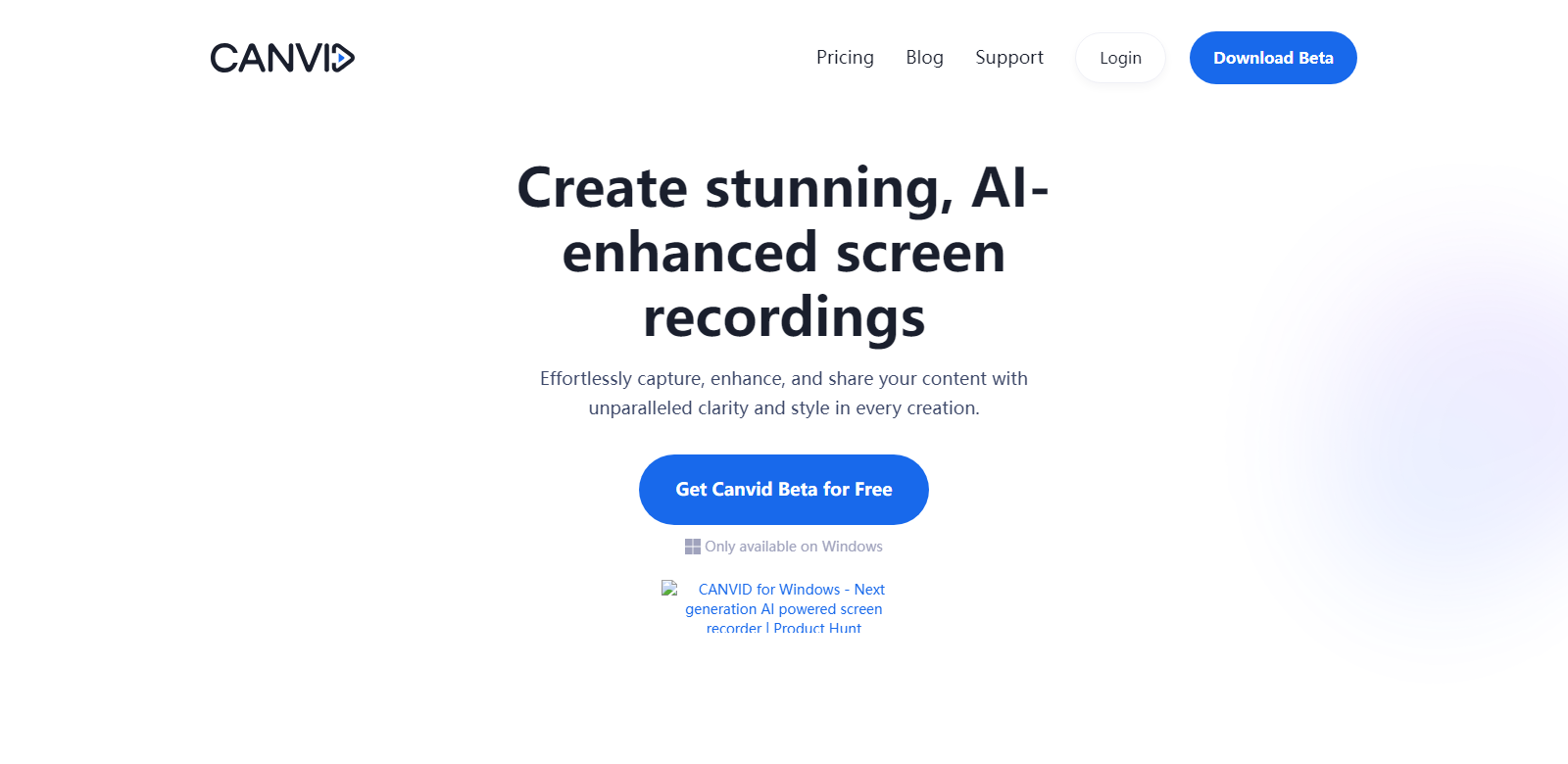
Canvid: Effortless Screen Recording for All
Canvid is a tool designed for creating stunning screen recordings with ease. Suitable for anyone from content creators to professionals, Canvid ensures you effortlessly capture, enhance, and share your content with unparalleled clarity and style.
Customers
- Content Creators: Record high-quality tutorials and engaging video content.
- Professionals: Capture bug reports, record clear meetings, and give product demos.
- Educators: Create engaging online lectures and instructional videos.
- Students: Record presentations and lectures for study purposes.
- Customer Support Teams: Provide visual troubleshooting effectively.
Problems and Solution
Problems
- Complex Screen Recording Tools: Existing screen recording tools can be complex and hard to use for beginners.
- Poor Video Quality: Many tools do not offer high-resolution recording.
- Inaccessible Editing Features: Some tools require extensive editing skills.
Solution
Canvid addresses these problems by providing an intuitive and user-friendly interface, ensuring high-quality recordings up to 4K resolution, and offering editing features that do not require advanced skills.
How It Works
- Download and Install: Download Canvid for Windows and complete the installation process.
- Capture Screen: Record your entire screen, specific windows, or even mobile content (coming soon).
- Enhance with AI Features: Use AI-enhanced voice, automatic zoom, and crop functions for polished recordings.
- Export and Share: Export videos locally or upload to the cloud in various formats like MP4 and GIF.
Use Case
Canvid is perfect for content creators looking to elevate their YouTube tutorials with professional-quality screen recordings. Educators can create compelling online lectures, while customer support teams can visually troubleshoot issues with clients. Professionals can record meetings and presentations to ensure clear communication with remote teams.
Frequently Asked Questions
-
Can I try Canvid before purchasing?
Yes! You can explore all features except exporting videos and creating quick share links which utilizes Canvid Cloud.
-
Is it a subscription?
No, you can use the app for life with one year of updates included and a year of cloud storage.
-
Will my license be valid after one year?
Yes, your license will remain valid, and you will have access to the last version of Canvid. However, updates will require an upgrade.
-
Are there any limitations on video duration?
No, there are no restrictions on recording length or size. Longer videos may just take more time to render and export.
-
How does Canvid ensure video quality?
Canvid offers recording options up to 4K resolution and allows you to adjust video quality from standard to stunning 4K.