

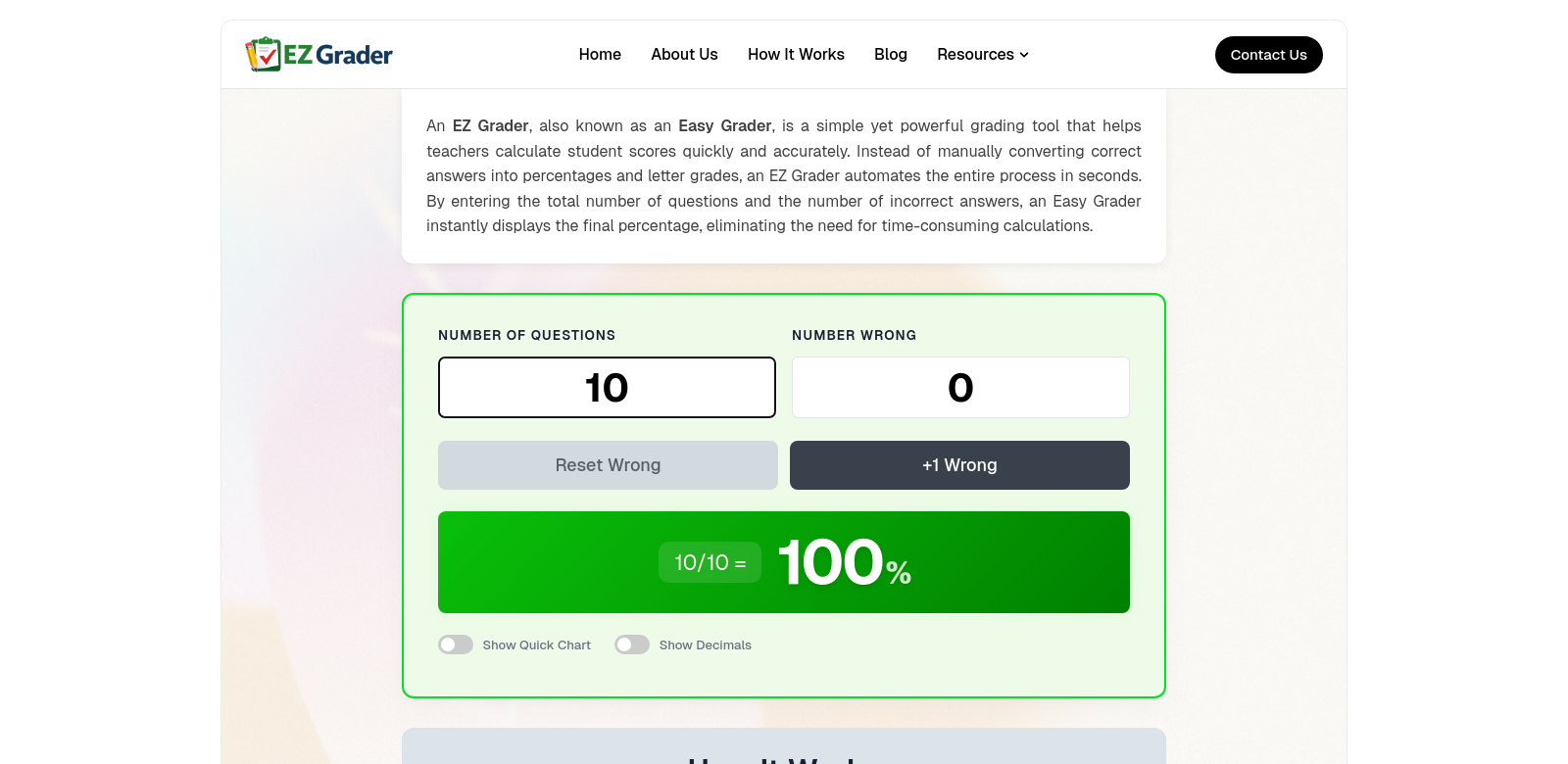
EZ Grader – The Grading Tool Every Teacher Needs
EZ Grader is designed to make grading easier for teachers. It's an online tool that quickly and accurately calculates grades, percentages, and scores. This saves teachers time, so they can focus on teaching instead of paperwork. In today's busy world, EZ Grader helps teachers spend more time interacting with students.
Who Uses EZ Grader?
Looking at the different types of people who use EZ Grader shows how useful it is. These examples help explain why EZ Grader is so important in schools.
-
Elementary School Teachers:
Elementary teachers often teach many subjects to students with different learning styles. EZ Grader simplifies grading quizzes and classwork. Its simple design lets teachers focus on creating a positive learning environment instead of spending hours calculating grades. -
High School Instructors:
In high school, subjects become more detailed. Teachers need a reliable way to grade assignments accurately. EZ Grader helps teachers quickly grade tests and projects, so students get feedback in time to improve. -
College Professors:
College professors often have large classes and many assignments to grade. EZ Grader helps them stay efficient without making mistakes. It's an important tool for managing a busy college schedule. -
Tutors:
Tutors can also benefit from EZ Grader. It helps them easily track student progress and share it with parents. This makes communication clearer and builds trust. -
Educational Administrators:
Administrators who manage many teachers and grading systems can use EZ Grader to ensure everyone is grading fairly and consistently. It helps improve the quality of education overall.
The Problems EZ Grader Solves
Grading can be a difficult and time-consuming task for teachers. EZ Grader addresses the main issues with traditional grading methods.
Problems EZ Grader Fixes
-
Saves Time:
Traditional grading takes up a lot of time that teachers could use for planning lessons or working with students. Teachers often spend hours grading, which reduces their overall effectiveness. -
Reduces Errors:
Calculating grades by hand can lead to mistakes, which can affect students' grades. Accurate grading is important, and EZ Grader helps prevent these errors. -
Ensures Consistent Standards:
Different teachers might grade differently, which can confuse students. EZ Grader provides a standard system that helps ensure consistency across different classes. -
Provides Quick Feedback:
Students need timely feedback to learn effectively. Traditional grading can delay this feedback. EZ Grader helps teachers calculate and return grades quickly. -
Manages Different Assignments:
Teachers today use many types of assignments. EZ Grader can handle different formats, making it useful for teachers in all subjects.
How EZ Grader Helps
EZ Grader solves these problems by making grading easy. Teachers simply enter scores, and EZ Grader instantly calculates grades and provides insights. This allows teachers to give feedback quickly and efficiently. Teachers can also customize grading scales to fit their specific needs.
The tool minimizes errors with its automatic calculations, providing accurate results every time. This helps maintain trust between students and teachers. The consistent grading methods in EZ Grader also help teachers align with educational standards.
How to Use EZ Grader
Teachers can use EZ Grader in many situations, from daily quizzes in elementary school to final exams in college. For example, a high school math teacher can use EZ Grader for a mid-term exam to quickly see results and give targeted feedback to students who are struggling.
An art teacher can also use EZ Grader to grade projects based on creativity, technique, or presentation. The tool can be adjusted to fit these subjective grading methods, providing accurate and fast results.
Key Features of EZ Grader
EZ Grader has many features that make it an essential tool for teachers:
-
Easy to Use:
The tool is designed to be simple, so teachers can easily navigate the grading process without needing a lot of training. -
Flexible Grading:
Teachers can adjust the grading scale to fit their needs, whether it's for a simple quiz or a large assignment. -
Instant Results:
Grades are calculated instantly, so teachers can give immediate feedback to their students, improving the learning experience. -
Fewer Mistakes:
By automating calculations, EZ Grader reduces the chance of human error, which is important for accurate grading. -
Custom Settings:
Teachers can set up custom parameters based on their grading rules, allowing them to calculate and display grades in a way that makes sense for their class.
Common Questions About EZ Grader
-
How does EZ Grader make grading faster?
EZ Grader makes grading faster by automating calculations, allowing teachers to focus on understanding the results instead of doing math. This speeds up the grading process without sacrificing quality. -
Is EZ Grader good for all grade levels?
Yes, EZ Grader is designed to be flexible and useful for all education levels, from elementary school to college, making it a universal grading solution. -
Can I change the grading scales in EZ Grader?
Yes, EZ Grader allows you to customize your grading scales to match your specific educational needs or school standards, giving you a lot of flexibility. -
What if I have problems with EZ Grader?
EZ Grader offers support, and you can easily find help resources or contact customer service to solve any issues you might have while using the tool. -
Is EZ Grader secure?
Yes, EZ Grader values user privacy and data security, ensuring that your grading information is handled carefully and kept confidential.