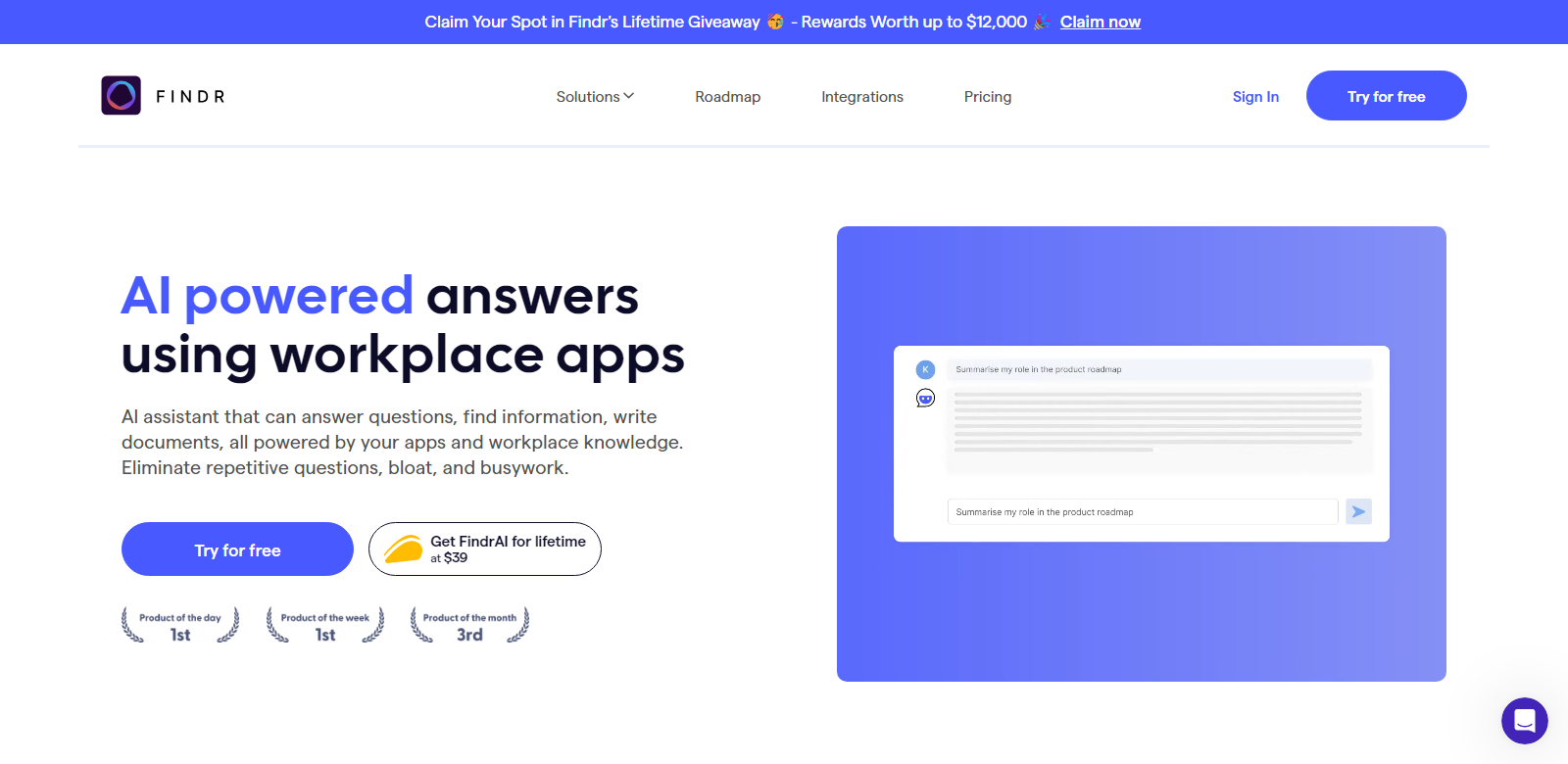
Findr: AI Assistant and Enterprise Search for Teams
Findr is a cutting-edge AI assistant designed to enhance team productivity by streamlining the search and retrieval of information across multiple applications. By leveraging AI technology, Findr enables users to get instant answers, generate new documents, and make informed decisions quickly.
Customers
- Businesses: Enhances team performance and decision-making with quick access to collective knowledge.
- Startups: Facilitates smarter investment and operational decisions by consolidating data.
- Marketing Teams: Simplifies the retrieval of emails, files, and chat history.
- Enterprise Companies: Tackles complex search problems across multiple applications.
- Tech Professionals: Assists in navigating and consolidating information from various tools.
Problems and Solution
Problems
- Information Overload: Difficulty in managing and finding relevant data across different apps.
- Time-Consuming Searches: Inefficient searches that take valuable time away from critical tasks.
- Fragmented Knowledge: Lack of a unified knowledge base leading to scattered information.
- Data Access: Challenges in accessing the right information securely and quickly.
Solution
Findr solves these problems by integrating multiple account searches into one unified platform. It uses AI to instantly answer queries and generate documents with source references, consolidating scattered data into a single, actionable knowledge base. This approach drastically reduces search times and enhances decision-making speed.
How It Works
- Sign Up: Register for an account on Findr's platform.
- Connect Your Apps: Integrate various applications and data sources.
- Start Searching: Use the AI assistant to find information quickly and efficiently.
- Gain Insights: Use the consolidated data to make smarter, faster decisions.
Use Case
A marketing team at a large enterprise utilizes Findr to swiftly locate email conversations and files related to an upcoming campaign. Instead of manually searching through each application, team members use Findr to gather all necessary information quickly, allowing them to focus on strategy and execution, thus improving the overall efficiency and success of the campaign.
Frequently Asked Questions
-
How does Findr work?
Findr operates by understanding user queries and utilizing search APIs to pull relevant data from connected apps, presenting the most important information first.
-
Why should I use Findr?
Findr eliminates the need to search through multiple apps by aggregating all necessary context into one place, making information retrieval quick and easy.
-
How do you secure my data?
Findr uses real-time search APIs without storing data and ensures high-grade encryption and compliance with ISO and SOC2 standards.
-
How does Findr search for information?
Findr directly extracts information from your apps using search APIs, ensuring quick access without storing any data.
-
How long does it take for newly added data to become searchable?
Newly added or updated information becomes instantly searchable on Findr's platform.