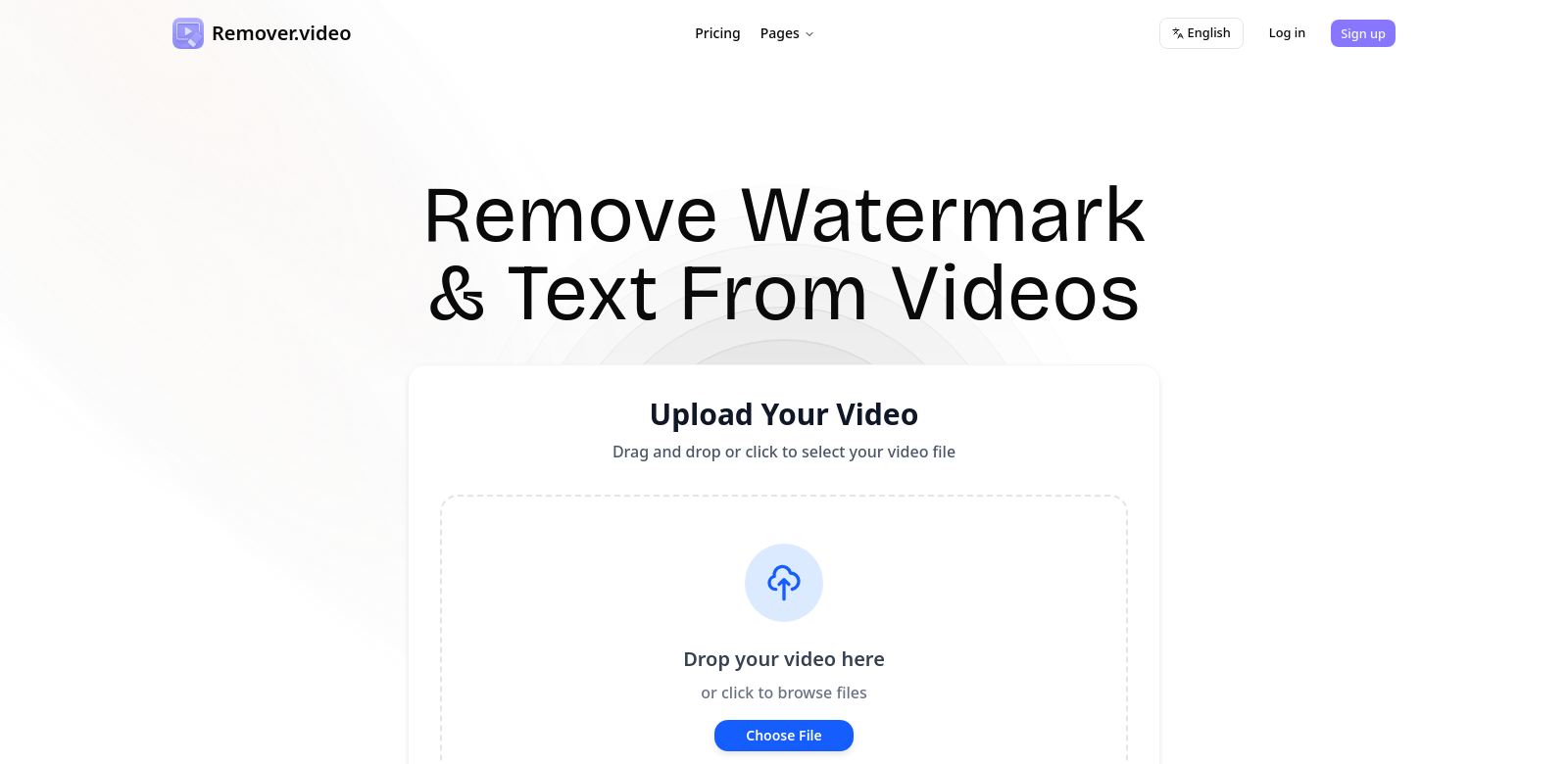
Remover.video: The AI That Erases Stuff From Your Videos
Remover.video is a cool online tool that uses AI to get rid of unwanted things like text, logos, and watermarks in your videos. Think of it as a free video editor that plays nice with TikTok, Instagram, and pretty much any other social media platform you can think of. It's super precise and fast, which makes it a great pick for anyone who wants their videos to look professional without having to learn complicated editing software. The simple design lets you focus on being creative instead of wrestling with tech.
Who Uses Remover.video?
Remover.video is useful for all kinds of people. Here's a quick rundown:
-
Professional Video Creators:
If you're a pro, you know how annoying it is when footage has logos or text you don't want. Remover.video lets you clean up those videos so you can add your own creative touches without sacrificing quality. The AI saves you a ton of time, letting you focus on the important stuff. -
Social Media Influencers:
Influencers need their content to look perfect. Copyright logos and random branding can get in the way. Remover.video fixes that fast, so your followers see only the best, most on-brand content. It's so easy to use, even if you're not a tech whiz. -
Marketing Teams:
Marketing folks are always using videos for ads and promos. Finding royalty-free footage that fits the bill can be tough. Remover.video lets you tweak videos to match your needs, so your ads really hit home with your audience, without breaking the bank. -
Educators and Trainers:
Teachers and trainers often use videos in their lessons. Remover.video helps them clean up those videos by removing distracting logos and text, making the learning experience smoother and more engaging. -
Content Curators and Bloggers:
If you're putting together video compilations, you want everything to look consistent. Getting rid of watermarks and text keeps your videos looking professional, which builds trust with your audience.
Problems and How Remover.video Solves Them
Video editing can be a pain, especially if you're not a pro. Remover.video tackles those common problems head-on, making editing a breeze.
Problems Remover.video Noticed
-
Watermarks and Logos:
Lots of videos, especially from stock sites, have watermarks that just look bad. Removing them by hand takes forever and can be super frustrating. Remover.video uses smart AI to find and erase those things quickly. -
Text Overlays:
Sometimes videos have text that's just distracting. Remover.video can spot that text and get rid of it, making the video much easier to watch. -
Time-Consuming Editing:
Most video editing software is complicated and takes a long time to learn. Remover.video makes editing fast and simple, even if you have no experience. -
Compatibility Issues:
Some editing tools don't work with all video formats or social media platforms. Remover.video supports tons of formats, so you can use it for pretty much anything.
How Remover.video Fixes It
Remover.video uses AI to automate those tricky editing tasks. Just upload your video, pick the stuff you want to remove, and let the software do its thing. The AI is really precise, so you get great results without needing to be an editing expert. Whether it's a quick watermark removal or a more detailed edit, Remover.video is a simple and powerful solution.
Real-World Examples
Here are some ways people are using Remover.video:
- A filmmaker removes production company logos from their film before showing it to distributors.
- A food blogger cleans up stock footage in their cooking videos, making the content flow better.
- A marketing team creates an ad using clips from different sources, using Remover.video to make sure the branding is consistent.
- A teacher puts together video lessons from various sources, removing extra text and logos to make the material clearer.
Top Reasons to Use Remover.video
Remover.video has some great features that make editing easy:
-
AI-Powered Editing: The AI automatically finds and removes watermarks, logos, and text.
-
Easy to Use: The simple design makes it easy for anyone to edit videos, no matter their tech skills.
-
Works With Everything: Remover.video supports lots of video formats.
-
Online Access: You can use it on any device without installing anything.
-
Free Option: There's a free version that lets you try out all the features without paying anything.
Questions People Ask About Remover.video
-
What kind of videos can I edit with Remover.video?
It works with MP4, AVI, MOV, and more. Great for social media, marketing, or just personal stuff. -
Is it easy for beginners?
Yep! It's designed for everyone, even if you've never edited a video before. -
Do I need to download anything?
Nope. It's all online, so you can use it in your browser without installing anything. -
Can I use it on my phone or tablet?
Yep, as long as you have internet, you can use it on any device. -
How much does it cost?
There's a free version with the basics. If you need more features, there are paid options too.