

SeeWhatNewAI Tools Directory faviconSeeWhatNewAI Tools Directory faviconSeeWhatNewAI
主页发现目录用户类型
提交
home page logohome page logoSeeWhatNewAI.Com

Discover new AI tools, compare alternatives, and find what fits your workflow faster.

© 2026 SeeWhatNewAI. All rights reserved.

Customer Types

EducatorsContent CreatorsMarketing TeamsSmall Business OwnersStudentsE-commerce OperatorsStartup FoundersKnowledge WorkersFreelancersDevelopers

Tools

Favicon DownloaderDirectoryDev BoxCategories

Legal

Privacy PolicyTerms of ServiceContact Us
    Visit

    UNIQUERY.IO

    Uniquery

    Uniquery - Seamlessly Import and Sync Marketing Data into Google Sheets

    Uniquery connects Google Sheets with multiple marketing data sources, allowing seamless import and sync of live data for effortless reporting and analysis.

    Uniquery screenshot

    Next step

    Try Uniquery

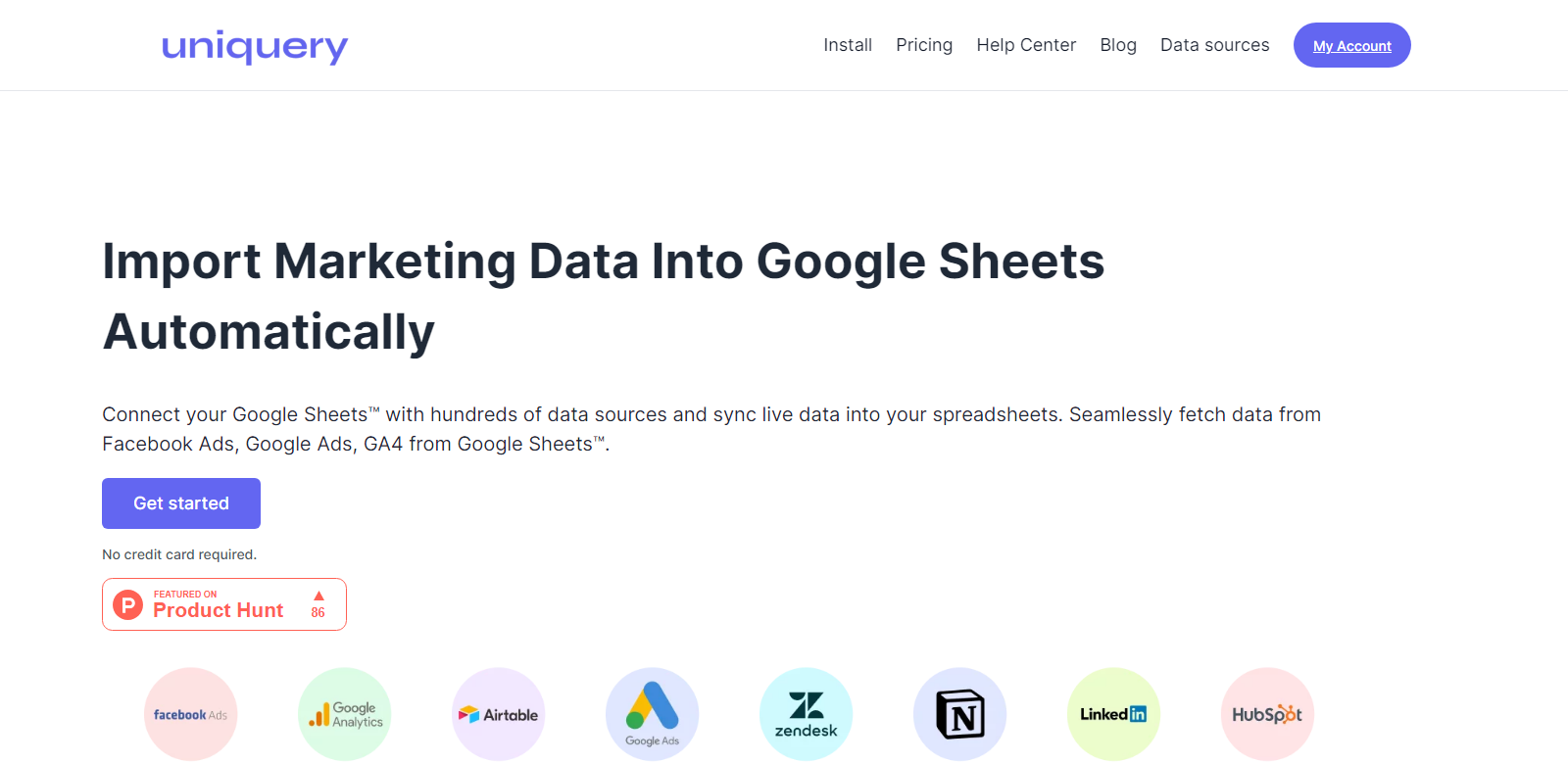
    Import Marketing Data Into Google Sheets Automatically Connect your Google Sheets™ with hundreds of data sources and sync live data into your spreadsheets. Uniquery is the best data connector for Google Sheets, helping you seamlessly import data from Facebook Ads, Google Ads, Linkedin, Huspot to Google Sheets.

    Visit

    More AI Tools

    Discover More AI Tools

    Browse similar tools and continue exploring fresh products.

    Uniquery: Import Marketing Data into Google Sheets without code

    Uniquery is a powerful tool designed to import marketing data directly into Google Sheets without any coding required. It enables users to connect their Google Sheets with hundreds of data sources and syncs live data seamlessly into their spreadsheets. This makes it the optimal data connector for marketers who rely on platforms like Facebook Ads, Google Ads, LinkedIn, and HubSpot for data-driven decisions.

    Customers

    Uniquery is trusted by marketers around the world. Here are a few examples:

    • DLuxury: Leveraging Uniquery to sync marketing data effortlessly.
    • 4Company: Using the tool for seamless integration of Google Ads data.
    • Ocioh: Ensures fresh KPI data with scheduled refreshes.
    • Binamik: Simplifies reporting by importing data from various sources.
    • Painfree Dental: Utilizes Uniquery for real-time marketing metrics.

    Problems and Solution

    Problems

    • Disconnected Data Sources: Marketing data fragmented across various platforms.
    • Manual Data Import: Time-consuming and error-prone process.
    • Keeping Data Updated: Difficulty in maintaining up-to-date KPI data in reports.
    • Complex Data Operations: Requires technical skills to handle data imports and analysis.

    Solution

    Uniquery solves these problems by providing a no-code solution to connect Google Sheets with diverse marketing data sources. It automates data imports, ensures timely updates, and simplifies the reporting process, allowing marketers to focus on insights rather than technical hurdles.

    How It Works

    1. Install the Uniquery Add-on: Available on the Google Workspace Marketplace.
    2. Connect Data Sources: Use OAuth 2.0 for secure authentication with platforms like Facebook Ads and Google Analytics.
    3. Create and Run Queries: Select metrics, apply filters, and import data into Google Sheets.
    4. Scheduled Refreshes: Set automatic updates to keep data fresh at regular intervals.

    Use Case

    Marketers at agencies use Uniquery to generate real-time reports for their clients by importing data from various advertising platforms into Google Sheets. This streamlines the reporting process, enhances data accuracy, and improves client satisfaction with timely and relevant insights.

    Frequently Asked Questions

    1. What data sources can I connect to with Uniquery?

      Uniquery supports multiple data sources including Facebook Ads, Google Ads, LinkedIn, HubSpot, Notion, and Google Analytics.

    2. How do I schedule data refreshes?

      You can set hourly, daily, weekly, or monthly intervals for automatic data updates within Google Sheets through Uniquery's settings.

    3. Is coding required to use Uniquery?

      No, Uniquery is designed for users without any coding knowledge, enabling seamless data imports and management.

    4. Can I preview data before importing it?

      Yes, Uniquery allows you to preview and adjust data queries to ensure only the most relevant data is imported.

    5. How secure is the data connection?

      Uniquery offers secure OAuth 2.0 authentication, ensuring that your data connections are safeguarded.

    Educators
    Content Creators
    Marketing Teams
    Small Business Owners
    Students
    E-commerce Operators
    Startup Founders
    Knowledge Workers
    Freelancers
    Developers
    Researchers
    Graphic Designers
    Families
    Artists
    Healthcare Providers
    Event Planners
    Game Developers
    Photographers
    Writers
    Content Managers
    Game Players
    Business Analysts
    Nonprofits
    IT Professionals
    Creative Studios
    SEO Professionals
    HR Professionals
    Customer Operations Teams
    Product Managers
    Compliance Managers
    Sales Teams
    Project Managers
    Career Seekers
    Travelers
    Individual Investors
    Real Estate Agents
    Brand Managers
    Travel Agency Operators
    Retailers
    Virtual Companion Users
    Musicians
    Video Editors
    Product Designers
    Online Shoppers
    Institutional Investors
    Website Owners
    Traders
    Financial Analysts
    Anime Fans
    Accessibility-Focused Users
    Fitness Enthusiasts
    Data Scientists
    Manufacturers
    Language Learners
    Financial Advisors
    Legal Professionals
    Roleplaying Enthusiasts
    Patients
    Consultants
    Architects
    Online Daters
    Real Estate Investors
    Journalists
    QA Engineers
    Logistics
    Beauty Professionals
    Property Managers
    Community Managers
    Health-Conscious Consumers
    Interior Designers
    Public Relations Professionals
    Home Improvers
    Startup Investors
    Couples
    Older Adults
    Caregivers
    Wealth Managers
    Divination Seekers
    Engineers