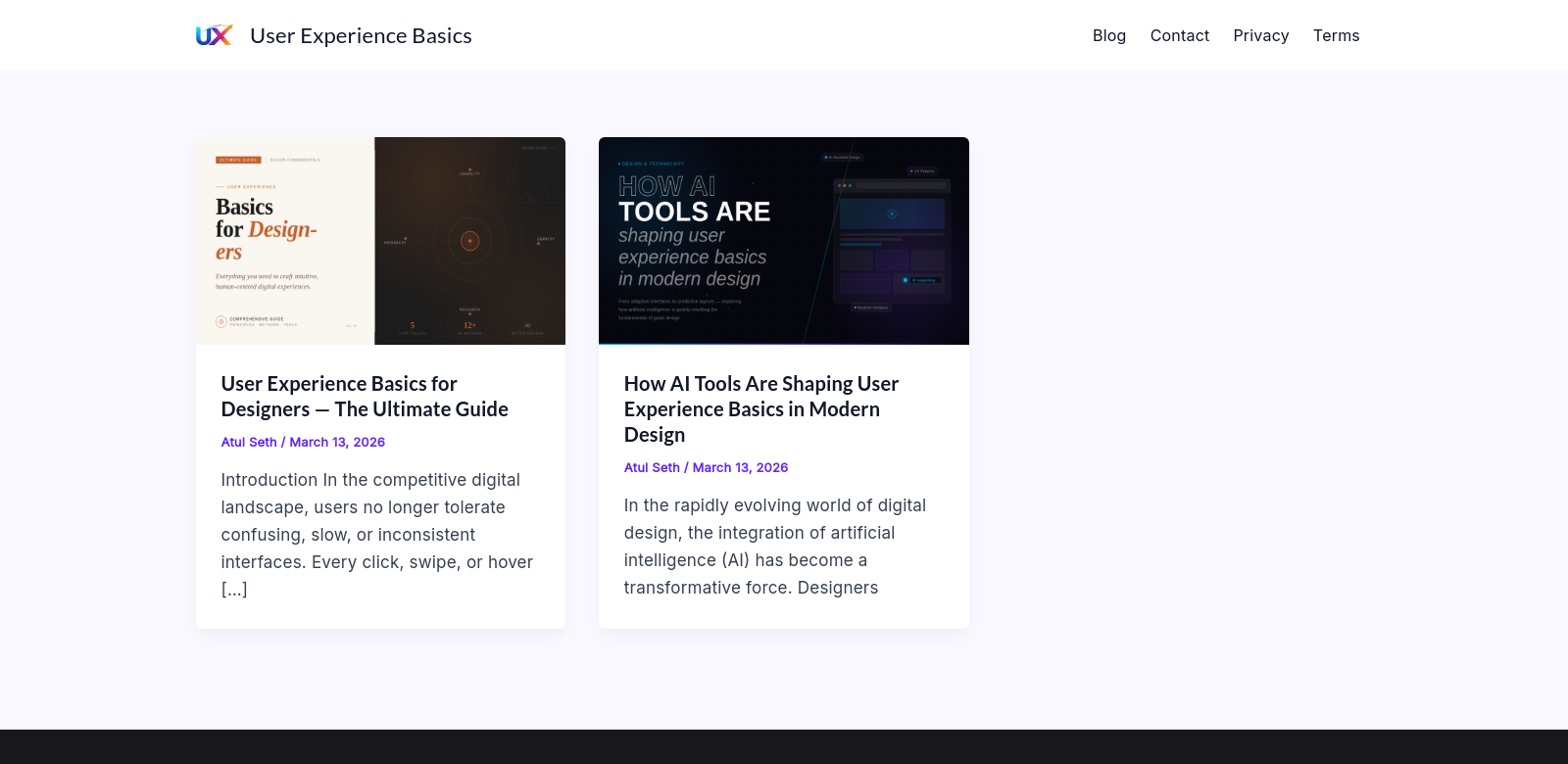
Understanding User Experience Basics for Designers
User experience (UX) is all about how people feel when they use a product or service. In today's digital world, it's super important for designers to get UX right. This guide will walk you through the key parts of UX, giving you tips on how to make your designs more user-friendly. If you want to dive deeper, check out User Experience Basics.
Who Needs to Know UX Fundamentals?
Good UX starts with understanding your users. Designers need to put themselves in users' shoes and figure out what they need. Here are some roles that benefit big time from knowing UX fundamentals:
-
Developers: Developers and designers need to be on the same page to build products that not only work well but also keep users happy. Knowing UX helps developers understand what users want and build features that are easy to use. By working closely with UX designers, developers can make sure everything works smoothly for the user.
-
Product Managers: Product managers decide what a product should be and how it should grow. Understanding UX helps them focus on features that users will love. When they know how important UX is, they can make smart choices that match the product's features with what users expect, leading to happier users.
-
Marketing Specialists: Marketing folks can use UX to connect better with the people they're trying to reach. UX insights help them create campaigns that users relate to, which boosts sales and keeps customers coming back. Knowing how users think and act helps them create marketing plans that really hit the mark.
-
Business Analysts: Business analysts figure out what the market wants and turn that into useful information. Knowing UX helps them understand how customers behave, which leads to better product features. By using user-centered design, they can push for changes that get users more involved.
-
UX Researchers: UX researchers are the ones who gather and study user feedback. They play a key role in shaping design decisions and making sure a product works well. Knowing UX basics helps them create studies that get real user insights, which ultimately leads to better designs and features.
UX: Problems and Solutions
A big part of UX is spotting user problems and fixing them.
Common UX Problems
-
Hard to Use: Lots of products fail because they're just not easy to use. Designers need to make sure products are simple and intuitive, so users don't get frustrated. If designers don't understand usability, they might create things that look good but are a pain to use.
-
Inconsistent Look and Feel: Users jump between devices all the time, and if things look different everywhere, it can get confusing. Designers need to create a consistent experience across all devices, so users can easily switch between them.
-
No Feedback: Users want to know if their actions are being noticed. Without feedback, they might wonder if anything's happening. Designers should add cues that tell users what's going on.
-
Doesn't Meet User Needs: Sometimes, products just don't do what users want them to do. User research and testing are super important for understanding what users really need, which is key to making a successful product.
UX Solutions
Using UX best practices can really help fix these problems. By focusing on what users need and how they act, designers can create solutions that are not only useful but also fun to use. Getting users involved early in the design process means their feedback gets included, which leads to improvements before the product is finished.
UX in Action
- E-commerce: Making online shopping easier with simple navigation and clear feedback when buying stuff.
- Mobile Apps: Creating cool interfaces that work well on small screens and are easy to use.
- Websites: Using UX to help users find info quickly, which keeps them on the site longer and gets them to take action.
What Makes Great UX?
Here are some key things that make UX awesome:
-
User-Focused: Designing with the user in mind makes sure their needs and wants shape the product.
-
Works on All Devices: Making sure layouts and features adapt to different devices makes things easier to use.
-
Easy to Navigate: Making sure users can find what they need with clear layouts and menus.
UX FAQs
-
What's the main goal of UX? The main goal is to make products that give users meaningful and useful experiences. This means making things easy to use, accessible, and enjoyable.
-
How do I do user research? Figure out who your users are, choose research methods like surveys or interviews, and study the data to help with design decisions. Start by understanding your audience and what they need, then pick the right research method.
-
What tools can help with UX? There are lots of tools out there, from wireframing software like Sketch or Adobe XD to user testing platforms like UsabilityHub. These tools can make the design process smoother and help teams work together better.
-
How can I make my product more usable? Use iterative design, which means testing with real users and making changes based on their feedback. Regular feedback helps you spot problems and adjust the product to better meet user needs.
-
Why is feedback important? Feedback lets designers see how users interact with their products. It shows where things can be improved and helps make sure the final product meets user needs, which makes users happier and more engaged.