Mastering Classroom Screen: The Comprehensive Guide
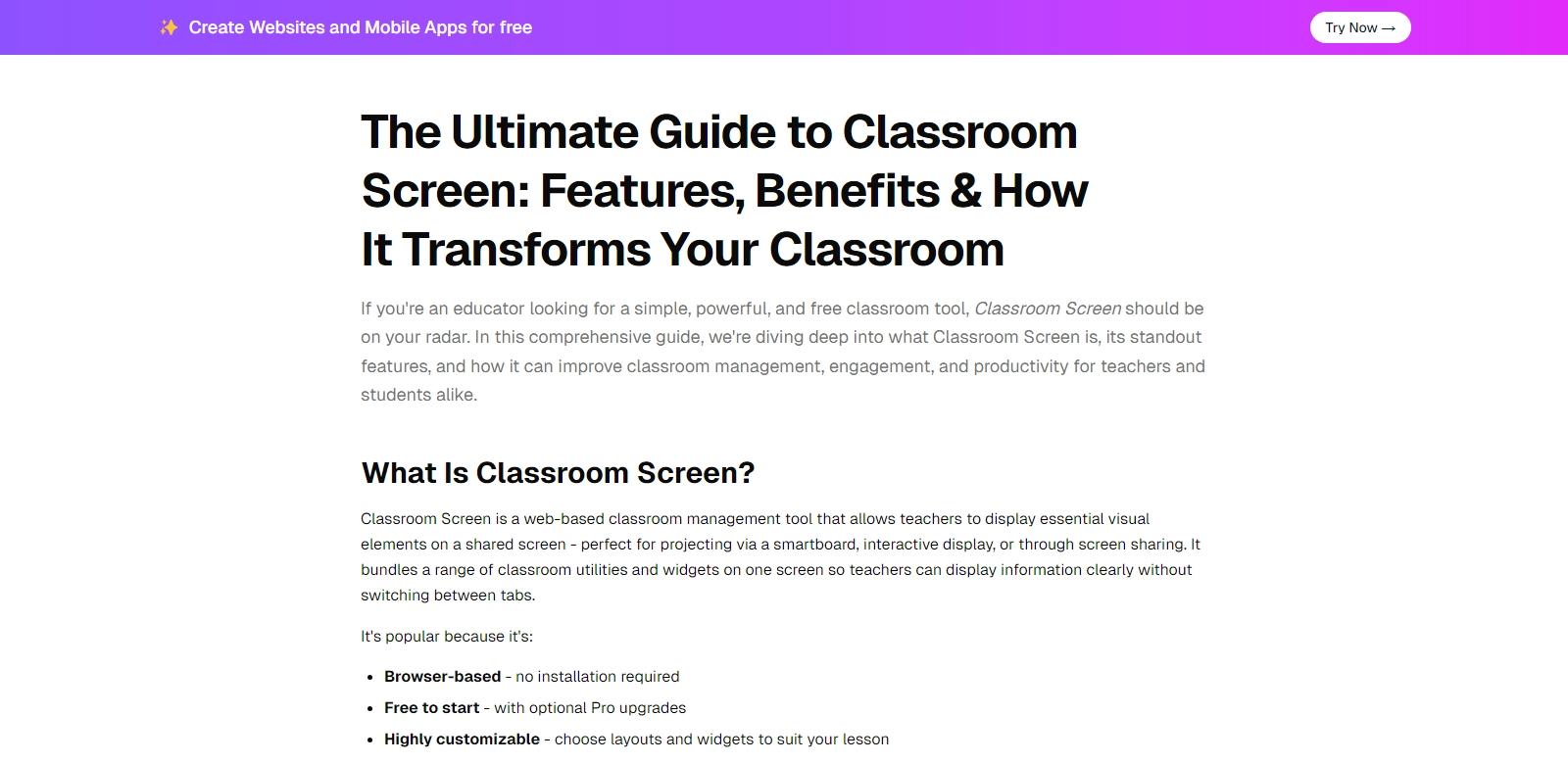
Classroom Screen has emerged as a pivotal tool in the landscape of educational technology, designed to aid educators in managing their classrooms effectively. This free web-based platform integrates a plethora of features aimed at enhancing the teaching and learning experience, including timers, polls, random name pickers, noise monitors, and more. By leveraging Classroom Screen, educators can streamline classroom activities, ensure student engagement, and foster an organized learning environment.
Customers of Classroom Screen
Exploring the user demographics of Classroom Screen reveals a diverse customer base, each benefiting from the tool in unique ways. Understanding these personas allows for a deeper appreciation of the platform's versatility.
-
Teachers:
Classroom Screen is particularly popular among teachers ranging from elementary levels to university instructors. By utilizing features like the random name picker, educators can promote equity in student participation, ensuring every voice is heard. The platform's visual timers help maintain attention and pace during lessons, making it an essential tool for time management in classrooms. -
School Administrators:
School leaders leverage Classroom Screen for its utility in communicating classroom expectations and maintaining order. With features such as noise monitors, administrators can empower teachers to manage classroom environments effectively, encouraging a culture of respect and focus during instructional times. -
Special Education Professionals:
For special education teachers, Classroom Screen offers tailored features that cater to diverse learning needs. The ability to visually represent tasks and transitions can significantly aid students who thrive on structure and routine, ensuring that all learners receive the support they require. -
Parents:
While indirect users, parents benefit from the outcomes facilitated by Classroom Screen. By supporting their children's educators with an effective management tool, parents can expect a more engaging and productive learning environment for their children, ultimately enhancing student success. -
Edtech Developers:
Developers in the educational technology space are drawn to the functionalities that Classroom Screen provides. The tool serves as a model for integrating user-friendly interfaces with robust educational features, inspiring further innovations across the industry.
Problems and Solutions by Classroom Screen
Classroom Screen has been developed in response to prevalent challenges faced in educational settings. Identifying these problems allows educators to appreciate the significance and necessity of such tools in contemporary classrooms.
Problems Classroom Screen Found
-
Distraction Management:
A common issue in classrooms is maintaining student focus amid numerous distractions. Educators often struggle to keep students engaged during lessons, leading to decreased learning efficiency. -
Unequal Participation:
In many traditional classroom setups, certain students dominate discussions, while others remain passive. This can lead to feelings of exclusion among quieter students, impacting their overall learning experience. -
Time Management:
Effective time allocation can be challenging, particularly in dynamic teaching environments where time-sensitive activities are crucial for maintaining lesson flow and achieving learning outcomes. -
Classroom Organization:
Maintaining organization in a classroom environment is essential for effective teaching. Disordered settings can lead to chaos and hinder the overall educational process.
Solution by Classroom Screen
Classroom Screen addresses these challenges through a suite of well-designed features:
-
By incorporating visual timers, it helps teachers manage class duration effectively, allowing for transitions between activities to be smoother and more efficient.
-
The random name picker ensures equitable student participation by randomly selecting students to answer questions or participate in discussions, promoting inclusivity.
-
Noise monitors help establish and maintain appropriate volume levels in the classroom, providing a structured environment conducive to learning. The visual cues act as reminders for students to maintain focus.
-
Tools like the checklist feature enable educators to keep track of tasks and objectives, enhancing classroom organization and ensuring clarity in lesson goals.
Use Case
Classroom Screen can be utilized in a variety of contexts, showcasing its flexibility and ease of integration into current educational practices:
-
In remote learning scenarios, educators can utilize Classroom Screen to replicate an effective classroom environment online. By sharing screens and using features like polls and timers, interaction can be enhanced despite physical distance.
-
During collaborative group projects, Classroom Screen can facilitate organization by providing a digital workspace where groups can assign tasks, set timelines, and monitor progress through shared visual aids.
-
In hybrid learning environments, teachers can use Classroom Screen to manage both in-person and online students effectively, ensuring that all learners are engaged and included regardless of their physical presence in the classroom.
Top Features of Classroom Screen
Classroom Screen stands out because of its diverse, user-friendly features that cater to the needs of educators:
-
Visual Timers:
Helps maintain students' focus and keep track of activities’ durations effectively. -
Random Name Picker:
Encourages equitable participation among students during discussions and activities. -
Noise Level Monitor:
Aids in maintaining a conducive learning environment by visually regulating classroom noise. -
Checklists and Widgets:
Enhances classroom organization by allowing teachers to create interactive task lists that keep students informed. -
Polls and Feedback Tools:
Facilitates immediate feedback from students, allowing educators to gauge comprehension and adjust instruction accordingly.
Frequently Asked Questions with Classroom Screen
-
How can Classroom Screen enhance my classroom management?
Classroom Screen offers a myriad of features designed to aid teachers in efficiently managing their classrooms. By utilizing visual aids such as timers and noise monitors, educators can create an organized and focused learning environment. These tools not only foster student engagement but also provide teachers with the support needed to maintain classroom discipline. -
Is Classroom Screen suitable for use in all educational settings?
Absolutely! Classroom Screen is designed to be versatile and can be effectively integrated into various educational settings, from primary schools to universities. Its user-friendly interface and robust feature set make it ideal for teachers across different disciplines. -
Can Classroom Screen be used for remote learning?
Yes, Classroom Screen can seamlessly transition into virtual environments. Educators can share their screens and utilize tools like polls and timers to replicate classroom dynamics, ensuring that remote learners stay engaged and active participants in their education. -
Are there any costs associated with using Classroom Screen?
Classroom Screen is entirely free to use, making it an accessible option for educators seeking innovative classroom management solutions without the burden of financial constraints. -
What kind of support does Classroom Screen offer for new users?
Classroom Screen provides a helpful online guide along with video tutorials, making onboarding for new users straightforward. Educators can easily learn how to navigate the platform and take full advantage of its features in no time.