Ultimate Guide to PostgreSQL Backup Solutions
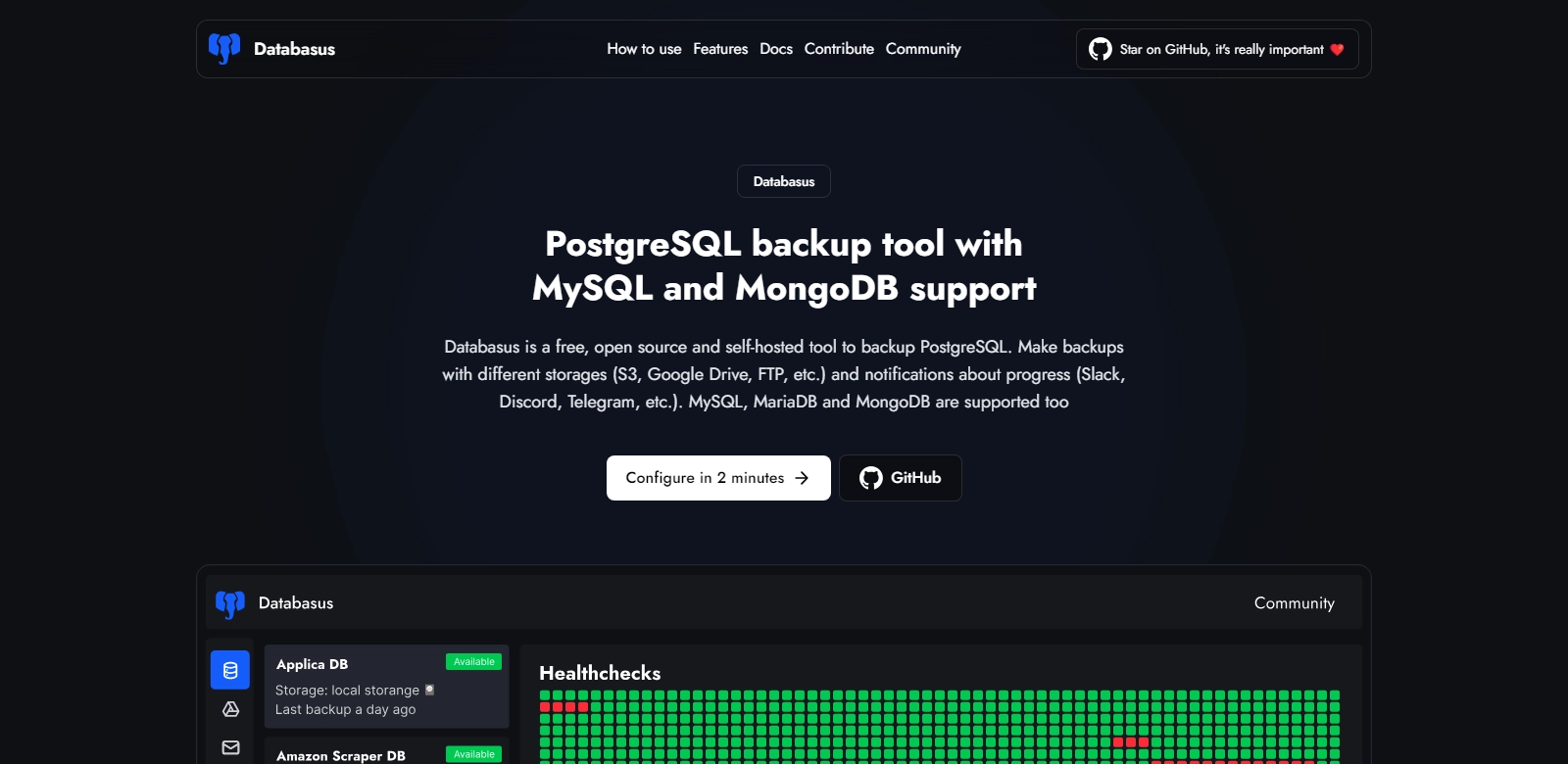
PostgreSQL, a powerful open-source relational database system, is widely adopted for its reliability and performance. Managing backup strategies is essential for ensuring the integrity and availability of data. This article delves into various PostgreSQL backup solutions, particularly focusing on scheduled backups, including support for MySQL and MongoDB. Alongside, we will explore the integrated notification systems that enhance accessibility, including platforms like Slack, Discord, Telegram, and more. For more detailed insights, see PostgreSQL Backup Tool.
Customers of PostgreSQL Backup Tools
Understanding the customer base is crucial for the success and functionality of backup tools for PostgreSQL. It's important to analyze customer personas and the specific needs that drive them to these solutions. Here are key customer segments:
-
Database Administrators (DBAs):
DBAs play a pivotal role in managing an organization's database. They are responsible for maintaining database uptime and integrity. Implementing a robust backup solution ensures that they can recover data efficiently in case of failure. They require tools not only retrofitted for PostgreSQL but also adaptable to integrated environments with MySQL and MongoDB. -
Software Developers:
In today’s fast-paced development environment, developers often push updates that might unintentionally interfere with live databases. A scheduled backup allows them to backtrack on changes seamlessly. The ability to leverage cloud storage enhances their workflow, ensuring they can retrieve data even outside the office. -
IT Managers:
IT Managers focus on ensuring that strategic goals are met, especially concerning data governance and compliance. Utilizing tools that provide thorough backup strategies minimizes risks associated with data loss. They also appreciate solutions providing notification capabilities, as these keep them informed about backup statuses and potential issues in real-time. -
Small to Medium Enterprises (SMEs):
For SMEs with limited IT resources, an efficient PostgreSQL backup solution provides vital protection. These businesses benefit from user-friendly interfaces that allow them to set up and monitor backups without requiring deep technical expertise. Cloud backup functionality is particularly valuable as it lowers infrastructure costs. -
Large Enterprises:
Large organizations require solutions capable of handling vast data volumes. They benefit from advanced features such as automated throttling, custom schedules, and backups across different regions. Their needs often extend to multi-database environments, necessitating integrated backup solutions that can navigate various systems.
Problems and Solutions by PostgreSQL Backup Tools
Problems PostgreSQL Backup Tools Address
Adopting a reliable PostgreSQL backup solution helps mitigate several recurring problems related to data management.
-
Data Loss:
Data can be lost due to hardware failures, accidental deletions, or security breaches. Without a backup strategy, recovery can be arduous and costly, leading to prolonged downtime. -
Compliance Issues:
Organizations must adhere to various regulations concerning data security and privacy. Inability to demonstrate effective backup processes can lead to compliance failures and potential fines. -
Complexity in Backup Management:
Especially for organizations managing multiple databases, keeping track of backups manually can lead to errors and neglect. A robust tool simplifies this process. -
Inadequate Notification Systems:
Many solutions fail to provide alerts concerning backup statuses, which can lead to critical oversights. Notifications are key for timely responses to failure events. -
Regional Backup Capabilities:
In today's interconnected world, having regional backups ensures more reliable disaster recovery strategies. A lack of such options can leave organizations vulnerable during localized failures.
Solutions Offered by PostgreSQL Backup Tools
These intuitive tools address the identified issues comprehensively. For instance, by implementing scheduled backups with user-defined commands, PostgreSQL backup solutions enable automatic data protection at specified intervals. Moreover, the integration with diverse cloud storage services allows data to be securely backed up offsite, thereby floridly mitigating risks associated with hardware failures.
The notification systems integrated within these tools send real-time alerts on backup success or failures through preferred channels such as Telegram or email. This proactive approach empowers administrators to act swiftly, minimizing potential downtime. Furthermore, functionality to customize backup schedules and retention policies provides organizations with the flexibility they need, catering to varied business requirements.
Use Cases
PostgreSQL backup tools can be applied in various scenarios to maximize their utility. Some of the most common use cases include:
-
Regular Data Protection: Implementing automated backups for critical databases keeps data safe and allows businesses to recover quickly when issues arise.
-
Disaster Recovery Plans: An organization's ability to respond to disasters, such as data corruption or natural calamities, is greatly enhanced with a robust solution.
-
Development and Testing: Developers can safely experiment with non-production databases, as they can always revert to the latest backup if unforeseen problems occur.
-
Compliance and Auditing: Regular backups help organizations meet legal requirements related to data management, making audits significantly easier with clear records of backup activities.
-
Migrations: During server migrations, backup tools ensure that data is preserved, streamlined, and can be readily accessed in the new environment without loss.
Top Features of PostgreSQL Backup Tools
Among various features, here are the standout functionalities of an effective PostgreSQL backup solution:
-
Scheduled Backups: Automated processes allow organizations to set regular backup times, minimizing the risk of data loss.
-
Multi-Cloud Support: The capability to back up data to multiple cloud providers ensures enhanced safety against hardware failures.
-
Comprehensive Notifications: Real-time alerts provide users detailed information on backup success or failures, allowing for immediate resolution of issues.
-
Flexible Retention Policies: Businesses can customize how long backups are retained, tailoring the solution to their specific data governance needs.
-
Support for Multiple Databases: Tools that can handle PostgreSQL, MySQL, and MongoDB streamline the backup process, making cross-database management less cumbersome.
Frequently Asked Questions with PostgreSQL Backup Tools
-
What types of backups can I create using PostgreSQL tools?
PostgreSQL backup tools support various types of backups, including full backups, incremental backups, and differential backups. Full backups capture the entire database, while incremental and differential backups only save the changes since the last backup, optimizing storage usage. -
How often should I back up my PostgreSQL database?
The frequency of backups largely depends on how often the data changes. Organizations with high transaction volumes may opt for hourly or even more frequent backups, while others might choose daily or weekly schedules. -
Can I restore my database to a specific point in time?
Yes, many advanced PostgreSQL backup solutions offer point-in-time recovery options. This allows users to restore their databases to the exact state they were in at a specific moment by utilizing WAL (Write-Ahead Logging) archives. -
What are the security features of these backup solutions?
Leading PostgreSQL backup tools incorporate encryption for stored data, both at rest and in transit. This ensures that sensitive information remains protected from unauthorized access. -
What should I do if a backup fails?
In the event of a backup failure, the integrated notification system should alert users immediately. It's essential to investigate the error message to identify the cause, after which corrective actions can be taken, such as adjusting settings or rerunning the backup process.