Optimize Your Google Ads with Keyword Match Type Helper
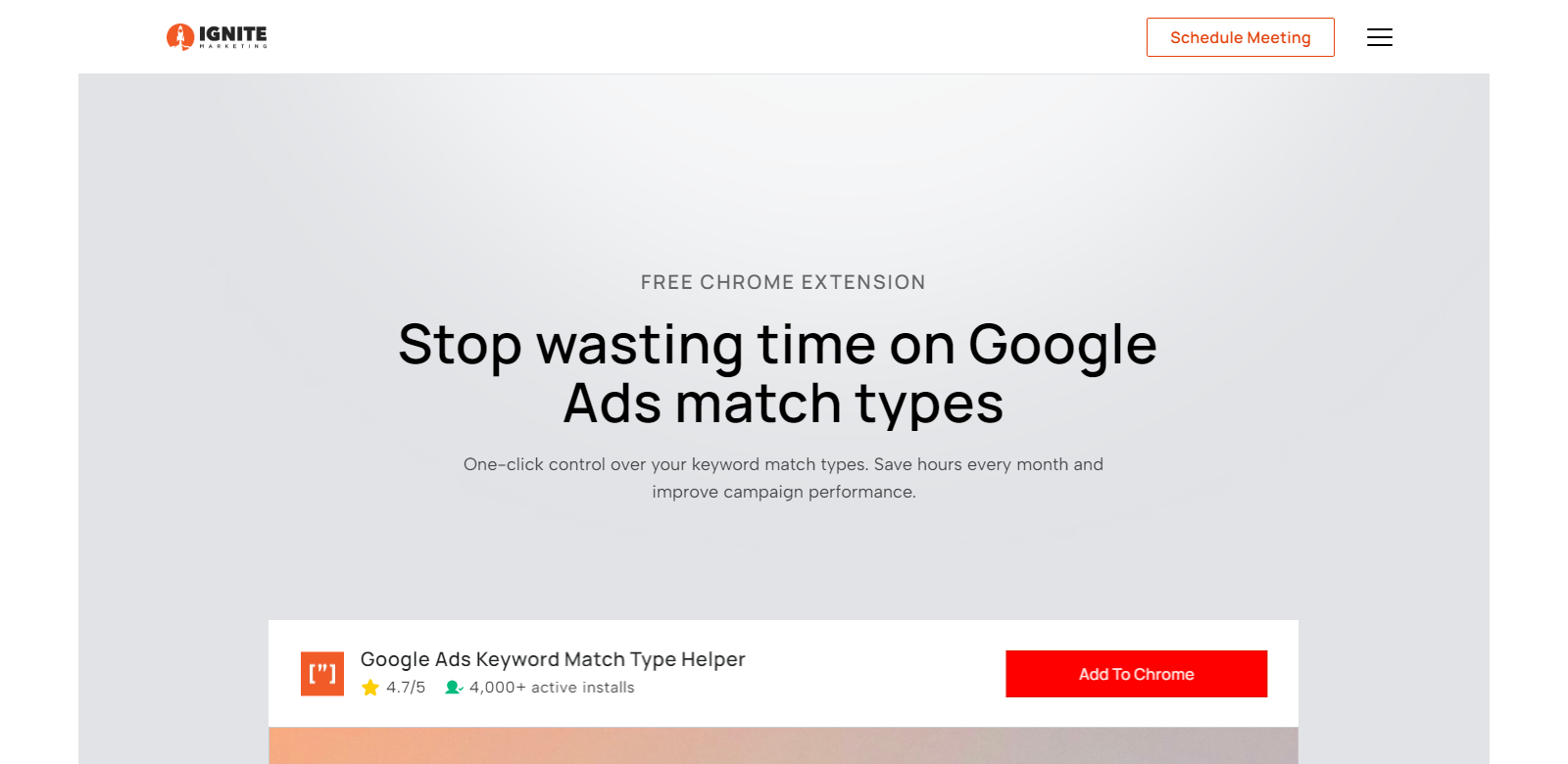
In the world of digital marketing, Google Ads stands out as a powerful tool for advertisers aiming to reach specific audiences and increase conversions. However, managing keywords effectively can be a daunting task, especially when it comes to selecting the appropriate match types. The Google Ads Keyword Match Type Helper Chrome Extension simplifies this process, enabling marketers to maximize their PPC performance effortlessly.
As a free Chrome extension, it offers an intuitive solution for managing keyword match types in Google Ads. Rather than adding keywords individually and manually adjusting match types, users can now control their keyword settings with a single click. This innovation is crucial for both seasoned marketers and newcomers who wish to leverage the power of Google Ads without the hassle of tedious adjustments.

Customers of Google Ads Keyword Match Type Helper
The Google Ads Keyword Match Type Helper serves a diverse range of customers, each benefiting from its distinct features and functionalities. Understanding these customer personas can illustrate the extension's broad appeal:
-
Digital Marketers: Digital marketers frequently juggle multiple campaigns across different platforms. This extension enhances their productivity by facilitating quick keyword management, allowing them to focus on strategic planning rather than repetitive tasks. The ability to bulk update keywords saves significant time, enabling marketers to devote more attention to analyzing campaign performance and making data-driven decisions.
-
PPC Specialists: Professionals who specialize in pay-per-click advertising rely heavily on precise keyword targeting to drive results. The extension's functionality ensures that exact and phrase matches are applied correctly, minimizing the chances of wasted ad spend. Consequently, PPC specialists can achieve more significant ROI on their campaigns by setting the right match types for their target audience.
-
Small Business Owners: For small business owners, every marketing dollar counts. The Google Ads Keyword Match Type Helper allows them to streamline their advertising processes without incurring hefty agency fees. By equipping themselves with this tool, they can effectively manage their campaigns and improve ad relevance, which translates into better visibility and increased conversions.
-
E-commerce Managers: E-commerce managers are consistently seeking ways to optimize their advertising efforts. The extension simplifies bulk keyword updates, which is essential when adding new product lines or seasonal offers. By ensuring that keywords are appropriately matched, e-commerce businesses can enhance their customer targeting and drive more sales through Google Ads.
-
Marketing Agencies: Marketing agencies managing multiple clients often face complex challenges in keyword management. This extension offers a reliable solution for efficiently managing various campaigns, customizing keyword match types at scale, and ensuring consistent performance across all clients. As a result, agencies can maintain their reputation for delivering results while saving time.
Problems and Solutions by Google Ads Keyword Match Type Helper
Like any sophisticated tool, Google Ads has its complexities, most of which relate to keyword match types. The Google Ads Keyword Match Type Helper extension addresses several pain points that advertisers encounter:
Problems Found
-
Automatic Broad Matches: Google defaults to “Broad” match for new keywords, which can lead to irrelevant traffic and wasted ad spend. Advertisers often have to manually adjust these settings, which consumes time and increases the risk of errors.
-
Manual Adjustments: Adjusting match types for hundreds or thousands of keywords can be labor-intensive and prone to human error. This inefficiency means opportunities for optimization can be lost, impacting the overall campaign effectiveness.
-
Lack of Bulk Updating Tools: Many marketers struggle with changing match types across numerous keywords quickly. Without effective bulk updating options, processes can become tedious and slow, hampering responsiveness in fast-paced market conditions.
Solution by Google Ads Keyword Match Type Helper
The Google Ads Keyword Match Type Helper resolves these issues through its user-friendly design: users can easily select from “Exact,” “Phrase,” or “Broad” match types with a click. The extension also allows for bulk updates, which is critical for quick campaign adjustments. This capability is particularly useful when adding new keywords or updating existing listings, maintaining the campaign's agility and responsiveness in the changing landscape of Google Ads.
Use Cases
Various use cases illustrate the effectiveness of the Google Ads Keyword Match Type Helper:
- Quick Setup for New Campaigns: Advertisers launching new Google Ads campaigns can set keyword match types at the outset, streamlining their setup process and ensuring optimal targeting right from the start.
- Efficiency in Seasonal Promotions: During holiday seasons or special promotions, marketers can swiftly manage high volumes of temporary keywords, adapting their strategies to fit the specific campaign requirements efficiently.
- Increased Competitive Edge: By utilizing the extension's abilities, businesses stay ahead of competitors by adapting their keyword strategies swiftly, allowing for better targeting and higher ad relevancy.
Top Features of Google Ads Keyword Match Type Helper
This Chrome extension comes packed with several compelling features that enhance its value:
- One-Click Match Type Selection: Quickly switch between Broad, Phrase, or Exact match types without hassle.
- Bulk Keyword Updates: Change match types for multiple keywords at once, saving time and reducing manual errors.
- User-Friendly Interface: Designed for ease of use, even for those unfamiliar with keyword management complexities in Google Ads.
- Real-Time Keywords Addition: Instantly add keywords while setting the desired match type, preventing unnecessary adjustments later.
Frequently Asked Questions with Google Ads Keyword Match Type Helper
-
Is this extension really free?
Yes, the Google Ads Keyword Match Type Helper is entirely free to install and use, providing marketers with an invaluable tool without any costs associated. -
Is my data safe?
The extension does not collect any personal data and operates securely within the Google Ads environment, ensuring your information remains confidential. -
Will this affect my campaign performance?
By making keyword management more efficient, the extension can positively impact your campaign performance by ensuring accurate match types, reducing wasted spend. -
How do I install the extension?
Installation is straightforward. Just visit the Chrome Web Store, search for Google Ads Keyword Match Type Helper, and add it to your browser. -
Can I use it for multiple accounts?
The extension can be used across different Google Ads accounts, making it ideal for agency environments or marketers managing several campaigns.
In summary, the Google Ads Keyword Match Type Helper Chrome Extension represents a game-changing tool for digital marketers, PPC specialists, small business owners, e-commerce managers, and marketing agencies alike. By simplifying keyword management, it not only saves time but also enhances advertising efficiency, paving the way for better results in Google Ads campaigns.