Liquiflow: Seamless Conversion from Webflow to Shopify
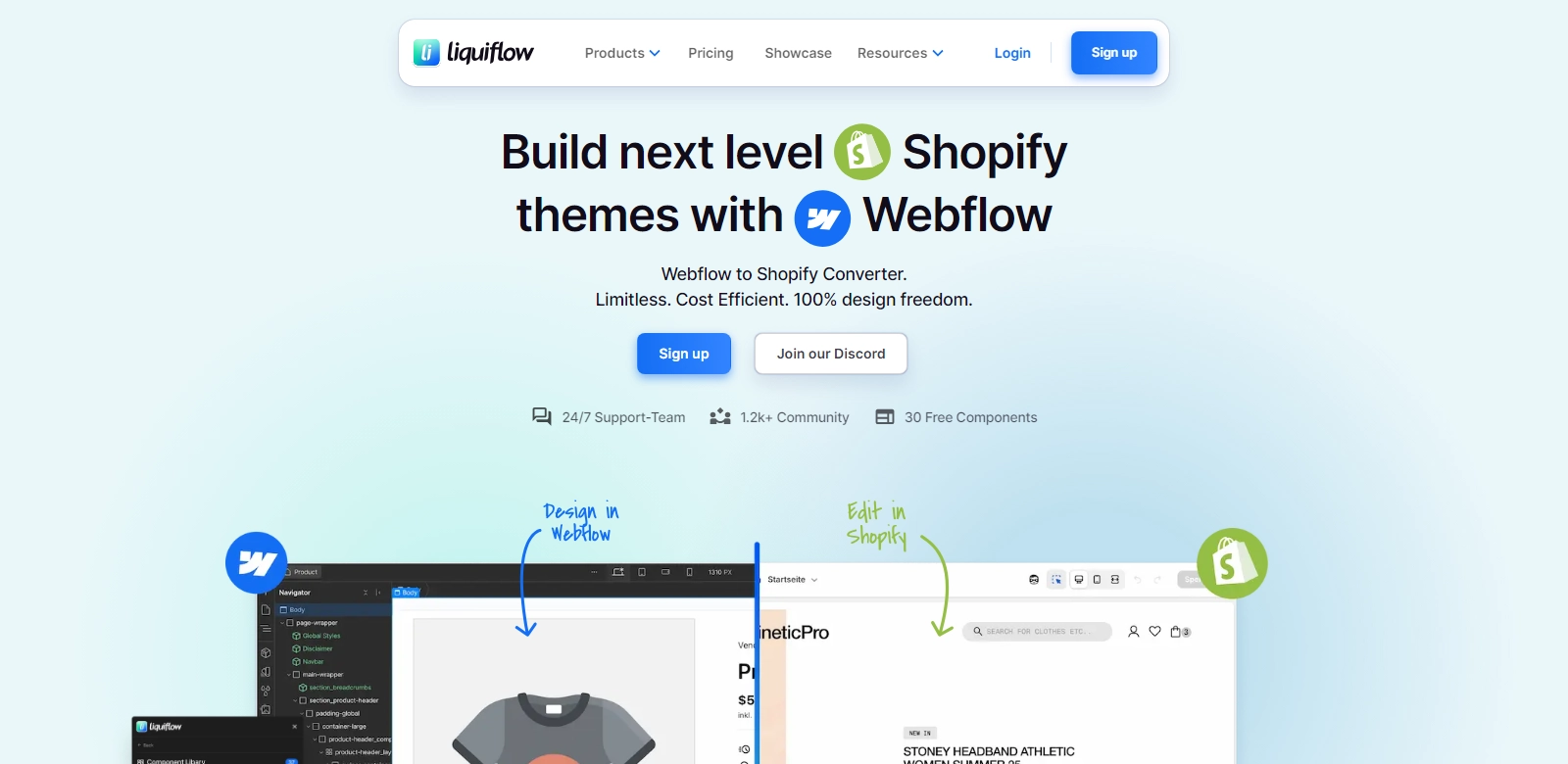
Liquiflow, previously known as Liquify Pro, stands as a groundbreaking solution for developers and designers looking to transition their Webflow creations into Shopify 2.0 themes. As the demand for e-commerce solutions grows, so does the need for transforming visually stunning designs into functional online storefronts. Liquiflow offers users the opportunity to maintain design integrity while harnessing the power of Shopify's robust e-commerce functionalities. With over 1,200 developers already benefiting from its offerings, it’s clear that this platform addresses a crucial need in the market.
The essence of Liquiflow lies in its promise of 100% design freedom. This means that every pixel of your Webflow project can be seamlessly translated into Shopify without compromising its aesthetic or functional quality. With full Liquid support built into the platform, developers can expedite their workflow while ensuring that their themes are fully customizable post-conversion. This kind of flexibility facilitates unlimited projects, making it suitable for freelancers and agencies alike. Users can try out Liquiflow today and open the door to a new and exciting e-commerce experience.
Customers of Liquiflow
In understanding the impact of Liquiflow, it is vital to recognize the diverse customer personas that leverage its capabilities. Each type of user finds unique value in the platform, stemming from their specific needs and objectives. Below are detailed descriptions of the primary customer groups:
-
Freelance Designers:
Freelancers often operate under tight timelines with distinct client requirements. Liquiflow enables them to convert Webflow designs to Shopify effortlessly, allowing for quicker delivery of projects without sacrificing quality. This flexibility provides freelancers the bandwidth to take on more projects while ensuring client satisfaction. -
E-commerce Entrepreneurs:
Many e-commerce entrepreneurs begin with design-driven platforms like Webflow to create unique branding experiences. Liquiflow allows these entrepreneurs to transition their designs into a fully functional Shopify store, thereby retaining their competitive edge in a saturated market. They can launch their stores faster and attract customers with beautiful online presentations. -
Digital Agencies:
Agencies specializing in branding and web design benefit extensively from Liquiflow. The tool facilitates the conversion of multiple client projects, enabling agencies to standardize processes while expanding service offerings. This efficiency enhances their value proposition to clients seeking comprehensive digital solutions. -
Marketing Teams:
In-house marketing teams frequently require quick changes to their web presence based on campaign needs. Liquiflow’s capability to convert existing designs on Webflow to Shopify means that marketing teams can pivot efficiently and effectively, ensuring their online messaging remains aligned with company objectives. -
Developers:
For developers, the technical underpinnings of Liquiflow offer a vast array of possibilities. The automatic conversion to Liquid templates necessitates a deep integration strategy, which developers appreciate as it preserves code integrity while enabling advanced customizations afterward.
Problems and Solution by Liquiflow
The landscape of web design and e-commerce is fraught with challenges, particularly for those transitioning between platforms. Below are some common problems faced by users and how Liquiflow provides solutions.
Problems Liquiflow Found
-
Difficulty in Design Conversion:
Many platforms do not offer seamless solutions for converting intricate designs into another platform’s format. This often leads to loss of design fidelity, affecting the final output. -
Time-Consuming Processes:
Developers frequently face overly complex conversion tasks that eat into project timelines, leading to client dissatisfaction or missed deadlines. -
Limited Customization Options:
Post-conversion customization can sometimes be restricted, hampering the ability to make necessary tweaks to meet branding requirements. -
Inefficiency in Workflow:
A lack of specialized tools can lead to inefficient work processes, making maximization of resources difficult in a fast-paced industry.
Solution by Liquiflow
Liquiflow addresses these issues effectively. By providing a straightforward and intuitive interface for converting Webflow designs, it eliminates the hassles associated with loss of design integrity. The use of Liquid ensures that the resulting themes are not only visually aligned with the original designs but are also flexible for further customization.
Additionally, Liquiflow optimizes the conversion process, significantly reducing the turnaround time for projects. This efficiency allows developers and agencies to take on more work without sacrificing quality. The robust capabilities of the platform mean that features can be incorporated into the designs seamlessly, bolstering its utility in real-world applications.
Use Case
Liquiflow shines in various use cases, particularly in scenarios where a quick, clean transition from Webflow to Shopify is essential. For instance, a small business starting out may leverage Liquiflow to transform their initial Webflow prototype into a prepared Shopify store ready for launching in a matter of hours. Furthermore, established brands looking to refresh their e-commerce look and feel can utilize Liquiflow to translate their designs into a new Shopify environment without compromising on their brand integrity.
Top Features of Liquiflow
Liquiflow boasts a set of compelling features designed to streamline the conversion process and ensure high-quality outcomes:
-
100% Design Preservation:
Ensures that every aspect of the original design is maintained, giving users the confidence that their work will look exactly as intended on Shopify. -
Unlimited Project Capability:
Facilitates multiple simultaneous projects without restrictions, making it an ideal tool for busy professionals engaged on numerous fronts. -
Full Liquid Support:
Empowers developers to utilize Shopify's template language for extensive customizations post-conversion, enriching user experiences. -
User-friendly Interface:
Provides a straightforward design experience, ensuring that users of all skill levels can navigate the platform with ease. -
Advanced Export Options:
Users can choose how they want their designs exported, ensuring that they receive the most relevant outcome for their project needs.
Frequently Asked Questions with Liquiflow
-
What is Liquiflow, and how does it work?
Liquiflow is a conversion tool that enables users to turn their Webflow designs into Shopify themes. It utilizes advanced technology to maintain design integrity and offers full Liquid support for further customization. Users simply upload their Webflow project, and Liquiflow takes care of the conversion process. -
Can I use Liquiflow for multiple projects?
Yes, Liquiflow is designed to support unlimited projects, allowing users to manage several transitions at once without limitations. This makes it an excellent choice for agencies and freelancers who juggle multiple clients. -
What benefits do I gain from using Liquiflow?
Liquiflow saves time and effort by facilitating a seamless conversion process. Users retain 100% design fidelity, and the platform's user-friendly interface makes it suitable for designers and developers alike. -
Is Liquiflow suitable for non-technical users?
Absolutely. The platform is designed to be accessible for all skill levels, making it easy for non-technical users to convert their designs without needing in-depth coding knowledge. -
How does Liquid support enhance my designs?
Liquid support allows developers to further customize their themes post-conversion. This flexibility means that any necessary adjustments can be made easily, ensuring that the final product meets their expectations fully.