Convert PDF to Engaging Videos with Ease
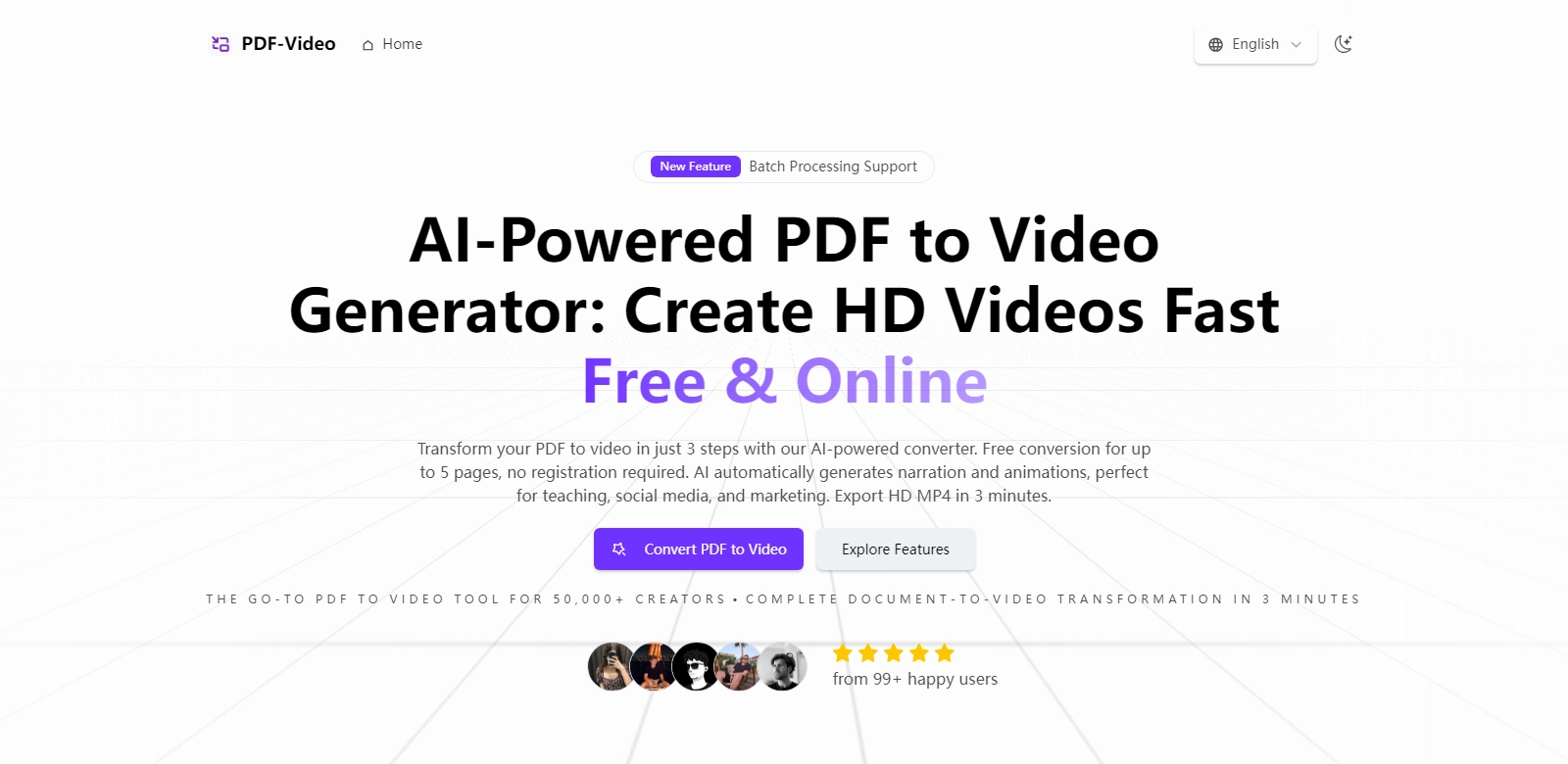
In today's digital landscape, the ability to present information in diverse formats is crucial. The AI PDF to Video Generator provides an innovative solution for converting PDFs into engaging videos, offering a seamless experience for users ranging from educators to marketers. This comprehensive tool allows users to transform documents into visually appealing videos without the need for extensive technical skills or software installation, making it accessible for everyone.
Customers of AI PDF to Video Generator
The AI PDF to Video Generator caters to a wide range of users, each with unique needs and applications. Understanding these customer personas is essential for recognizing the tool's broad utility. Below are some key customer segments:
-
Educators:
Educators often face the challenge of maintaining student engagement during lectures. By converting lesson PDFs into videos, they can integrate visuals and audio, making the learning experience more dynamic and interactive. Utilizing the AI PDF to Video Generator allows them to efficiently illustrate concepts and present lesson plans in a captivating manner. -
Marketers:
For marketers, the ability to tell a story visually is paramount. By transforming product brochures or service proposals into engaging videos, they can enhance their marketing strategies. The tool enables marketers to highlight features, benefits, and customer testimonials effectively, capturing attention in a crowded marketplace. -
Content Creators:
Content creators can amplify their reach by converting informational PDFs into videos. This migration allows them to leverage platforms like YouTube or social media, where video content thrives. By using the AI PDF to Video Generator, they can expand their audience and share insights in a more digestible format. -
Businesses:
Companies looking to streamline communication can benefit significantly. Internal reports, training materials, or policy documents can be turned into videos, ensuring that employees receive information in an engaging manner. This tool can help in enhancing retention rates and clarifying complex topics. -
Students:
Many students are visual learners and may struggle with traditional text-heavy PDFs. By converting their study materials into videos, they gain an interactive and engaging study experience, making it easier to absorb information and stay focused.
Problems and Solution by AI PDF to Video Generator
The necessity for innovative presentation methods arises from several common challenges faced by users.
Problems AI PDF to Video Generator Found
-
Lack of Engagement:
Traditional PDFs can often lead to disengagement, particularly in educational contexts. Static content does not capture attention effectively, leading to lower information retention. -
Time-Consuming Processes:
Many users find themselves bogged down by the lengthy process of creating video presentations manually, often lacking necessary skills or tools to produce high-quality videos. -
Accessibility Issues:
Users with limited technical knowledge may shy away from creating videos due to perceived complexities associated with video production software. -
Diminished Communication:
Businesses struggle to communicate complex ideas effectively through text alone, limiting understanding and engagement among employees.
Solution by AI PDF to Video Generator
The AI PDF to Video Generator addresses these challenges head-on. By providing an intuitive platform that automates the video creation process, users can convert documents effortlessly. The generator utilizes artificial intelligence to simplify the transition from static text to vibrant, engaging videos without requiring advanced skills.
Through this solution, educators can transform lesson plans into engaging tutorials, marketers can create visually striking product showcases, and businesses can facilitate clearer internal communications, enhancing overall comprehension.
Use Case
The AI PDF to Video Generator can be applied in numerous scenarios:
- Online Courses:
Educators can create videos from course materials, providing additional resources for students to review at their own pace. - Product Launches:
Marketers can create promotional videos that align with product brochures, capturing the essence of new offerings in an engaging format. - Internal Training:
Companies can convert training manuals into videos, enhancing learning experiences for employees and new hires.
Top Features of AI PDF to Video Generator
The AI PDF to Video Generator is packed with features designed to enhance user experience:
-
User-Friendly Interface:
The platform is designed with simplicity in mind, ensuring that users can navigate the video creation process effortlessly. -
High-Quality Video Output:
Users can expect professional-grade videos with high-definition output, ensuring that presentations maintain a polished appearance. -
Fast Conversion Times:
The AI PDF to Video Generator boasts quick conversion capabilities, allowing users to create videos in minutes instead of hours. -
Customization Options:
Users can customize videos with various themes, backgrounds, and audio options to suit their branding or preferences. -
No Technical Skills Required:
The tool removes the barrier of entry often associated with video production, opening up possibilities for all users, regardless of expertise.
Frequently Asked Questions with AI PDF to Video Generator
-
How does the AI PDF to Video Generator work?
The generator utilizes advanced artificial intelligence algorithms to convert textual content from PDFs into videos, automatically producing engaging visuals and audio without requiring user programming or complex setups. -
What type of files can be converted?
Users can convert various PDF documents, including textbooks, brochures, reports, and more, making it suitable for many applications across industries. -
Is there a cost associated with using the generator?
The platform offers a free tier for basic conversions, with premium options available for users seeking advanced features. -
Can I add my voice or sound to the videos?
Yes, the generator allows users to integrate voiceover and sound options to personalize their videos further, enhancing storytelling capabilities. -
How do I share the created videos?
Once processed, users can easily download their videos and share them across various platforms, including social media, websites, or during presentations.