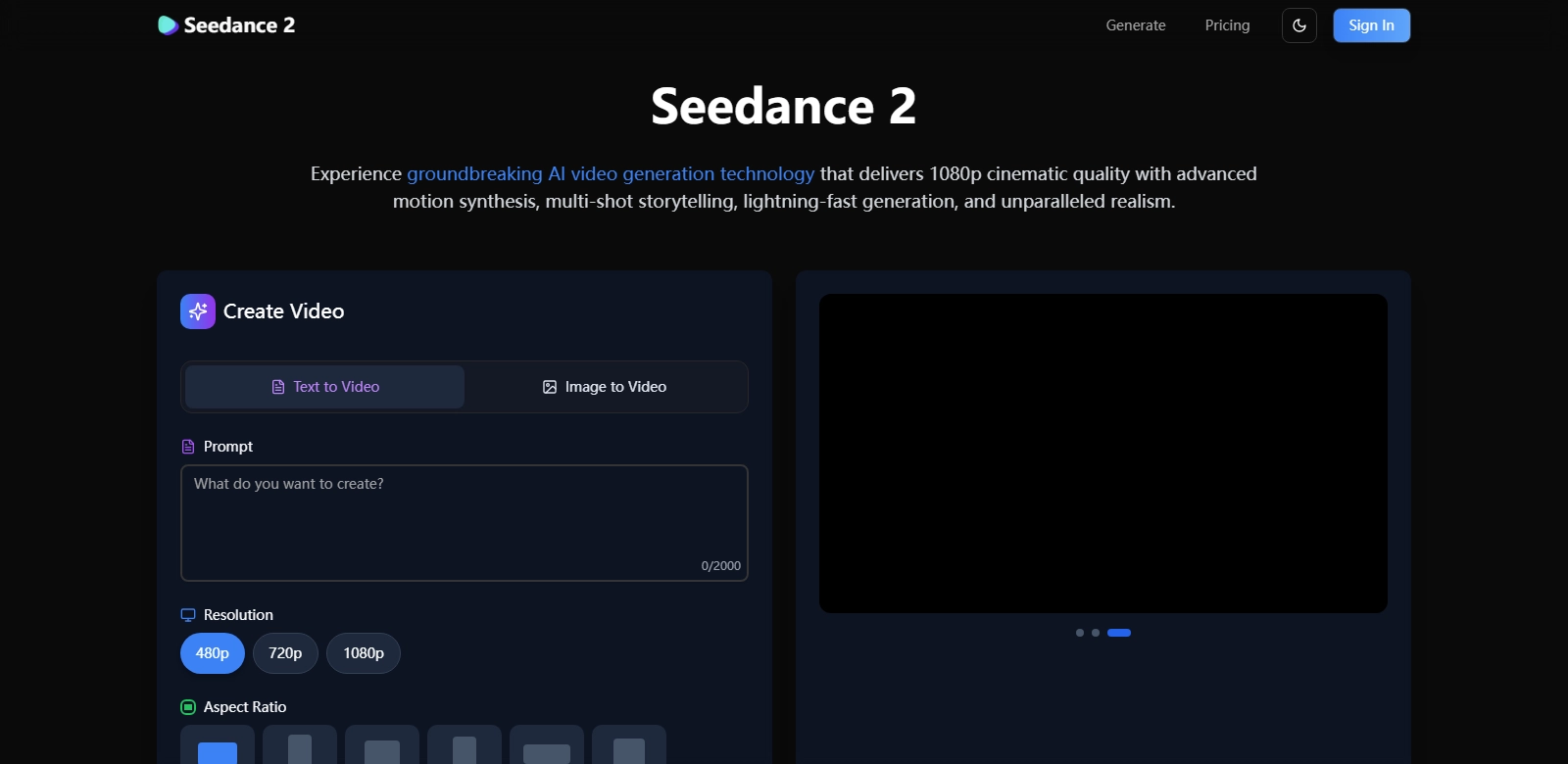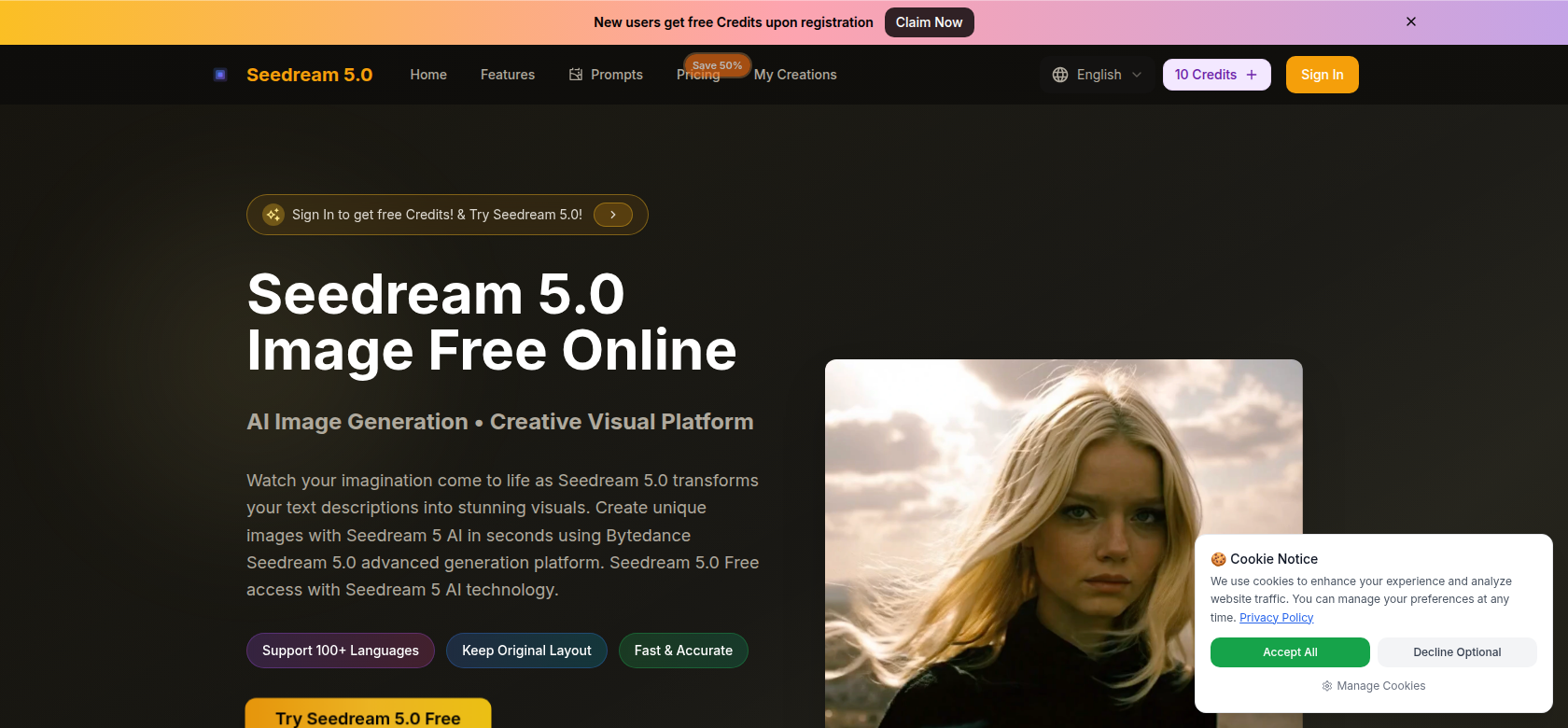
Seedream 5.0 - Transforming Text to Visuals Effortlessly
Seedream 5.0 represents a significant leap forward in the realm of digital imagery. Designed by ByteDance, this innovative platform empowers users to convert text descriptions into vivid visuals instantaneously. Whether you're a professional graphic designer or an enthusiast exploring your creative potential, Seedream 5.0 offers robust features that cater to various needs. With the integration of advanced AI technology, it not only simplifies the creation of unique images but also ensures high-resolution outputs, leveraging its cutting-edge 4K technology.
Customers of Seedream 5.0
Understanding the diverse customer base of Seedream 5.0 is pivotal, as its versatility and powerful features appeal to a wide range of users.
-
Graphic Designers:
For graphic designers, Seedream 5.0 serves as an invaluable tool, allowing them to rapidly prototype visuals based on client ideas. The seamless conversion from textual concepts to imagery accelerates the creative process, enabling designers to focus more on refinement and less on the initial stages of visual development. -
Marketing Professionals:
Marketing professionals benefit from Seedream 5.0's capacity to create tailored visuals that resonate with target audiences. The ability to visualize marketing concepts quickly allows for agile strategy adjustments, ensuring campaigns are both innovative and effective. -
Content Creators:
Content creators, whether they operate on blogs, social media, or websites, find Seedream 5.0 indispensable when crafting engaging visuals that complement their texts. The instant generation of images based on narrative leads to higher audience engagement and more dynamic content presentation. -
Educators and Students:
Educators can leverage Seedream 5.0 to create illustrative materials that enhance learning experiences. Similarly, students can utilize the platform for projects, enriching presentations with customized visuals that reflect their understanding of the subjects. -
Small Business Owners:
Small business owners aiming to build their brand often require visual content without the budget for professional graphic design services. Seedream 5.0 democratizes image creation, allowing these entrepreneurs to produce attractive and relevant visuals, thus elevating their marketing efforts effectively.
Problems and Solutions by Seedream 5.0
Every innovative solution emerges to address specific problems that users face. Seedream 5.0 is no exception, aiming to solve critical challenges in image generation.
Problems Seedream 5.0 Found
-
Time Consumption:
Traditional graphic design methods can be painstakingly time-consuming. Users are often frustrated by the lengthy processes required to create even simple visuals. -
High Costs:
Hiring professional designers can be prohibitively expensive, particularly for small enterprises or individuals who need consistent visual output. -
Skill Limitations:
Not everyone possesses graphic design skills. This skill gap can hinder creativity, particularly for users with a rich imaginative array but limited technical know-how. -
Static Content:
Many digital marketers find themselves stuck with static images that don’t fully encapsulate their campaign messages, leading to less effective outreach. -
Inconsistent Output Quality:
Users often face variability in quality due to differing skills among designers or varied tools' capabilities, which can lead to brand inconsistency.
Solutions by Seedream 5.0
Seedream 5.0 adeptly addresses these problems with its innovative approach to image creation. The platform’s advanced algorithms allow users to input descriptive text and receive high-quality images almost instantaneously. This not only saves time but also removes the need for external help, empowering users to bring their ideas to life independently. Furthermore, the AI's continuous learning from user inputs enables it to enhance its output quality consistently, ensuring that the visuals generated are not only aesthetically pleasing but also aligned with users’ expectations.
Use Cases
Seedream 5.0 showcases versatility through various use cases that highlight its functionality:
-
Ad Campaigns:
Businesses can quickly create compelling ad visuals based on marketing briefs, significantly reducing the time from concept to launch. -
Social Media Content:
Influencers and brands utilize Seedream 5.0 for generating unique images that stand out in crowded feeds, driving higher engagement rates. -
E-Learning Resources:
Educators find value in utilizing the platform to develop diverse and engaging learning materials, catering to various student learning styles.
Top Features of Seedream 5.0
Seedream 5.0 boasts numerous features that enhance user experience:
-
AI-Driven Image Generation: The platform employs advanced AI algorithms to ensure rapid and high-quality image creation from text inputs.
-
User-Friendly Interface: Designed with the end-user in mind, Seedream 5.0 offers an intuitive interface that simplifies navigation and usage, regardless of prior experience.
-
High-Resolution Outputs: Users can generate stunning visuals in 4K resolution, making it ideal for both on-screen and print applications.
-
Customizable Templates: The platform provides various templates that users can customize, accelerating the design process while still allowing for personalization and creativity.
-
Real-time Collaboration: Teams can work together on projects in real-time, allowing for immediate feedback and adjustments, streamlining the creative workflow.
Frequently Asked Questions with Seedream 5.0
-
What types of images can I create with Seedream 5.0?
Seedream 5.0 allows users to create a wide array of images, ranging from social media graphics to marketing materials and educational resources. Its versatility makes it suitable for diverse applications. -
Is Seedream 5.0 easy to use for beginners?
Absolutely. The platform is designed with a user-friendly interface that makes it accessible for beginners while still powerful enough for experienced designers, ensuring all users can navigate it effortlessly. -
Can I export the images in various formats?
Yes, Seedream 5.0 supports multiple export formats (JPEG, PNG, etc.), allowing users to easily integrate the visuals into different platforms and applications. -
How does the AI ensure image quality?
The AI in Seedream 5.0 continuously learns from user input and feedback, improving the output quality over time, which ensures that users receive high-quality images consistently. -
Are there any collaboration features in Seedream 5.0?
Yes, the platform facilitates real-time collaboration, allowing multiple users to work on a project simultaneously, making it ideal for teams and enhancing productivity.