Transform Your Screenshots with Snap Shots Image Editor
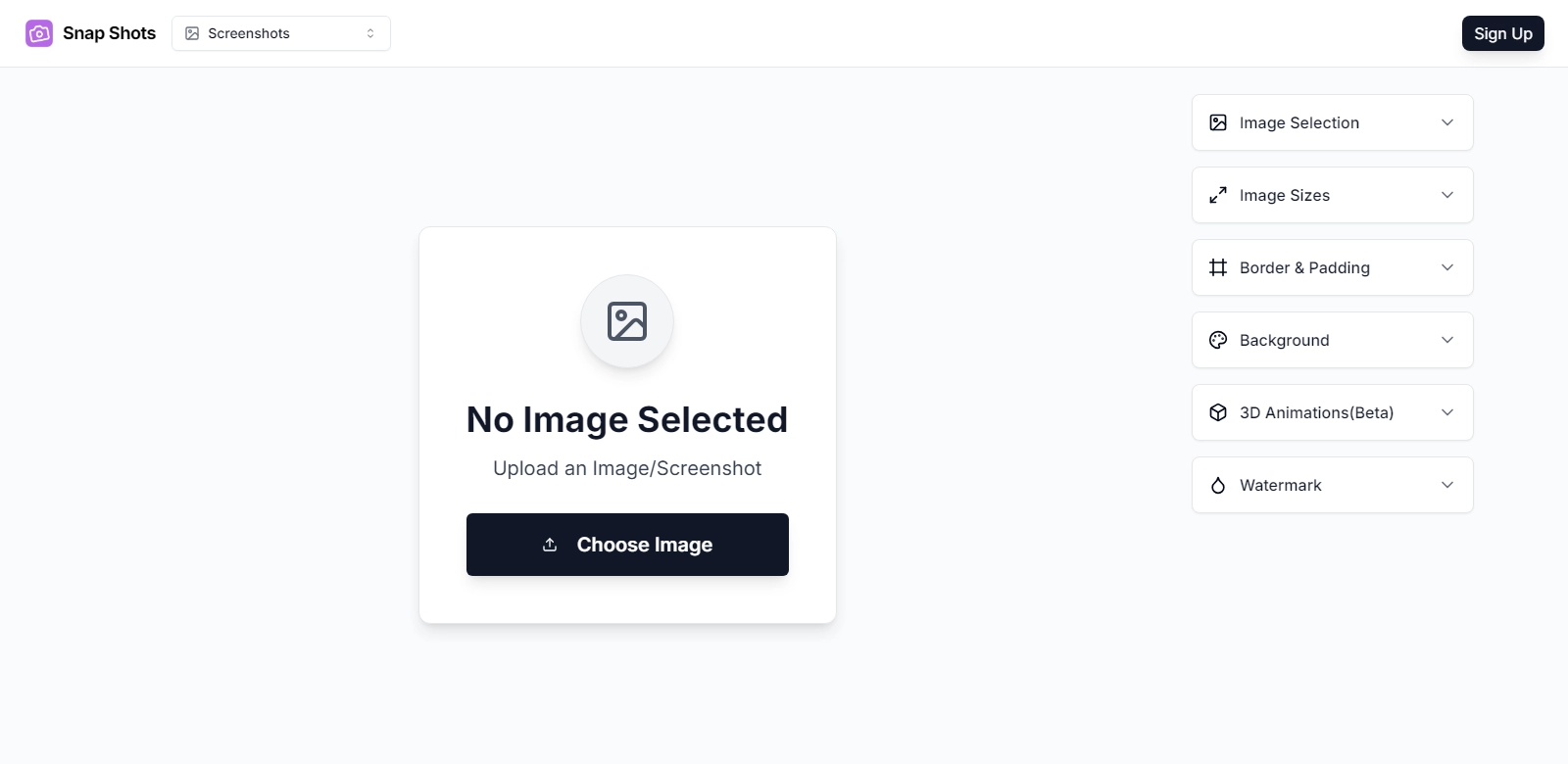
In the digital age, where visuals play a crucial role in communication, creating eye-catching images is essential for both personal and professional branding. Snap Shots offers a powerful and user-friendly online image editor that allows users to enhance their screenshots and craft impressive mockups with just a few clicks. Whether for social media posts or product presentations, this tool helps elevate the quality of images, making them not only aesthetically pleasing but also effective in conveying messages. With features that include 3D effects, customizable backgrounds, and versatile aspect ratios, Snap Shots caters to a wide array of user needs.
Customers of Snap Shots
Understanding the diverse customer base that utilizes Snap Shots is essential for grasping the full impact of this image editing tool. The following segments highlight various user groups that benefit significantly from its features:
-
Digital Marketers:
Digital marketers seeking to create engaging content benefit from Snap Shots by enhancing product images. With its distinct backgrounds and padding options, they can tailor visuals for targeted campaigns, ensuring maximum engagement. -
Social Media Managers:
Social media managers find that Snap Shots helps them produce high-quality banners and posts that resonate with audiences. The editor's quick mockup capabilities streamline the design process, saving time without compromising creativity. -
E-commerce Businesses:
E-commerce businesses use Snap Shots to generate attractive product images that stand out in crowded online marketplaces. The option to add 3D effects simulates a more immersive shopping experience, increasing customer retention rates. -
Bloggers and Content Creators:
Bloggers and content creators leverage Snap Shots to enhance their visual storytelling. The editor empowers them to design compelling visuals that complement written content, enhancing overall readability and shareability. -
Graphic Designers:
Graphic designers use the editor for quick mockup solutions during brainstorming sessions. The tool's flexibility allows them to iterate on design concepts efficiently before moving to more intricate software solutions.
Problems and Solution by Snap Shots
In a world where visual content is paramount, various challenges exist that users frequently face with image editing. Snap Shots addresses these challenges with innovative solutions.
Problems Snap Shots Found
-
Time-Consuming Editing Processes:
Traditional software often requires extensive time to achieve desired results, leading to frustration and inefficiency. -
Lack of Intuitive Features:
Many image editing tools have complicated interfaces, making it hard for non-designers to navigate and utilize. -
Quality Degradation during Edits:
Users regularly face issues where image quality deteriorates after editing, diminishing the impact of their visuals. -
Limited Customization Options:
Several tools lack versatile customization features, restricting users from achieving their creative visions. -
High Learning Curve:
Many advanced tools require extensive training, discouraging those who need quick and straightforward solutions.
Solution by Snap Shots
Snap Shots addresses the above problems by providing an intuitive and feature-rich online editor that simplifies the image enhancement process. Users benefit from an easily navigable interface designed for both novices and seasoned graphic professionals.
Regarding image quality, Snap Shots ensures that all enhancements maintain the original resolution and clarity, preventing degradation. Furthermore, the platform offers a plethora of customizable features, allowing users to add unique touches to their images efficiently. The online nature of Snap Shots resolves accessibility issues, enabling users from anywhere to create and edit their visuals seamlessly.
Use Case
Snap Shots can be effectively utilized in numerous scenarios, showcasing its versatility and robustness. Here are a few examples:
- Creating Social Media Graphics: Users can easily craft tailored visuals for platforms like Instagram, Facebook, or Twitter, attracting more followers and engagement.
- Building Product Listings: E-commerce store owners can create stunning product images optimized for online retail, enhancing the shopping experience.
- Enhancing Blog Posts: Bloggers can design custom images that align with their content themes, making articles more engaging.
- Mockups for Client Proposals: Freelancers and designers can create mockup visuals for client presentations, gaining buy-in on ideas with compelling imagery.
- Personal Projects: Individuals can beautify personal photographs or create custom visuals for special occasions, enhancing memories through professional editing.
Top Features of Snap Shots
Snap Shots is packed with features that make it a preferred choice for users looking to elevate their images. Here are some of the top ones:
- User-Friendly Interface: The intuitive design allows users of all skill levels to navigate easily and edit images efficiently.
- Extensive Image Effects: With a variety of 3D effects and backgrounds, users can create unique visuals that stand out.
- Custom Aspect Ratios: Users can adjust the dimensions of their images for various platforms, ensuring optimal presentation.
- Quick Mockup Creation: The tool enables rapid mockup designs, streamlining workflows for marketers and designers alike.
- Cloud-Based Accessibility: Being an online tool means that users can access it from anywhere, without the need for extensive downloads.
Frequently Asked Questions with Snap Shots
-
What type of file formats does Snap Shots support?
Snap Shots supports a wide array of file formats, including JPEG, PNG, and GIF, allowing users to upload and edit their preferred image types effortlessly. -
Is Snap Shots free to use?
While Snap Shots offers a robust free version, users can opt for premium features through a subscription for enhanced capabilities and additional tools. -
Can I use Snap Shots on mobile devices?
Yes, Snap Shots is designed to be responsive, enabling users to edit images efficiently on smartphones and tablets, offering unparalleled convenience. -
Is it possible to collaborate with others using Snap Shots?
Yes, Snap Shots allows users to share their projects easily, enabling collaborative editing and input from team members or clients. -
What resources are available for learning how to use Snap Shots?
The platform provides multiple resources, including tutorials and user guides, helping users maximize their experience and utilize all features effectively.