

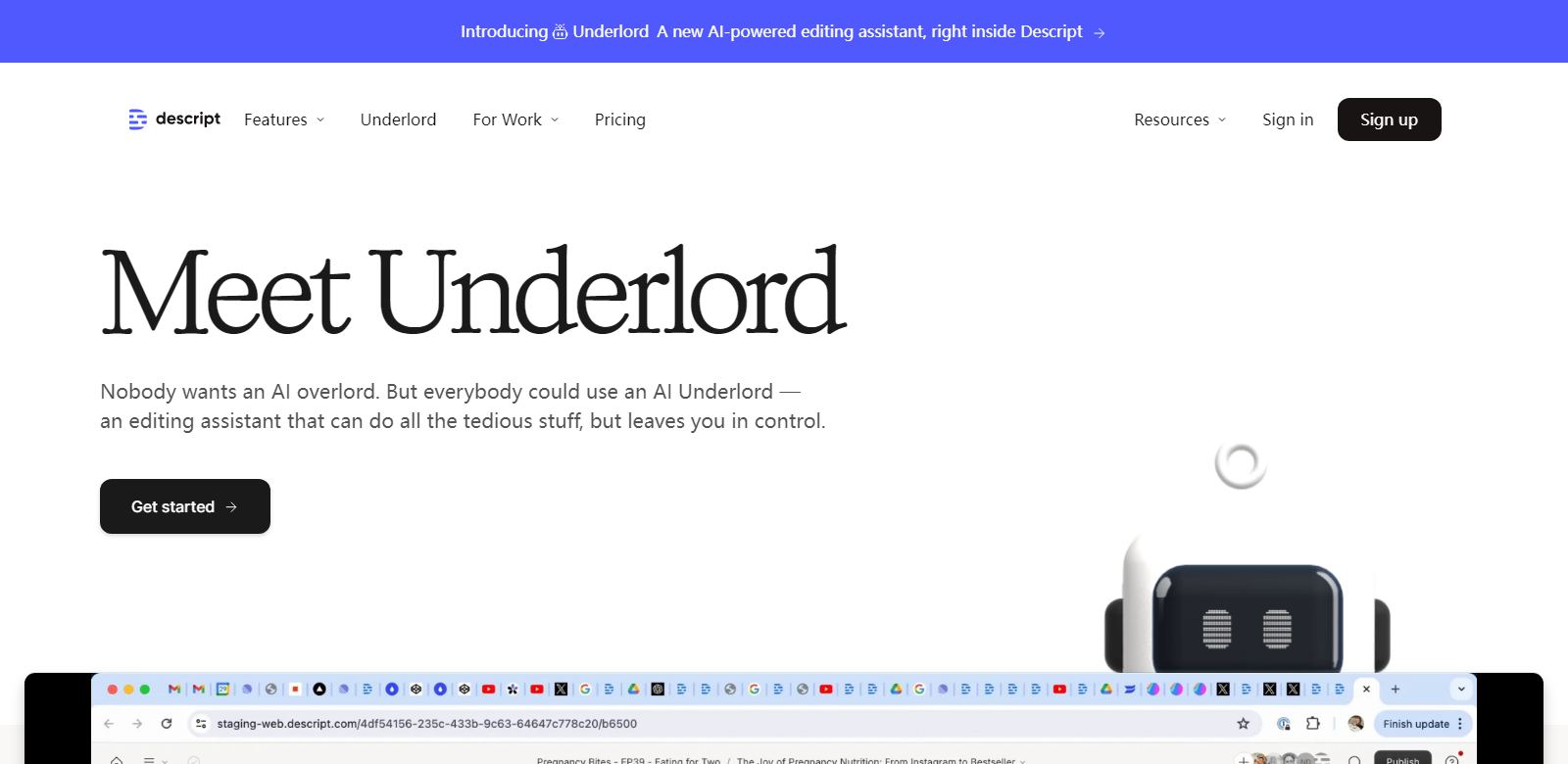
Underlord: AI Editor for Videos & Podcasts | Descript
Underlord, an AI-powered editing assistant, is integrated within Descript. It offers advanced AI features to handle tedious video and podcast editing tasks, enabling users to maintain their creative flow. Underlord automates various editing processes, making it easier for creators to focus on their content rather than the technicalities of editing.
Customers
Underlord caters to a diverse range of users:
- Video Editors: Simplifies video editing by making it as easy as working with documents and slides.
- Podcasters: Provides multitrack audio editing capabilities, similar to editing text.
- Content Creators: Assists in creating engaging clips by selecting the best moments and enhancing them.
- Remote Workers: Enables crystal-clear remote recording for podcasts and videos from any location.
- Marketers: Helps in creating promotional content that stands out on social media.
- Teams and Enterprises: Facilitates better collaboration and faster production with its comprehensive toolset.
Problems and Solutions
Problems
- Tedious Editing Tasks: Video and podcast editing can be time-consuming and monotonous.
- Audio Quality Issues: Poor audio quality can detract from the overall content.
- Complexity in Multicam Editing: Managing multiple camera angles can be challenging.
- Language Barriers: Reaching a global audience requires content translation.
- Engaging Social Media Content: Creating content that goes viral on social media is difficult.
Solutions
Underlord addresses these problems by automating many of the editing tasks. It offers tools for clarity editing, removing filler words, and improving audio quality. The AI capabilities allow for easy multicam editing, translation of videos and captions, and the creation of engaging social media content. This enables users to produce high-quality content efficiently and effectively.
Use Case
Underlord is ideal for content creators who want to streamline their workflow and enhance their production quality. For example, a podcaster can use Underlord to record remotely with guests, remove background noise, and automatically edit out filler words. Video editors can quickly create clips for social media, ensuring the content is optimized for engagement. Marketing teams can use the AI features to draft titles, summaries, and social media posts, making their promotional efforts more effective.
Frequently Asked Questions
-
What is Underlord?
Underlord is an AI-powered editing assistant integrated within Descript. It automates tedious video and podcast editing tasks, allowing users to focus on their creative work.
-
How does Underlord improve audio quality?
Underlord uses AI to remove background noise, enhance clarity, and regenerate voices, making recordings sound as if they were made in a professional studio.
-
Can Underlord translate content?
Yes, Underlord can translate videos and captions to and from 23 different languages, helping users reach a global audience.
-
What are the pricing plans for Underlord?
Underlord offers three pricing plans: Free, Creator ($12 per person/month, billed annually), and Pro ($24 per person/month, billed annually). Each plan comes with different features and usage limits.
-
How does Underlord help with social media content?
Underlord can create clips, draft titles, summarize content, and write social media posts, making it easier for users to produce engaging content that performs well on social platforms.