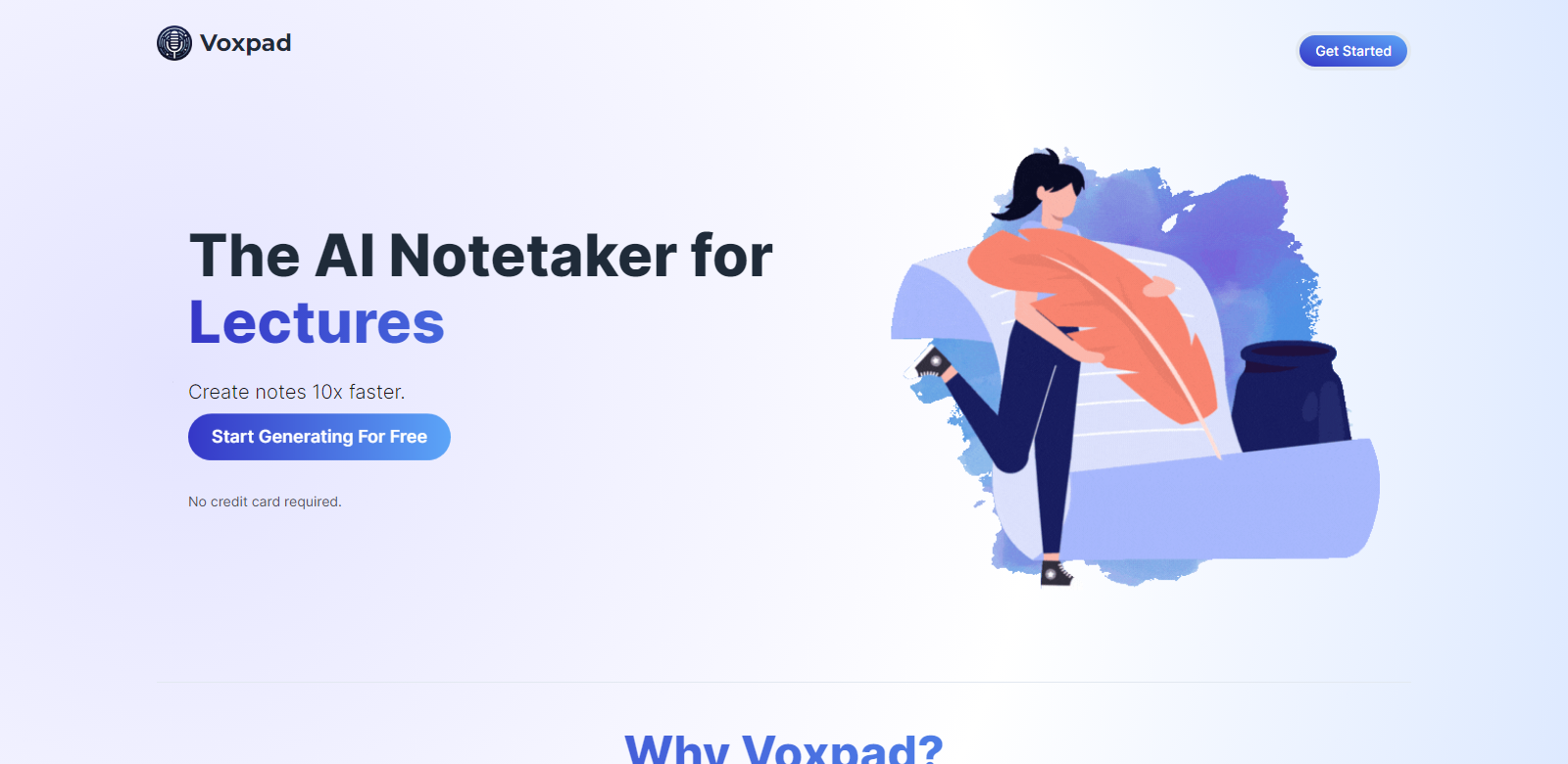
Voxpad - AI Notetaker for Effortless Video and Audio Note Conversion
Voxpad offers a sophisticated AI-powered notetaking solution, designed to efficiently convert video and audio materials into comprehensive, customizable notes. Tailored for a wide range of use cases including lecture notes, meeting summaries, and more, Voxpad streamlines the note-taking process, saving users valuable time.
Customers
- Students: Effortlessly transcribe lecture recordings into detailed notes.
- Professionals: Create accurate meeting summaries without manual effort.
- Researchers: Convert interviews and webinars into accessible notes.
- Educators: Store and customize lecture notes to enhance teaching material.
- Business Executives: Maintain accurate records of video conferences and presentations.
Problems and Solution
Problems
- Manual Note-Taking is Time-Consuming: Users spend hours manually transcribing audio and video.
- Inaccurate Transcriptions: Manual notes often miss key points and details.
- Disorganized Notes: Users struggle to keep their notes organized and easily accessible.
- Customization Needs: Users need to tailor notes to fit their specific requirements.
Solution
Voxpad automates the note-taking process using advanced AI technology, significantly reducing transcription time while ensuring the accuracy and detail needed. Notes come with timestamps for easy reference and are fully customizable to meet individual preferences. Secure storage in Voxpad allows for convenient accessibility.
How It Works
- Upload Files: Users quickly upload their video or audio files via a user-friendly interface.
- AI Processing: Voxpad's AI converts the recordings into detailed notes, adding timestamps for easy navigation.
- Customizing Notes: Users can edit and format notes using a built-in text editor.
- Save and Access: Generated notes are securely stored and can be accessed anytime.
Use Case
Voxpad enables a more efficient note-taking process for students attending lectures, professionals in meetings, or researchers conducting interviews. By uploading their recordings, users can easily obtain comprehensive and customizable notes, making information retrieval effortless and efficient.
Frequently Asked Questions
-
How long does generation take?
Note generation time depends on the length of the audio or video file but is typically fast, providing notes almost instantaneously after uploading.
-
Why is there an error after I click generate?
Errors may occur due to file format issues or server interruptions. Double-check the file format and try again, or reach out to support if problems persist.
-
Is there a limit on generations?
Generation limits are based on your subscription plan. Review your plan details for specific limits.
-
How do I get tokens?
Tokens can be purchased through the Voxpad website as part of various subscription plans or as a pay-per-use option.
-
Can I upgrade/downgrade my Voxpad subscription?
Yes, users can upgrade or downgrade their subscription plans at any time through their account settings.