

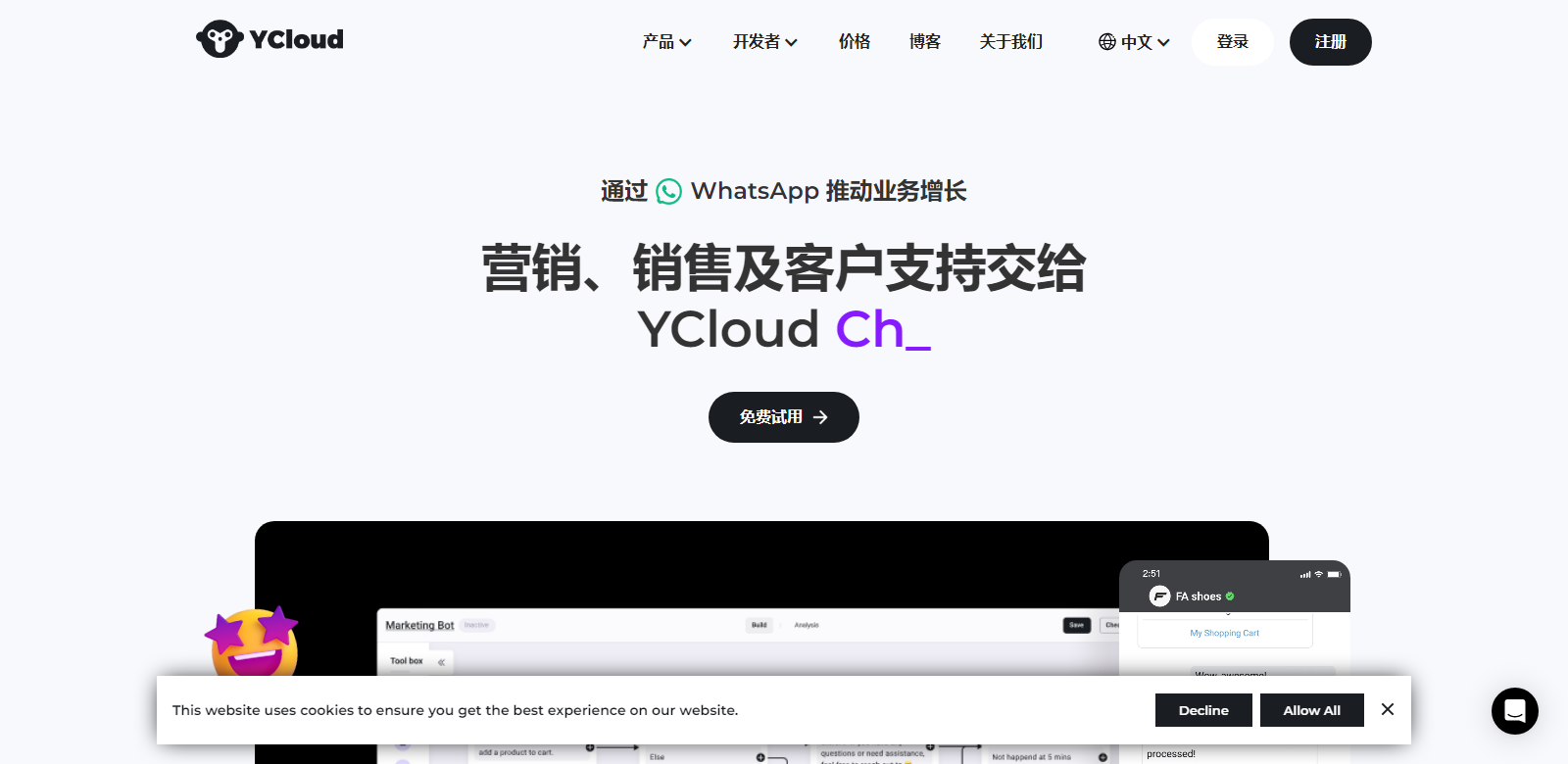
YCloud | Market, Sell & Support with WhatsApp Chatbot & CRM Platform
YCloud provides an extensive WhatsApp business solution that enhances company abilities in marketing, sales acceleration, and superior customer support. The platform allows businesses to rapidly integrate with WhatsApp Business API to drive growth and efficiency.
Customers
-
E-commerce Businesses: Benefit from engaging marketing campaigns and personalized customer interactions.
-
Customer Support Teams: Utilize chatbots and live chat tools for efficient customer service.
-
Marketing Teams: Drive growth using targeted marketing messages and personalized campaigns.
-
Sales Teams: Increase sales through conversational sales strategies and seamless CRM integration.
-
Developers: Easily integrate WhatsApp Business functionalities using popular coding languages and APIs.
Problems and Solution
Problems
-
Limited Customer Engagement: Difficulty connecting with customers on a large scale.
-
High Support Costs: Traditional customer support methods are costly and inefficient.
-
Fragmented Business Operations: Disconnected systems for marketing, sales, and support.
Solution
YCloud addresses these issues by enabling companies to integrate WhatsApp Business API seamlessly, offering tools for marketing campaigns, chatbots, customer journey automation, and live chat. This improves engagement, reduces costs, and ensures a unified business approach.
How It Works
-
Create a WhatsApp Business Account: Sign up through YCloud's streamlined self-service process.
-
Integrate with Your Systems: Use YCloud's APIs to connect WhatsApp with your CRM, store, and other applications.
-
Set Up Marketing Campaigns: Design and launch marketing campaigns using the Campaign tool.
-
Engage and Support: Use chatbots, live chat, and automation tools to interact with customers.
Use Case
An e-commerce business uses YCloud to launch personalized marketing campaigns and handle customer inquiries via WhatsApp. The sales team utilizes conversational tools to close deals, while the support team ensures prompt response to customer issues. Integrating these functionalities with their CRM, the business experiences improved customer satisfaction, increased sales, and significant growth.
Frequently Asked Questions
-
How can I integrate YCloud with my existing CRM?
YCloud offers easy API integration that allows you to connect your existing CRM with WhatsApp Business, ensuring seamless data flow and unified operations.
-
What are the costs associated with using YCloud?
YCloud offers a pay-as-you-go pricing model, charging only for message fees without any software, installation, or activation fees.
-
Can YCloud support multiple languages?
Yes, YCloud provides support in multiple languages, including English, Chinese, Spanish, and more, with 24/7 online assistance.
-
How does YCloud ensure message delivery?
YCloud utilizes WhatsApp's network to ensure high delivery rates for messages, with no charges for undelivered messages.
-
What types of media can be sent through YCloud?
YCloud supports rich media features, including text, images, videos, audio, PDFs, and more, enabling diverse and engaging communications.