Blinknote: Share Text, Simply.
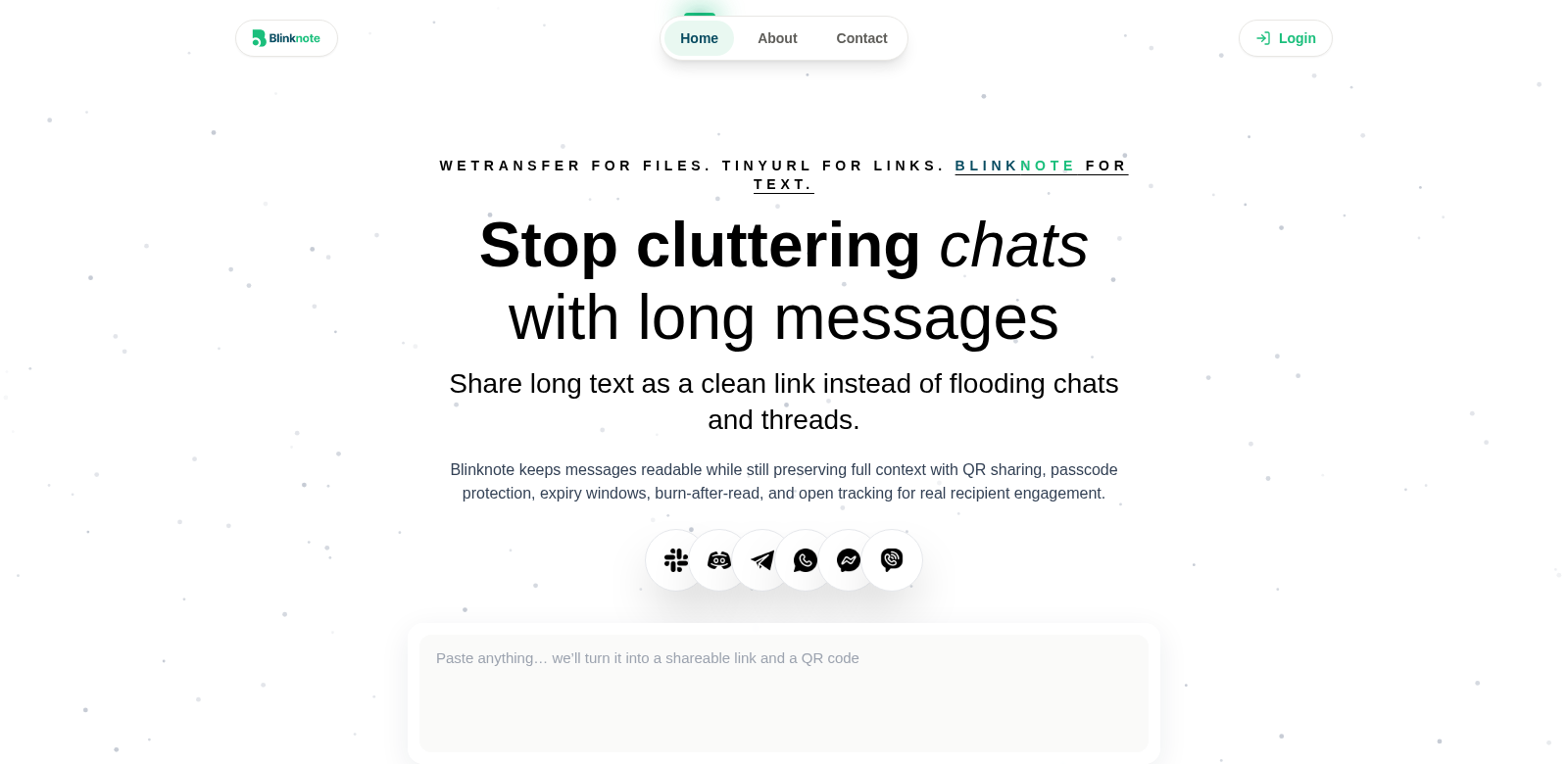
Let's face it: sharing long messages online can be a mess. Blinknote is here to fix that. It's a smart text-sharing tool that lets you turn big chunks of text into a single, clean link. Plus, you get features like passcode protection and QR codes, making it super easy to share exactly what you mean, without the clutter.
Who uses Blinknote?
Blinknote is for anyone tired of messy communication. Here's a look at some of the people who get the most out of it:
-
Corporate Teams:
Teams constantly chatting on Slack or Microsoft Teams know how fast things get buried. Blinknote helps them share detailed updates or analyses without flooding the chat. One link, all the info, no clutter. -
Educators:
Teachers often need to share tons of articles, readings, or assignments. Instead of emailing a dozen attachments, they can just send one Blinknote link. It makes getting materials to students simple and keeps everyone on the same page. -
Marketing Professionals:
Marketers send big reports to clients all the time. Blinknote lets them package all their data, analyses, and recommendations into a single link. No more overflowing inboxes, just clear, concise updates. -
Developers:
Developers frequently share long code snippets or technical docs. Blinknote turns those bulky text blocks into easy-to-manage links, so everyone can access and understand them without clogging up their communication tools. -
Event Coordinators:
Planning an event means sharing lots of schedules and itineraries. Blinknote makes it easy to get that info to guests, even with QR codes. This means less confusion and a smoother experience on the big day.
The Problems Blinknote Solves
Let's be honest, communication isn't always smooth. Here are the common headaches Blinknote tackles head-on:
The Headaches
-
Information Overload:
Chats get messy fast. It's nearly impossible to find what you need when messages are buried under a mountain of other stuff. -
Security Concerns:
Sending sensitive info over open channels is risky. You need a safe way to share things privately and securely. -
Accessibility Issues:
Not everyone can always get to every link or attachment right away. This slows things down and delays decisions. -
Sharing is Hard:
Trying to send long texts or multiple documents can be a pain, often leading to confusion or missed details.
How Blinknote Fixes It
Blinknote cuts through all that noise. You can turn those huge messages into clean, shareable links, instantly clearing up your Slack, Discord, WhatsApp, or whatever platform you're using. It makes conversations efficient without overwhelming anyone.
And for peace of mind, Blinknote lets you add optional passcode protection and set expiration dates. This means your shared content stays secure and only lasts as long as you want it to. You can share sensitive stuff knowing it's protected.
Plus, with simple link sharing and QR codes, getting information to your team is a breeze. Everyone can grab what they need, exactly when they need it.
Real-World Uses
Blinknote isn't just for one thing; it's incredibly flexible. Here are a few ways people put it to work:
For example, corporate teams can share project plans and updates by bundling all the details into one Blinknote link. This makes it super easy for team members, no matter what platform they're on, to get the info. Teachers can use it to hand out assignments, letting students grab all their materials with just a link or QR scan. And event planners? They can send out invites packed with all the important details, making sure guests have everything they need right in their pocket.
Blinknote's Best Features
Here's what makes Blinknote so useful for sharing text:
-
Simple Link Creation: Turn long messages into short, clean links in a flash.
-
Passcode Protection: Lock your content with a custom passcode. Only the people you want to see it can get in.
-
Expiration Settings: Set your links to disappear after a certain time. You decide how long the info stays live.
-
Burn-After-Read Control: For ultimate privacy, once someone views the link, it's gone forever. Peace of mind, delivered.
-
Open Tracking: See exactly when your link was accessed. Great for marketers or educators who want to know if their content is being seen.
Your Questions, Answered
-
How can I share long messages without cluttering my chat?
Just use Blinknote! It turns your long messages into a short, clean link, keeping your chats tidy and organized. -
Is my information secure when using Blinknote?
Yes, definitely. Blinknote offers passcode protection and link expiration, so your shared info stays safe and private. -
What platforms support Blinknote?
Blinknote works great with all the popular messaging apps like Slack, WhatsApp, Telegram, Discord, and more. It's built to fit right into how you already communicate. -
Can I track if my shared link has been accessed?
Yep! Our open tracking feature lets you see exactly when someone views your link. It's super helpful for knowing if your content is getting seen. -
How do I create a QR code for my shared link?
Blinknote automatically makes a QR code for every link you create. Just share the code, and anyone can scan it to instantly access your content.