Effortlessly Blur Images Online: WPS Tool Overview
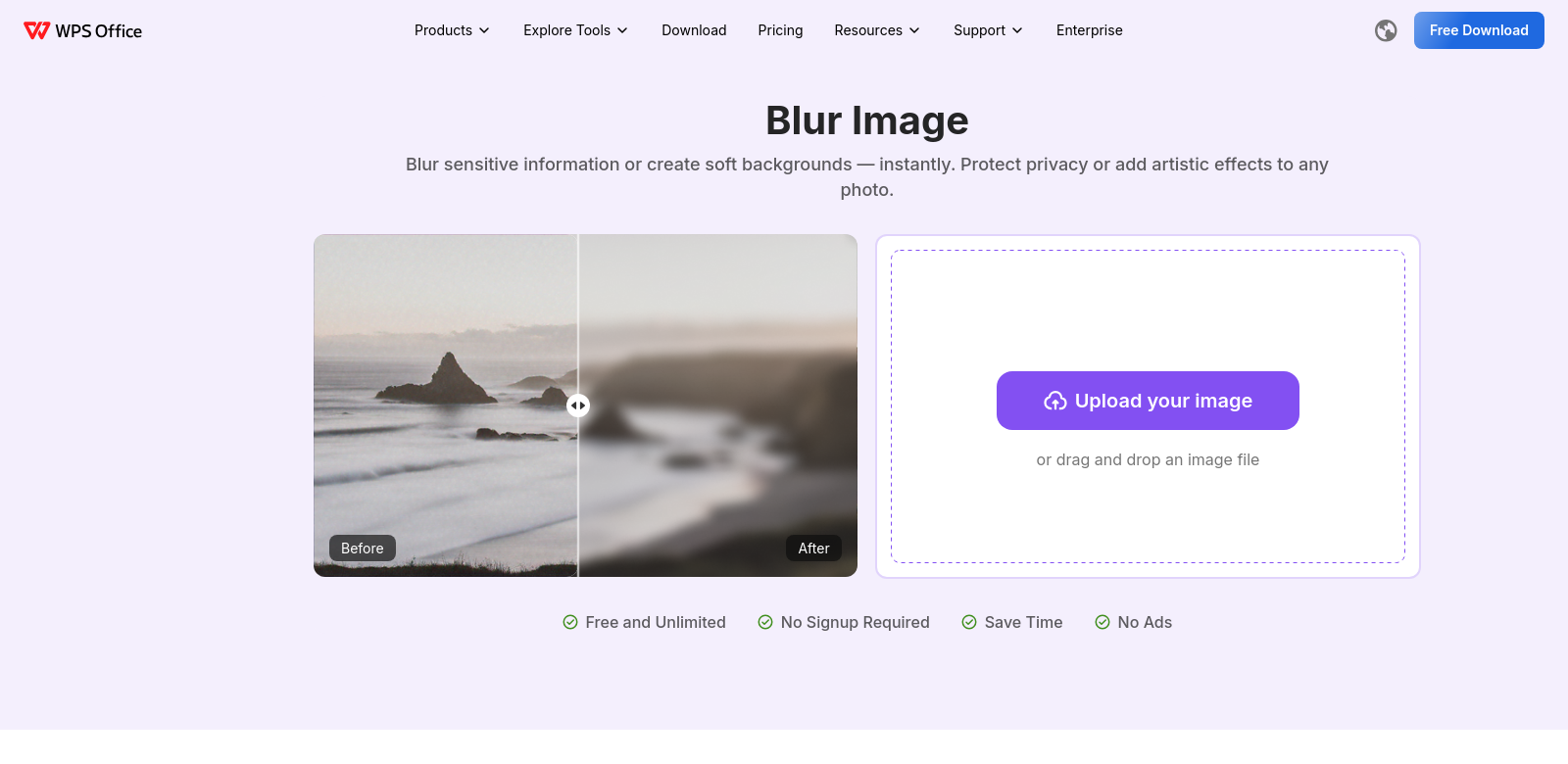
These days, keeping your photos private is a big deal. Maybe you need to hide sensitive info, blur a face, or just get rid of something you don't want in the shot. The WPS Blur Image tool makes it easy. It's an online tool that lets anyone edit their pictures, no fancy skills needed – great for pros and everyday users.
Customers of WPS
Who uses WPS? Knowing that helps show just how useful the Blur Image tool can be. Here's who gets the most out of it:
-
Photographers:
Pros often need to protect client privacy or tweak photos for their portfolios. The WPS Blur Image tool lets them quickly blur faces or sensitive details without messing up the picture's overall look. -
Social Media Managers:
On social media, great visuals are a must, but sharing private stuff can be risky. Managers can easily use WPS to blur tags or personal info before posting. This keeps users' privacy intact and helps maintain a consistent brand. -
Graphic Designers:
Designers often edit images for marketing materials. The blur tool is super helpful for adjusting visuals, making sure no sensitive info slips out after a project is done. -
Everyday Users:
If you just want to upload photos online but keep some privacy or remove personal details, this tool is handy. WPS makes it simple and easy for anyone who doesn't have complex editing software. -
Content Creators:
Creators often share behind-the-scenes photos that aren't meant for everyone to see. Blurring parts of these images helps keep things mysterious or protects sensitive info, all while still engaging their audience.
Problems and Solutions by WPS
The WPS Blur Image tool solves a few common headaches people run into with digital photos.
Problems WPS Found
-
Unwanted Visibility:
Pictures often catch more than you meant them to, meaning personal data, faces, or other private stuff gets shared by accident. -
Hard to Edit:
Lots of people find regular photo editing software intimidating, so they just avoid editing pictures entirely. -
Takes Too Long:
Editing software can eat up a lot of time. People want a faster way that still looks good. -
Software is Too Complex:
Image editing tools often pack in tons of features, making it overwhelming just to find the simple blur option.
Solutions by WPS
WPS tackles these problems head-on with a simple, easy-to-use interface for blurring images. You just upload your picture, then quickly add a blur. You can choose how strong it is and where it goes – either a specific spot or the whole thing. WPS focuses on being easy, so there's no steep learning curve like with other editing software. This straightforward approach speeds up your editing, saving you time. Plus, since it's online, you don't need to install anything big. Just open it from anywhere with an internet connection.
Use Case
The WPS Blur Image tool works in lots of different situations. Photographers might use it to quickly hide someone's identity before sharing a photo. Social media managers can use it to easily protect user privacy, making sure their posts follow privacy rules. And for everyday people, it's a simple way to get vacation photos ready for social media without showing private details, so they can share and get comments without worrying.
Top Features of WPS
WPS built its Blur Image tool with some great features to make your life easier:
-
Easy to Use:
It's designed to be simple, so even if you've never used it before, you can get things done without any hassle. -
Fast Processing:
Your images get processed quickly, so you can use them right away without waiting around. -
Flexible Blur Options:
You can blur the whole image or just specific parts, depending on what you need to keep private. -
No Downloads:
It's all online, so no need to install anything, worry about updates, or take up storage space. Super convenient. -
Totally Free:
The WPS Blur Image tool costs nothing, making it an easy choice for anyone who needs quick edits without spending money.
Frequently Asked Questions
-
How do I blur an image using the WPS tool?
Just upload your picture, pick how you want to blur it, tweak the settings, and hit apply. It's really simple. -
Do I need an account to use the WPS Blur Image tool?
Nope, no account needed. We made it easy to access so anyone can use it without signing up. -
What file formats can I use with WPS?
WPS works with common formats like JPG and PNG, so it's pretty flexible for most people. -
Can I reverse the blurring effect?
Once you blur and save an image, you can't undo it. It's a good idea to save a copy of your original photo first. -
Is my image secure after uploading?
Yes, absolutely. WPS takes your privacy seriously. We process images securely and don't keep any uploaded files, so your privacy is guaranteed.