Brodlin Tools: Take Control of Your Documents
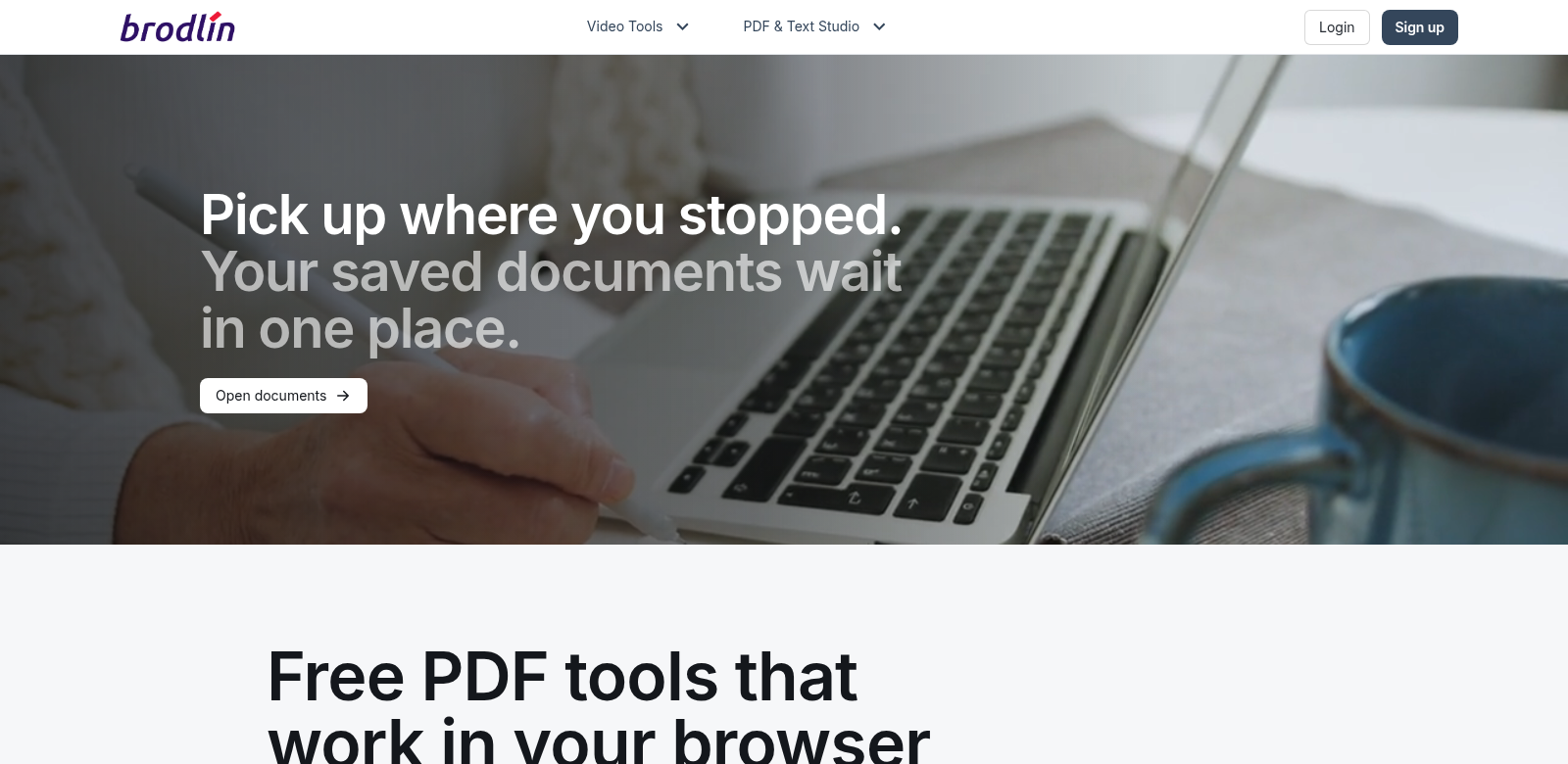
Brodlin Tools is a complete platform for handling all sorts of documents. It helps you work smarter and faster with features like PDF creation and editing, AI-powered text extraction from images, and a bunch of handy online tools. Whether you're just managing your own files or running a business that needs serious solutions, Brodlin Tools has the specialized tech to meet those different demands. Check it out at Brodlin.
Who Uses Brodlin Tools?
It's helpful to know who gets the most out of Brodlin Tools. We see a few distinct groups of users, each with their own specific needs and headaches. Here are some of the main ones:
-
Freelancers: If you're a graphic designer, writer, or any kind of freelancer, you know how much time document formatting can eat up. Brodlin lets you quickly convert, edit, and manage PDFs, freeing you up to focus on your actual work instead of wrestling with files.
-
Small Businesses: Unlike big companies with dedicated software, small business owners often need versatile tools that don't break the bank. Brodlin's suite helps you create professional invoices, contracts, and presentations easily, all while keeping your budget in check.
-
Educators: Teachers and academics deal with mountains of papers and assignments. Brodlin's AI text extraction can seriously cut down on grading time and make managing student documents much smoother and more organized.
-
Legal Professionals: Law firms handle a huge volume of documents that demand absolute precision. Brodlin Tools offers solid options for PDF annotation and editing, cutting through the usual complications that come with complex legal paperwork.
-
Corporate Teams: For larger teams, getting everyone to collaborate effectively in a digital workspace is key. Brodlin Tools makes it easy to create and share documents, boosting productivity and helping projects succeed.
The Document Management Headaches Brodlin Solves
Document management often feels like a constant battle against inefficiency. Brodlin Tools understands these frustrations and offers some clever ways to fix them.
The Problems We Saw
-
Clunky PDF Tools: So many PDF tools out there feel ancient or just plain annoying to use. People want something intuitive and smooth, not another source of frustration.
-
Manual Text Extraction is a Nightmare: Trying to pull text from images by hand is tedious and a huge time sink. It's also a recipe for errors.
-
Collaboration is Hard: With so many teams working remotely, collaborating on documents needs to be seamless. Without the right tools, it quickly turns into a confusing mess.
How Brodlin Tools Fixes Them
Brodlin Tools tackles these problems head-on with smart, easy-to-use solutions. The platform gives you a straightforward interface for creating and editing PDFs, making your workflow efficient and customizable. Plus, Brodlin’s AI text extraction means you can process images fast, turning them into editable text without all the manual retyping hassle.
Collaboration gets a huge boost too. Brodlin Tools lets you share documents easily, track changes, and give feedback in real-time. This is especially helpful for corporate teams, ensuring everyone's on the same page and misunderstandings are kept to a minimum.
Real-World Examples
Here are a few ways people actually use Brodlin Tools:
- A freelance graphic designer converts images of their sketches into PDFs for clients, ensuring a polished presentation and saving precious time.
- A small business owner uses the platform to create professional invoices, making their billing process much smoother.
- An educator uses Brodlin’s text extraction to digitize student submissions, saving hours of grading and staying organized.
Brodlin Tools: Key Features
Brodlin Tools has some genuinely useful features that help it stand out in the crowded world of document management:
-
PDF Creation and Editing: Easily make and change PDFs. Your important documents will look sharp and professional every time.
-
AI-Powered Text Extraction: Convert images or scanned documents into editable text. This drastically cuts down on manual transcription time.
-
Works Everywhere: Access your documents from any device. You can work from anywhere without losing functionality.
-
Team Collaboration: Invite others to work on documents with you. Track changes in real-time and give structured feedback.
-
Simple Interface: Designed for everyone, no matter their tech skills. Brodlin Tools focuses on being easy to use, so you can navigate its features without a fuss.
Common Questions About Brodlin Tools
-
What kinds of documents can I make with Brodlin Tools? You can create and manage all sorts of documents, like professional PDFs, invoices, contracts, and more. It works for both personal and business needs.
-
Is there a mobile version? Yes, you can access Brodlin Tools on different devices, so you can manage your documents no matter where you are.
-
How does the AI text extraction work? Our AI text extraction uses smart algorithms to accurately find and convert text from images or scanned files. This saves you a lot of time you'd otherwise spend typing things out.
-
Can I work with others on documents using Brodlin? Absolutely! Brodlin Tools has strong collaboration features that let multiple users edit and give feedback on documents in real-time.
-
What kind of support do users get? Brodlin Tools offers a full support system. This includes tutorials, FAQs, and direct customer service channels to help you with any questions.