
Denoisr: AI Noise Reduction for Podcasts & Voice Recordings
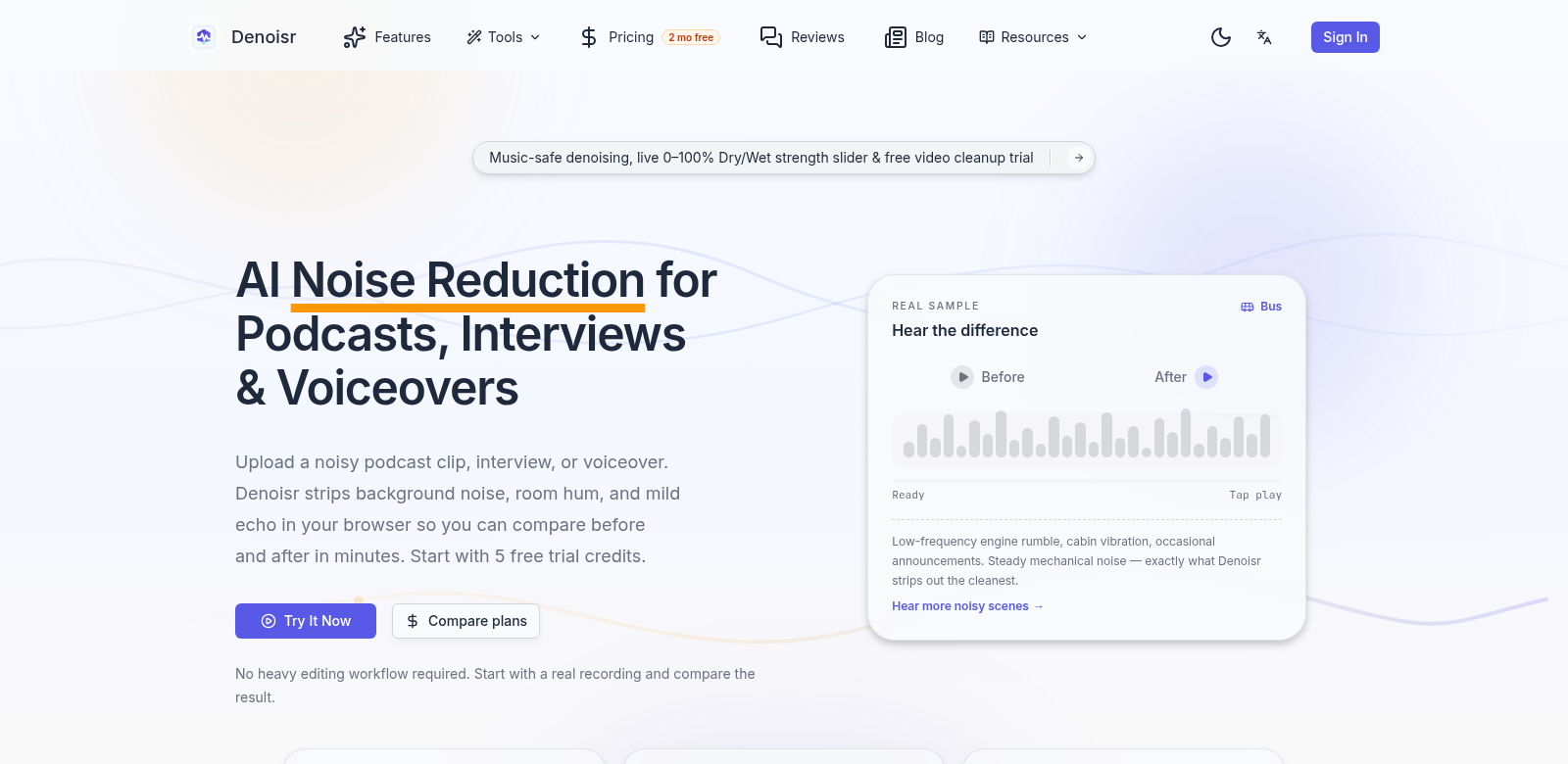
Denoisr cleans up audio recordings. It uses AI to get rid of unwanted noise, making your sound much better. If you're a podcaster, voiceover artist, or just someone who needs clear audio for their work, this tool is for you. You can zap background distractions like hum, fan buzz, and echo right from your browser – no complicated software to install. Plus, you can export your audio in five different formats, which makes it super flexible for anyone, from pros to beginners.
Who uses Denoisr?
Lots of people need clean audio, and Denoisr helps them get it.
-
Podcasters: Podcasters often battle background noise in their recordings. Denoisr's AI noise reduction makes their final episodes sound crisp and professional, which keeps listeners tuned in.
-
Content creators: YouTube and social media creators can use Denoisr to improve their video audio. Clear voiceovers, free from distractions, really help keep viewers engaged and make content look more polished.
-
Voiceover artists: For voiceover artists, a clear voice is everything. Denoisr gets rid of outside noises that can mess with a performance, making sure their voice comes through exactly as they intended.
-
Musicians: Musicians can use Denoisr for recording demos or practice sessions. It helps them get clean audio, which makes mixing and mastering a lot easier later on.
-
Educators: If you're making webinars or online classes, Denoisr can make sure your teaching materials are clear and engaging. Noisy backgrounds just make it harder for students to focus.
The Problems Denoisr Solves
Every audio creator runs into background noise. It just ruins recordings. Denoisr fixes these common headaches.
The Annoying Stuff Denoisr Fixes
-
Unwanted Background Noise:
So many recordings get messed up by echoes, hums, and other distracting sounds. They just make it hard to listen. -
Complex Software Setup:
Most audio editing software is a pain to set up and learn. It's not really built for beginners. -
Time-consuming Editing:
Cleaning up noise by hand takes forever. It pulls you away from the fun, creative stuff and just leaves you frustrated.
How Denoisr Solves It
Denoisr uses smart AI to pinpoint and get rid of unwanted sounds. You don't have to wrestle with complicated editing software; Denoisr lets you focus on being creative, not technical. Its simple, browser-based interface means anyone can use it. And because you can preview results instantly, you get great sound fast, which boosts your productivity and the quality of your content.
Where You Can Use It
Denoisr is pretty flexible for cleaning up audio in lots of different situations:
- Podcast Production: If podcasters are recording remote interviews, Denoisr makes sure background noise from different places doesn't muddy up the conversation.
- Voiceovers for Ads: Companies making audio ads can use Denoisr to get super clear, interference-free voice recordings.
- Online Learning: Educators can clean up their lecture recordings, getting rid of distracting noises so students can actually focus on what's being taught.
- Music Production: When musicians record tracks, Denoisr can cut out audio interference, which makes life a lot easier for sound engineers during mixing and mastering.
- Field Recordings: Researchers or sound designers who record natural environments can use it to clean up recordings from noisy areas, giving them much better samples.
What Denoisr Does Best
Here are the main things Denoisr offers:
- AI Noise Reduction: It uses smart AI to cut out unwanted noise, making your audio super clear.
- Browser-Based: You can use it from any device with internet. No downloads or installs needed.
- Five Export Formats: Export your cleaned audio in five different formats, so it works wherever you need it.
- Easy to Use: The interface is straightforward, making noise reduction simple for anyone, no matter their skill level.
- Free Trial Credits: Try Denoisr out without risk. We give you credits to start.
Got Questions?
-
How does Denoisr work?
It uses smart AI to listen to your audio, figure out what's noise, and then get rid of it. The result is super clean sound. -
Can I use Denoisr for live recordings?
Denoisr is built for cleaning up recordings after you've made them. You'd typically use it on a file to make it sound much better. -
Is there a limit to how many recordings I can process?
We offer a free trial with some credits to get you started. If you need to process a lot, you can buy more credits. -
Does Denoisr change my original audio quality?
No, it just removes the noise. Your recording's original quality stays intact, only clearer. -
What formats can I export my audio in?
You can export your cleaned audio in several formats, like MP3, WAV, and others. It'll work for most things you need.