
Design Maker AI: Design Smarter, Not Harder
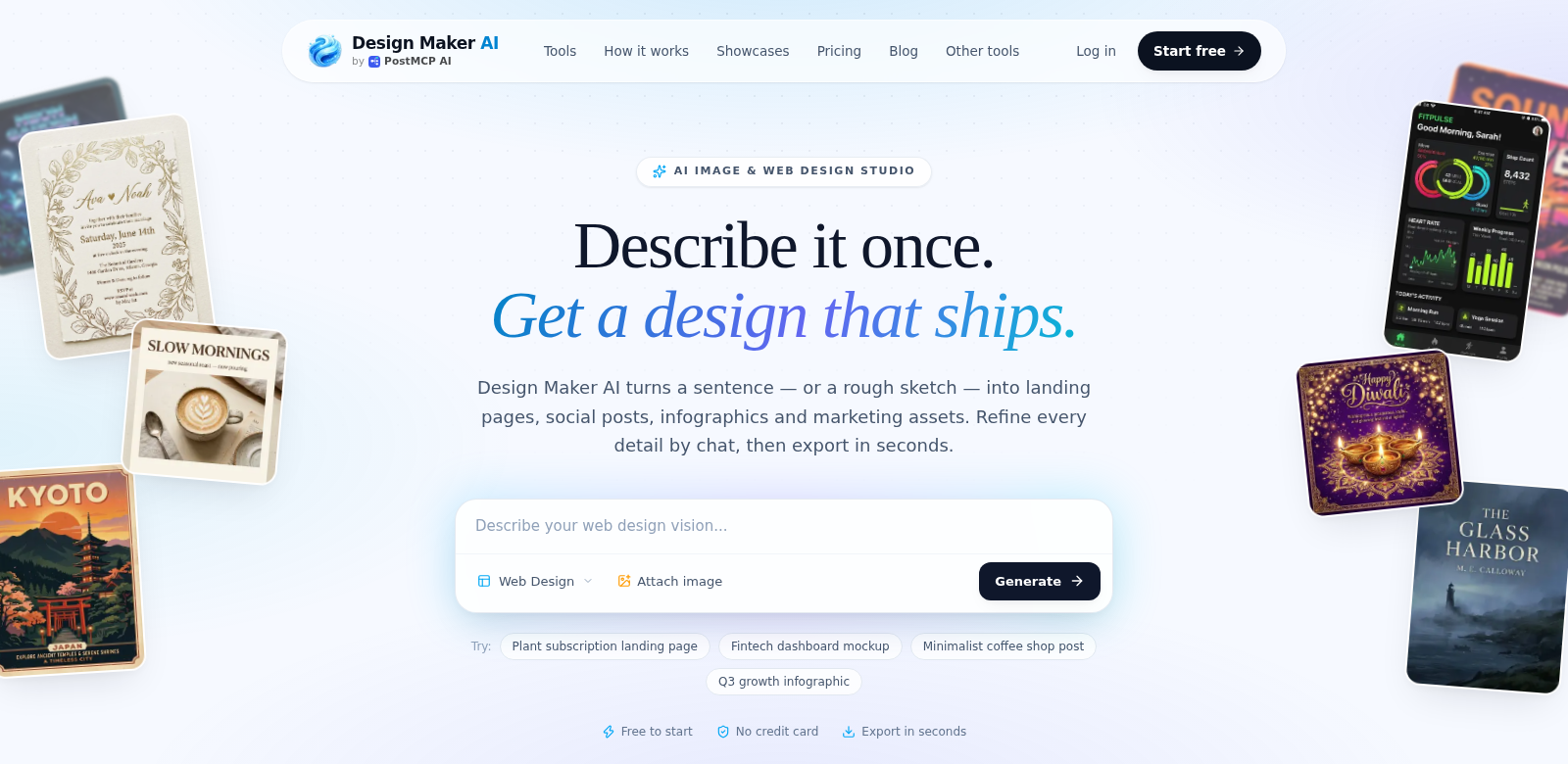
Design Maker AI is a powerful platform that makes graphic design easier. You can whip up production-ready landing pages, SaaS websites, and mobile app interfaces in just a few clicks. This smart tool uses advanced artificial intelligence to polish UI mockups, helping designers of all stripes create stunning, functional elements that grab attention. With Design Maker AI, design isn't a chore anymore; it's a chance to really get creative.
Who Uses Design Maker AI?
All sorts of people use Design Maker AI, and they all get something different out of its features. It helps professionals in many industries get their creative work done faster and better.
-
Freelance Designers: Freelancers are always juggling projects. Design Maker AI lets them crank out high-quality designs fast, which is crucial for hitting deadlines and keeping clients happy.
-
Startups: Startups need to make a splash right away. Design Maker AI helps them build professional mockups that truly show off their brand and vision, all without needing a huge design budget or team.
-
Marketing Teams: Marketing pros live and die by visuals. Design Maker AI lets them whip up campaign graphics fast, making it easier to create engaging content that actually gets people interested and converts.
-
Web Developers: Developers can use the UI mockup tools to see how things will look before they start coding. This means they catch user experience and interface problems much earlier.
-
Agencies: Design agencies need to be fast and flexible. Design Maker AI delivers, offering a scalable way to churn out tons of design variations all at once.
The Problem and Our Solution
The digital world moves fast, and everyone needs great designs. But that creates a few headaches for professionals.
Problems We Saw
-
Time-Consuming Design: Traditional design takes forever. Seriously, it eats up so much time in creation and revisions.
-
Limited Resources: Many small teams or individuals just don't have access to the pro design tools they need to compete.
-
Slow Iteration: In agile development, you need quick feedback and changes. Slow design just gums up the works.
-
Complex Software: Most graphic design software is a nightmare to learn. Beginners struggle to make anything decent.
How Design Maker AI Helps
Design Maker AI tackles these problems head-on with its easy-to-use interface and powerful AI. You can quickly generate all sorts of design templates, then tweak them to perfectly match your brand. Its features let you refine designs on the fly, cutting down drastically on revision and iteration time. Because it's so user-friendly, even total design newbies can create something that looks genuinely good. With tools that make quick, iterative design a breeze, pros can spend more time on creative breakthroughs instead of getting stuck in the weeds of design logistics.
Real-World Uses
Design Maker AI is super versatile, meaning you can use it for all sorts of things across different industries. Say a startup is launching a new app; they can use it to whip up interface mockups that really grab users. Or a marketing team could generate eye-catching campaign graphics in minutes. Even big agencies can use it. Team members can create tons of design variations for client pitches, making their workflow smoother and boosting productivity.
Top Features
Design Maker AI really shines because it's packed with features that cover pretty much every design need you could have.
-
AI-Powered Mockup Generation: This feature uses some seriously smart tech to let you quickly generate mockups based on the latest design trends and styles.
-
Customizable Templates: Pick from a bunch of templates, then tweak them to fit your brand perfectly. Every design ends up looking unique.
-
Integrative AI Co-Pilot: Our interactive AI Co-Pilot helps you refine UI mockups, guiding you to the best design layouts quickly.
-
User-Friendly Interface: The platform is so intuitive, anyone—no matter their skill level—can navigate it easily. Design becomes accessible to everyone.
-
Collaboration Features: Design Maker AI lets multiple people work together on projects without a hitch, making teamwork and creative discussions flow smoothly.
Your Questions About Design Maker AI, Answered
-
What kind of designs can I create? You can create all sorts of designs with Design Maker AI: landing pages, mobile apps, marketing graphics—whatever you need.
-
Is Design Maker AI good for beginners? Absolutely! Its user-friendly interface and interactive features make it a fantastic choice for beginners who want to get into design without getting bogged down by complexity.
-
Can I work with my team on Design Maker AI? Yes, you can! The platform has collaboration features that let team members work together on projects in real-time, making communication and workflow much smoother.
-
How fast can I make designs? Because of its AI smarts, you can generate high-quality designs in just minutes, really speeding up your whole design process.
-
What kind of support do you offer? We offer user support through tutorials, FAQs, and customer service to help you get the most out of Design Maker AI.