
Turn Images into Editable Documents with DocCrisp Converter
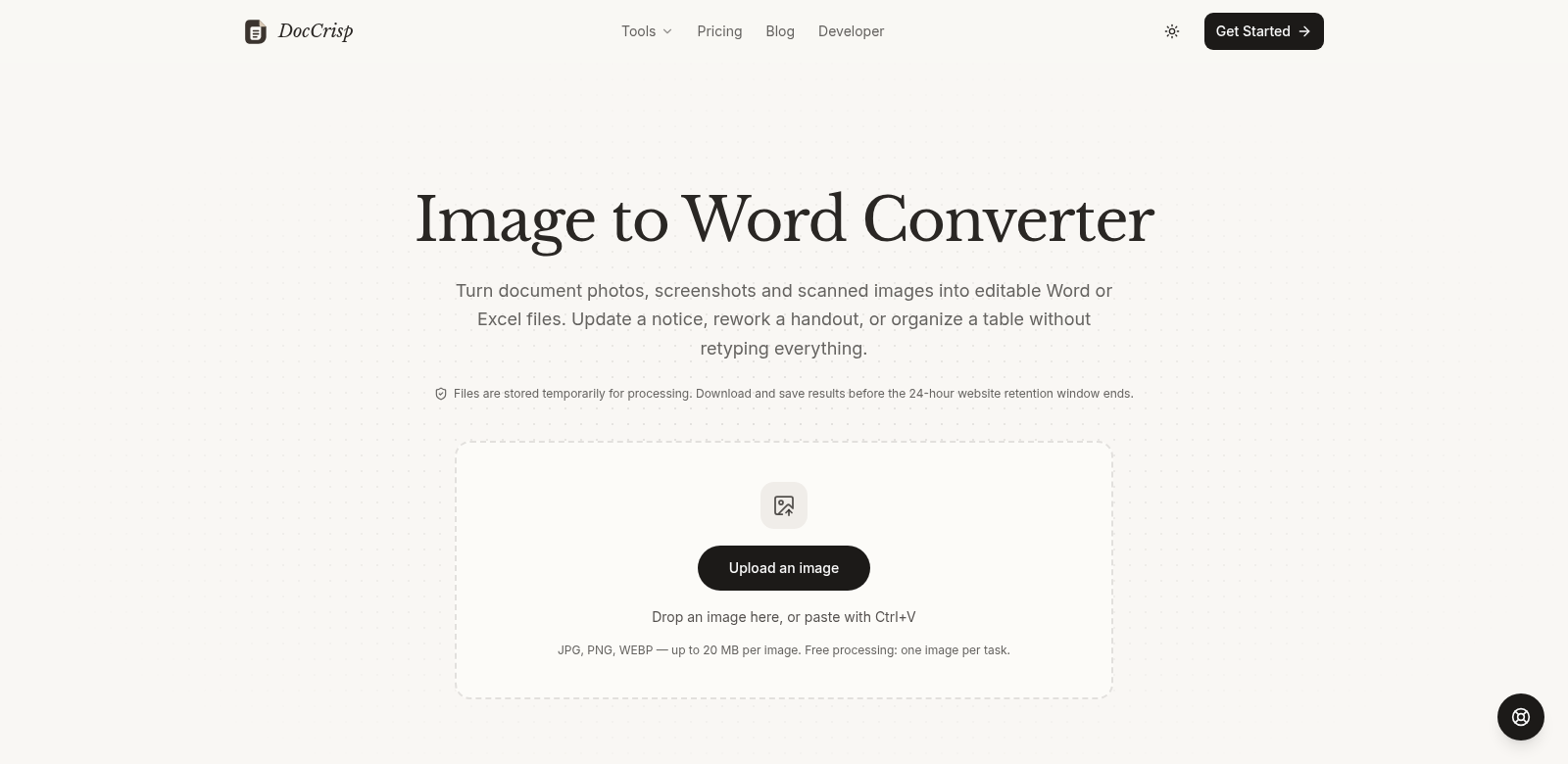
DocCrisp is an online tool that converts images like JPG, PNG, and WEBP into editable Word files. It's simple and efficient, built for anyone who needs quick access to text locked inside images. You don't even need to sign up for single conversions, making it super easy to get your documents converted. This saves both professionals and students a ton of time by cutting out manual typing.
Who Uses DocCrisp?
Many different people use DocCrisp, and they all find it useful in their own way. Here are a few examples:
-
Students: Students often need to get at notes or study materials that are images. DocCrisp saves them time with quick conversions, so they can easily drop text into assignments or study guides.
-
Photographers: Photographers might get contracts or agreements as images. Converting them to Word lets them quickly edit and add legal terms.
-
Business Professionals: Many professionals deal with scanned documents that need editing. DocCrisp turns these images into editable files, keeping the original layout intact.
-
Researchers: Researchers often work with visual data or published papers that are images. DocCrisp lets them convert these images into text, which saves time when they're analyzing data or reviewing literature.
-
Writers and Editors: Copywriters and editors can use the tool to turn draft images into Word files, making editing much simpler before they submit or publish.
What Problems Does DocCrisp Solve?
DocCrisp solves several common problems for professionals and students who work with image documents.
Problems DocCrisp Found
-
Inaccessibility of Image-Based Text: Many people struggle to get at text stuck inside images. This slows them down and is super frustrating.
-
Time-Consuming Manual Transcription: Typing documents by hand is tedious and full of mistakes, leading to errors in important details.
-
Format Inconsistencies: People often run into formatting problems when they convert documents manually or use crummy tools, which makes editing a nightmare.
Solutions by DocCrisp
DocCrisp changes how people work with images by offering quick, easy fixes for these common headaches. The tool uses OCR technology to accurately read text from different image formats and turn it into editable Word documents. Just upload your images, and in moments, get a perfectly converted document back. This saves you time and the headache of typing everything yourself. It's a smooth experience that boosts productivity and cuts down on manual typing errors. Being able to review text and formatting after conversion lets you quickly finalize your documents.
Use Case
Imagine a marketing professional who needs to convert promotional materials designed as JPEGs. Before, they'd have to manually retype the text from those images into Word just to collaborate. With DocCrisp, they just upload the image, convert it, and instantly share the editable document with their team.
Or, think about students studying from lecture slides in PNG format. Instead of struggling to read the text, they can quickly turn these images into Word files. This makes note-taking easier and helps them integrate it into their study materials. These examples show how DocCrisp fits into all sorts of workflows and helps get tasks done faster. It's a pretty critical tool for managing documents efficiently.
Top Features of DocCrisp
DocCrisp has some great features that make it easy to use:
-
Free Single-Image Conversion: You can convert one image at a time without needing to sign up, so you can use it whenever you need it, no strings attached.
-
High-Speed Processing: The tool converts images to editable Word files in seconds, so it won't slow you down.
-
Quality Retention: DocCrisp keeps the original formatting. You get high-quality conversions that keep the text and layout just as they were.
-
User-Friendly Interface: It's designed to be straightforward and intuitive, so you don't need any technical skills to use it.
-
Review and Edit Capabilities: After conversion, you can easily review and edit the text, and make any changes before you finalize your documents.
DocCrisp: Your Questions Answered
-
How does the image to Word conversion process work? When you upload your image, DocCrisp uses OCR technology to pull out the text and turn it into an editable Word document, and it tries to keep the original layout.
-
Is there a limit on the number of images I can convert? You can convert one image at a time for free without signing up. If you need to convert a lot, subscription options offer bulk conversions.
-
What file formats does DocCrisp support? The converter currently supports JPG, PNG, and WEBP formats, so it covers most common image types.
-
Can I edit the converted document? Yes, you can review and edit the text directly in Word after conversion. This means you can make all the changes you need.
-
What is the quality of the converted output? DocCrisp aims for high quality in its outputs. It tries to keep the original formatting as much as possible, making it a reliable tool, even for professional work.