Free Online Engraving Designer by Engraving Studio
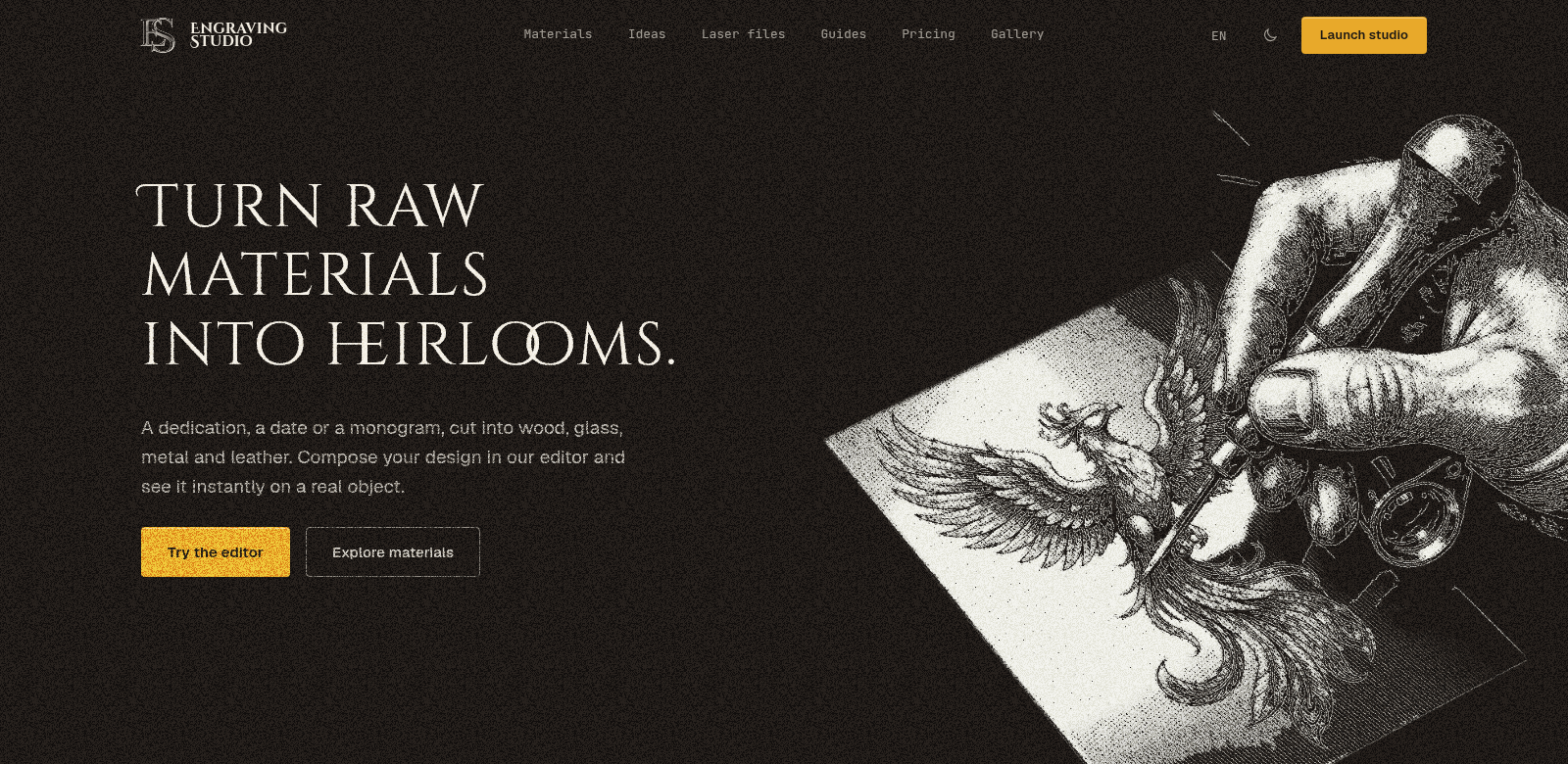
Engraving Studio lets you design engravings right in your web browser. It's packed with over 1,200 designs, so you can easily create amazing engravings on wood, glass, metal, or leather. What's really cool is the 3D preview – you can see exactly how your design will look. Plus, it exports in true-size SVG, PDF, and PNG, which is perfect for anyone with a laser engraver, whether you're a hobbyist or a pro. Engraving Studio is the go-to tool for adding a personal touch to gifts or products.
Who Uses Engraving Studio?
Engraving Studio serves all sorts of people. After looking at who loves our platform, we see a few main groups:
-
Hobbyists: Hobbyists who want to make personalized items often pick Engraving Studio. It's super easy to use, and the huge design library helps them find what they need. They can quickly export their designs in the right format, making it simple to bring their ideas to life.
-
Small Business Owners: Small businesses get a lot out of Engraving Studio. They can design and make custom engravings for their products, which helps them build their brand and stand out in a crowded market.
-
Craft Enthusiasts: Craft enthusiasts appreciate how flexible Engraving Studio is, especially since it works with so many different materials. This lets them experiment and create unique, handmade items that often feel more special.
-
Event Planners: Event planners use Engraving Studio to design custom decorations and gifts for special occasions. It helps them add a unique touch to events, making the experience better for clients and guests.
-
Schools and Educators: Schools can use Engraving Studio to create teaching tools and promotional materials. It's easy to access and export designs, so teachers can get students involved in creative projects that reinforce what they're learning.
Problems Engraving Studio Solves
People and businesses face a lot of challenges when it comes to design and personalization today. Engraving Studio was built to fix these.
Problems We Noticed
-
Hard to Access: Many design programs are tough to learn or just not user-friendly, which can stop casual users or beginners from even trying.
-
Few Custom Options: Traditional engraving services often have limited design choices, making it hard to create something truly unique.
-
Expensive Professional Services: Hiring professional engravers can cost a fortune, especially for small jobs or one-off pieces.
-
Slow Design Process: Designing can take forever if you're stuck with outdated software or methods.
-
Format Headaches: It's often a pain to convert designs into the specific formats needed for different laser engraving machines.
Our Solution
Engraving Studio tackles these problems head-on with its intuitive online platform. You design right in your browser, so there's no need for expensive software or special training. This makes it accessible for everyone. Our massive library of designs, plus the option to upload your own, means you can personalize anything you want. And because it generates SVG, PDF, and PNG files, it works with almost any engraving machine, making the whole process much faster. It's perfect for both hobbyists and professionals who need flexibility and efficiency.
What You Can Do With It
Engraving Studio is useful for all sorts of things:
-
Personalized Gifts: Design custom engravings for birthdays, anniversaries, or weddings. These become cherished keepsakes for your loved ones.
-
Business Branding: Small businesses can add custom engravings to their products, helping them build a strong identity and stand out.
-
School Projects: Schools can use it to make learning tools or awards, getting students involved in hands-on, personalized projects.
-
Artistic Creations: Artists can bring their unique visions to life on different materials, creating innovative displays of their work.
-
Event Keepsakes: Planners can craft custom items like awards or unique decor to make events even more special.
Key Features of Engraving Studio
Here are some of Engraving Studio's best features:
-
Easy to Use: The platform is designed to be simple, so even beginners can quickly navigate and create designs.
-
Huge Design Library: With over 1200 designs, you'll always find a wide range of options to choose from.
-
3D Preview: See exactly how your engraving will look before you make it, so there are no surprises.
-
Many Export Formats: Save your designs as SVG, PDF, and PNG. This works with almost any engraving machine and for various purposes.
-
Works Online: No downloads or installations needed. Design from any computer with internet access.
Frequently Asked Questions
-
What materials can I engrave? You can engrave on wood, glass, metal, and leather. It's pretty flexible for all your engraving projects.
-
Does Engraving Studio cost money? It's free to start. Some extra features or designs might cost money, depending on what you need.
-
Can I upload my own designs? Yes! You can upload your own custom designs for even more personalization beyond what's in our library.
-
How does the 3D preview work? The 3D preview shows you a realistic view of your design. This lets you make any changes until it's perfect before you finish.
-
What file formats do I get? You can download your files as SVG, PDF, or PNG. These formats ensure compatibility with most engraving machines.