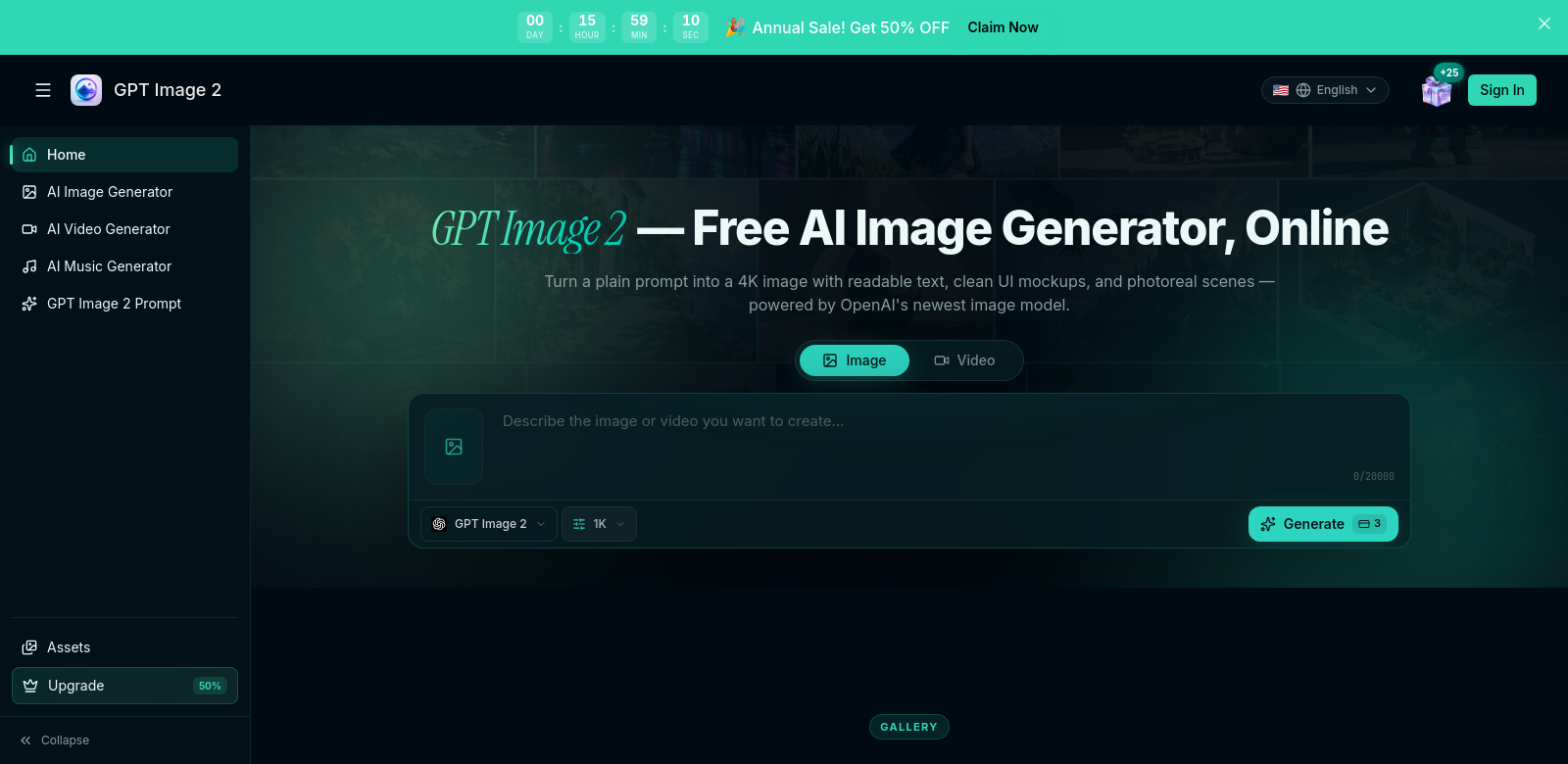
Discover GPT Image 2 - Create Amazing AI Images Online
GPT Image 2 lets you create amazing 4K AI images online. It's built on OpenAI's newest image generation tech, and what's really cool is it doesn't just make beautiful pictures; it also makes sure any text in those images is sharp and easy to read. If you need top-notch graphics for anything—personal projects or professional work—GPT Image 2 gives you both quality and ease of use. Plus, its image-to-image editing feature means you can easily transform your existing pictures. It's a smooth process for any project.
Who uses GPT Image 2?
GPT Image 2 is pretty flexible, so lots of different people find it useful. Knowing who uses it helps show what it can really do.
-
Graphic Designers: Designers can use GPT Image 2 to quickly make mockups and prototypes. This speeds up their work and helps them hit deadlines. Plus, getting accurate text into images means their marketing stuff looks professional.
-
Content Creators: High-quality images are a game-changer for content creators. GPT Image 2 helps them generate unique visuals that fit their stories, making their content richer and more engaging.
-
Marketing Professionals: Marketing teams can create powerful ads with GPT Image 2. The tool's ability to put detailed text into images helps them show off product features or testimonials, which can really boost sales.
-
Social Media Managers: Social media managers need images fast that look good on any platform and match their brand. GPT Image 2 lets them quickly make graphics that get attention and keep their brand looking consistent.
-
Educators: Teachers can use the platform to make educational materials that are packed with visuals, like clear diagrams and illustrations. This makes lessons easier to understand and keeps students interested.
What problems does GPT Image 2 solve?
Every good tool fixes a problem. For GPT Image 2, it's all about making image creation and text accuracy easier.
The problems GPT Image 2 tackles:
-
Time Constraints: People often have tight deadlines, which makes it hard to consistently produce high-quality images. This can lead to rushed designs that don't quite hit brand standards.
-
Quality Concerns: Many users get frustrated and waste time with tools that just don't deliver consistent image quality.
-
Complex Image Editing Tools: Traditional image software can be really hard to learn. That means it's not much help for non-designers who just need something simple.
How GPT Image 2 fixes them:
GPT Image 2 solves these issues with an easy-to-use interface that lets you create great images fast. You just tell the AI what you need, and it handles all the tricky bits. This frees you up to focus on your creative ideas, not technical headaches. This efficiency means professionals can spend their time on other important parts of their projects. Plus, the image-to-image editing feature makes improving existing visuals simple, so you don't need complex software skills to keep everything looking consistent and high-quality.
Real-world uses
GPT Image 2 can be used in tons of ways. Whether it's for marketing campaigns that need eye-catching visuals or social media posts that demand catchy pictures, this tool handles a lot.
- Creating Marketing Material: A digital marketing agency could use GPT Image 2 to design ads that really show off what their clients offer, with visuals and text that grab people.
- Enhancing Social Media Presence: A small business owner can make unique images for their social media, easily getting people to notice events or promotions.
- Producing Educational Content: Teachers might use GPT Image 2 to create materials that clearly show complex ideas, making lessons more engaging.
Key Features
Here are the main things that make GPT Image 2 so useful and appealing:
-
4K Image Quality: Every image comes out in sharp 4K, so your visuals always look crisp and professional.
-
Readable Text Integration: This tool is great at putting clear, accurate text right into your images. It's perfect for education, marketing, or design projects.
-
User-Friendly Interface: The platform is designed to be super easy to use. Even if you're not tech-savvy, you can quickly make professional-looking images.
-
Image-to-Image Editing: You can easily improve existing images with this feature. No need to start from scratch when you just want to refine something.
-
Cost-Free Access: You can use the core features of GPT Image 2 for free. This means high-quality image generation is open to everyone.
FAQs
-
What is GPT Image 2? It's an online platform where you can create AI-generated images. It makes stunning 4K visuals and is especially good at putting clear, readable text into them.
-
How does the text rendering work? The platform uses smart algorithms to make sure any text in your images looks clear and accurate. This is super helpful for things like professional presentations and marketing materials.
-
Is there a cost to use GPT Image 2? You can use GPT Image 2 for free. You get access to many features without paying anything, which opens up high-quality graphic resources to more people.
-
Can I edit existing images? Yes! The image-to-image feature lets you upload your own graphics and easily improve them. It saves time and keeps your quality consistent.
-
Who can benefit from using GPT Image 2? Lots of people, including designers, marketers, and educators, will find GPT Image 2 really useful. It's a flexible tool for many different fields.