GPT Image 2: The AI Image Generator for Creatives
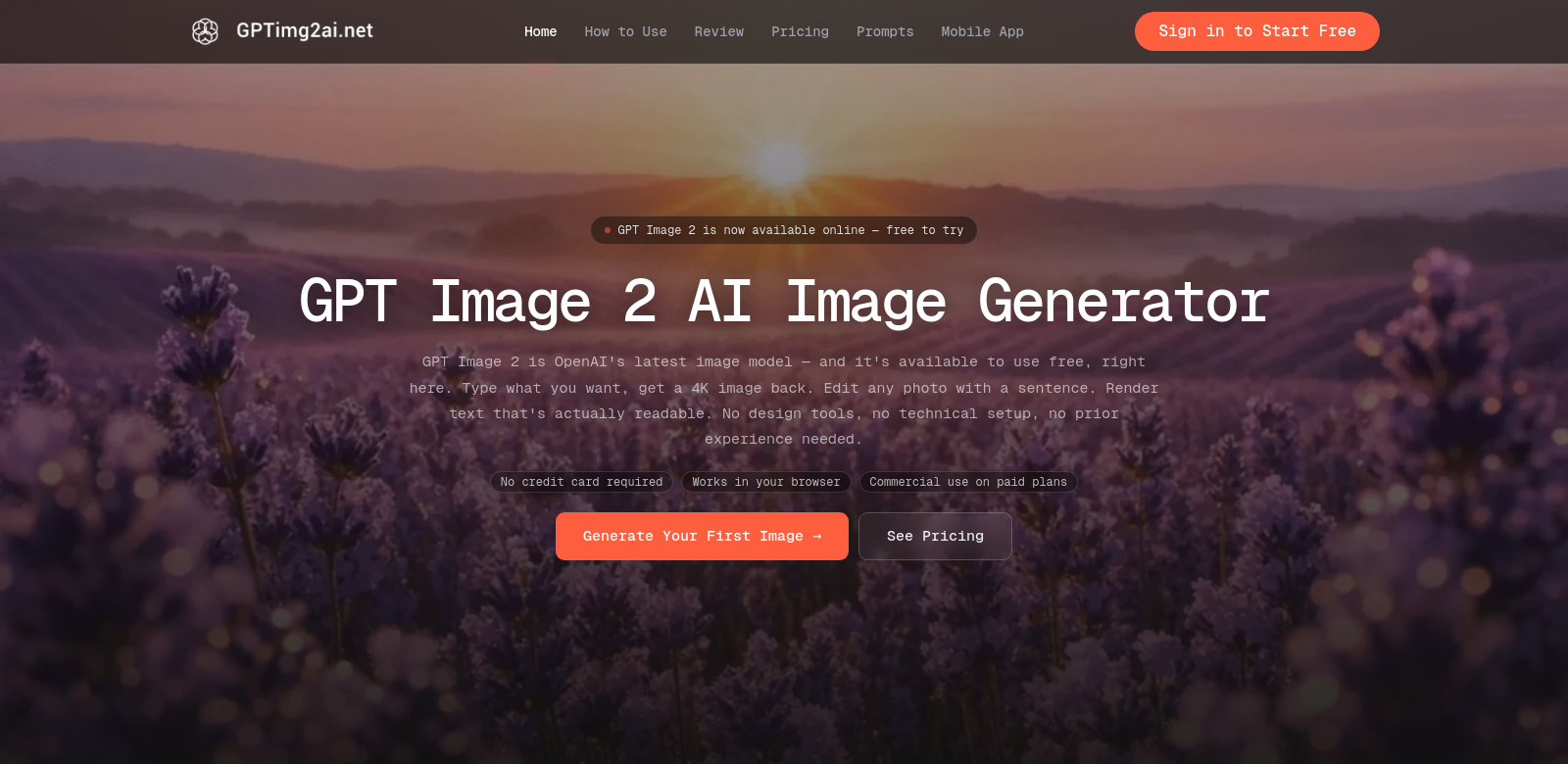
GPT Image 2 is an online AI image generator that uses the OpenAI API. It creates high-quality 4K images and gets text right over 95% of the time. Photographers, designers, marketers, and other creatives will find it useful for improving their visuals. Beyond just generating images, it also has strong photo editing tools that make the creative process smoother. You can try it for free, no credit card needed, so anyone can check it out.
Who Uses GPT Image 2?
Who uses GPT Image 2? Lots of different professionals, each with their own needs. Here's how a few types of users get the most out of it.
-
Photographers: Photographers can use GPT Image 2 to quickly make backgrounds or unique textures that match their artistic style. Since it creates high-resolution images, they can work faster and spend more time on composition instead of hunting for materials.
-
Graphic Designers: Graphic designers use its image generation to make visuals for websites, social media, and marketing. With tools to edit images and add text easily, designers can get more creative and make their projects look better.
-
Content Marketers: Marketing pros can use GPT Image 2 to make visuals that really grab their audience. Good images are key for getting clicks and sales, and this tool makes it easy to create striking graphics that fit their brand.
-
E-commerce Businesses: E-commerce businesses can use GPT Image 2 to create product visuals that actually get noticed. Making unique, appealing images for listings can make shopping better for customers and boost sales.
-
Social Media Influencers: Social media influencers need great visuals to get and keep followers. GPT Image 2 lets them make eye-catching images that hook their audience, keeping their posts fresh and engaging.
Problems and Solutions by GPT Image 2
Creating and editing images today comes with its own set of headaches. GPT Image 2 tackles these problems head-on with smart solutions.
Problems GPT Image 2 Found
-
Time Constraints: Creatives often have to make great content fast, but traditional image work eats up a lot of time.
-
Quality of Images: Finding good images is tough, especially when you need something unique to stand out in a crowded market.
-
Cost of Professional Tools: Top-tier image tools are usually expensive, putting advanced features out of reach for many.
-
Lack of Customization Options: Stock images rarely fit perfectly, and trying to customize them can be a real headache for creatives.
-
Inconsistency in Delivery: Relying on outside image sources often means inconsistent quality and availability, which can mess up project schedules.
Solution by GPT Image 2
GPT Image 2 solves these problems with a powerful, easy-to-use tool for making and editing images. It uses AI to quickly create unique visuals exactly how you need them, cutting down on time spent with old methods. You can instantly generate high-quality, custom images, so you always have what your projects need. Plus, it's affordable, meaning even small businesses or solo creators can get advanced features without huge costs. Its flexibility and speed truly change how people create images, helping pros consistently put out great work.
Use Case
Take an e-commerce platform that had trouble making its products look good. After adding GPT Image 2, they could easily create high-resolution images for all their items. This didn't just make their listings better; it also really pushed up their sales, showing how well the platform works in practice. Content marketers have also seen better engagement when they use GPT Image 2 for their campaign visuals, proving it helps get customers interacting and buying.
Top Features of GPT Image 2
GPT Image 2 really shines because of its features, built to handle all sorts of user needs. Here are some of the best:
-
High-Resolution Image Generation: You can make crisp 4K images. That means amazing clarity and detail, which is crucial for professional work.
-
Text Rendering Accuracy: Text comes out right over 95% of the time. So, you can add text to your images without fretting about mistakes.
-
User-Friendly Interface: The platform is designed to be easy to use. Even if you're not tech-savvy, you'll find your way around and get things done.
-
Customizable Options: You can customize the images you make to fit your exact project needs, guaranteeing every creation is unique.
-
Free Trial Access: Try it for free. No risk, no commitment. It's a great way to play around with the features and see what it can do.
GPT Image 2: Your Questions Answered
-
How does GPT Image 2 generate images? GPT Image 2 uses advanced AI from the OpenAI API to turn your text descriptions into images. This means you get lots of customization and high-quality results, making it useful for all sorts of creative projects.
-
Is there a limit to the number of images I can generate? The free trial has some limits, but regular users can generate tons of images. You won't run out of creative options.
-
Can I edit the images generated? Yes, GPT Image 2 has built-in photo editing tools. You can tweak and adjust images right after you make them, giving you a complete tool for visual content.
-
What industries can benefit the most from GPT Image 2? Photography, marketing, e-commerce, and design are some of the industries that get the most out of GPT Image 2. Its features are made for pros in these areas.
-
Is GPT Image 2 suitable for beginners? Yes, definitely. Its easy-to-use interface means beginners can jump right in and make great-looking visuals without any fuss.