The GTA 6 Filter: AI Photo & Video Generator Online
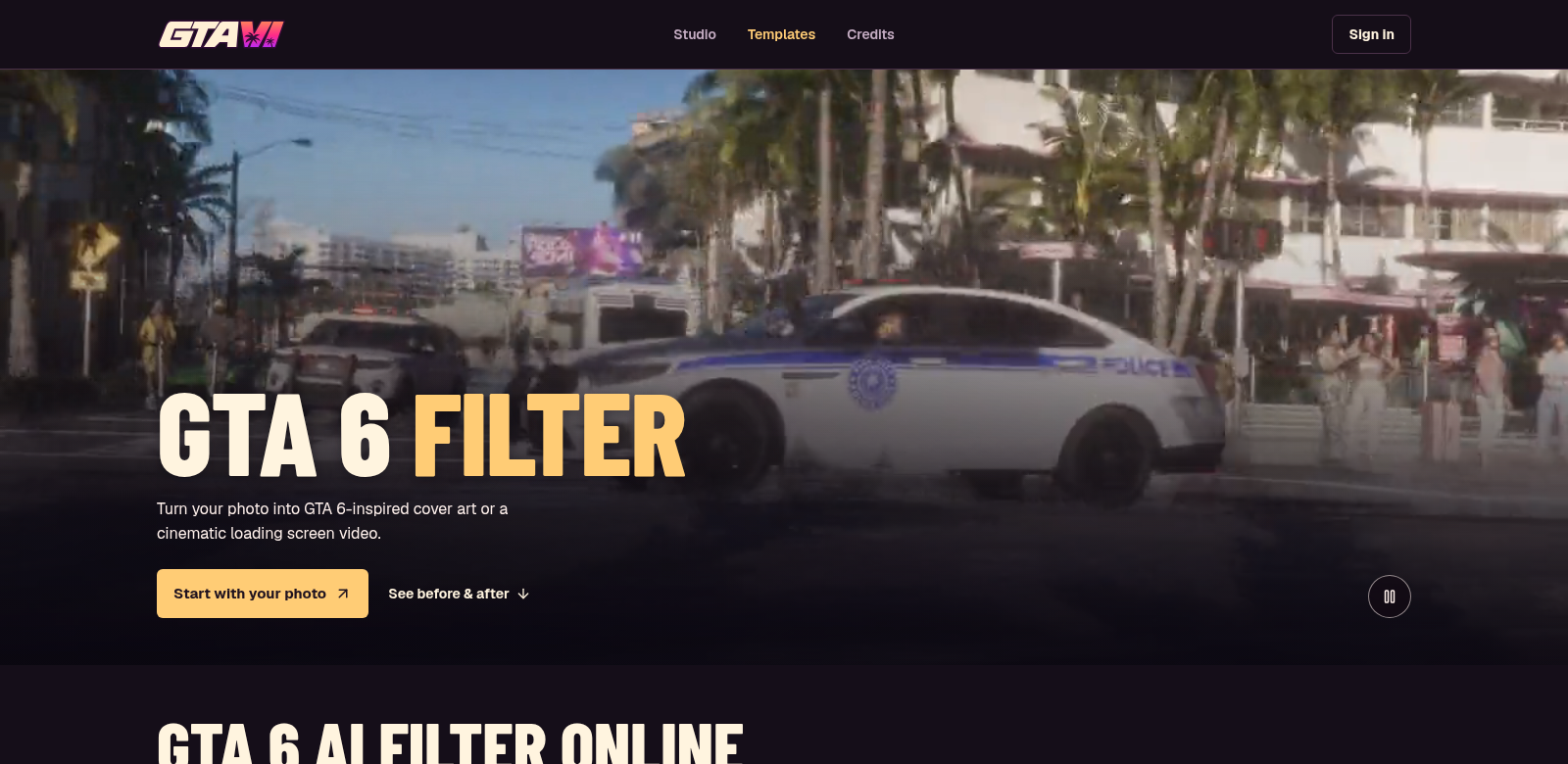
The GTA 6 Filter is an online tool that uses AI to create art inspired by Grand Theft Auto VI's look. You can make cool AI portraits, loading screens, and short videos – no app download needed. Just upload a photo, and our algorithms transform it to match the game's style.
The gaming world keeps changing, and everyone wants unique, personalized content. The GTA 6 Filter offers an easy way for both fans and digital artists to play with game-inspired visuals. It uses advanced AI to capture the game's feel, all within a simple interface.
Who Uses the GTA 6 Filter?
The GTA 6 Filter is for all sorts of people. Here's who gets the most out of it:
-
Gamers: If you love Grand Theft Auto, this is for you. Make unique portraits that show off your in-game style.
-
Digital Artists: Artists looking for new ways to create will find this tool handy. It lets you play with style and composition, making art that really stands out.
-
Social Media Influencers: Influencers need eye-catching visuals. The GTA 6 Filter helps them create striking images for their profiles, showing off personalized art to their followers.
-
Content Creators: Need cool visuals for your videos? This filter helps you make fresh content that stays on top of gaming trends.
-
AI Tech Fans: If you're into AI and new tech, you'll find the GTA 6 Filter fascinating. It's a great way to see how AI can boost creativity.
What Problems Does the GTA 6 Filter Solve?
Digital creativity has its hurdles. The GTA 6 Filter tackles them head-on.
The Problems We Saw
-
No Personal Touch in Art: Most art tools don't let you add your own style. This makes it hard to really play around and make something yours.
-
Art Takes Too Long: Making detailed, stylized art usually takes ages. That can stop budding artists before they even start.
Our Solution
The GTA 6 Filter fixes this with a fast, efficient platform. Just upload a photo, and you'll quickly get personalized art that blends your unique style with the game's vibrant look. Our AI technology makes art creation simple, letting anyone, even without advanced skills, make impressive pieces in seconds. It's instant gratification that sparks creativity.
How You Can Use It
The GTA 6 Filter has tons of practical uses. You can:
- Make avatars or social media profile pictures that fit a gaming vibe.
- Work on fan art projects, either for yourself or to share with others.
- Spice up video presentations with unique, game-themed visuals.
- Create promo material for gaming events or streams, showing off cool graphics.
Key Features of the GTA 6 Filter
We've packed the GTA 6 Filter with features to make creating art easy and fun.
-
Easy to Use: The setup is simple, so anyone can jump in and start creating.
-
Lots of Art Styles: Pick from many art styles that capture the GTA 6 look, fitting whatever vibe you're going for.
-
Super Fast: Get your art in moments. Great for when you need something quick.
-
Share on Social Media: Easily post your creations to your favorite platforms, getting more eyes on your work.
-
High-Quality Images: Your images come out sharp and clear, perfect for online or even printing.
Frequently Asked Questions
-
How does the GTA 6 Filter work? You upload a photo, and the GTA 6 Filter uses smart AI to turn it into art that looks like GTA 6. You get awesome results almost instantly.
-
Does the GTA 6 Filter cost money? Right now, it's totally free. Everyone can try out all the features without paying a dime.
-
What kind of images can I upload? You can upload any image, as long as it meets our file requirements. The filter handles all sorts of image types and sizes.
-
Can I use the art I make for commercial stuff? Your rights to the images depend on the GTA 6 Filter's terms of service. It's a good idea to read those terms before using the art for commercial projects.
-
How can I make my uploads better? For the best results, upload high-resolution images with good lighting and clear faces. Better input usually means more detailed output.