Happy Horse 1.1: The Future of AI Video Generation
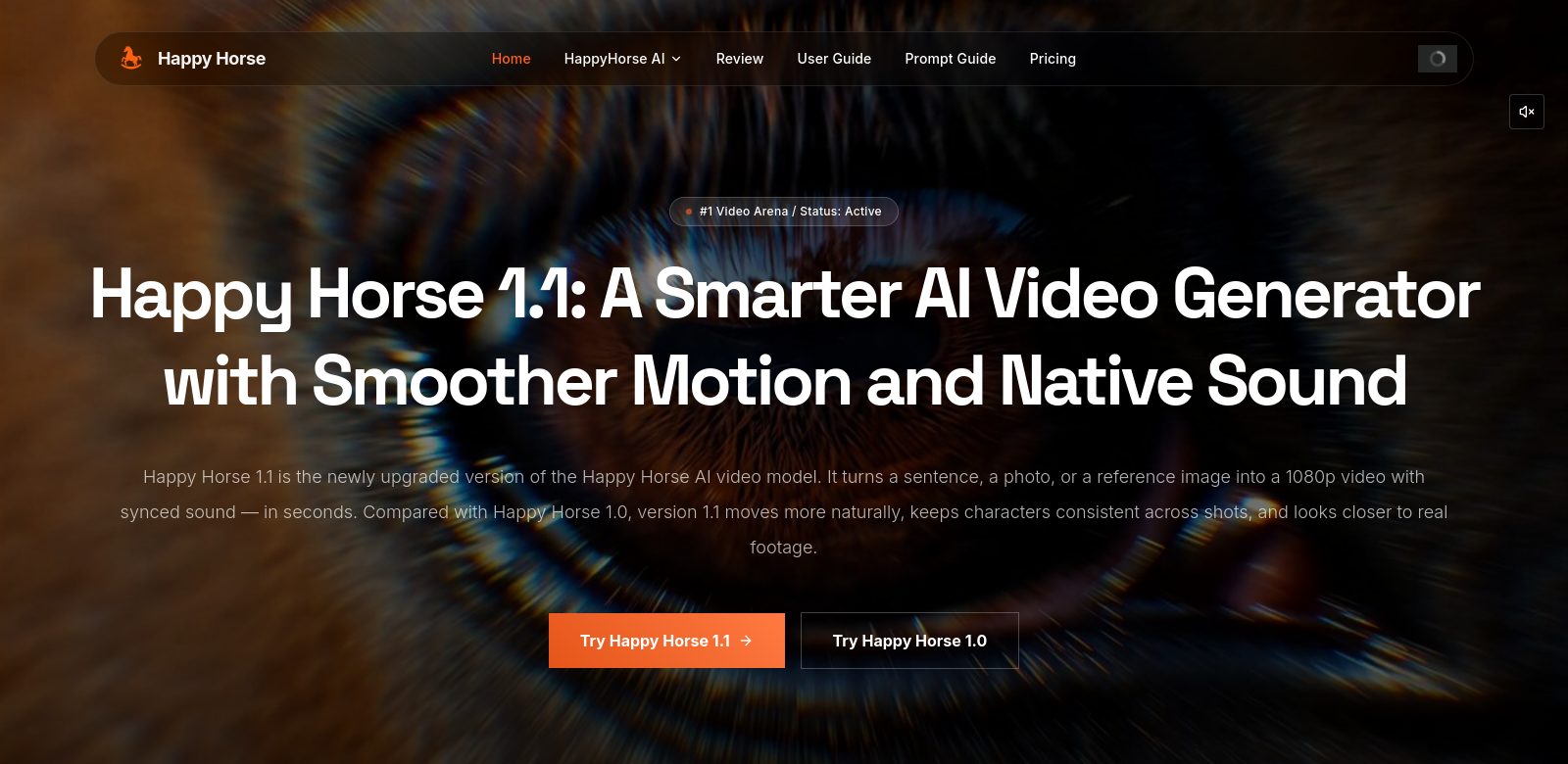
Happy Horse 1.1 is an AI video generator that turns text, images, or references into 1080p videos with synced sound. You don't need to register to try it, which makes video creation easier for everyone. This new version, 1.1, brings better features to simplify video making, blending quality and ease of use. It's for all kinds of users, from creative pros to casual folks who just want to make cool content. If you're looking to turn your ideas into videos, Happy Horse 1.1 is a great tool.
Who uses Happy Horse 1.1?
Happy Horse 1.1 works for all sorts of people: marketers, teachers, content creators, and social media enthusiasts. Everyone uses it a bit differently, but they all get a lot out of its powerful features:
-
Marketers: Marketers use Happy Horse 1.1 to quickly make high-quality ads and promos. Turning simple text into video helps them show off their message and connect better with their audience.
-
Educators: Teachers and schools use the software to make instructional videos that clear up tough topics. Happy Horse 1.1 lets them mix text and images to create engaging lessons that really help students learn.
-
Content Creators: People making videos for YouTube or TikTok love Happy Horse 1.1. Its easy controls mean they can focus on telling their stories, not on learning complicated editing software.
-
Social Media Managers: These pros need to pump out content fast to keep their feeds fresh. Happy Horse 1.1 helps them turn quick ideas into polished videos, keeping up with social media's rapid pace.
-
Corporate Trainers: Companies often use videos for training. Happy Horse 1.1 helps trainers make appealing instructional videos that develop employees and save a ton of time.
What Happy Horse 1.1 fixes
Happy Horse 1.1 tackles some big problems in video production today.
The Problems
-
High Costs: Many video tools cost a fortune, putting high-quality video out of reach for individuals and small businesses.
-
Complex Software: Traditional video editing programs often have confusing interfaces. You need a lot of training to use them well, which scares off many potential users.
-
Time Sinks: Making videos from scratch takes a huge amount of time, often delaying projects.
-
Poor Media Integration: People struggle to turn their ideas into video when their tools don't play nice with different media formats.
Happy Horse 1.1's Solution
Happy Horse 1.1 solves these issues directly. It simplifies video production, cutting down both time and money spent. Just type in your text or pick your images, and the AI does the rest, spitting out professional-looking videos in minutes. This means projects get done fast. The software is super easy to use, so anyone can make engaging video content without needing special skills or past experience. By ditching the complexity, it lets you focus on your message, not on wrestling with software. Plus, Happy Horse 1.1 works with all sorts of media formats, making your creative process smooth and complete.
How you can use it
Happy Horse 1.1 isn't just for simple videos; it fits into many different situations:
-
Marketing Campaigns: Marketers can quickly whip up promo videos for social media, boosting engagement and sales.
-
Educational Tutorials: Teachers can make tutorials that help with online learning, breaking down tough topics into easy-to-grasp videos.
-
Social Media Content Schedules: Users can make a bunch of videos at once based on their content calendar, making their posting strategy more efficient and effective.
-
Corporate Training: Businesses can create training videos that match their company goals, using engaging visuals to help employees remember more.
-
Event Promotion: Organizations can generate trailers or teaser videos for upcoming events, building buzz and excitement.
Happy Horse 1.1's Best Features
Happy Horse 1.1 comes packed with features that make it a joy to use:
-
Text-to-Video: Turn your scripts into videos with ease. This feature handles one of the most time-consuming parts of video making automatically.
-
Image Integration: Drop images right into your videos for rich, engaging multimedia presentations.
-
1080p Video: Get crisp, professional high-definition video that meets business standards.
-
Synced Sound: The AI automatically matches sound to your video footage, making for a better viewing experience.
-
Free Access: Try out all of Happy Horse 1.1's features without needing to enter payment details. Go ahead and experiment!
Happy Horse 1.1: Your Questions Answered
-
Is Happy Horse 1.1 really free? Yes, you can use all its features for free, no sign-up needed. It's open to everyone.
-
How does text-to-video work? The AI reads your text, then creates matching visuals and sound to make a complete video based on what you wrote.
-
What kind of videos can I make? You can make all sorts of videos: promos, educational stuff, social media clips – whatever you can imagine.
-
Do I need video editing experience? Nope! Happy Horse 1.1 is built to be easy. Anyone can make great videos, even if they've never edited before.
-
Can I use my own images? Absolutely. You can add your own images to your videos to make them personal or branded.