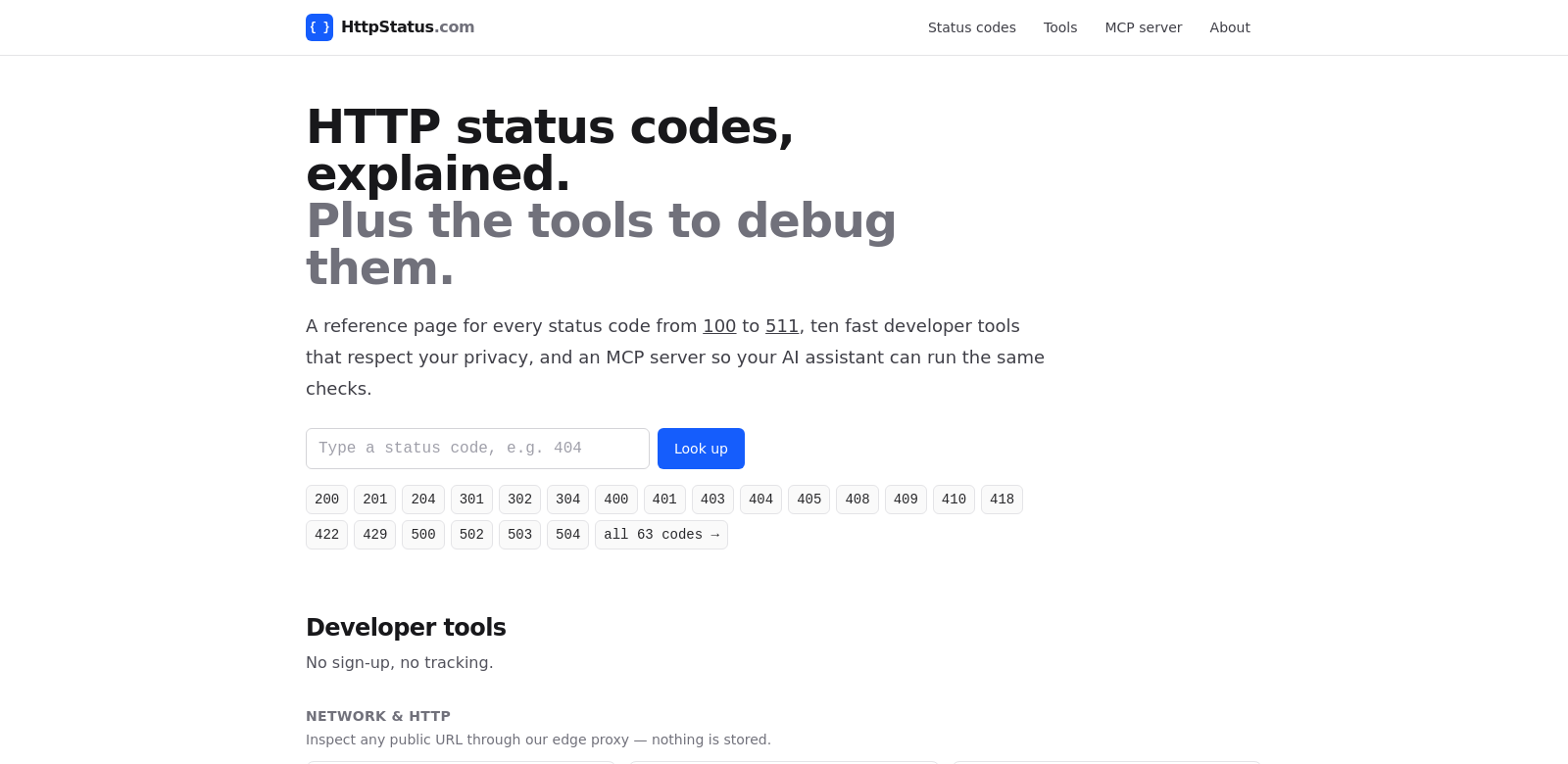
HttpStatus.com: Your Guide to HTTP Status Codes and Developer Tools
HttpStatus.com is where developers go to understand HTTP status codes. It's packed with detailed explanations and privacy-focused tools. The site aims to cut through the confusion of web communications, helping everyone from beginners to seasoned pros. With features like a URL status checker and a redirect tracer, it gives you the power to quickly fix and fine-tune your web apps. If you're building anything on the web, knowing your HTTP status codes is non-negotiable.
Who Uses HttpStatus.com?
The tools and resources on HttpStatus.com are valuable to a wide range of people, each with their own specific needs. Here’s a look at who benefits most:
-
Web Developers: They need exact info on HTTP status codes because these responses directly impact how their apps work. HttpStatus.com's tools help them get things done faster.
-
Digital Marketers: Server responses affect user experience and SEO, so marketers use the site to check how their pages perform and fix anything that might hurt their campaigns.
-
System Administrators: They're responsible for keeping servers healthy. The status checker and redirect tracer are crucial for making sure web apps stay online and users have a smooth experience.
-
Tech Support Professionals: When customers hit a snag, support teams use HttpStatus.com to quickly diagnose problems based on HTTP responses, leading to faster fixes.
-
Educators and Students: The site's detailed documentation on HTTP status codes makes it a great resource for teaching and learning web development basics.
Problems HttpStatus.com Solves
Developers, marketers, and system administrators face all sorts of challenges. HttpStatus.com exists to address these head-on.
Common Problems
-
Ambiguous HTTP Status Codes: Developers often get tripped up by the subtle differences between status codes, causing confusion and communication breakdowns in web projects.
-
Time Constraints: In fast-moving development and marketing, you need to fix issues now. Tools like the redirect tracer are essential for that.
-
Complex Troubleshooting: Pinpointing web problems is tough without good tools and clear advice. This often means costly downtime and lost revenue.
How HttpStatus.com Helps
HttpStatus.com tackles these problems directly with its developer tools and thorough documentation. It breaks down every HTTP status code—from a simple 200 (OK) to a frustrating 404 (Not Found) and everything in between—so developers actually understand what each response means. The site's URL status checker is super easy to use, quickly verifying a website's HTTP response. This lets developers confirm their apps are running smoothly. Plus, the redirect tracer makes troubleshooting a breeze, instantly showing you any traffic bottlenecks.
Real-World Uses
HttpStatus.com fits into many different scenarios across development and marketing:
- A web developer might use the status codes guide to fix a 500 Internal Server Error that pops up during deployment.
- A digital marketer could use the tools to check their landing pages, making sure they perform well and convert visitors.
- System administrators might regularly check their web apps against the status code explanations during routine maintenance.
- Tech support could quickly pull up status info to help clients, cutting down on wait times and making customers happier.
- Educators can bring real HTTP scenarios into their lessons, using the detailed status codes to teach practical skills.
Key Features of HttpStatus.com
HttpStatus.com offers several standout features that users love and rely on:
-
Detailed HTTP Status Code Database: Every single HTTP status code is explained in depth, so developers truly understand what each one does and means.
-
URL Status Checker: This tool quickly checks URLs, giving you real-time status responses. It's essential for keeping your web presence healthy.
-
Redirect Tracer: See the full path of any URL redirect. This helps you understand exactly how web requests get handled.
-
Privacy-First Approach: You can use these tools without worrying about your user data being compromised. Great for anyone who values privacy.
-
Educational Resources: The site offers extensive guides and tutorials that explain both the tools and HTTP status codes. It's a solid resource for students and pros alike.
Frequently Asked Questions
-
What are HTTP status codes? These are the messages web servers send back to tell you what happened with your request. They're key to understanding web transactions, whether it's a success or an error.
-
How do I use the URL status checker? Just type the URL you want to check into the box. The tool will then analyze its status and point out any problems.
-
What's the point of a redirect tracer? It shows you the full journey a URL takes if it redirects. This is super helpful for understanding how web requests move around.
-
Who should use HttpStatus.com? Lots of people! Web developers, digital marketers, tech support, system administrators, and educators can all get a lot out of it by better understanding HTTP responses and using the developer tools.
-
Are HttpStatus.com's tools free? Yep, the status checker and redirect tracer are completely free. The site focuses on being simple and accessible for everyone.