Create Visuals with Zeva AI: Images & Videos
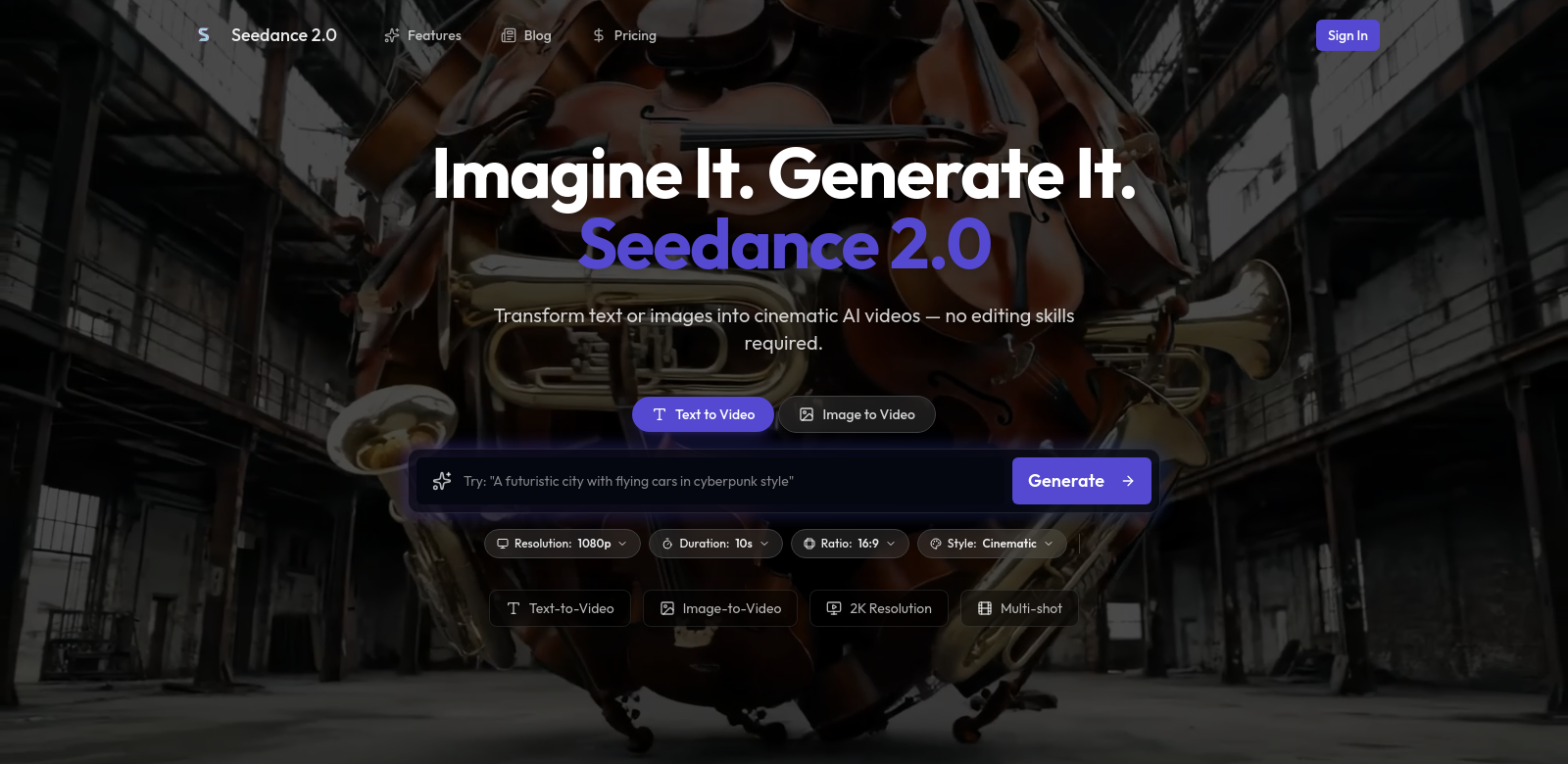
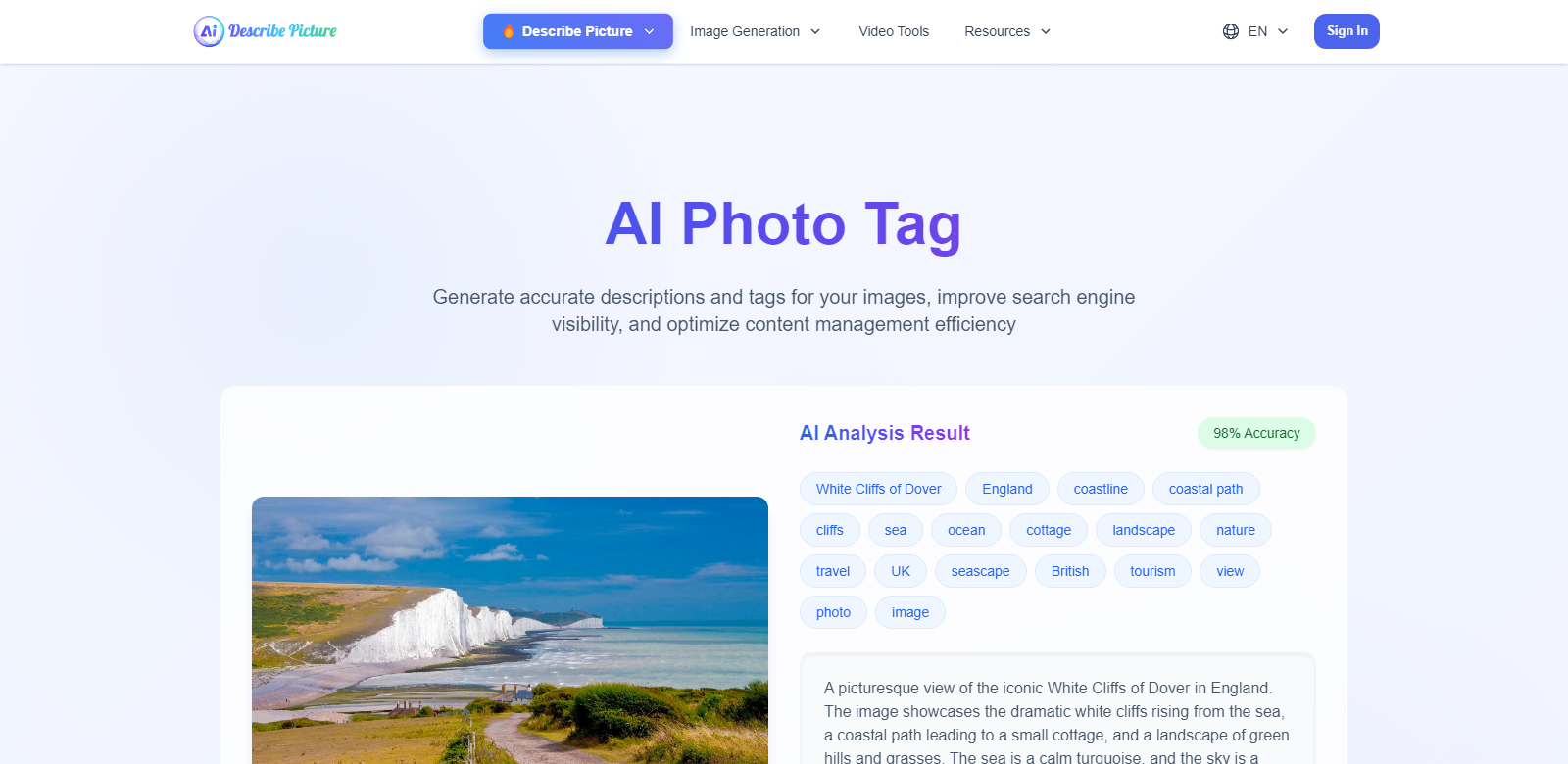
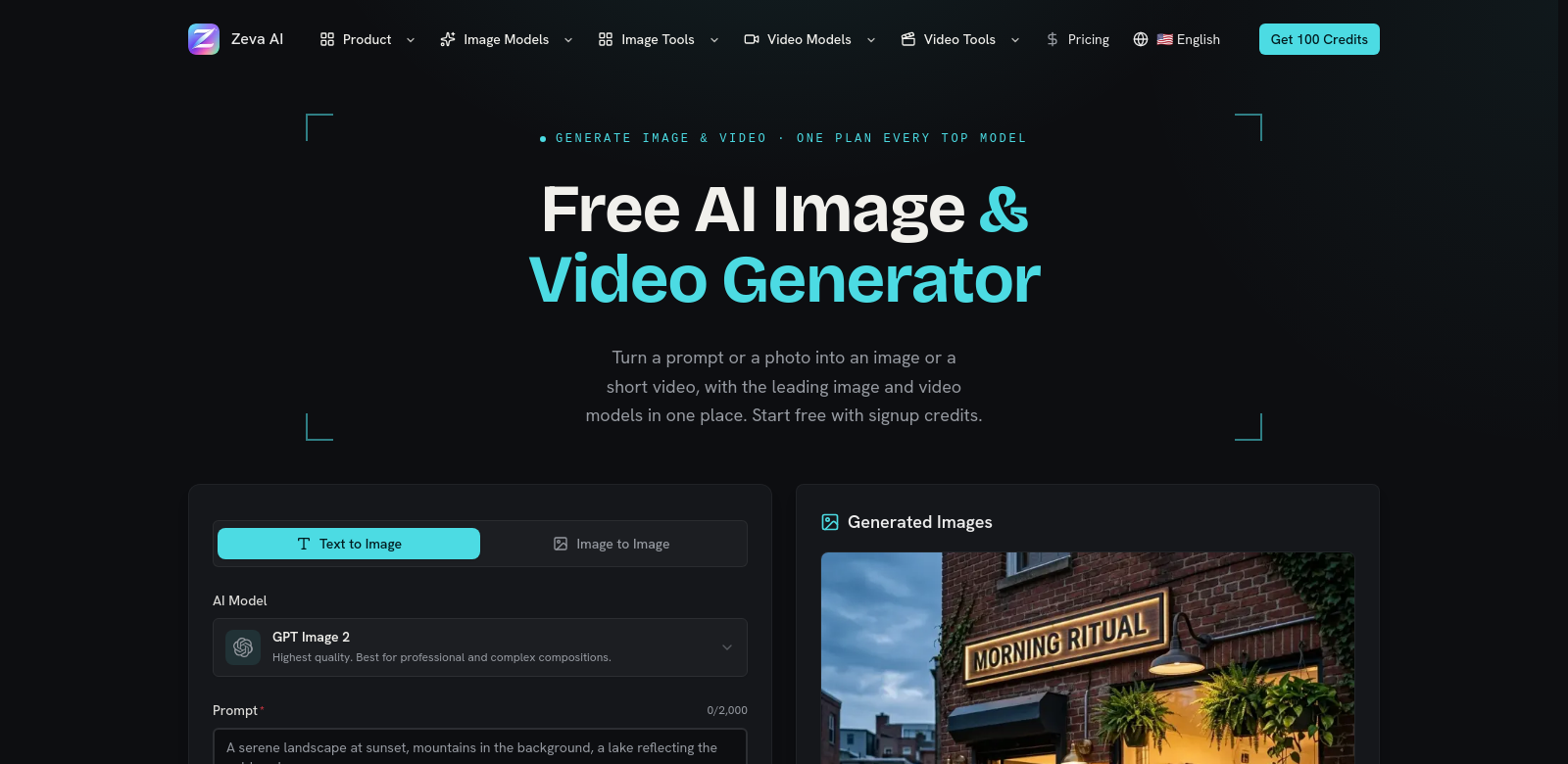
Zeva AI helps you create high-quality images and videos from text and photos. It does three main things: generates images from text, transforms images, and turns text or images into videos. Creatives, marketers, and content producers can use Zeva AI to improve their visual content with AI. It uses tools like GPT Image 2, Nano Banana 2, and MiniMax H3, letting you explore many creative options in one workspace.
Who uses Zeva AI
Many different people use Zeva AI because they want new ways to create visuals.
-
Content Creators: These people need good visuals to get people's attention across different platforms. They want tools that make things easier and help them tell better visual stories. Zeva AI fits right into their workflow, handling both images and videos.
-
Marketers and Advertisers: Marketing professionals use visuals to share their brand message. Zeva AI can make strong images from text or change existing ones, helping marketers create ads that grab attention and turn leads into customers.
-
Educators: Educators need good ways to present information in a digital world. Zeva AI can turn text into educational videos and visuals, making learning more engaging for students.
-
Small Business Owners: Small businesses with not much money for graphic design can use Zeva AI. It gives them an easy way to make professional images and videos. This is key for marketing, and they don't need to spend a lot on designers.
-
Social Media Influencers: Influencers need to always post good content. Zeva AI helps them create visuals their audience will love, keeping their feeds fresh and exciting.
Problems and Zeva AI's Solution
Making digital content comes with its own set of problems. Zeva AI helps users with a few key issues.
Problems Zeva AI Found
-
High Cost of Professional Design Services: Many users find it too expensive to hire professional graphic designers or video producers, so they can't make good content.
-
Time Constraints: Creating content takes a lot of time, from ideas to finished visuals. Zeva AI wants to make this faster, so users can focus on ideas instead of technical details.
-
Technical Complexity: Many tools out there are too technical, with a steep learning curve. Complex interfaces often put users off and block their creative flow.
-
Inconsistent Quality: Users struggle to keep visual quality consistent, which makes their brand look messy.
Solution by Zeva AI
Zeva AI solves these problems by offering easy-to-use tools that make professional-quality images and videos. It makes creating things simpler with clear prompts that walk users through making images or videos. Zeva AI uses smart machine learning and a simple interface to cut down on time and money spent.
Plus, it keeps learning and improving based on user feedback, so quality stays high. This helps users keep their branding and marketing consistent. So, Zeva AI doesn't just meet current needs; it also changes with new content trends and user tastes.
Use Cases
Here are some ways people use Zeva AI. Content creators can quickly make images for blog posts or social media. A local restaurant could use it to make nice visuals for its online menu or promotions. Educators can also make video lessons with engaging graphics, making learning better for students.
Top Features of Zeva AI
Zeva AI has many features, but some are especially useful and well-designed.
-
Text-to-Image Generation: This feature lets you create high-quality images just by typing text. This makes creating things faster and more fun.
-
Image-to-Image Transformation: You can change existing images by adding different styles or improvements, giving you a lot of flexibility when making visuals.
-
Text or Image to Video Conversion: This strong feature lets you make dynamic videos from still images or text. It really improves the user experience.
-
User-Friendly Interface: Zeva AI is easy to use, even if you're not technical. This helps people be more creative.
-
Continuous Learning Algorithms: The platform's machine learning learns from how users interact with it. This means it gets better over time, matching what users expect.
Frequently Asked Questions about Zeva AI
-
What types of projects can Zeva AI help with? Zeva AI can help with many kinds of projects, from marketing materials to educational content. It offers creative solutions for many different areas and industries.
-
Do I need prior design experience to use Zeva AI? No, Zeva AI is made to be easy for anyone to use, no matter their design experience. So, yes, it's for everyone.
-
How does Zeva AI ensure the quality of generated images? Zeva AI uses advanced machine learning and constant updates from user feedback. This helps it keep improving its algorithms to deliver high-quality visuals.
-
Can I integrate Zeva AI with other tools? Yes, Zeva AI works with many digital marketing platforms and content management systems. This makes the workflow smoother for users who use several tools.
-
Is there a limit to the number of images or videos I can create? Limits depend on your subscription plan. However, many plans let you create a lot, which is good for projects of all sizes.