Turn Your Photos into Videos with Image to Video AI
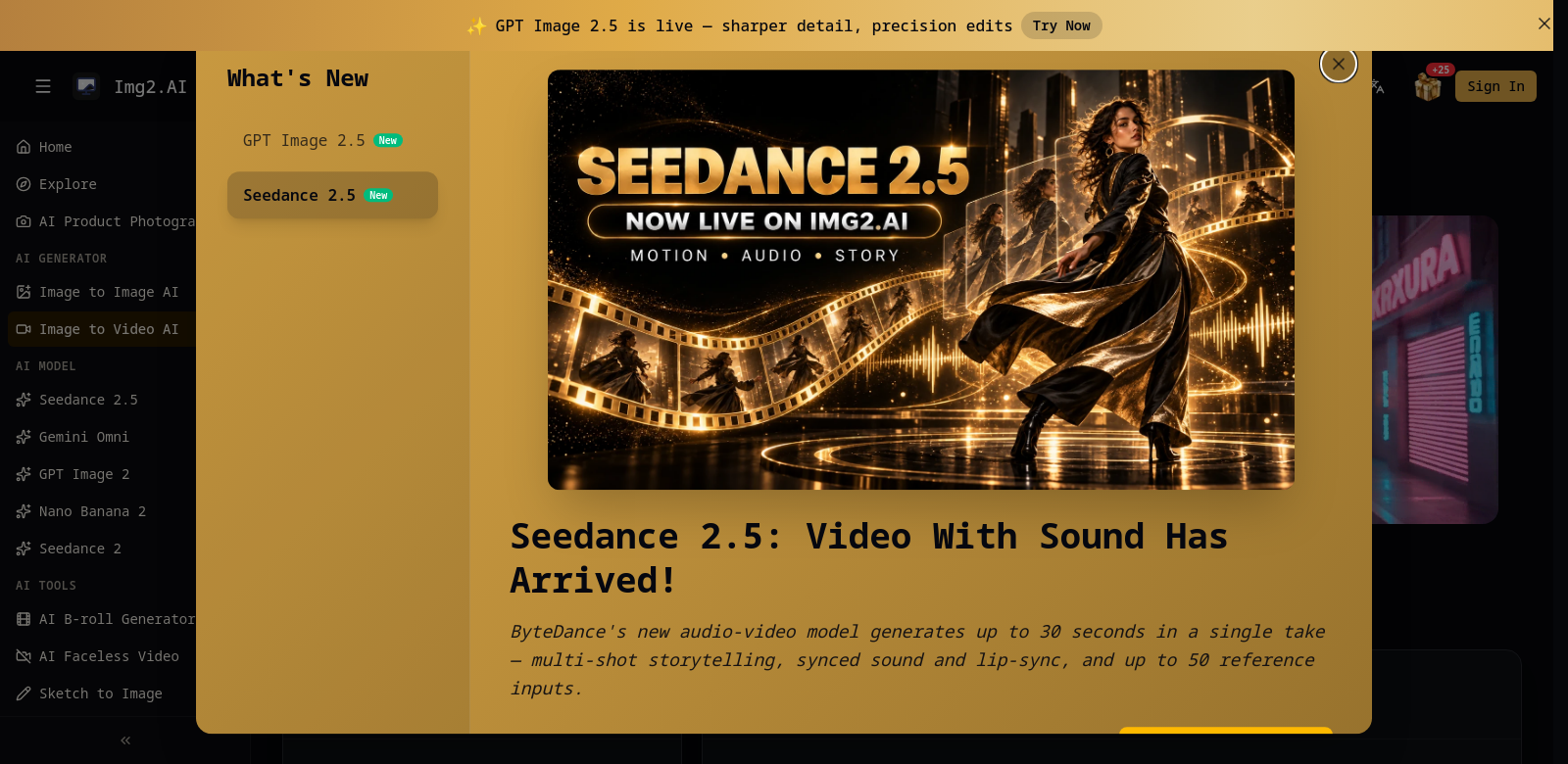
In a world drowning in content, getting noticed online is tough. The Image to Video AI Generator from img2.ai cuts through the noise by instantly transforming your static images into dynamic videos. Add motion and camera effects to tell your story in a way that actually grabs people. This tool is a game-changer for marketers, content creators, and anyone who needs their online presence to pop. It's simple to use, yet the results look genuinely professional, making it a smart pick whether you're a seasoned pro or just starting out.
Who Uses Image to Video AI?
This isn't just for one type of person; it's surprisingly versatile. Here's a look at who finds it most useful:
- Content Creators: Think social media influencers and YouTube producers. They're in a constant battle for eyeballs, and this tool lets them churn out quick, attention-grabbing videos that actually cut through the noise.
- Marketers: They need ads that stop the scroll. This helps them create engaging campaigns that convert viewers into customers, often without breaking the bank.
- Small Business Owners: Running a business on a shoestring budget means every dollar counts. This offers an affordable way to produce polished marketing videos, sidestepping the need for expensive production teams.
- Educators: Teachers can transform dry lesson plans into lively, animated presentations. It's a fantastic way to keep students engaged and make complex topics stick.
- Event Planners: To fill seats, you need visuals that pop. This tool lets them showcase past events with dynamic content, building serious hype for future gatherings.
What Problems Does Image to Video AI Solve?
Let's be honest: creating compelling video content is usually a huge pain. It eats up time and demands serious resources. Image to Video AI steps in to fix some of the most frustrating hurdles:
- Time Sinks: Traditional video production can drag on for hours, even days. That leaves zero room for quick changes or creative spontaneity.
- Skill Gaps: Not everyone's a video editor, and trying to produce high-quality content without the know-how often ends in frustration and frankly, bad videos.
- Budget Black Holes: Professional videographers and top-tier editing software? They're expensive. Most individuals and small businesses simply can't justify the cost.
How Image to Video AI Fixes It
Image to Video AI cuts through all that complexity. It lets you transform still images into polished videos in just a few clicks. The interface is so straightforward, it genuinely makes advanced video production accessible to anyone. You can add slick camera movements and smooth transitions to your photos, giving them that professional sheen without the professional price tag.
Ultimately, this tool levels the playing field. It delivers high-quality video results without the soul-crushing time commitment or the financial strain typically tied to making engaging video content.
How You Can Use It
This tool isn't just theoretical; it shines in a bunch of practical scenarios:
- Marketing Campaigns: Brands can whip up ads that genuinely stop people mid-scroll, showcasing products in a way that feels fresh and exciting.
- Social Media Posts: Want your personal photos to pop on Instagram or TikTok? Animate them! It's an easy way to make your profile feel more alive.
- Event Promotion: Event planners can craft dynamic videos that highlight the energy of past gatherings, building serious hype for future ones.
- Educational Content: Educators can ditch the static slides. Turn those lesson materials into engaging, animated presentations that actually hold student attention and make concepts stick.
Key Features
What makes Image to Video AI genuinely useful? It boils down to these core strengths:
- Dead Simple Interface: Seriously, you don't need a manual. The design is so intuitive, anyone can jump in and start animating photos without a single lesson.
- Stunning Output Quality: Forget pixelated messes. You'll get beautifully rendered videos that truly bring your still images to life, ready to impress on any social platform.
- Deeply Customizable Effects: This isn't just a one-trick pony. You can layer on various motion effects and camera movements, crafting a viewing experience that's uniquely yours.
- Blazing Fast Processing: Time is money, right? This tool churns out results rapidly, which is a lifesaver when you're on a tight deadline.
- Incredibly Versatile: Whether you're sprucing up personal memories, launching a marketing blitz, or creating engaging educational content, this tool adapts to almost any video creation need you throw at it.
FAQs
- How does Image to Video AI work? It's pretty clever. The AI analyzes your still images, then applies motion effects using advanced algorithms, spitting out dynamic video content fast and without fuss.
- Can I try it for free? Absolutely! There's a free trial available, so you can kick the tires and see everything it can do before you commit to a subscription.
- What types of images can I use? You've got a lot of leeway here. It supports various image formats, giving you plenty of flexibility for whatever content you're creating.
- Is it suitable for professional use? Without a doubt. Professionals across marketing and promotion swear by Image to Video AI because it consistently delivers high-quality results with impressive efficiency.
- Can I share my videos directly on social media? Yep, that's the whole point! You can easily download your finished videos and upload them straight to any social media platform, getting your message out to a wider audience.