
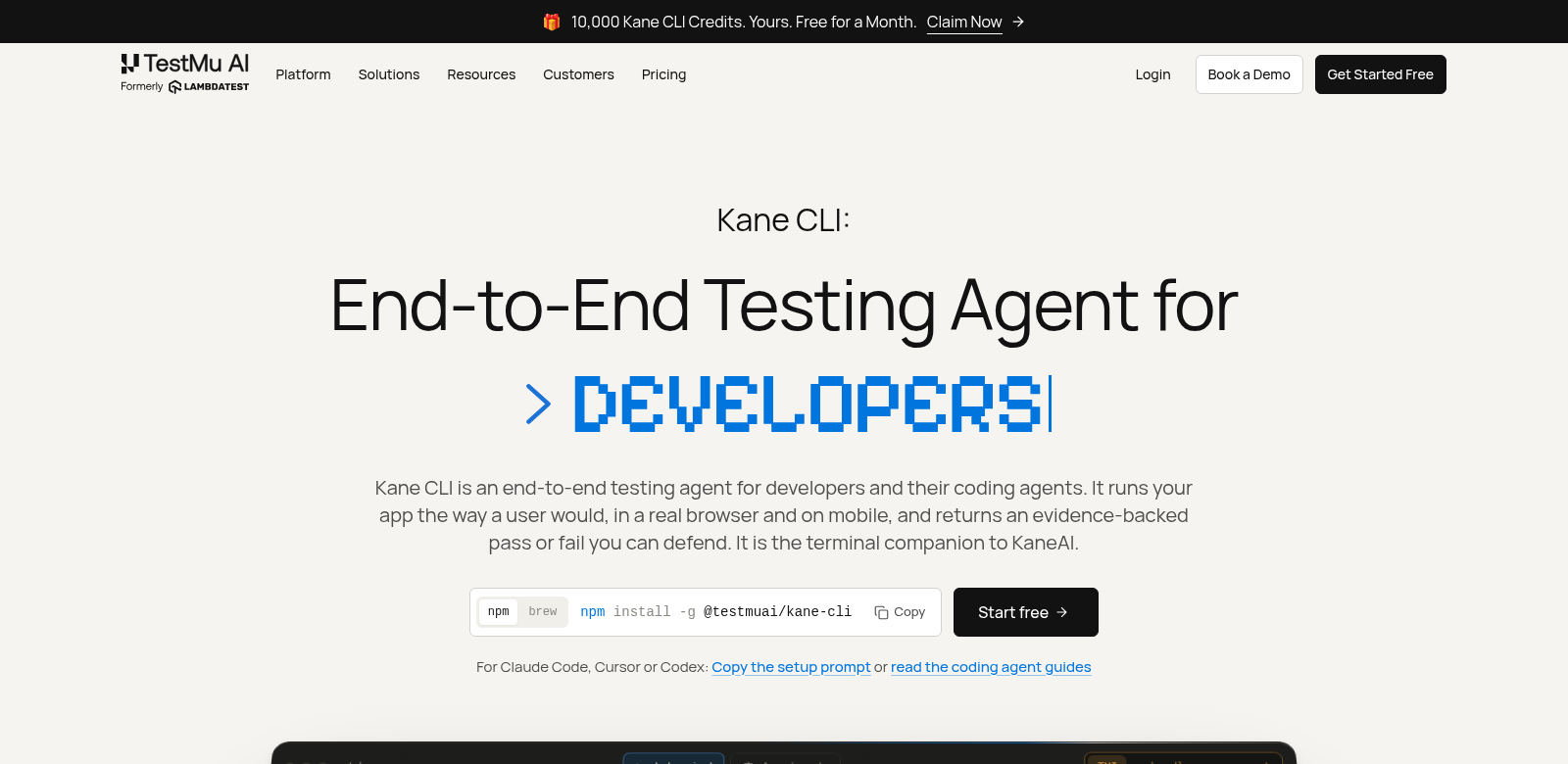
Kane CLI: Test Automation, Right from Your Terminal
Kane CLI lets developers and testers run browser and mobile app tests directly from their terminal. It's a tool that lets you describe tests in plain English, then gives you immediate results, complete with shareable proof of what passed or failed. As software development pushes for more speed and efficiency, tools like Kane CLI are essential for making testing faster and less painful.
Who Uses Kane CLI?
Kane CLI helps all sorts of people, each with their own testing challenges.
-
Software Developers: Developers already have a lot on their plate. Kane CLI makes test execution simple, so they can spend more time writing code and less time wrestling with tests.
-
Quality Assurance Engineers: QA engineers need to keep standards high. Kane CLI gives them the tools to check applications thoroughly and efficiently, leading to solid product releases. Its intuitive test descriptions mean they can work faster and more accurately.
-
Project Managers: Project managers need clear updates on project status. Kane CLI generates detailed reports on test outcomes, which helps them understand timelines and allocate resources. This clarity improves how teams work together.
-
Startups: For startups trying to get the most out of every dollar, Kane CLI offers an affordable, effective way to ensure product quality. Running tests quickly helps them stay nimble and competitive in fast-moving markets.
-
Educational Institutions: Schools and universities can use Kane CLI to give students hands-on testing experience. The tool's straightforward design makes the testing process easy to grasp for new developers.
Problems Kane CLI Solves
Kane CLI tackles several common headaches for modern development teams, making sure testing doesn't slow down the software development process.
The Problems We See
-
Complex Test Setup: Many traditional test frameworks demand complicated setups, which can stop teams from even trying to implement good testing.
-
Communication Gaps: When developers and QA don't talk enough, it leads to misunderstandings and delayed releases.
-
Slow Test Execution: Running tests can eat up a lot of time, often dragging out development cycles.
-
Hard-to-Share Test Results: Getting test results to everyone who needs them can be a pain, hurting team collaboration and decision-making.
-
Non-Technical Team Members Left Out: People without a technical background often struggle to understand complex test results, which causes miscommunication.
Kane CLI's Solution
Kane CLI fixes these issues with a fresh approach. By letting you describe tests in natural language, it cuts out the need for extensive setup and tricky coding. You run tests right in your terminal, getting fast feedback on how your application is doing. Kane CLI also creates shareable proof of test outcomes, bridging the communication gap between technical and non-technical team members. Everyone stays on the same page about quality.
Plus, the tool's simplicity means even non-technical stakeholders can understand test results. This boosts collaboration and helps projects succeed.
Real-World Use Cases
Kane CLI is useful in many situations, proving invaluable for teams who need efficient testing. For example, a software development team might use Kane CLI in their continuous integration pipeline to run automated tests on new code merges. Writing readable tests helps team members spot issues fast, before they become bigger problems. Or, a startup building a consumer app can use Kane CLI to iterate quickly, running tests on updates to keep their user experience top-notch.
Key Features of Kane CLI
Kane CLI has several standout features that make it a favorite for developers and testers.
-
Natural Language Processing: You can describe tests in plain English, making it easy for anyone on the team to write them.
-
Instant Feedback: Kane CLI gives you immediate pass or fail results, so teams can react quickly to what they find.
-
Shareable Proof: Tests come with shareable proof of results, making everything transparent and improving communication.
-
Command Line Integration: It works smoothly with your command line, fitting right into your existing development environment for efficient testing.
-
Cross-Platform Support: Kane CLI runs on various operating systems, making it a flexible choice for different teams.
Frequently Asked Questions
-
What is Kane CLI? Kane CLI is a command-line tool that lets you run browser and mobile app tests directly from your terminal, using natural language descriptions.
-
How does Kane CLI make testing more efficient? It simplifies writing tests and gives instant feedback, streamlining the testing workflow. This helps teams catch issues early and often.
-
Can non-technical users use Kane CLI? Yes, the natural language feature means non-technical users can easily understand and even contribute to the testing process, which helps everyone communicate better.
-
Is Kane CLI easy to integrate into existing projects? Yes, Kane CLI is designed for simple integration. It improves workflows without causing major disruptions to your current processes.
-
What kinds of tests can I run with Kane CLI? You can run many types of tests, including functional, regression, and performance tests, all customized to your project's needs.