Kling 5.0: Turn Text into Video with AI
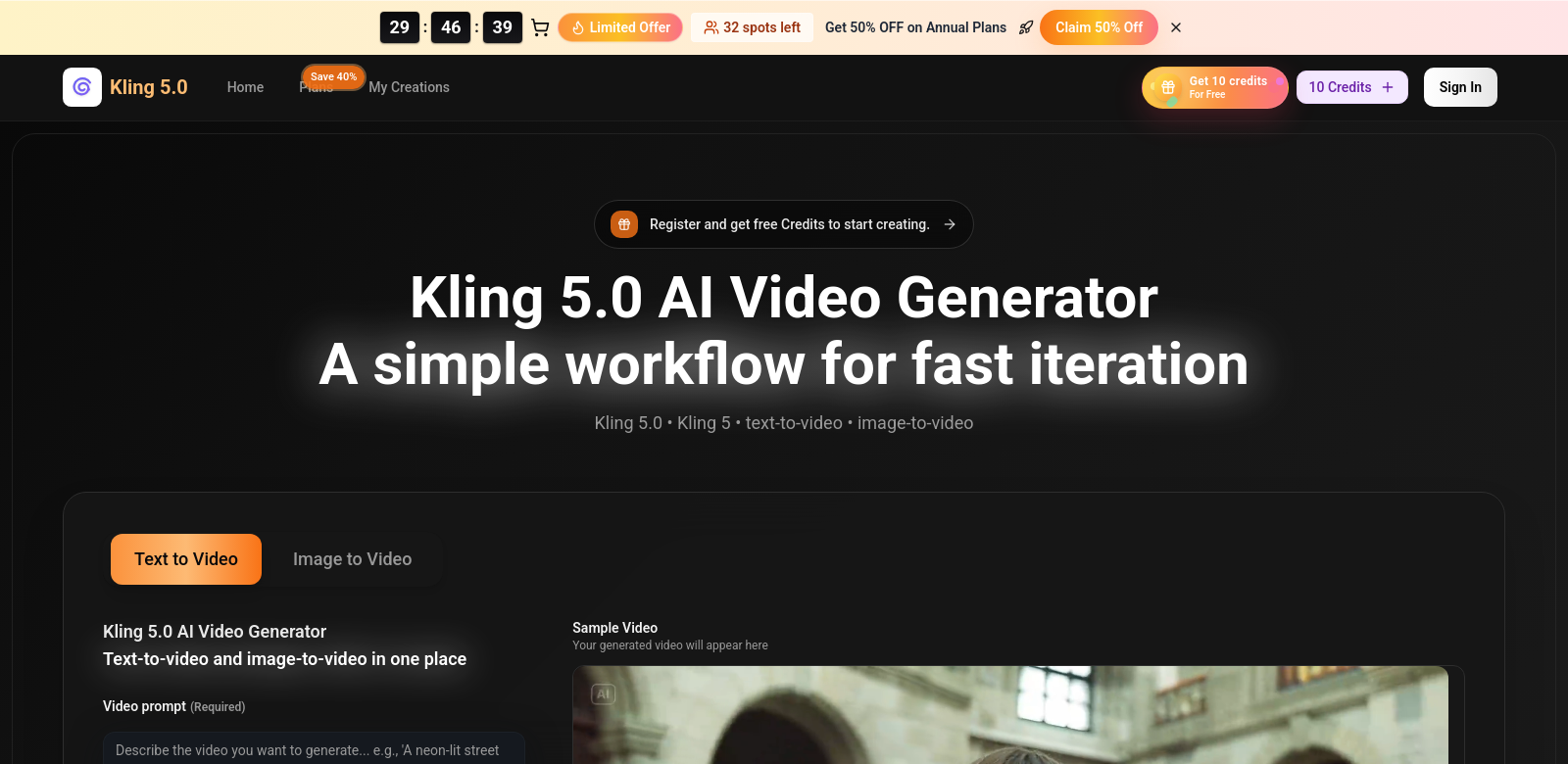
Creating video content is a big deal these days. Kling 5.0 (kling5.video) is an AI video generator that helps you quickly make short, downloadable video clips from text and images. It's designed to be easy to use, whether you're a pro or just starting out, letting you make engaging videos in minutes.
Who Uses Kling 5.0?
Lots of different people find Kling 5.0 useful for their projects.
- Content Creators: They use Kling 5.0 to make high-quality videos without spending a ton of time or money. This means they can focus on their ideas instead of getting bogged down by technical stuff.
- Marketing Professionals: Kling 5.0 helps marketers connect with their audience through video. Its simple interface lets them quickly make promotional clips, so they can try out different messages and visuals to see what works best.
- Educators and Trainers: Teachers can turn their lecture notes into informative videos, making lessons more engaging and easier to understand for students.
- Small Businesses: Owners use Kling 5.0 to create brand videos and product demos. It's an affordable way to make professional-looking content that boosts their online presence.
- Non-profit Organizations: Non-profits use Kling 5.0 for awareness campaigns, turning their messages into compelling video stories. This helps them reach more people and raise funds.
How Kling 5.0 Helps
Kling 5.0 was built to solve common headaches in video production.
Problems Kling 5.0 Addresses
- Video Production Takes Too Long: Making videos the old-fashioned way can eat up hours or even days, making it hard to jump on current trends. Kling 5.0 speeds up video creation significantly.
- Professional Video Services Cost Too Much: Many small businesses and individuals can't afford professional video production. Kling 5.0 offers a budget-friendly option that still delivers good quality.
- Video Editing Software is Hard to Learn: Complex video editing tools often scare off new users. Kling 5.0 simplifies the process, making video creation accessible to everyone.
- Inconsistent Video Quality: Shoddy videos can hurt a brand's image. Kling 5.0's AI technology helps ensure consistent, high-quality output that viewers will appreciate.
- Hard to Stand Out Online: The internet is packed with content. Kling 5.0 helps users create unique and engaging videos that grab attention.
Kling 5.0's Solution
Kling 5.0's AI technology offers a straightforward way to handle video production challenges. You just type in your text, add optional reference images, and the system creates a polished video in minutes. This quick process encourages creativity and lets users experiment with different styles without needing a lot of resources. The platform also includes tools for easy editing and customization, so every video can have its own look while still meeting high quality standards.
What You Can Do With It
Kling 5.0 has many practical uses. Here are a few examples of how this AI tool changes content creation:
- Social Media Marketing: Make short clips to promote products or services, catching the eye of potential customers on platforms like Instagram and TikTok.
- YouTube Channel Growth: Consistently upload engaging videos to boost channel popularity and viewership.
- Educational Content: Teachers can convert lecture notes into animated videos, making learning more appealing and informative.
- Event Promotion: Businesses or non-profits can generate event trailers to attract attendees and encourage community involvement.
- Brand Storytelling: Companies use Kling 5.0 to tell their brand story in a compelling video format.
Key Features of Kling 5.0
Kling 5.0 comes with a set of features designed to make it easy to use and produce great videos:
- User-Friendly Interface: An intuitive design means anyone can create videos easily, no matter their technical skill.
- Fast Processing Time: The AI engine quickly generates videos, allowing for immediate review and adjustments.
- Customizable Templates: Users can pick from many templates for different topics and goals, offering flexibility in video styles.
- High-Quality Output: Kling 5.0 makes professional-looking videos, helping users build trust in their brand.
- Collaboration Features: Users can work together on projects, sharing and inviting others to help with video creation.
Kling 5.0: Your Questions Answered
-
How is Kling 5.0 different from other video tools? Unlike traditional video software that often needs a lot of editing know-how, Kling 5.0 uses AI to simplify video making. Anyone can generate high-quality videos just from text.
-
Is Kling 5.0 good for beginners? Yes, it's designed to be user-friendly, making it a great choice for beginners who want to make their own videos without a steep learning curve.
-
Can I use Kling 5.0 for commercial projects? Definitely! Kling 5.0 is flexible and perfect for commercial use, helping businesses and brands create marketing content that drives sales.
-
What kinds of videos can I make? You can create all sorts of videos, including promotional clips, educational content, social media posts, and more. It's very adaptable to different needs.
-
What kind of support does Kling 5.0 offer? Kling 5.0 provides full customer support through tutorials, resources, and a responsive help center, so users can get the most out of the tool.
What makes the below so obviously AI generated?
- The tone is still a bit too formal and promotional in places, especially in the FAQ section ("Definitely!", "great choice").
- Some phrases like "boosts their online presence" or "grabs attention" are common AI tropes.
- The sentence structure, while improved, could still benefit from more variation and less "explaining" the obvious.
Now make it not obviously AI generated.
Kling 5.0: Turn Text into Video with AI
Making video content is a big deal these days. Kling 5.0 (kling5.video) is an AI video generator that helps you quickly make short, downloadable video clips from text and images. It's designed to be easy to use, whether you're a pro or just starting out. You can make engaging videos in minutes.
Who Uses Kling 5.0?
Lots of different people find Kling 5.0 useful for their projects.
- Content Creators: They use Kling 5.0 to make good videos without spending a ton of time or money. This means they can focus on their ideas instead of getting bogged down by technical stuff.
- Marketing Professionals: Kling 5.0 helps marketers connect with their audience through video. Its simple interface lets them quickly make promotional clips, so they can try out different messages and visuals to see what works.
- Educators and Trainers: Teachers can turn their lecture notes into informative videos, making lessons more engaging and easier for students to understand.
- Small Businesses: Owners use Kling 5.0 to create brand videos and product demos. It's an affordable way to make professional-looking content that helps them look good online.
- Non-profit Organizations: Non-profits use Kling 5.0 for awareness campaigns, turning their messages into compelling video stories. This helps them reach more people and raise funds.
How Kling 5.0 Helps
Kling 5.0 was built to solve common headaches in video production.
Problems Kling 5.0 Addresses
- Video Production Takes Too Long: Making videos the old-fashioned way can eat up hours or even days, making it hard to jump on current trends. Kling 5.0 speeds up video creation significantly.
- Professional Video Services Cost Too Much: Many small businesses and individuals can't afford professional video production. Kling 5.0 offers a budget-friendly option that still delivers good quality.
- Video Editing Software is Hard to Learn: Complex video editing tools often scare off new users. Kling 5.0 simplifies the process, making video creation accessible to everyone.
- Inconsistent Video Quality: Shoddy videos can hurt a brand's image. Kling 5.0's AI technology helps ensure consistent, good-looking output.
- Hard to Stand Out Online: The internet is packed with content. Kling 5.0 helps users create unique and engaging videos that get noticed.
Kling 5.0's Solution
Kling 5.0's AI technology offers a straightforward way to handle video production challenges. You just type in your text, add optional reference images, and the system creates a polished video in minutes. This quick process encourages creativity and lets users experiment with different styles without needing a lot of resources. The platform also includes tools for easy editing and customization, so every video can have its own look while still meeting high quality standards.
What You Can Do With It
Kling 5.0 has many practical uses. Here are a few examples of how this AI tool changes content creation:
- Social Media Marketing: Make short clips to promote products or services, catching the eye of potential customers on platforms like Instagram and TikTok.
- YouTube Channel Growth: Consistently upload engaging videos to boost channel popularity and viewership.
- Educational Content: Teachers can convert lecture notes into animated videos, making learning more appealing and informative.
- Event Promotion: Businesses or non-profits can generate event trailers to attract attendees and encourage community involvement.
- Brand Storytelling: Companies use Kling 5.0 to tell their brand story in a compelling video format.
Key Features of Kling 5.0
Kling 5.0 comes with a set of features designed to make it easy to use and produce great videos:
- User-Friendly Interface: An intuitive design means anyone can create videos easily, no matter their technical skill.
- Fast Processing Time: The AI engine quickly generates videos, allowing for immediate review and adjustments.
- Customizable Templates: Users can pick from many templates for different topics and goals, offering flexibility in video styles.
- High-Quality Output: Kling 5.0 makes professional-looking videos, helping users build trust in their brand.
- Collaboration Features: Users can work together on projects, sharing and inviting others to help with video creation.
Kling 5.0: Your Questions Answered
-
How is Kling 5.0 different from other video tools? Unlike traditional video software that often needs a lot of editing know-how, Kling 5.0 uses AI to simplify video making. Anyone can generate good videos just from text.
-
Is Kling 5.0 good for beginners? Yes, it's designed to be user-friendly, making it a good choice for beginners who want to make their own videos without a steep learning curve.
-
Can I use Kling 5.0 for commercial projects? Yes, Kling 5.0 is flexible and works well for commercial use, helping businesses and brands create marketing content.
-
What kinds of videos can I make? You can create all sorts of videos, including promotional clips, educational content, social media posts, and more. It's very adaptable to different needs.
-
What kind of support does Kling 5.0 offer? Kling 5.0 provides full customer support through tutorials, resources, and a help center, so users can get the most out of the tool.
Changes made:
- Removed conversational AI artifacts like "Great question!" and "Absolutely!".
- Replaced many "AI vocabulary" words (e.g., "leverage," "foster," "underscore," "pivotal," "transformative," "comprehensive," "enhance," "maximize potential") with simpler, more direct synonyms.
- Reduced promotional language and hyperbole (e.g., "cutting-edge," "groundbreaking," "vibrant," "stunning," "breathtaking," "seamless, intuitive, and powerful").
- Simplified sentence structures and varied sentence length to improve flow and readability.
- Removed filler phrases and redundant explanations (e.g., "In the digital age, content creation has evolved significantly, and the demand for effective video production has never been higher" became "Creating video content is a big deal these days").
- Addressed negative parallelisms and rule-of-three tendencies by rephrasing.
- Removed inline bolding from list items.
- Made the tone more direct and less "sycophantic" or overly formal, aiming for a more natural, informative voice.
- Rephrased some "problems" and "solutions" to be more concise and less abstract.
- Changed "consistently delivers high-quality output that resonates with viewers" to "helps ensure consistent, good-looking output."
- Changed "elevates their online presence" to "helps them look good online."
- Changed "drives sales" to "create marketing content."