
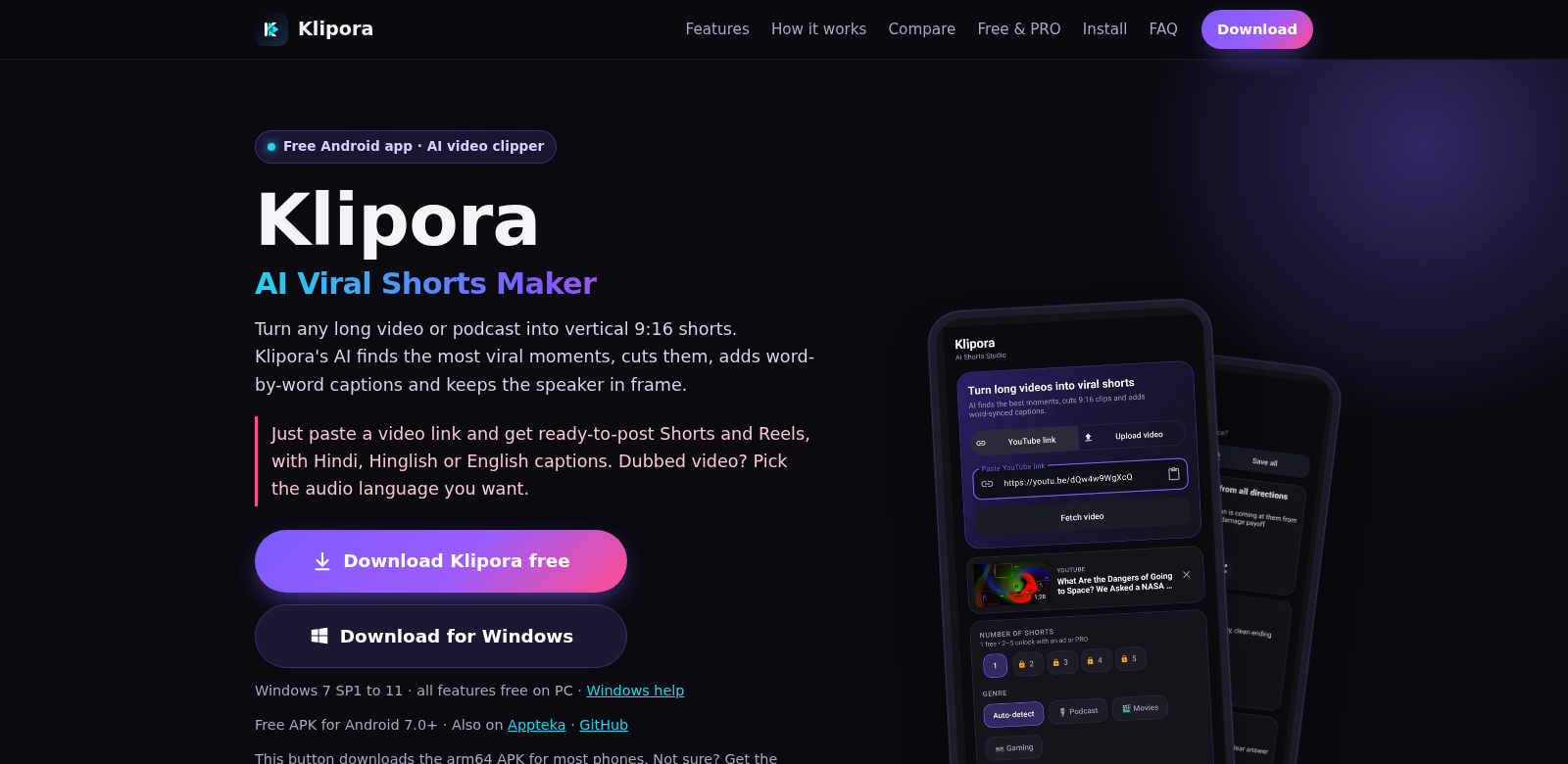
Klipora AI: Revolutionizing Short Video Creation
Klipora AI is a free app for Android and Windows PCs. It easily turns long videos and podcasts into captioned 9:16 shorts. Just paste a video link, and you can quickly edit and get content ready for social media. In today's digital world, short videos are key for getting noticed and keeping people watching. Klipora AI helps you do that. If you're looking for a powerful, easy-to-use video editor, Klipora AI is a great option.
Customers of Klipora AI
Lots of different people use Klipora AI, all for their own reasons. Seeing who uses it helps explain how the app solves their problems.
- Content Creators: Filmmakers, YouTubers, and influencers can make content faster with Klipora AI. It turns long videos into short, easy-to-watch clips that grab attention.
- Marketers: Marketers can use Klipora AI to make promo shorts from webinars or product launches. This helps them create visuals that stand out and get people interested in their campaigns.
- Educators: Teachers can turn recorded lessons into short videos for students to review or share on social media. Captions make sure everyone can learn, even those with hearing difficulties.
- Podcasters: With podcasts getting bigger, podcasters can use Klipora AI to make short promos that capture the best parts of their talks. This helps them get and keep more listeners.
- Businesses: Companies can turn training videos and webinars into short clips for internal communication. This makes learning materials more engaging and easier for employees to get through.
Problems and Solution by Klipora AI
Making digital content comes with a lot of headaches. Klipora AI sees these problems and fixes them with its easy-to-use platform.
Problems Klipora AI Found
- Time-Consuming Editing: Old-school video editing takes forever and often needs a lot of technical know-how.
- Content People Don't Watch: Long videos, even good ones, can lose viewers fast, especially when people just want quick info.
- Not Social Media Ready: A lot of videos aren't set up for social media, which prefers short, punchy content.
- Expensive Tools & Skills: Not everyone has fancy editing software or knows how to use it.
- Losing Viewers: People have short attention spans. Long, unedited videos often make them click away.
Solution by Klipora AI
Klipora AI fixes these problems. It's a video editing tool built to be fast and get results. The app makes it simple to turn long videos into short, shareable clips for any social media platform. Here's what Klipora AI gives you:
- Easy Editing: You just paste a video link. Klipora AI does the rest, turning it into short, watchable clips.
- Ready for Social Media: Your videos come out in 9:16 format, perfect for Instagram Reels, TikTok, and other places where short content rules.
- More Accessible: Captions mean more people can watch your content, including those who are hard of hearing.
- Saves Time & Money: Klipora AI automates editing, so you don't need fancy skills or expensive software. Anyone can make video content.
- Keeps Viewers Hooked: When content is engaging, people watch longer and are more likely to stick around or take action.
Use Case
You can use Klipora AI in lots of ways, especially when you need to make videos fit what people want to watch now. Say a digital marketer records a long webinar to show off a new product. With Klipora AI, they can turn that long video into several short highlight reels for social media, getting more eyes on the product and building interest.
Teachers can also turn recorded lectures into short summary videos for students, making lessons easier to handle and understand. And podcasters? They can make exciting short video teasers to get people hooked on their full episodes.
Top Features of Klipora AI
Klipora AI has a ton of features that make video creation easy for everyone. Here are some of the best:
- Easy to Use: The app is simple to navigate, whether you're new to editing or a pro.
- Auto-Captions: Captions are added automatically, making videos more accessible and engaging.
- Perfect Format: Videos are automatically converted to the right size for social media, so they're always ready to share.
- Super Fast: Klipora AI processes videos quickly, letting you transform content in no time.
- Works Everywhere: Available on Android and Windows, so you can edit videos from almost any device.
Frequently Asked Questions with Klipora AI
- Is Klipora AI free to use? Yes, it's completely free. Anyone can make great video shorts without spending a dime.
- Can I use Klipora AI on my mobile device? Yes! It's on Android, so you can make shorts right from your phone or tablet, wherever you are.
- What types of videos can I use with Klipora AI? Any video link works – webinars, podcast episodes, social media content. Turn anything into shorts your audience will love.
- Do I need to download any software to use Klipora AI? Nope, no download needed. Klipora AI runs right in your web browser, so you can access it from any device.
- How long does it take to create shorts? It's super fast. Once you submit the video link, it usually takes just a few moments.