Krea 2 AI: Your Creative Partner for AI Image Generation
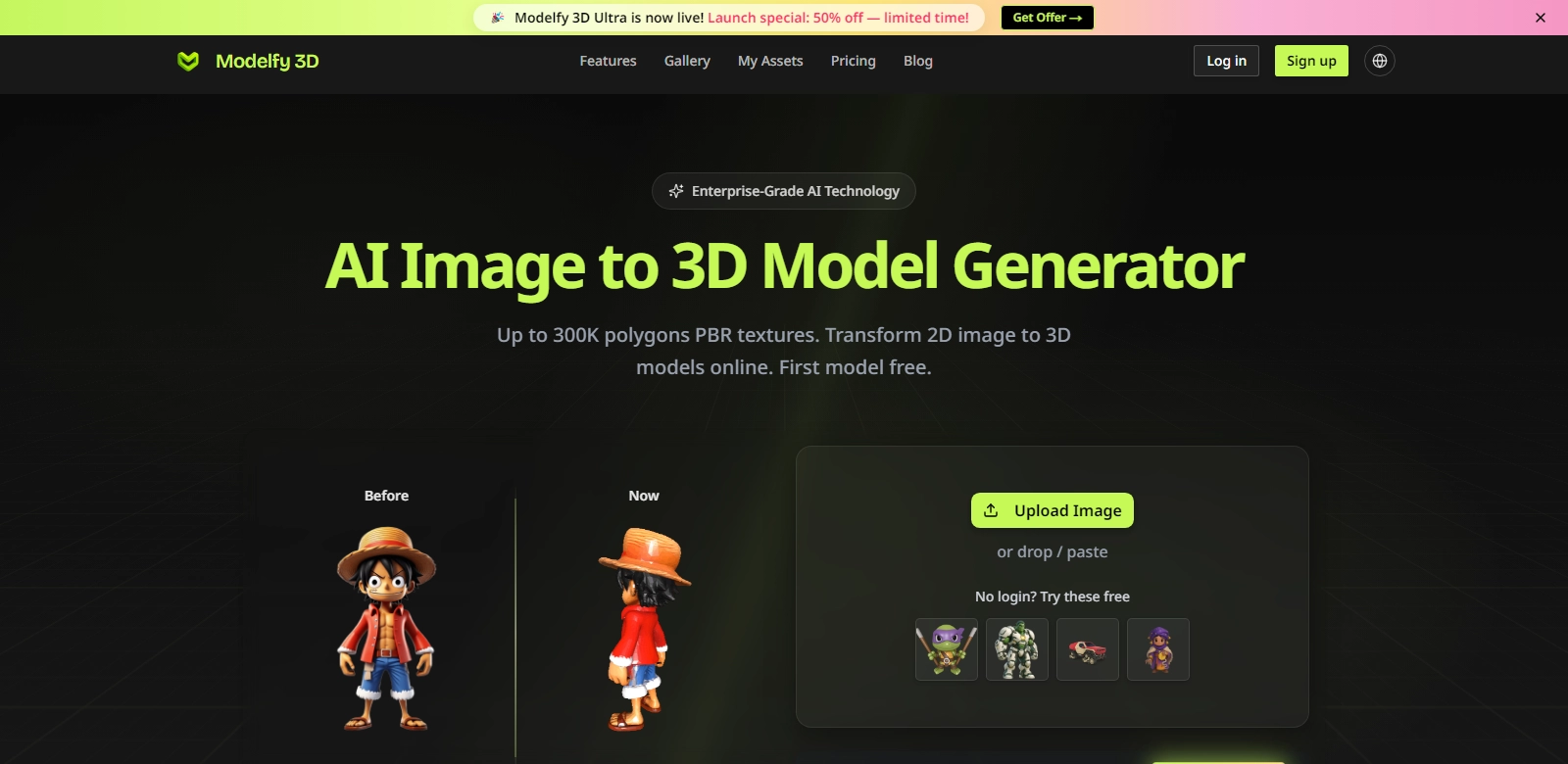
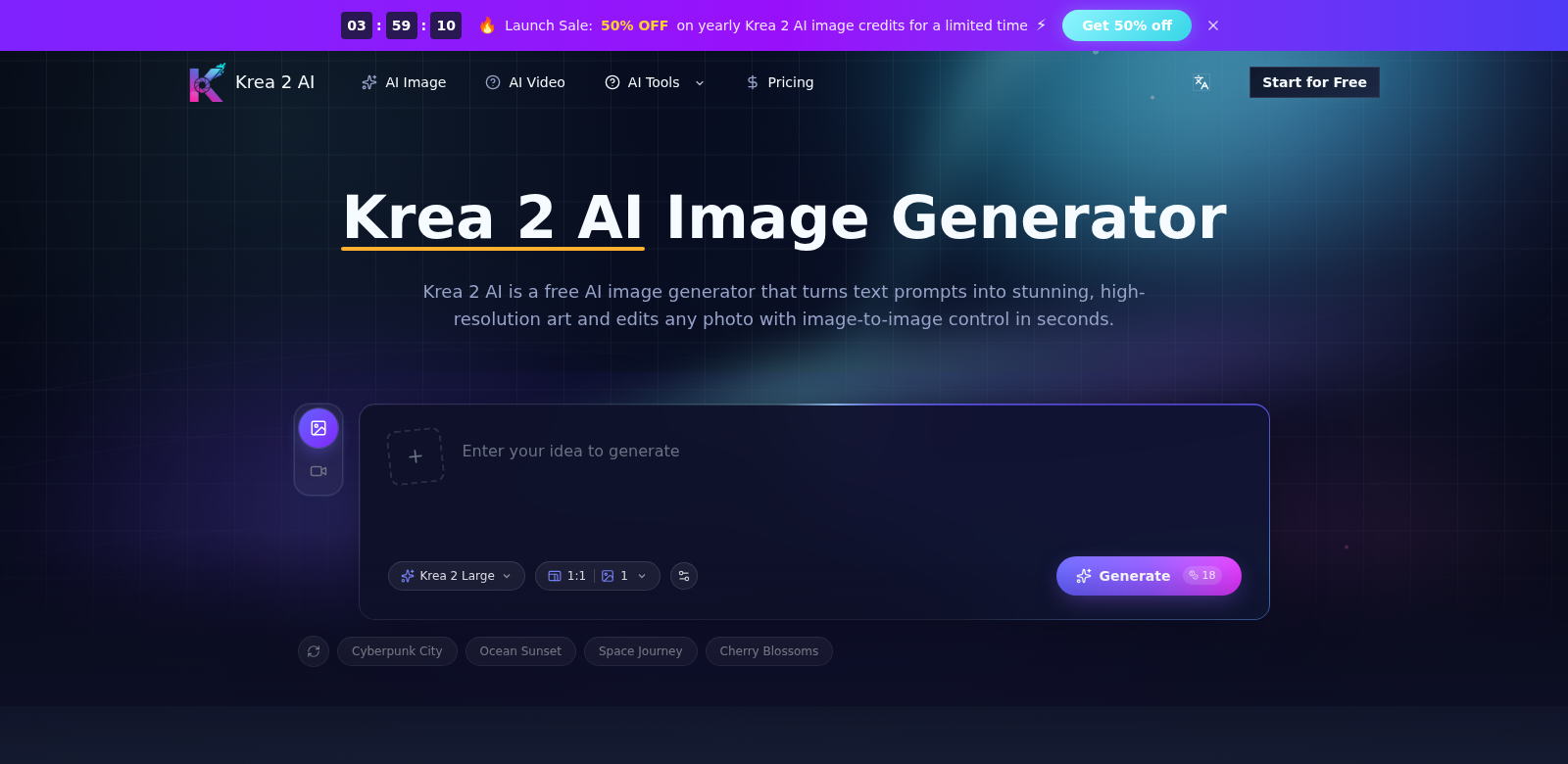
Krea 2 AI gives artists, designers, and anyone with a creative spark a powerful way to bring their ideas to life. Just type what you imagine, and Krea 2 AI turns your words into stunning visuals. It uses smart technology to help you create amazing images for anything from marketing campaigns to personal art projects. Find out more at Krea 2 AI.
Who Uses Krea 2 AI?
All sorts of people use Krea 2 AI to make images for their specific needs. Here are a few examples:
-
Graphic Designers: Designers use Krea 2 AI to quickly mock up ideas and create visual assets that fit what clients want. It helps them work faster, turning concepts into finished designs in just a few clicks.
-
Social Media Managers: Social media managers create unique images for their campaigns with Krea 2 AI. They can make eye-catching visuals that grab their audience's attention, boosting engagement and brand recognition across platforms.
-
Marketers: Marketers find Krea 2 AI incredibly useful for making content. Being able to create custom visuals can really improve ad campaigns and promotional materials, which often means better conversion rates.
-
Content Creators: Bloggers, YouTubers, and other content creators use Krea 2 AI to generate striking thumbnails, headers, and illustrations. This helps them make their content look better and keep viewers interested.
-
Educators: Teachers can use Krea 2 AI to make visually engaging materials for presentations and school projects, making lessons more interesting for students.
Problems Krea 2 AI Solves
The digital world moves fast, and creators often hit roadblocks. Krea 2 AI helps with several common challenges:
The Problems We Saw
-
Time Crunch: Many creators spend hours trying to make good-looking images.
-
Limited Resources: High-quality images can be expensive or hard to find, which limits what you can create.
-
Skill Gaps: Not everyone has the technical skills to create advanced digital art, which can stifle creativity.
-
Inconsistent Style: Keeping a consistent visual style across different projects can be tough when you're pulling from various sources.
-
Creative Blocks: Sometimes, the ideas just don't flow, making it hard to start new projects.
How Krea 2 AI Helps
Krea 2 AI tackles these problems head-on, helping users be more creative and productive.
With its simple interface, Krea 2 AI lets you generate high-quality images from basic text prompts in minutes. This cuts down the time you spend on image creation significantly. The platform's smart systems make sure images look great and meet high quality standards, so you don't need expensive resources or professional design skills.
Plus, Krea 2 AI helps you keep a consistent visual style. You can save your favorite styles and settings and apply them to many images, which is great for maintaining brand consistency in marketing. As you use the AI, you can explore different artistic styles. This often sparks new ideas and helps break through creative blocks, ultimately making your art better and more satisfying to create.
Real-World Uses
Krea 2 AI has tons of applications. For example, a graphic designer might use it to create images for a presentation based on specific themes. A social media manager could generate several images in minutes for an upcoming campaign, each one tweaked for different audience groups. And educators can create vivid illustrations for lesson plans or presentations, making learning more interactive and fun.
Key Features of Krea 2 AI
Krea 2 AI comes with several features designed to make your creative process smoother and more enjoyable:
-
Text-to-Image Generation: Just type your ideas, and the system creates amazing images.
-
Image Editing: You can edit existing images or generate new versions based on what you've already made.
-
Style Choices: Pick from many artistic styles to match your creative vision.
-
High-Resolution Downloads: Download your images in high resolution, so they look sharp everywhere you use them.
-
Easy-to-Use Interface: The platform works for everyone, from beginners to pros.
Common Questions About Krea 2 AI
-
How does Krea 2 AI turn text into images? Krea 2 AI uses advanced language processing and machine learning to understand your text prompts and create matching images. This means you get unique creations based on what you type.
-
Does Krea 2 AI cost money? There's a free version of Krea 2 AI with basic features. If you want more advanced tools, you can upgrade to a premium plan.
-
What kinds of styles can I choose for my images? Krea 2 AI offers a wide range of artistic styles, including abstract, realism, and more. You can customize how your images look and feel.
-
Can I download my images in high resolution? Yes, Krea 2 AI lets you download your generated images in high-resolution formats. This ensures they look professional for any use.
-
Is Krea 2 AI good for beginners? Absolutely! The interface is intuitive, making it easy for anyone, no matter their skill level, to create impressive images and boost their creative projects.