LexDraft: Better Legal Drafting Right in Microsoft Word
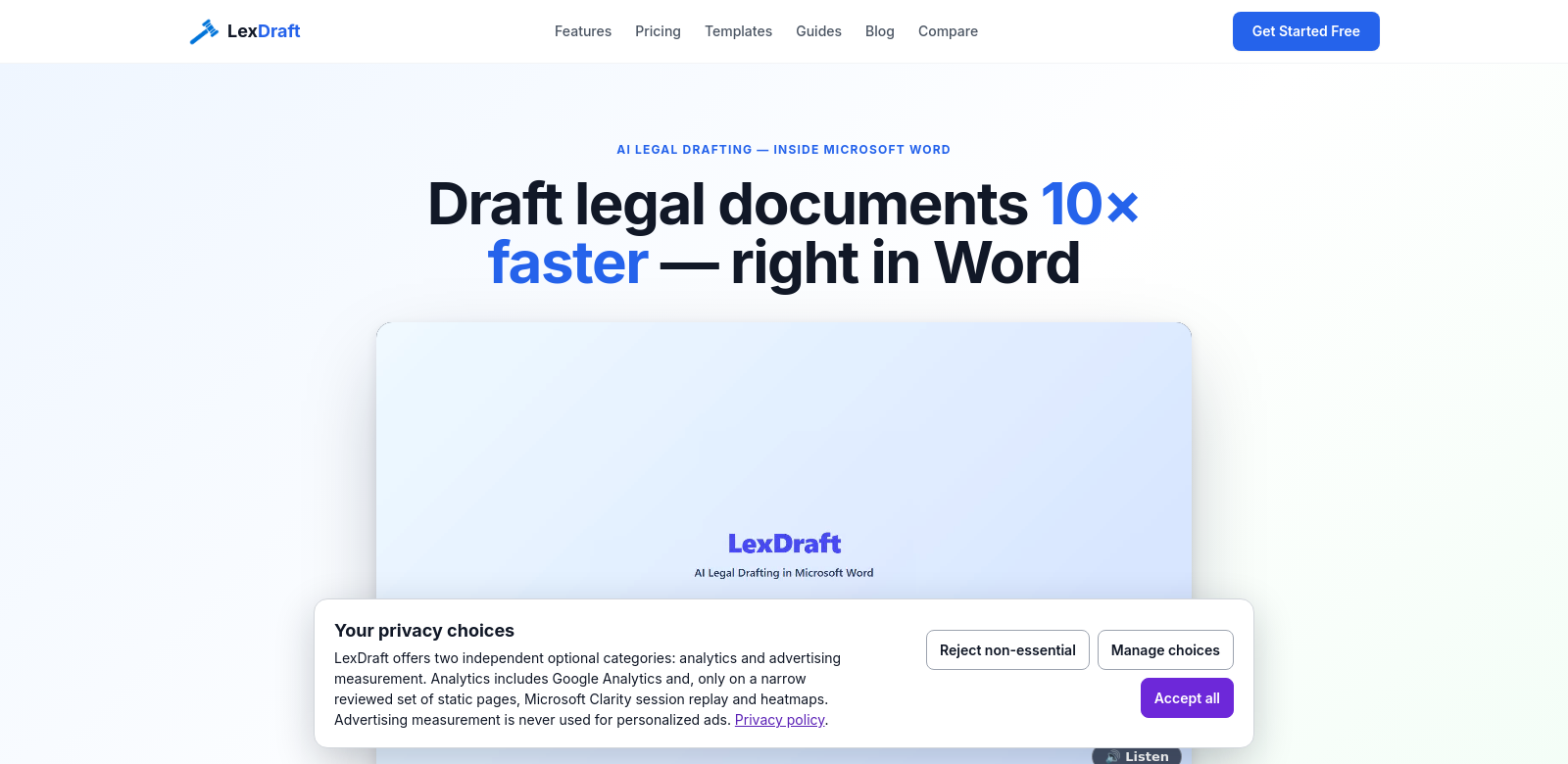
LexDraft works right inside Microsoft Word, helping you draft legal documents like NDAs, employment agreements, and SaaS MSAs. It uses AI to give you precise, word-level red-lines and lets you use playbooks written by attorneys. This makes legal drafting more accurate and faster. Plus, there's a free version, which means you can do top-notch legal drafting without leaving Word.
Who Uses LexDraft
LexDraft helps all sorts of customers in different fields.
-
Law Firms: Law firms, big and small, use LexDraft to make document prep faster. The AI helps them save time and cut down on mistakes, making sure all their legal documents meet standards.
-
Corporate Legal Departments: In-house legal teams use LexDraft to handle contracts and agreements better. It helps them stay compliant and quickly adapt to new business needs.
-
Freelance Attorneys: Solo lawyers get a lot out of LexDraft's free version. It gives them powerful drafting tools without the high price tag. This helps freelancers compete with bigger firms while keeping quality high.
-
Startups: New businesses often use LexDraft to draft key legal documents. This means they don't have to hire lawyers for every small contract. LexDraft lets startups manage their own legal work.
-
Educational Institutions: Law schools and training programs teach with LexDraft. They show future lawyers the real-world tools for legal drafting. Students get to use modern tech, which gets them ready for their careers.
Problems LexDraft Solves
LexDraft tackles big problems in legal drafting.
Problems LexDraft Found
-
Time-Intensive Document Drafting: Old ways of preparing documents take a lot of time and manual work.
-
High Error Rates: Mistakes in legal documents can be expensive, hurting reputations and clients.
-
Limited Accessibility: Many small firms and freelancers can't afford expensive drafting tools, which makes it hard to compete.
-
Inconsistent Formatting and Language: Lawyers often struggle to keep legal documents consistent, which can lead to misunderstandings.
-
Lack of Customization: Many drafting tools don't let you customize them, so users are stuck with templates that don't quite fit.
How LexDraft Solves Them
LexDraft fixes these problems with its tech. It automates drafting, cutting down on time so legal pros can focus on bigger-picture work. Its AI learns from huge legal databases, suggesting text changes that meet legal standards. The precise word-level red-lines mean fewer errors in documents – a big deal in law.
The tool is also flexible. You can customize templates to fit your exact needs. This means even the smallest law firms or freelancers can look professional and quickly adapt documents as things change.
Use Cases
LexDraft is useful in many situations, especially for people doing a lot of legal work. For example:
- Contract Management: Companies can handle many agreements smoothly, cutting down on revisions.
- Employment Documents: Law firms can create employment agreements in half the usual time, giving clients quick service.
- Non-Disclosure Agreements: Small businesses often need NDAs fast. LexDraft helps with templates and automated insights, making sure they're legally sound.
Top Features of LexDraft
LexDraft has features that make legal drafting faster and more accurate:
- AI-Assisted Drafting: LexDraft's AI suggests improvements and points out possible legal problems in your drafts.
- Integrated Solutions: Working in Microsoft Word makes drafting smoother because you don't have to jump between programs.
- Customizable Playbooks: You can make playbooks for your specific legal area, giving you more control over your documents.
- Collaborative Capabilities: Many people can work on documents at the same time, making reviews and changes simple.
- Analytics and Reporting: LexDraft shows you how documents perform and how they're used, which helps you improve your drafting over time.
Frequently Asked Questions About LexDraft
-
How does LexDraft make sure documents are accurate? LexDraft uses AI to check legal text and apply best practices. This cuts down on errors and makes sure documents meet current legal standards.
-
Can individuals use LexDraft, or is it just for firms? Anyone can use it! LexDraft works for individual lawyers, freelancers, startups, and big law firms alike.
-
Is it hard to learn for new users? LexDraft is pretty easy to pick up, no matter how tech-savvy you are. Its interface is straightforward, so most people learn it quickly. Plus, there are tutorials and other help available.
-
What kinds of legal documents can LexDraft help with? LexDraft can help you create many types of documents, like non-disclosure agreements, employment contracts, service agreements, and more.
-
Is there ongoing support for LexDraft users? Yes, LexDraft has strong customer support and learning materials to help users get the most out of its features.