SeeWhatNewAI Tools Directory faviconSeeWhatNewAI Tools Directory faviconSeeWhatNewAI
HomeExploreDirectoryCustomer TypesPricing
Submit
home page logohome page logoSeeWhatNewAI.Com

Discover new AI tools, compare alternatives, and find what fits your workflow faster.

© 2026 SeeWhatNewAI. All rights reserved.

Customer Types

EducatorsContent CreatorsMarketing TeamsSmall Business OwnersStudentsE-commerce OperatorsStartup FoundersKnowledge WorkersFreelancersDevelopers

Tools

Favicon DownloaderDirectoryDev BoxCategoriesGet our badge

Legal

PricingAboutContactPrivacyTermsSubmission PolicyIP & Copyright
    Visit

    LTX25.NET

    LTX 2.5 AI

    LTX 2.5: Advanced Open-Source AI Video Generation Tool

    Discover LTX 2.5, the premier AI video generator that transforms text and images into stunning 4K videos with audio support.

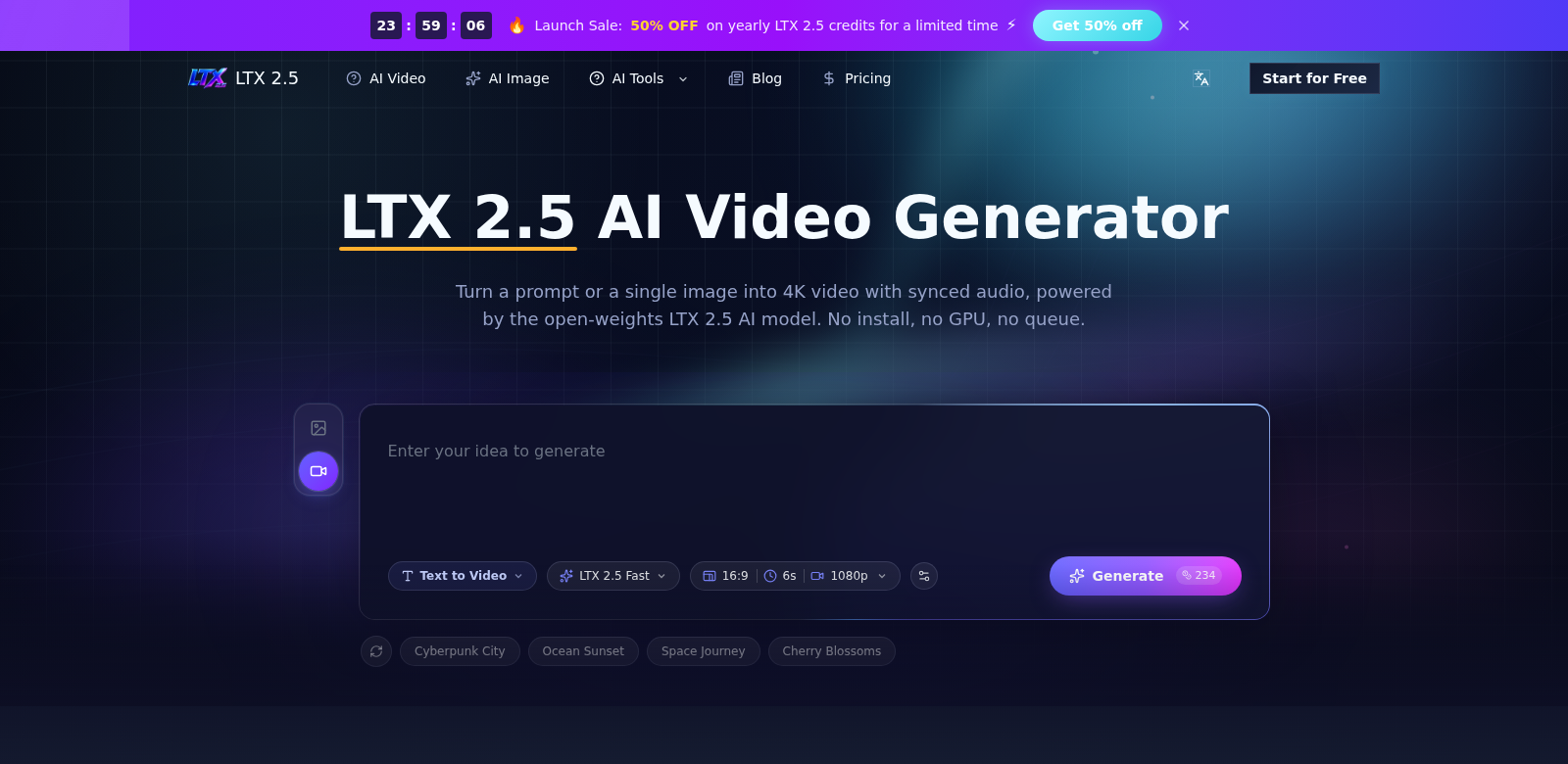
    LTX 2.5 AI screenshot

    On this page

    • LTX 2.5: An Open-Source AI Video Generator
    • Who Uses LTX 2.5?
    • Problems LTX 2.5 Solves
    • The Problems
    • LTX 2.5's Solution
    • How People Use It
    • What LTX 2.5 Can Do
    • FAQs About LTX 2.5
    • More AI Tools
    On this page
    • LTX 2.5: An Open-Source AI Video Generator
    • Who Uses LTX 2.5?
    • Problems LTX 2.5 Solves
    • The Problems
    • LTX 2.5's Solution
    • How People Use It
    • What LTX 2.5 Can Do
    • FAQs About LTX 2.5
    • More AI Tools

    LTX 2.5: An Open-Source AI Video Generator

    LTX 2.5 is a platform for making high-quality videos from text or images. Lightricks developed this open-weights AI video generator. It lets you make 4K videos with synced audio. LTX 2.5 takes your ideas and turns them into video and sound. You can try it for free to see what it can do. LTX 2.5

    Who Uses LTX 2.5?

    LTX 2.5 works for many people, whether you're new to making content or a pro.

    • Content Creators: If you make content, LTX 2.5 helps you turn scripts into videos fast. This cuts down on manual editing time.

    • Marketing Professionals: Marketers use LTX 2.5 to make promotional videos for their audience. It's easy to use, so they can quickly produce marketing materials.

    • Educators and Trainers: Teachers and trainers can use LTX 2.5 to make informative videos. This helps them present lessons in a more engaging way.

    • Business Analysts: Analysts who need to turn reports and data into videos for stakeholders can use this tool. It helps them make professional presentations that keep people watching.

    • Social Media Influencers: Influencers can quickly make high-quality videos to boost their content. This helps them stay current on social media.

    Problems LTX 2.5 Solves

    Making digital content comes with its own set of challenges. LTX 2.5 helps with these:

    The Problems

    • Time-Consuming Video Production: Making videos the old way takes a lot of time and skill.

    • Quality Control Issues: A lot of automated video tools make low-quality videos that look unprofessional.

    • Complex Software Learning Curves: Hard-to-learn software stops people from using video tools to their full potential.

    • Inaccessibility for Non-Professionals: Most tools are made for experts, leaving out people who aren't tech-savvy.

    • High Costs of Professional Tools: Good video editing software is usually expensive, with high subscription or one-time fees.

    LTX 2.5's Solution

    LTX 2.5 solves these video production headaches. It has an easy-to-use interface and smart AI, making video creation simple for everyone. You can make great-looking videos from text or images without spending hours editing. LTX 2.5 lets anyone turn their ideas into professional videos. Plus, it has different pricing options so more people can use it.

    How People Use It

    People use LTX 2.5 in many ways. For instance, a school might use it to make educational videos with visuals that help students learn tough subjects. A small business could use the platform to create ads for its services or products, boosting its brand without needing a big video team. YouTube creators can also use this tool to make polished, high-definition videos that grab their viewers' attention.

    What LTX 2.5 Can Do

    LTX 2.5 has a lot of features that make it powerful and easy to use.

    1. 4K Video: Make crisp 4K videos that look professional.

    2. Synced Audio: LTX 2.5 automatically matches audio to video, making for a smooth viewing experience.

    3. Easy Interface: The platform is simple to use, so anyone can get started, no matter their tech skills.

    4. Open-Source: Developers can customize LTX 2.5 to fit their specific project needs.

    5. Free Trial: Try the platform without paying anything. Play around with all its features.

    FAQs About LTX 2.5

    1. What makes LTX 2.5 different from other video generators? It stands out because it makes high-quality 4K videos easily and has a simple interface.

    2. Is LTX 2.5 suitable for beginners? Yes, it's made for beginners. Its easy interface makes video creation less complicated.

    3. Can I use LTX 2.5 for commercial projects? Yes, you can use LTX 2.5 for many commercial projects to make professional videos for your business.

    4. What formats can I export my videos in? LTX 2.5 lets you export videos in different formats, so you can easily share them anywhere.

    5. How does the free trial work? Sign up, try out LTX 2.5's features, and make your first video for free.
    Next step

    Try LTX 2.5 AI

    Visit

    More AI Tools

    Discover More AI Tools

    Browse similar tools and continue exploring fresh products.

    Doforai screenshot

    Doforai

    Explore DoForAI for a curated selection of AI tools, expert insights, and structured support for your AI journey.

    Cuttly screenshot

    Cuttly

    Discover how Cuttly transforms website cloning, making it simple to copy and deploy landing pages effortlessly.

    Presentation Intelligence screenshot

    Presentation Intelligence

    Discover AI-driven solutions for creating standout presentations effortlessly with Pi - Presentation Intelligence.

    CharlestonRanked screenshot

    CharlestonRanked

    Explore top-rated Charleston attractions, ranked by locals. Discover the best spots to eat, drink, and unwind in this vibrant city.

    Question AI screenshot

    Question AI

    Discover how Question AI transforms homework help through advanced AI technology.

    Image Blur Removal screenshot

    Image Blur Removal

    Discover how Pokecut's AI technology removes blur from images, restoring clarity to portraits, landscapes, and treasured memories.

    APIDot screenshot

    APIDot

    Explore APIDot, the go-to AI API platform for seamless access to image and video APIs, optimizing developer workflows.

    Suno API TTAPI screenshot

    Suno API TTAPI

    Discover the innovative capabilities of Suno Music API, enabling custom models, covers, and async results for music creators.

    EducatorsContent CreatorsMarketing TeamsSmall Business OwnersStudentsE-commerce OperatorsStartup FoundersKnowledge WorkersFreelancersDevelopersResearchersGraphic DesignersFamiliesArtistsHealthcare ProvidersEvent PlannersGame DevelopersPhotographersWritersContent ManagersGame PlayersBusiness AnalystsNonprofitsIT ProfessionalsCreative StudiosSEO ProfessionalsHR ProfessionalsCustomer Operations TeamsProduct ManagersCompliance ManagersSales TeamsProject ManagersCareer SeekersTravelersIndividual InvestorsReal Estate AgentsBrand ManagersTravel Agency OperatorsRetailersVirtual Companion UsersMusiciansVideo EditorsProduct DesignersOnline ShoppersInstitutional InvestorsWebsite OwnersTradersAnime FansAccessibility-Focused UsersFitness EnthusiastsFinancial AnalystsData ScientistsManufacturersLanguage LearnersLegal ProfessionalsRoleplaying EnthusiastsFinancial AdvisorsPatientsConsultantsArchitectsOnline DatersReal Estate InvestorsJournalistsQA EngineersLogisticsBeauty ProfessionalsProperty ManagersCommunity ManagersHealth-Conscious ConsumersInterior DesignersPublic Relations ProfessionalsHome ImproversStartup InvestorsCouplesOlder AdultsCaregiversWealth ManagersDivination SeekersEngineers