Social Media Management That Actually Works: Meet Maeve Social
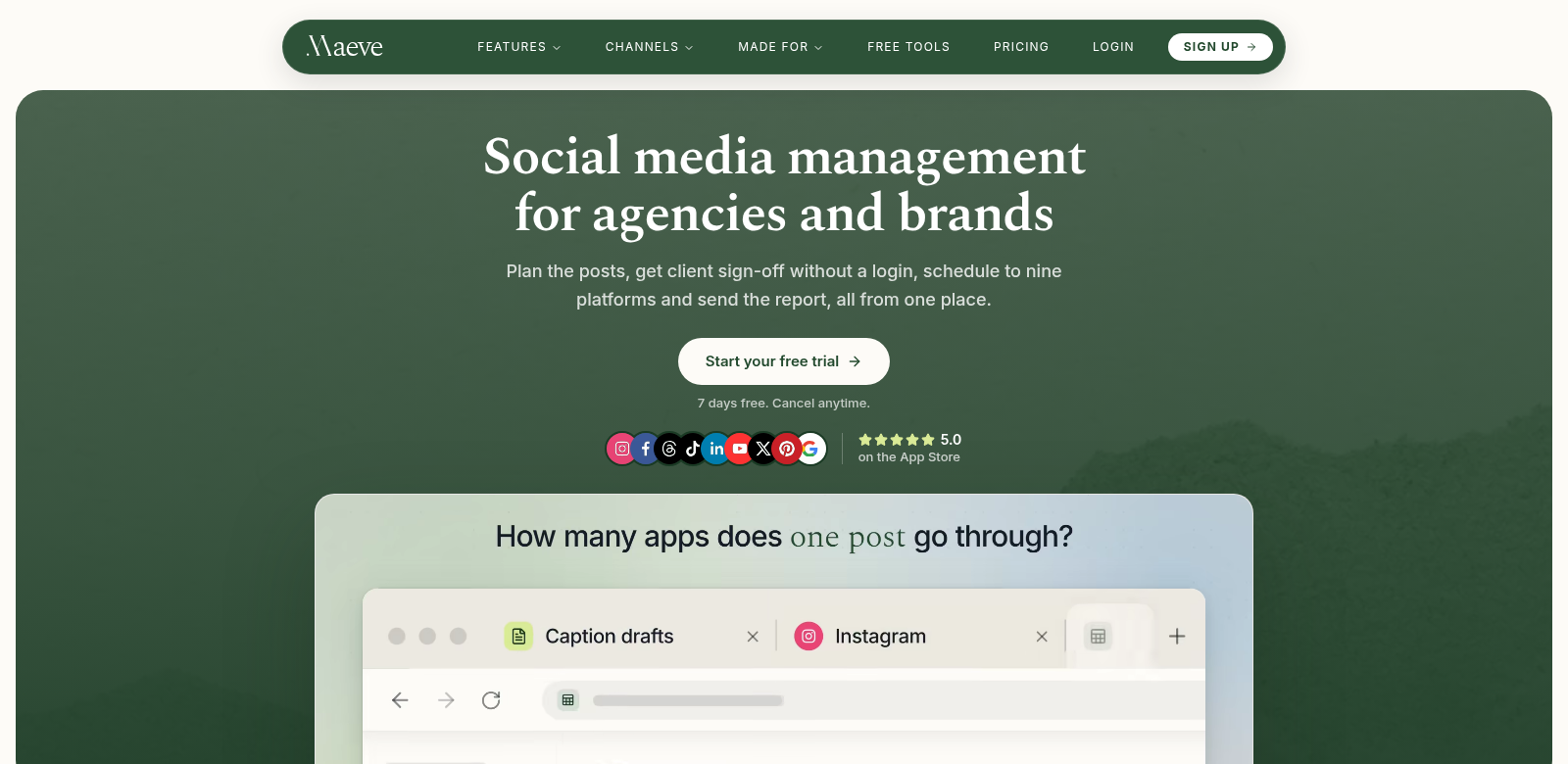
Social media isn't just an option for marketing these days – it's essential. And keeping up with all those platforms? That's a real challenge for businesses and marketers. That's where Maeve Social comes in. It's a social media management tool built to make all that easier. You can schedule posts, get client approvals without them needing to log in, handle comments and DMs, and even whip up branded PDF reports – all from one spot. It helps you boost your online game, save a ton of time, and actually get more done. If you're looking for a solid way to manage your social media, Maeve Social really sets you up for clear, effective online communication.
Who Uses Maeve Social?
Who gets the most out of Maeve Social? We've looked at who really benefits from its features, and here's who we found:
-
Small Business Owners: Small business owners are usually wearing a dozen hats and don't have a huge marketing budget. Maeve Social lets them schedule and manage posts across nine platforms without wasting precious time.
-
Digital Marketing Agencies: Agencies need to get client approvals fast and without fuss. Maeve Social's approval feature makes this super easy – no more logging into a bunch of different places, just smooth sailing.
-
Freelancers: Freelancers managing multiple client accounts can use Maeve Social to keep everything straight. Being able to handle all comments and DMs from one screen means they're more efficient and can respond way faster.
-
Corporate Marketing Teams: Big companies with large marketing teams know how messy social media can get. Maeve Social's features help teams work together better and make reporting a breeze, which is key to actually getting results.
-
Content Creators: If you're a content creator juggling several platforms, Maeve Social helps you schedule posts perfectly. You'll keep your online presence consistent without accidentally posting the same thing everywhere.
Social Media Headaches and How Maeve Social Fixes Them
Managing social media can be a real headache, full of annoying roadblocks. Maeve Social tackles these head-on with features that just work.
The Problems Maeve Social Found
-
Time-consuming Management: Juggling separate accounts for each platform eats up so much time. It's inefficient and kills productivity.
-
Client Approval Delays: Getting content approved often grinds to a halt. Clients needing special logins or endless email chains for feedback? That's a bottleneck.
-
Overwhelmed by Comments and Messages: More business means more comments and messages. Keeping up with all that, tracking it, and responding fast? It's overwhelming without a solid system.
-
Lack of Brand Consistency: It's tough to keep your brand voice and message consistent when you're posting across a bunch of different accounts.
-
Difficulties in Measurement: Trying to report on social media performance is usually a complex, time-consuming mess. It's hard to tell if your efforts are actually paying off.
Maeve Social's Solutions
Maeve Social solves these problems with smart, built-in features:
-
Efficient Post Scheduling: You can schedule posts way ahead of time across nine platforms. This saves a ton of effort, cuts down on mistakes, and just makes everything smoother.
-
Simplified Client Approvals: Clients can approve content without ever logging in. This cuts out all that annoying back-and-forth, so your campaigns can launch way faster.
-
Unified Comment Management: All your comments and messages come into one place. You can respond quicker and better, keeping engagement high without getting swamped.
-
Brand Command: Maeve Social helps you keep your brand consistent. Use templated responses and info that matches your company's guidelines, so there's less chance of mixed messages.
-
Smart Reporting: Get smart, branded PDF reports that sum up your performance across all platforms. This means you can make decisions based on real numbers, not guesswork.
Real-World Uses
Here are some ways people actually use Maeve Social:
- Launching a New Product: A marketing team can schedule an entire product launch campaign across every platform at once. Everyone gets the message at the same time, perfectly coordinated.
- Crisis Management: If negative comments pop up or a crisis is brewing, the centralized message system lets you respond super fast, keeping your public relations in check.
- Engagement Drives: Want to run giveaways or engagement campaigns across different platforms all at once? Maeve Social helps you manage them without a hitch.
Maeve Social's Standout Features
Here are Maeve Social's standout features:
-
Multi-Platform Scheduling: Schedule posts across nine platforms from one screen. This saves time and keeps your content strategy perfectly aligned.
-
Client Approval Workflows: Make client communication smoother. They can approve content right inside the platform, no more login hassles.
-
Branding Customization: Create custom PDF reports that match your brand's look and feel. Your social media results will look super professional.
-
Engagement Tracking: Keep an eye on comments and messages, and manage them as they happen. This boosts engagement and keeps customers happy.
-
Analytics and Reporting: Use the built-in analytics to see how you're doing across all social platforms. You'll get real numbers you can act on.
Got Questions About Maeve Social? We've Got Answers.
-
What kind of businesses can benefit from Maeve Social? Maeve Social is super flexible. Small business owners, digital marketing agencies, freelancers, corporate marketing teams, and content creators – everyone finds something valuable in its features.
-
How does Maeve Social help with scheduling posts? You can create posts ahead of time and schedule them to go live at the best possible moments across different platforms. This helps you get the most engagement from your audience.
-
Can I customize the reports generated by Maeve Social? Absolutely! You can create branded PDF reports that show off your unique style. This makes your analytics look great and easy to share with clients.
-
Is client approval necessary when using Maeve Social? It's not mandatory, but using the client approval feature really makes collaboration better. It ensures all content is exactly what your client expects before it goes live.
-
What kind of support does Maeve Social offer? Maeve Social usually offers a few ways to get help: live chat, email support, and a big help center for troubleshooting and general assistance.