Miso One AI: Make Your Dialogue Speak
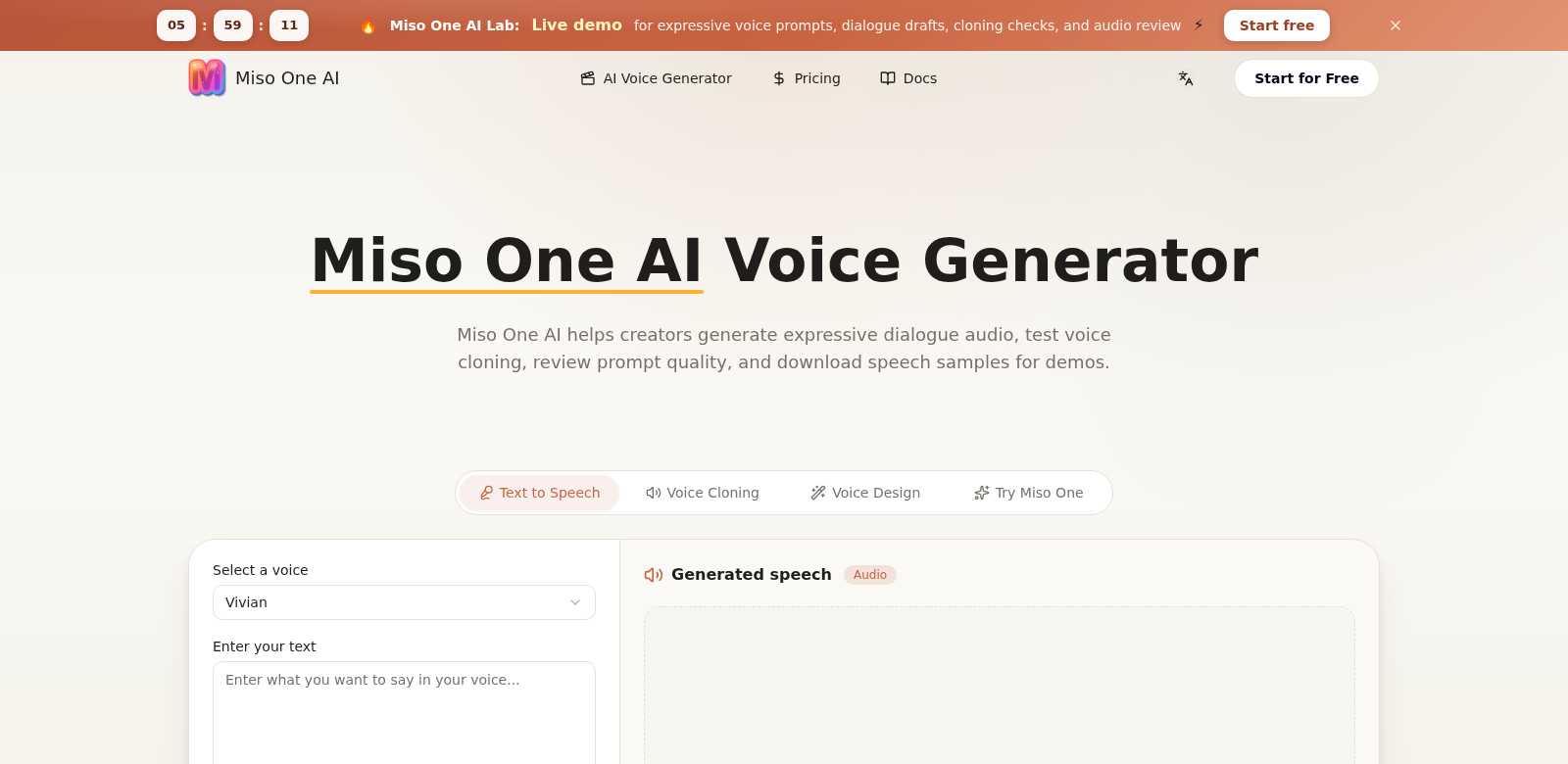
Miso One AI creates expressive voice audio for dialogue. It's a tool for all sorts of users, from content creators to voice actors, helping them make their conversations sound real and clear. With Miso One AI, you can clone voices, review prompts, and download or share speech samples with proper credit. It's an easy way to get great audio into your projects. If you want better audio, Miso One AI is a solid, fast choice.
Who Uses Miso One AI?
Lots of different people use Miso One AI. Here are some of our typical customers who get a lot out of this voice generator:
-
Content Creators:
Content creators make videos, podcasts, and audiobooks that need great sound. Miso One AI helps them add natural-sounding dialogue. Voice cloning is a huge help for telling stories or making character voices without hiring a voice actor for every single project. -
Marketers:
Marketers need good audio for ads and promos. Miso One AI lets them make custom messages with tailored dialogue scripts. This helps brands connect better with their audience and keep a consistent voice everywhere they appear. -
Game Developers:
Games need great stories and character interactions. Miso One AI helps developers create realistic voices for characters, making games more immersive. It makes getting high-quality sound effects easier, so teams can spend more time on gameplay and design. -
Educators:
Educators use audio to make learning materials more engaging. Miso One AI lets them create animated dialogues for lessons, which makes learning more fun for students. With voice modulation and recordings, they can make lessons much more interactive. -
Corporate Training Teams:
Companies use more audio in training for onboarding and skill development. Miso One AI helps training teams write full audio scripts they can share widely. This makes communication clearer and helps employees learn better.
What Miso One AI Fixes
Miso One AI solves some common problems people run into when making audio.
Problems Miso One AI Found
-
Dialogue Quality:
It's hard to get natural-sounding dialogue without paying for professional voice actors. That costs a lot of money and takes a lot of time. -
Limited Customization:
Most audio tools don't let you change voices much. You end up with generic sounds that don't match your brand or project. -
High Costs:
Good audio usually means spending a lot on gear and voice talent. This can be a real problem for smaller creators and businesses. -
Tight Deadlines:
Many people work with tight deadlines and need audio fast. -
Few Resources:
Creators often don't have the right tools for professional audio, which means their work doesn't sound great or grab an audience.
How Miso One AI Solves Them
Miso One AI fixes these problems with its smart voice generation. You can easily create dialogue that sounds natural, making your projects sound much better. Voice cloning lets you copy voices, so you keep a consistent sound across all your work without re-recording anything. Plus, the platform is easy to use: upload scripts, edit quickly, and get high-quality audio out fast.
Miso One AI also cuts down on audio production costs. It gives you a huge library of voices and custom options, so you don't need to hire outside audio pros. Instead, you can make content that really connects with your audience, all while keeping costs and deadlines in check.
How People Use It
Miso One AI works for many different industries. For example, a content creator in media can use it to make voiceovers for a whole video series. This keeps their brand consistent without costing a fortune. Game developers can easily make unique character voices, which makes games more fun. And in education, teachers can create personalized learning materials that fit what students need, making lessons better overall.
Miso One AI's Best Features
Here are some of Miso One AI's best features that make it stand out:
-
Voice Cloning:
Copy voices to make branded audio without needing to record again and again. -
Custom Dialogue:
You can change dialogues for different situations, making sure your audio matches your brand's message. -
Easy-to-Use Interface:
The platform is designed for everyone, from beginners to pros. Anyone can use it, no matter their tech skills. -
High-Quality Audio:
Miso One AI makes sure your audio is clear and true to life – exactly what you need for professional work. -
Fast Production:
Get your audio quickly, so you can hit deadlines without sacrificing quality.
FAQs about Miso One AI
-
How does Miso One AI work?
Miso One AI uses smart AI to create audio dialogue. You type in text, and the platform turns it into speech that sounds like a real person talking. -
Can I customize the voice in my projects?
Yes, Miso One AI has many voice options you can customize. This means it works for all sorts of projects and uses. -
Is there a free trial?
Yes, Miso One AI offers a free trial. You can check out its features before you subscribe. -
What audio formats can I export?
You can export audio in several formats, like MP3 and WAV. This makes it simple to use in any multimedia project. -
Is there customer support?
Yes. Miso One AI has full customer support to help you with any questions or tech problems.