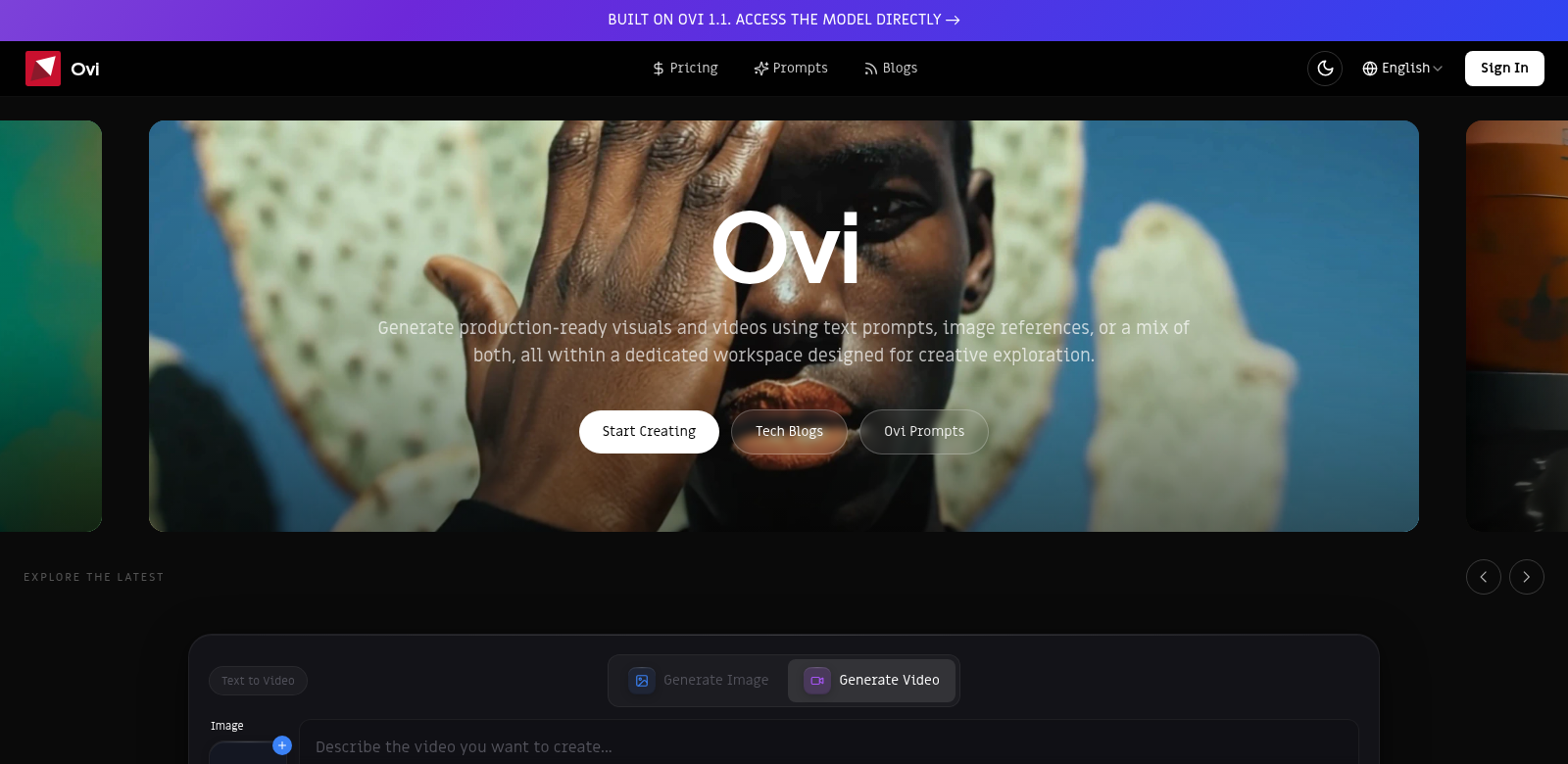
Make Amazing Visuals and Videos with Ovi
Ovi helps you make professional-looking visuals and videos. Just give it some text or image references, and it gets to work. The workspace is built for creative people to play around, so artists, marketers, and content creators will find it super useful. Doesn't matter if you're a pro or just starting out, Ovi makes it easy to get great-looking graphics and videos for your projects, and you can tweak them however you like. If you want to tell better stories visually, Ovi Studio (https://ovi.studio) is a powerful tool to have.
Who Uses Ovi?
To really get what Ovi offers, it helps to see who's using it. Let's look at a few types of people who get a lot out of Ovi.
-
Graphic Designers: Graphic designers use Ovi to speed up their work, turning simple ideas into eye-catching art. It helps them try out different designs without getting bogged down by clunky old software.
-
Content Creators: YouTube stars and social media creators use Ovi to make videos that grab people's attention. They can mix AI-generated visuals with their stories, which makes everything more compelling and keeps viewers hooked.
-
Marketers: Digital marketers use Ovi to create strong visuals for their campaigns, making their ads work better. Since they can whip up great-looking graphics fast, marketers can jump on new trends and connect with users more easily.
-
Educators: Teachers use Ovi to make their class materials look good. Being able to generate images for their lessons helps grab students' attention and makes learning more engaging.
-
Businesses: Small businesses use Ovi for branding—think logos, promo images, and video ads. It's so flexible, they can create custom content that really speaks to their customers.
Problems Ovi Solves
The digital world moves fast, and creative people often hit roadblocks that slow them down.
Problems Ovi Found
-
Time Constraints: Designers and creators are often short on time to make good visuals, which means rushed projects and less creative work.
-
Lack of Resources: Not everyone can afford pricey software or huge image libraries, and that really holds back their creativity.
-
Difficulty in Collaboration: Teams often struggle to work together using old-school design tools, which leads to misunderstandings and wasted effort.
How Ovi Helps
Ovi fixes these issues by giving you one place to make amazing visuals fast. It uses smart AI to turn simple text into lively images or videos, cutting down on how long it takes to make things. Plus, Ovi's cloud workspace makes it easy for teams to work together, getting rid of the headaches you get with traditional software. It's one solution for all your creative needs, so you can focus on your art instead of wrestling with tech.
How You Can Use It
Ovi is super flexible, so you can use it in tons of different ways across many industries. For example, a marketing team could use Ovi to whip up custom promo graphics that fit their current campaigns perfectly. A film director might use it for storyboards, making their vision much clearer for the crew. Teachers can also make interactive presentations, turning boring lectures into engaging, good-looking lessons that students actually connect with.
Ovi's Best Features
Ovi's power comes from its features, which are designed for all sorts of users.
-
Easy-to-Use Interface: Ovi has an easy-to-use interface that makes creating things simple, so anyone, no matter their skill level, can make great content.
-
AI Image Generation: Using AI, Ovi can create complex images from what you tell it, turning simple ideas into detailed visuals in seconds.
-
Mix Text and Images: You can easily mix text prompts and image references, giving your ideas more depth and creative spark.
-
Teamwork Tools: Ovi makes real-time teamwork easy. Teams can share work, give live feedback, and quickly refine designs.
-
Export Options: With many export formats, you can be sure your content works everywhere, making it super useful.
Frequently Asked Questions about Ovi
-
How does Ovi generate visuals? Ovi uses AI to understand your text prompts and image references, then creates visuals that match what you're looking for. It's built to learn and get better over time, so the visuals keep improving.
-
Is there a limit to the types of visuals I can create with Ovi? Nope, you can make almost anything. Whether it's for marketing, school, or art, Ovi handles all kinds of creative ideas.
-
Can I collaborate with my team using Ovi? Yes! Ovi has teamwork features so you can share work with colleagues, get feedback, and make changes together in real time.
-
What formats can I export my visuals in? Ovi lets you export in several formats, like JPG, PNG, and MP4. This means your visuals will work on all sorts of platforms without any trouble.
-
Is Ovi suitable for beginners? Definitely! Ovi is easy enough for beginners, but it also has powerful features for pros. It's a tool for everyone.