
Qwen Image 2.0: High-res AI image generation made easy
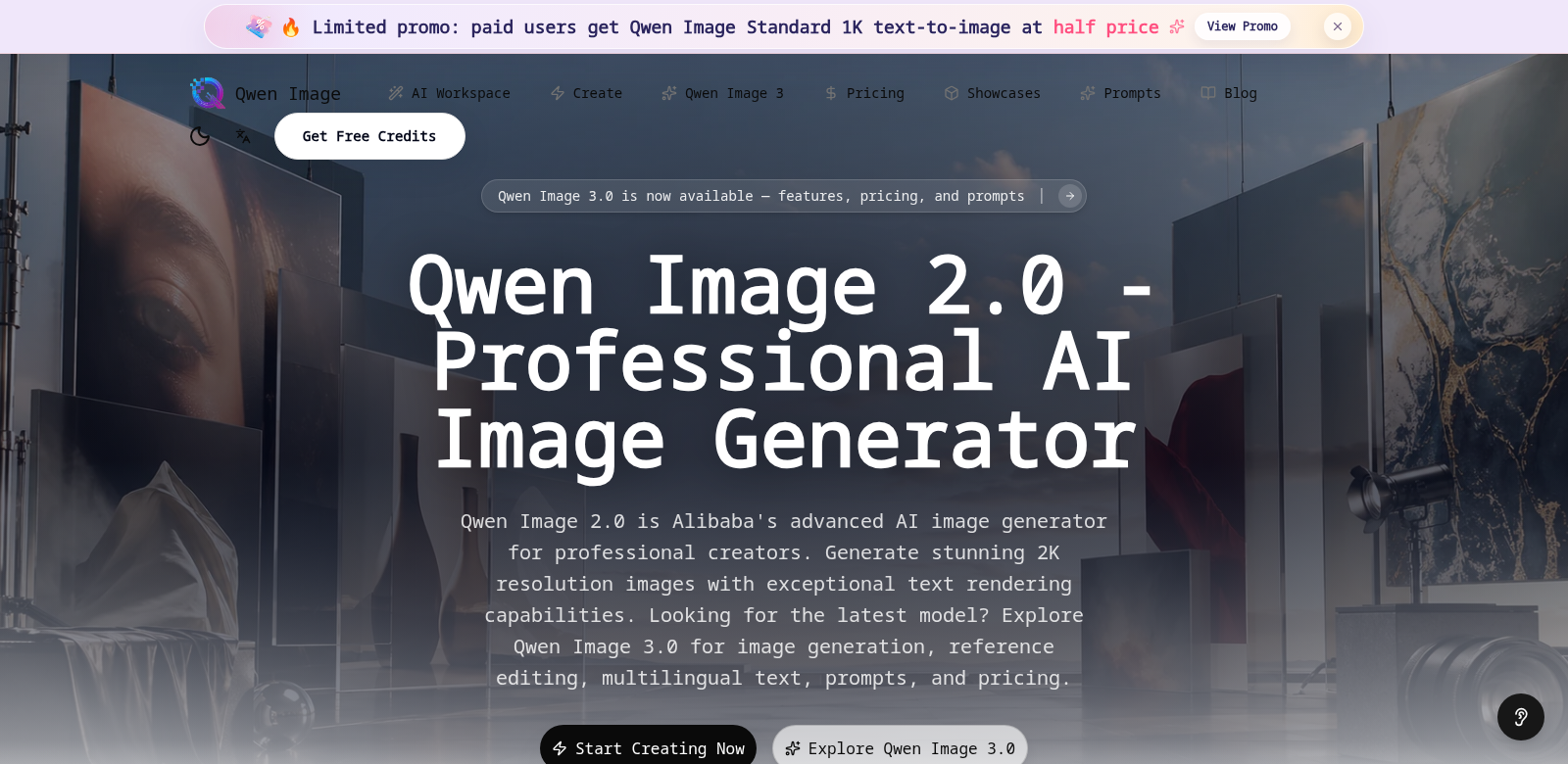
Qwen Image 2.0 is an AI image generator that helps you create high-resolution, professional-looking images. It's built with advanced tech, so anyone – from beginners to pros – can bring their ideas to life without struggling through complex software. You can easily generate stunning 2K images, making it a go-to for graphic designers, marketers, and content creators. If you need even more power, Qwen Image 3.0 (https://qwenimg2.com) adds features like text rendering, reference editing, and more advanced prompt controls.
Who uses Qwen Image?
Lots of different people use Qwen Image 2.0, from all sorts of industries and with varying skill levels. Knowing who they are helps us see how Qwen Image 2.0 fits their specific needs.
-
Graphic Designers. Designers love how easy Qwen Image 2.0 is. They can whip up quick mock-ups or detailed concepts without spending ages learning new software. Getting high-quality images fast also helps them nail client presentations and speed up their work.
-
Marketing Professionals. Marketers can use Qwen Image 2.0 to create eye-catching visuals for campaigns, social media, and ads, boosting their brand efforts. The tool lets them quickly generate visuals that grab potential customers' attention and drive engagement.
-
Content Creators. For bloggers, YouTubers, and social media influencers, Qwen Image 2.0 is a powerful tool for making unique media content. Being able to produce high-resolution images from just a few prompts helps them stand out in crowded markets.
-
Small Business Owners. Entrepreneurs with tight budgets find Qwen Image 2.0 especially useful. It means they don't need to hire expensive professional designers or photographers. This tool helps them create strong visual content that can improve their business's online presence.
-
Educators and Trainers. Educators can use Qwen Image 2.0 to develop teaching materials or engaging presentations, making learning better. With how easy it is to generate images, they can create custom visuals for all kinds of educational topics.
How Qwen Image solves common problems
Creating good images quickly is tough in today's visual world. Qwen Image 2.0 tackles the main hurdles people face when they need high-quality visuals.
The problems we saw
-
Traditional software is too complex. Most design tools need a lot of training. That stops people from using them to their full potential.
-
Time is always short. Busy pros often don't have time to make high-quality images by hand. This means projects get delayed, or they just use generic stock photos.
-
Hiring designers costs too much. For small businesses and freelancers, paying a professional designer can be really expensive. This limits their options for custom visuals.
-
Stock images are boring. Stock photos rarely fit exact needs and often look generic. It's hard for brands to stand out when everyone uses the same stuff.
How Qwen Image helps
Qwen Image 2.0 fixes these problems head-on. We built the interface to be super simple, so even if you've never touched design software, you can make great-looking images in just a few clicks. It speeds up the whole image creation process, cutting down on the time and money you'd normally spend.
Plus, Qwen Image 2.0 is affordable, opening up high-quality image creation to everyone – from new startups to big ad agencies. You don't have to settle for generic stock photos anymore. Now, you can make custom visuals that truly connect with your audience and show off your brand's unique style.
Where you can use it
Qwen Image 2.0 is super flexible. Here are some ways people use it:
- Social Media Campaigns. Quickly make graphics that match your campaign themes. This keeps your brand message consistent and engaging.
- Website Content. Businesses can add unique images to their sites that perfectly fit their content. This makes the site better for users and can even help with SEO.
- Presentations. Create custom presentations that grab your audience's attention and clearly get your ideas across.
- Online Courses. Educators can make images that go with their lessons, helping visual learners remember information better.
Key features
Qwen Image 2.0 comes packed with features for all kinds of users:
- Easy-to-Use Interface. The design is intuitive, so anyone can navigate it easily and generate images.
- 2K Resolution. Get professional-quality images with amazing clarity and detail, perfect for any use.
- Prompt-Based Generation. Just give the AI simple prompts, and it will create images that are not only relevant but also creative and one-of-a-kind.
- Fast Processing. Our advanced tech speeds up image creation, which is a lifesaver when you're on a tight deadline.
- Works for Everything. Whether it's for marketing, teaching, or personal projects, Qwen Image 2.0 handles all sorts of visual needs.
FAQs
-
What kinds of images can I make with Qwen Image 2.0? You can generate all sorts of images, from illustrations and logos to promotional graphics. The AI learns from your prompts and customizes each image to exactly what you ask for.
-
Do I need design experience to use Qwen Image 2.0? Nope! Qwen Image 2.0 is built for everyone, no matter your skill level. Its easy-to-use interface means anyone can jump right in.
-
Can I use the images for my business? Yes, absolutely. You can use images made with Qwen Image 2.0 for commercial purposes. Businesses can add them to their branding and marketing without any worries.
-
Is there a subscription? Qwen Image 2.0 usually has different pricing plans, including subscriptions, so you can pick what works best for you. Check our official website for all the pricing details.
-
How is Qwen Image different from regular editing software? Traditional software often takes a lot of time and skill to learn. Qwen Image 2.0, on the other hand, simplifies everything and has almost no learning curve. It makes image generation quick and painless.