
Make Awesome Videos with RefVid's Free AI Video Generator
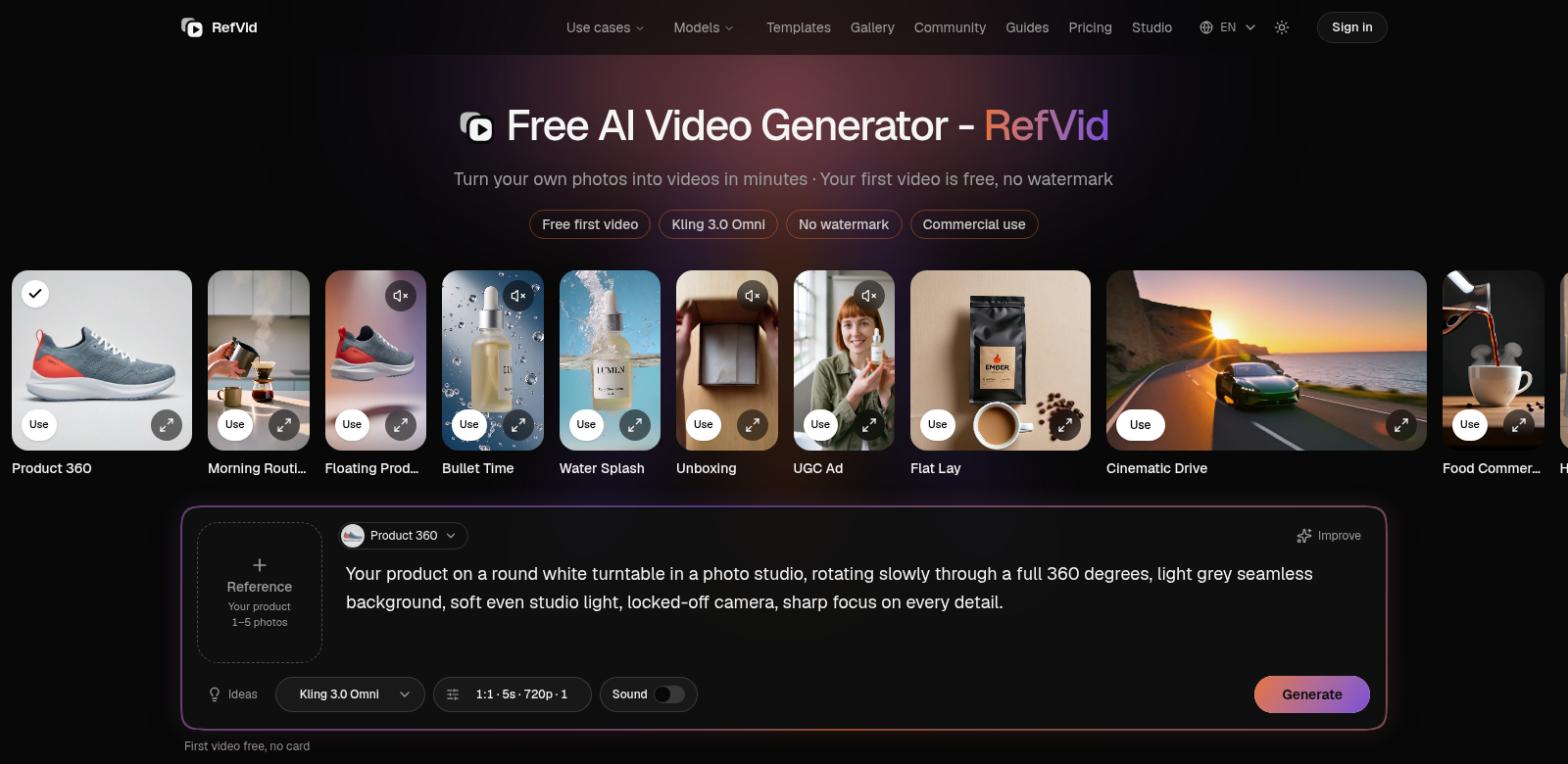
Making great videos easily is a must for everyone these days, whether you're running a business or just sharing your life online. RefVid offers a smart way to turn your photos into polished videos. This free AI video generator lets you create videos from 1 to 5 photos, leaves no watermark, and even allows commercial use. That makes it a super flexible tool for all sorts of people, from social media stars to marketers.
Who Uses RefVid?
It's helpful to see who gets the most out of RefVid's AI video generator. Here are some of the main groups:
-
Content Creators: Vloggers and social media influencers know that engaging content is everything. RefVid helps them turn their photos into lively videos, which really boosts engagement on platforms like Instagram and YouTube.
-
Small Business Owners: Entrepreneurs who want to stand out can use RefVid to promote their products without the huge costs of traditional video production. Plus, no watermark means their marketing looks totally professional.
-
Educators: Teachers and anyone creating educational content can use RefVid to build instructional videos. Taking static images and making them animated helps students connect with the material, making learning more interactive.
-
Event Managers: If you're organizing events, RefVid is a great way to make promo videos from event photos. It helps you draw in attendees by showing off the best moments from past events.
-
Personal Users: For individuals, RefVid is perfect for creating video compilations of cherished photos. Think birthdays, anniversaries, or just celebrating any special memory.
What Problems Does RefVid Solve?
Many people hit roadblocks when they try to make videos on their own. RefVid's AI video generator tackles these head-on.
The Problems RefVid Saw
-
Video Creation is Too Complex: Traditional video editing can be a real headache – it takes a lot of time, special skills, and expensive software.
-
High Production Costs: Lots of individuals and businesses avoid video content because professional video production services are just too pricey.
-
Limited Customization: Many basic video tools don't let you personalize things, making it tough to create content that truly reflects your brand or personal style.
How RefVid Helps
RefVid makes video creation simple with its easy-to-use platform. You just need a few photos, and the system automatically generates your video. And since it's free, you don't have to worry about the financial strain that usually comes with making high-quality video content. No watermarks mean your videos always look polished, which is great for commercial use. Plus, you get to customize different parts of your videos, giving you the creative freedom to make exactly what you envision.
Real-World Uses
RefVid's AI video generator is incredibly flexible. Here are some ways people are putting it to work:
-
Social Media Promotions: Use "before-and-after" product photos to create catchy video ads for social media.
-
Nostalgia Projects: Families can put together beloved photos into slideshow videos for big moments like weddings or anniversaries.
-
Brand Storytelling: Businesses can tell their story with a video that features images from company milestones and achievements.
-
Educational Tutorials: Educators can turn text-based lessons into visual tutorials, making information easier for students to grasp.
-
Event Highlights: Event organizers can gather images from an event to create a lively video recap to share with attendees.
Top RefVid Features
RefVid's AI video generator is packed with features designed to make video creation straightforward and fast:
-
Easy to Use: The interface is so simple that anyone can make videos without any prior editing experience.
-
No Watermarks: Your finished videos look clean and professional, free from any distracting watermarks, making them perfect for sharing and commercial use.
-
Commercial License: You can use your videos for business purposes without any restrictions, which really helps with marketing.
-
High-Quality Output: The videos look fantastic, easily competing with those from professional studios. This ensures you (or your brand) always look your best.
-
Automation: The AI handles the heavy lifting, drastically cutting down the time it takes to make videos. This means you can spend more time on creative ideas and less on technical details.
Frequently Asked Questions about RefVid
-
Is RefVid really free? Yes, RefVid offers a completely free AI video generator service. No hidden fees, just easy access for everyone.
-
Can I use my videos for business? Absolutely! RefVid videos are watermark-free and come with a commercial license, so feel free to use them in your marketing.
-
What kind of photos work best? Any images that show off your product, brand, or memories are good. But high-quality, well-lit photos will always give you the best results.
-
Do I need special software? Nope! RefVid is an online platform. You can access it from any device with an internet connection.
-
How long does it take to make a video? The process is super quick, often done in just a few minutes. You can create content fast and efficiently.