Seed3D 2.0 AI 3D Generator: Transform Images to 3D Models
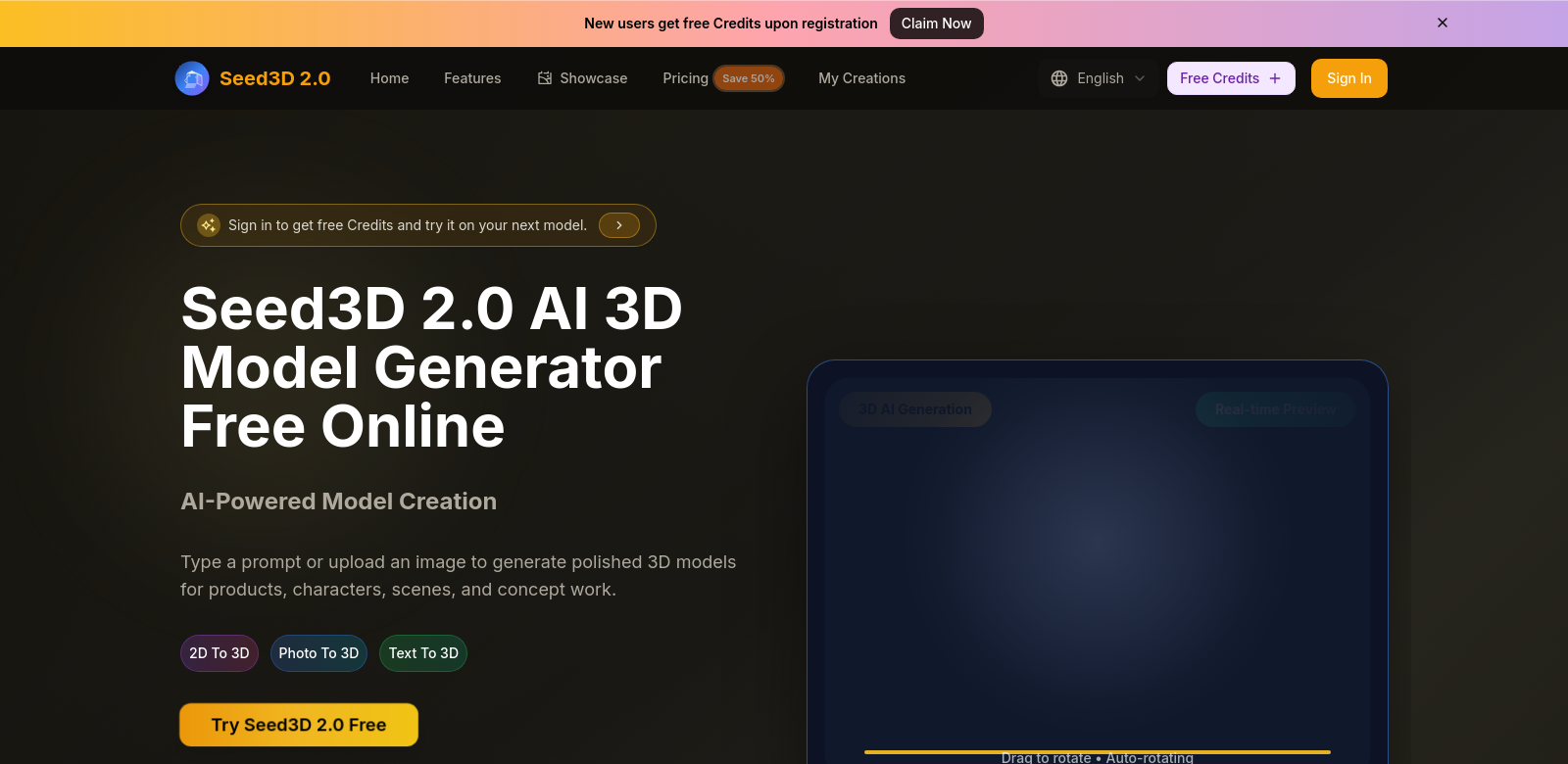
Seed3D 2.0 is an AI tool that converts text and images into 3D models quickly and accurately. It helps users create cleaner shapes, better materials, and assets ready for export, making it useful for gaming, architecture, and product design. With Seed3D 2.0, artists and developers can quickly turn their ideas into 3D models, making their work easier and more creative.
Customers of Seed3D
Seed3D 2.0 serves many types of customers who need high-quality 3D visuals. Seed3D helps them be more creative.
-
Game Developers:
Game developers are always looking for tools to improve asset creation. Seed3D 2.0 reduces the time to make detailed models, so developers can focus on design and gameplay instead of complex modeling. -
Architects:
For architects, seeing a project visually is key. Seed3D 2.0 helps them turn 2D blueprints and designs into interactive 3D models. This helps with client presentations and sharing ideas, which leads to better project results. -
3D Artists:
Seed3D 2.0 gives 3D artists a powerful tool that makes it easier to turn digital art into realistic 3D models, inspiring new ideas. -
Marketers:
Marketers need good visuals to get people's attention. With Seed3D 2.0, they can make engaging 3D visuals for ads, websites, and social media, improving how they talk about their brand. -
Educators/Students:
Seed3D 2.0 helps educators and students in design and engineering. It makes learning more engaging and practical by letting them see complex ideas in 3D.
Problems and Solutions by Seed3D
Seed3D 2.0 solves many problems for professionals in different industries. It offers solutions that make work easier and improve quality.
Problems Seed3D Found
-
Time-Consuming Modeling Processes:
Making 3D models the old way is slow and boring. This takes time away from actual design and development. -
Complex Learning Curves:
Many 3D tools are hard to learn. New users and even experienced ones struggle to use them fully without a lot of training. -
Quality Control Issues:
Generated 3D models often aren't good enough. This means more tweaks and changes, which makes projects take longer.
Solution by Seed3D
Seed3D 2.0 solves these problems. It uses AI to speed up model creation without losing quality. Users can import images or text and turn them into 3D models easily with a few clicks. Its easy-to-use interface means anyone can pick it up quickly, from beginners to pros. With smart automation, Seed3D makes sure the 3D assets are top-notch and ready to use right away.
Use Cases
Seed3D 2.0 can be used in many industries and for many professional needs. For example, a game developer could use it for quick prototypes, making different assets fast during development. An architect might use Seed3D 2.0 in client presentations to show project ideas in an engaging way. Marketers could use 3D assets to make striking social media content, helping brands get noticed online. Finally, educators might use the tool in classrooms to teach basic 3D design, mixing hands-on practice with theory.
Top Features of Seed3D
Seed3D 2.0 has some great features for 3D modeling, making the creative process smooth.
-
AI-Powered 3D Generation:
Uses smart AI to turn images and text into 3D models with little effort from you. -
User-Friendly Interface:
The interface is easy to use, so beginners and experts can make great models without getting stuck. -
Quality Output:
It makes high-quality models that are clean, detailed, and ready to export right away. -
Versatile Asset Management:
It gives you tools to manage and organize your projects well, all within the platform. -
Cross-Platform Exporting:
You can export models to many formats, so they work with different design and development tools.
Frequently Asked Questions with Seed3D
-
How does Seed3D 2.0 ensure model quality?
Seed3D 2.0 uses smart AI algorithms that focus on accuracy and detail when making models. This means the results are high-quality and good for professional work. -
Is Seed3D 2.0 suitable for beginners?
Yes, its easy-to-use interface and simple process make Seed3D 2.0 good for everyone, even if you're new to 3D modeling. -
What file formats can I export models in?
Seed3D 2.0 supports many export formats, so you can easily use your models in different design software or environments. -
Can I use Seed3D 2.0 for commercial purposes?
Yes, you can use models made with Seed3D 2.0 for commercial projects without limits, helping you be creative in your professional work. -
What types of projects benefit from using Seed3D 2.0?
Seed3D 2.0 helps with game development, architecture, marketing campaigns, education, and many other professional uses.