
Seedance 2.5: Make Videos with AI, No Fuss
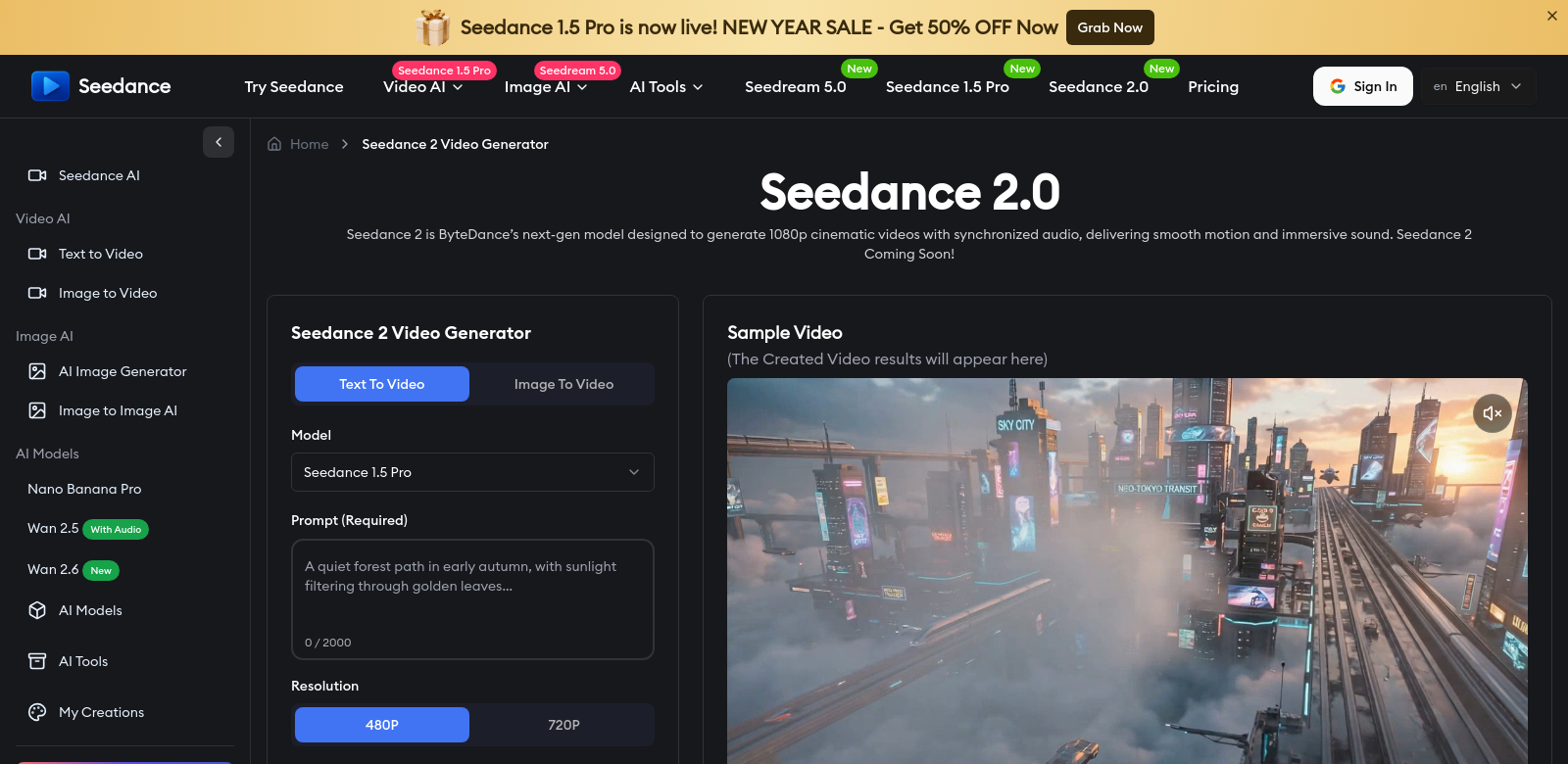
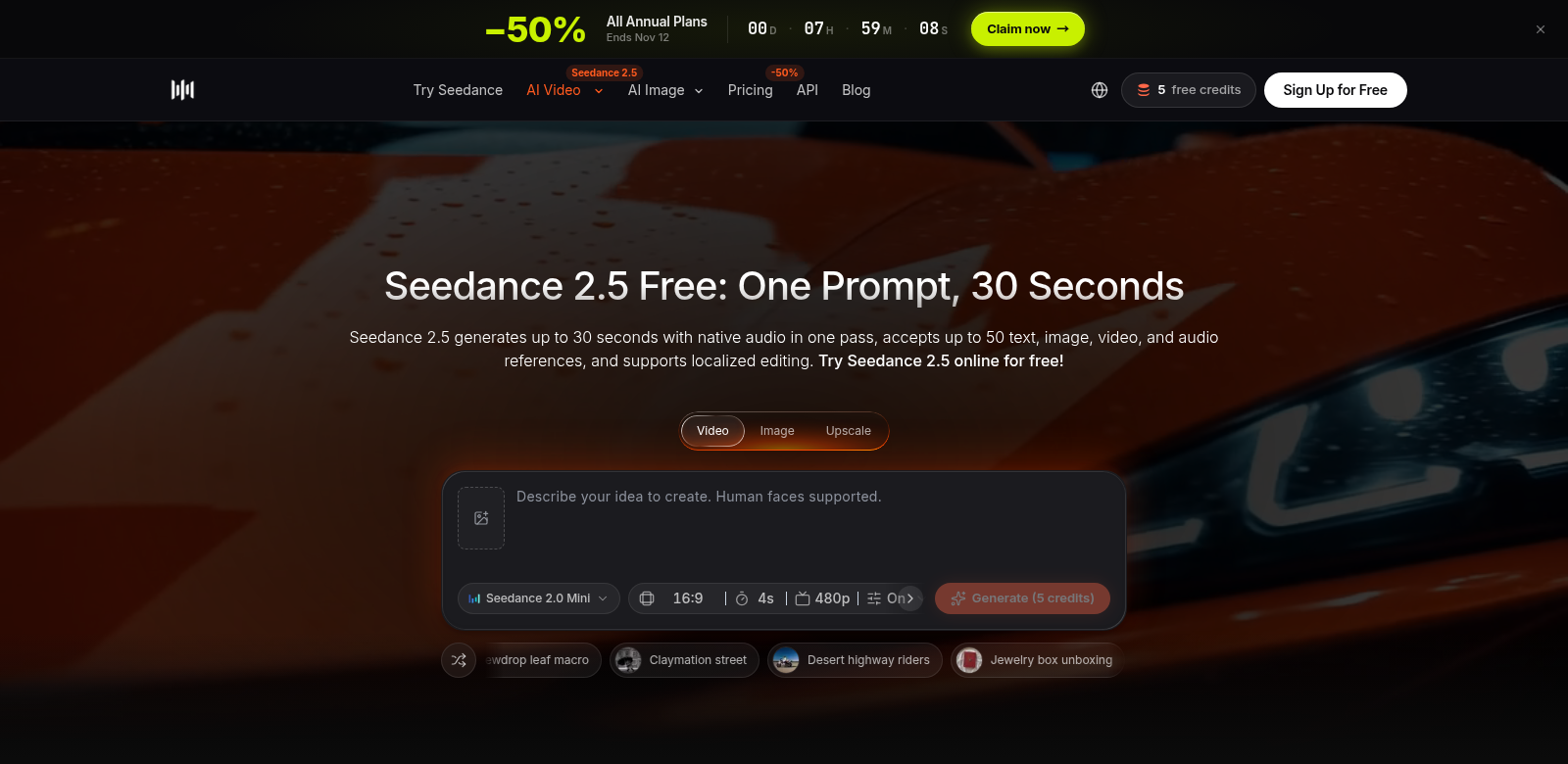
Seedance 2.5 is an online AI video generator built to make video creation simple. You can whip up 4 to 30-second clips, complete with audio, and here's the best part: no watermarks, no payment details needed to get started. It supports resolutions up to 1080p, plus a 480p draft mode for quick checks. This means it's perfect for anything from a quick social media post to more polished promotional stuff. We built it so anyone can bring their ideas to life, making video generation genuinely accessible and straightforward.
Who Uses Seedance 2.5?
Seedance 2.5 is pretty flexible, so it appeals to all sorts of people. Here's a look at who finds it most useful:
-
Social Media Managers: These folks always need engaging content, and they need it fast. Seedance 2.5 lets them create eye-catching videos in seconds, which is crucial for keeping their online presence fresh and dynamic.
-
Marketers: Marketers use Seedance 2.5 to produce effective promotional videos that really speak to their audience. And since there are no watermarks, their brand always looks professional and stands out.
-
Educators: Educators can quickly put together instructional videos that make learning better. They can explain complex ideas without getting bogged down in heavy multimedia production.
-
Content Creators: Content creators are always looking for efficient ways to make visual content. Seedance 2.5 lets them generate great-sounding clips without technical headaches, freeing them up to focus on being creative.
-
Small Business Owners: Small business owners wear many hats. Seedance 2.5 gives them an easy way to create promotional videos, boosting brand awareness without spending a ton of money or time.
The Problems Seedance Solves
We noticed a few big headaches for video creators in today's fast-paced digital world. Seedance 2.5 tackles them head-on.
The Problems We Saw
-
High Production Costs: Making videos can get expensive, especially for small businesses and individuals. Traditional methods often mean hiring pros or buying pricey software.
-
Time-Consuming Processes: Video creation usually takes ages, from shooting to editing. That eats into time better spent on other important tasks.
-
Technical Complexity: Many video editing tools are just too complicated. They have a steep learning curve that scares off anyone who isn't a professional.
How Seedance Helps
Seedance 2.5 offers a simple, efficient way around these problems. We designed the platform with a user-friendly interface, so even total beginners can make high-quality videos without any prior experience. By putting an accessible online tool out there, we've knocked down the cost and skill barriers that come with traditional video production. Just a few clicks, pick your video length, add audio, and you've got professional content ready to share.
Real-World Uses
Seedance 2.5 has tons of practical uses. Imagine a local bakery, for example: they could use it to show off their daily specials or seasonal treats, making quick, enticing clips for social media. Fitness instructors could create short tutorials demonstrating exercises, expanding their reach and keeping clients engaged. Any business, really, can use Seedance 2.5 for marketing campaigns, bringing their brand's story to life with dynamic video.
Top Features of Seedance 2.5
Seedance 2.5 really shines because of its features, all built for ease of use and great content.
-
No Watermarks: Create and share videos without those annoying watermarks. Your brand looks clean and professional, always.
-
High Resolution: Seedance 2.5 supports up to 1080p. That's premium quality for all your videos, perfect for any platform that needs crisp, high-definition visuals.
-
Built-in Audio: The platform includes native audio features. This means a better viewing experience for your audience, and you don't need to mess with external audio files.
-
Draft Mode: You can preview your videos in a 480p draft mode. This saves you time by letting you check things quickly before you commit to the final render.
-
Free Credits on Sign-Up: New users get free credits when they register. It's a great way to try out all the features without any upfront cost.
Seedance: Your Questions Answered
-
What kinds of videos can I make with Seedance 2.5? You can create all sorts of short video clips for different needs: promotional content, social media posts, or educational material. They all run between 4 and 30 seconds.
-
Does Seedance 2.5 cost money to use? Seedance 2.5 offers free access, and you don't even need to enter payment details. Plus, you get free credits when you sign up.
-
What video quality can I expect from Seedance 2.5? You'll get high-resolution video outputs, supporting up to 1080p. This ensures your visuals are always clear and professional.
-
How does the audio feature work in Seedance 2.5? You can easily add native audio to your video clips. This makes for a much better viewing experience, seamlessly blending visuals and sound.
-
Can Seedance 2.5 help with my marketing? Definitely. Seedance 2.5 is designed to help professionals in many fields, including marketing. It makes it easy to create impactful video content that can boost your campaigns and truly connect with customers.