Sprite Maker: Free AI Sprite Generator for 2D Games
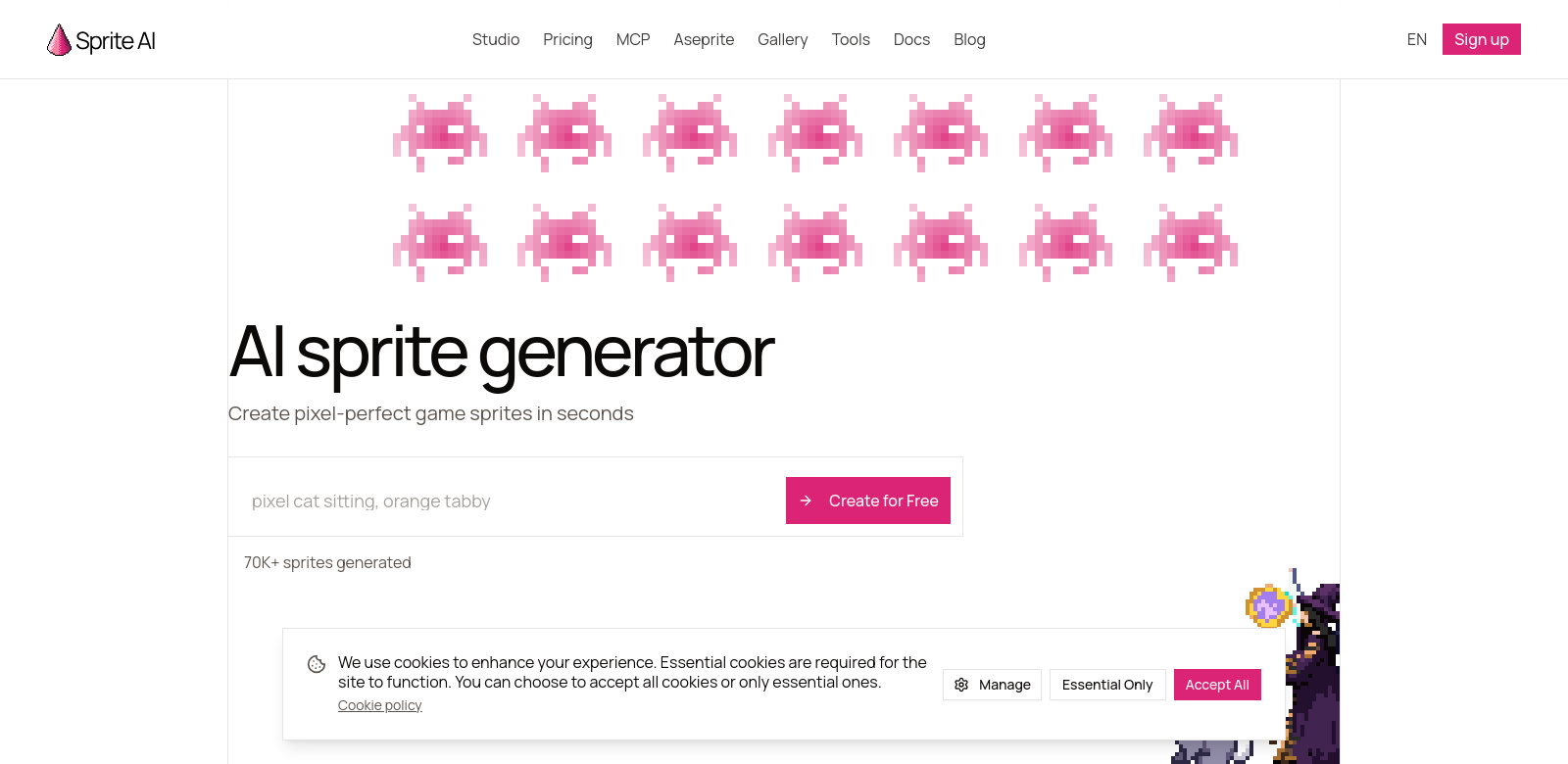
Sprite Maker helps game developers create pixel art sprites from simple text prompts. It's an AI tool that lets you quickly make game-ready assets for 2D environments, even if you're not an artist. The sprites work with popular game engines like Unity, Godot, and GameMaker. It's easy to use and the output looks great, making it a solid addition to any game developer's toolkit. Check it out at Sprite AI.
Who Uses Sprite Maker?
Sprite Maker serves all kinds of game developers, from hobbyists to pros. Here's a look at who benefits most from this AI tool:
-
Indie Game Developers: Indie developers often have tight budgets and limited staff. Sprite Maker lets them quickly create good-looking visuals, so they can spend more time on gameplay instead of drawing. This speeds up development and helps indie teams get their games out faster.
-
Game Design Students: Students learning game design need practical tools. Sprite Maker is a great way to learn pixel art generation without the steep learning curve of traditional art software. It's a key resource for building skills and portfolios.
-
Hobbyists and Enthusiasts: Casual developers and hobbyists love how simple it is to make characters and items without needing advanced art skills. Sprite Maker helps them bring their creative ideas to life with minimal effort.
-
Professional Game Studios: Larger game teams use Sprite Maker to speed up asset creation. By quickly generating sprites, they can keep their art production in sync with story and mechanic development, saving time and money.
-
Educational Institutions: Some schools use Sprite Maker in their game design classes. It gives students a hands-on way to create game assets, making learning more engaging and providing a modern tool for their curriculum.
Problems Sprite Maker Solves
Game developers often hit roadblocks when creating assets. Sprite Maker tackles these head-on.
Common Problems for Game Developers
-
Time-Consuming Art: Drawing pixel art from scratch takes a lot of time. Developers often spend hours on visuals instead of focusing on gameplay.
-
Lack of Art Skills: Not every developer is an artist. This can limit what they can create in their games.
-
Inconsistent Style: Keeping pixel art consistent across many assets is tough, which can make a game look messy.
-
Budget Limits: Smaller teams might not have the budget to hire skilled artists.
-
Steep Learning Curves: Traditional art software is often hard to learn, making it difficult for new artists to get started with pixel art.
How Sprite Maker Helps
Sprite Maker makes pixel art creation easy. Developers just type in text prompts to generate sprites, cutting down asset creation time significantly. Since you don't need design skills, anyone can use the tool, closing the art skill gap for aspiring developers. This means more people can create art for games.
The tool also keeps all generated sprites looking consistent, which is vital for a game's visual feel. For smaller teams and indies, Sprite Maker helps overcome budget issues, letting them make great-looking games without overspending.
What You Can Do with Sprite Maker
Sprite Maker fits into many parts of game development:
- Quick Prototypes: Need to test a gameplay idea? Generate sprites fast for prototypes without getting stuck on art.
- Custom Assets: Make unique characters and items that fit your game's story, pulling players deeper into the world.
- Game Jams: Time is always short in game jams. This tool lets teams focus on core mechanics while quickly getting the visuals they need.
- School Projects: Great for students to quickly make game assets while learning design basics.
- Fan-Made Games: Helps fans create content for existing games, letting their creativity shine.
Sprite Maker's Best Features
Here are some key features that make Sprite Maker stand out:
-
Text-to-Sprite Generation: Just type what you want, and the tool creates custom sprites. It's super easy to use.
-
Engine-Ready Assets: Sprites are made to work seamlessly with popular engines like Unity, Godot, and GameMaker.
-
High-Quality Output: Get crisp, high-resolution sprites that look great in your games without losing quality.
-
Free to Start: Try it out without spending a dime. There's a free tier available.
-
Community & Support: Regular updates and an active community mean you'll always have resources and help.
Sprite Maker FAQs
-
What kind of sprites can I make? You can create all sorts of sprites, like characters, items, and creatures, ready for 2D games across different engines.
-
Is Sprite Maker good for beginners? Absolutely. It's built to be user-friendly, so even if you're not an artist, you can quickly make impressive sprites.
-
Can I edit the sprites after they're generated? Yes, Sprite Maker does a great job generating initial designs, and you can always refine them further using other graphic editing software.
-
Do I need special hardware or software? Nope. If you have a web browser, you're good to go. No special requirements needed.
-
Does Sprite Maker cost money? There's a free tier available, so anyone interested in making pixel art sprites can get started without paying.