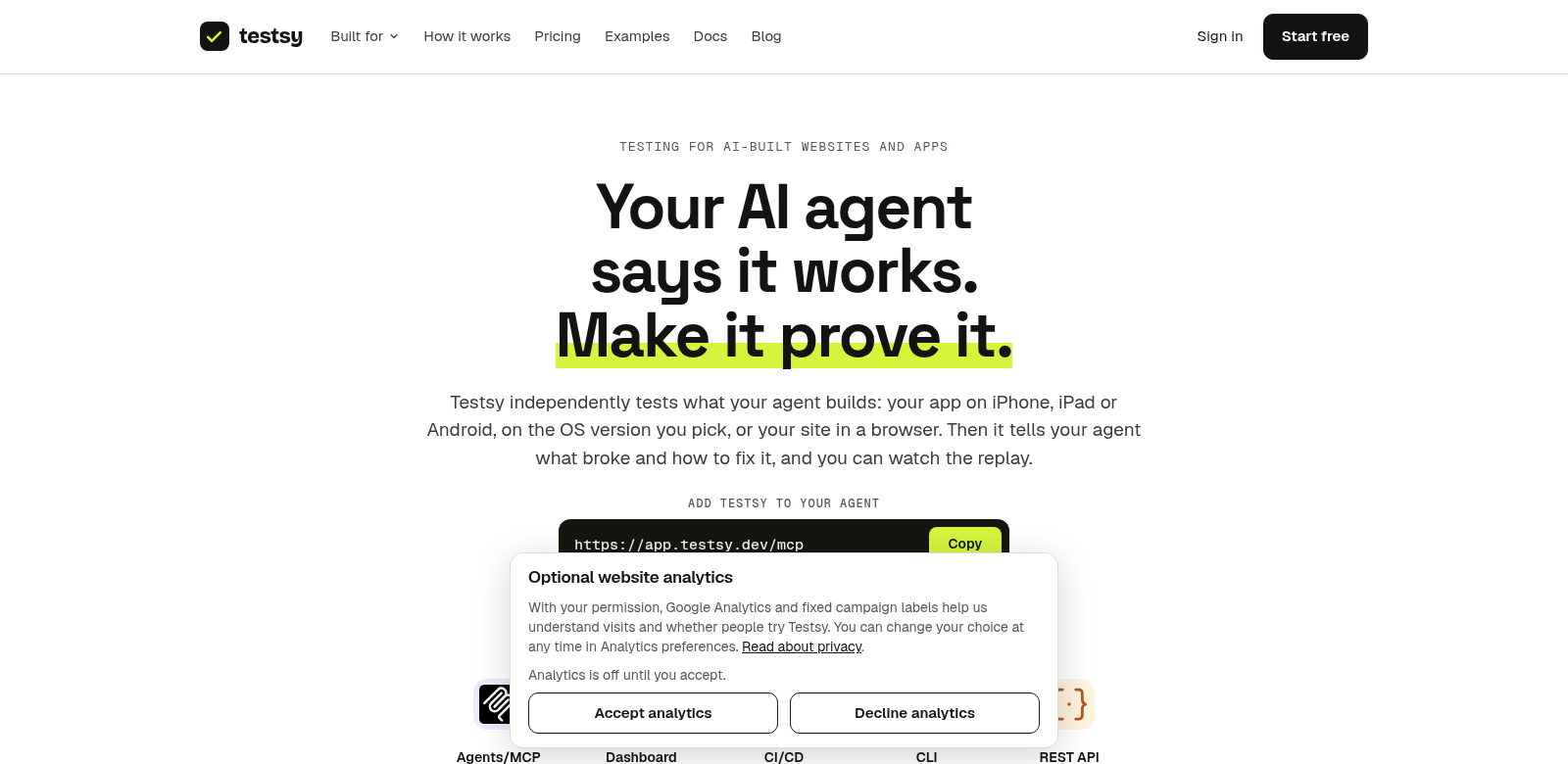
Testsy - Your AI Agent for Verifying Automation Success
Testsy helps you check if your AI automation actually works. It connects with tools like Claude Code, Cursor, and Codex, and runs on platforms like Chrome, iPhone, iPad, and Android. With Testsy, you can easily see how well your AI features perform, get solid proof of their success, and find clear ways to make them better. It doesn't just run your AI; it confirms the output of your projects, making sure your automation efforts deliver real results. Learn more at Testsy.
Who Uses Testsy
Testsy helps a lot of different people, from developers to product managers, all using AI in their work. Here's a look at who finds Testsy essential:
-
Developers: Testsy automates testing for AI models. Developers get instant feedback on their code and outputs, which helps them fine-tune models based on exact results. This means they build better software faster.
-
Product Managers: Product managers need to know how users interact with AI features right now. Testsy gives them clear data on user experiences, helping them make smart decisions about features and improvements based on real numbers.
-
Quality Assurance Teams: QA teams use Testsy to automate how they check AI functions, making their testing process smoother. They rely on it to quickly spot errors in AI outputs and confirm everything meets standards before releasing solutions to users.
-
Entrepreneurs: Entrepreneurs building AI into their projects use Testsy to validate and troubleshoot. As they launch new features, having a tool that confirms their AI works as expected builds confidence in what they offer.
-
Educators: In education, instructors can use Testsy to develop AI-powered teaching tools. They can then check how well these tools perform in a classroom setting, making sure they actually help students learn.
Problems Testsy Solves
Every AI solution hits snags that can slow it down. Testsy tackles several common issues users face, making it easier to integrate and evaluate AI.
Problems We've Seen
-
Complex Testing: Checking AI performance the old way can be tough and slow. It's hard to quickly tell if the outputs are reliable.
-
Integration Headaches: Connecting different AI tools and platforms often causes compatibility problems, leading to wrong outputs and slow feedback.
-
No Immediate Feedback: Many users struggle to get quick insights into how their AI features are doing. This can drag out development and quality checks.
-
Overlooking User Experience: Understanding how users interact with AI is critical, but it often gets missed. This can lead to AI products that just don't meet user expectations.
How Testsy Helps
Testsy fixes these problems by offering a complete way to check if AI solutions do what they're supposed to. Because it connects to many tools and platforms, Testsy makes testing more straightforward. When you run tests, you get immediate feedback, which means you can make changes and improve things faster. Plus, Testsy's built-in analytics let you track performance, see user interactions, and tweak your AI for better results.
A Real-World Example
Imagine a development team launching a new feature for a customer service AI bot. They can use Testsy to check the AI's response accuracy against real customer questions. As the team makes changes based on the feedback, they can instantly see how those tweaks affect customer satisfaction. This doesn't just save time; it ensures the final product truly serves user needs. Testsy works across many industries, including tech, education, and healthcare.
Top Features of Testsy
Testsy comes with key features designed to make your experience better, boosting both your productivity and quality checks.
-
Works Everywhere: Testsy links up with important tools across many platforms, so you can work on any device without losing quality.
-
Instant Feedback: Get quick confirmation on your AI's outputs, letting you fix problems and make improvements right away.
-
Tracks User Interaction: Analyze data on how users interact with your AI to improve features and customize experiences based on real usage.
-
Clear Analytics Dashboard: See how things are performing through an easy-to-use dashboard that highlights key numbers and areas for improvement.
-
Custom Testing: Adjust testing settings to fit your specific applications and workflows, making sure your evaluations are relevant and targeted.
Frequently Asked Questions about Testsy
-
What kinds of AI tools can I connect with Testsy? Testsy works with many AI platforms, including Claude Code, Cursor, and Codex. It handles a wide range of functions and capabilities.
-
How does Testsy make sure outputs are accurate? Testsy uses structured testing and real-time feedback. It checks outputs against set standards and suggests fixes if it finds differences.
-
Can I use Testsy for teaching? Yes! Testsy is flexible and can be very useful in education. Instructors can use it to effectively validate AI-driven teaching tools.
-
Is Testsy hard to learn? We designed Testsy to be user-friendly. It has intuitive interfaces and resources to help you get started quickly and make the most of it.
-
Can Testsy help improve customer service AI? Yes, Testsy can evaluate how well customer service AI interactions perform. It gives you insights to improve response accuracy and make customers happier.