Unblur Image: Bring your photos back to life with AI
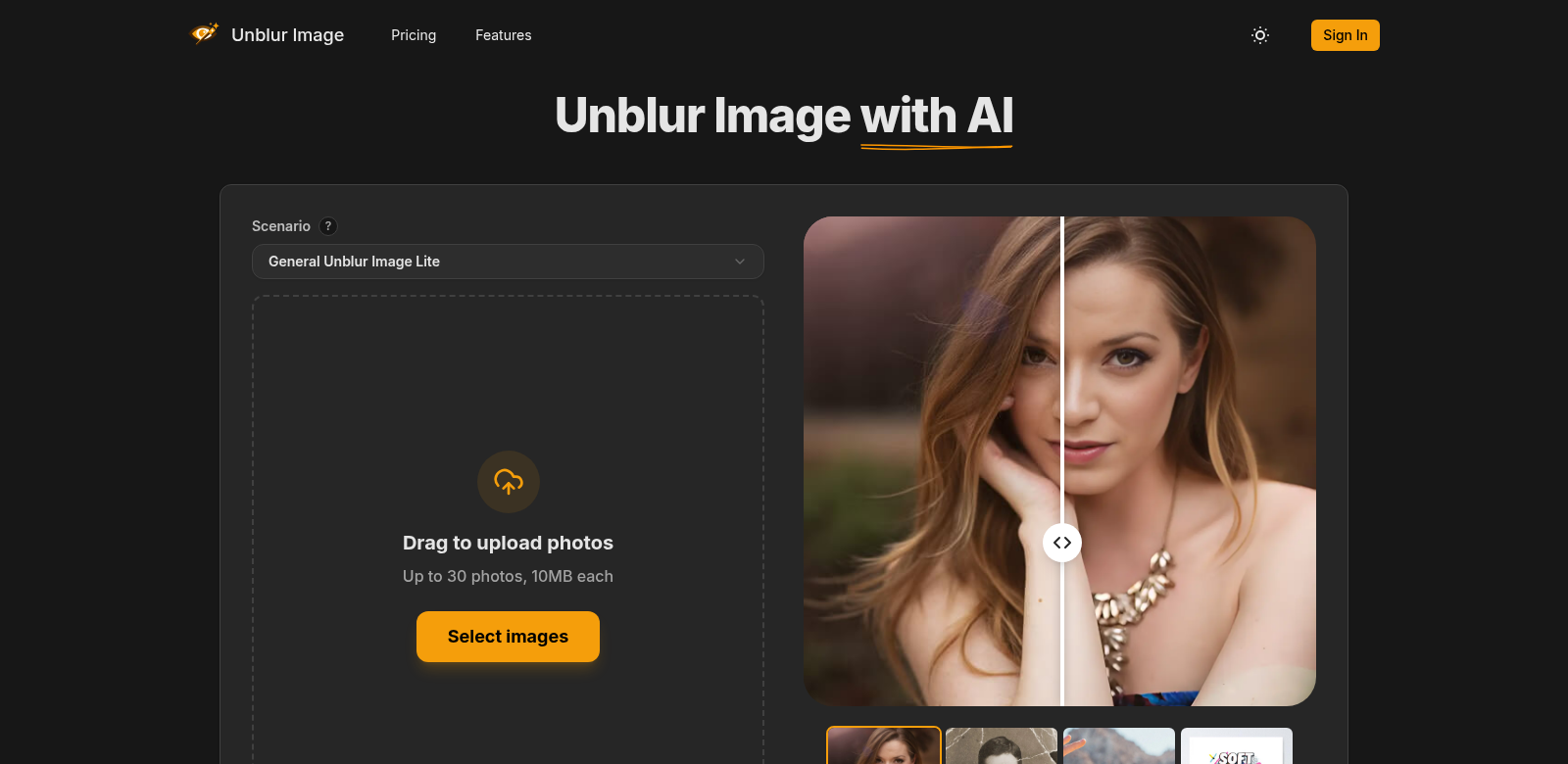
Unblur Image is an online tool that uses AI to fix blurry photos. It's incredibly useful for photographers, marketers, and anyone who needs their images to look sharp. Whether you're trying to make portraits pop, rescue old family pictures, or get your product shots looking professional, Unblur Image makes it easy. Just a few clicks, and your photos will be clear and high-quality. If you're looking for a powerful editing tool, Unblur Image is definitely worth a look.
Who uses Unblur Image?
Unblur Image helps all sorts of people, which shows just how versatile it is. Everyone who uses it has different needs, and the service handles them well. Here are some of the main groups:
-
Photographers: Amateur and professional photographers alike often end up with out-of-focus shots. Unblur Image gives them a straightforward way to deliver crisp, clear photos to clients, helping their work shine in a crowded market.
-
E-commerce Business Owners: Online stores live and die by their product photos. Blurry shots turn customers away. With Unblur Image, e-commerce businesses can sharpen their product images, making them look better and boosting sales.
-
Social Media Influencers: Influencers need stunning visuals to keep their followers hooked. A blurry photo gets scrolled past instantly. Unblur Image helps them keep their feed looking sharp and professional.
-
Graphic Designers: Graphic designers constantly need to improve images for their projects. Being able to restore clarity without starting from scratch is a huge plus, leading to smoother work and better finished designs.
-
Families & Individuals: Many people want to restore old, blurry family photos. Unblur Image lets them bring those cherished memories back to life, making sure important moments are preserved in clear, high quality.
What Unblur Image fixes
Good image quality is essential for communication and branding today. Unblur Image tackles several common problems that come with blurry pictures.
The headaches Unblur Image solves
-
Bad photos: Pictures taken in low light or with cheaper cameras often come out blurry. That makes them hard to use, especially for professional work.
-
Fading memories: Old family photos naturally get fuzzy over the years. Bringing those memories back to life matters a lot to people who treasure their past.
-
Frustrating editing tools: Traditional photo editors are usually complicated and take forever. Most people find them a pain to use, which makes editing a chore.
How Unblur Image fixes it
Unblur Image uses AI to make fixing image quality simple. The tool smartly figures out what kind of blur is in your picture and then uses clever algorithms to undo it. You just upload your images, and in moments, you'll see the improved versions. This quick process means you can get things done fast without losing quality. Plus, it's all online, so you don't need to install any software – great for everyone, whether you're a tech wizard or not.
Real-world examples
Unblur Image is super versatile, and you can use it in tons of ways:
- A photographer uploads a blurry shot from a recent session and instantly gets a sharp version to show their client.
- An e-commerce manager sharpens a whole gallery of product photos, which leads to more engagement and sales.
- A social media influencer fixes a powerful but blurry photo from an old event, sharing it to spark new interest and interaction.
- A graphic designer adds crystal-clear images to marketing materials, making campaigns perform better.
- A family scans old photos and uses Unblur Image to bring them back to life for a reunion.
What makes Unblur Image great
Unblur Image is easy to use and packed with powerful features:
-
AI-Powered Enhancement: At its heart, the tool uses AI to analyze and fix blurry images.
-
Simple Upload Process: You can upload images in just a few clicks, making your work faster.
-
Fast Processing Times: The AI works quickly, giving you results almost instantly – perfect for when you're busy.
-
High-Quality Output: It keeps all the important details while making your images much clearer, which is crucial for pros.
-
No Software Installation Required: Since it's an online tool, you don't need to download anything. That means anyone can use it.
Common questions about Unblur Image
-
How does Unblur Image work? Unblur Image uses smart AI to look at blurry pictures and then rebuilds them to be clear. You just upload your image, and it does the rest.
-
Is there a cost for using Unblur Image? You can try it for free. But if you use it a lot, or need higher resolutions, you'll likely need a subscription.
-
What image formats does Unblur Image support? It handles many different image formats, so it should work for most people's files.
-
Can I use Unblur Image for commercial projects? Yes, you usually can use the improved images for commercial stuff. Just make sure to check the terms of service for any specific rules.
-
Is my data safe with Unblur Image? Unblur Image follows strict privacy rules. Your uploads are secure and won't be misused.