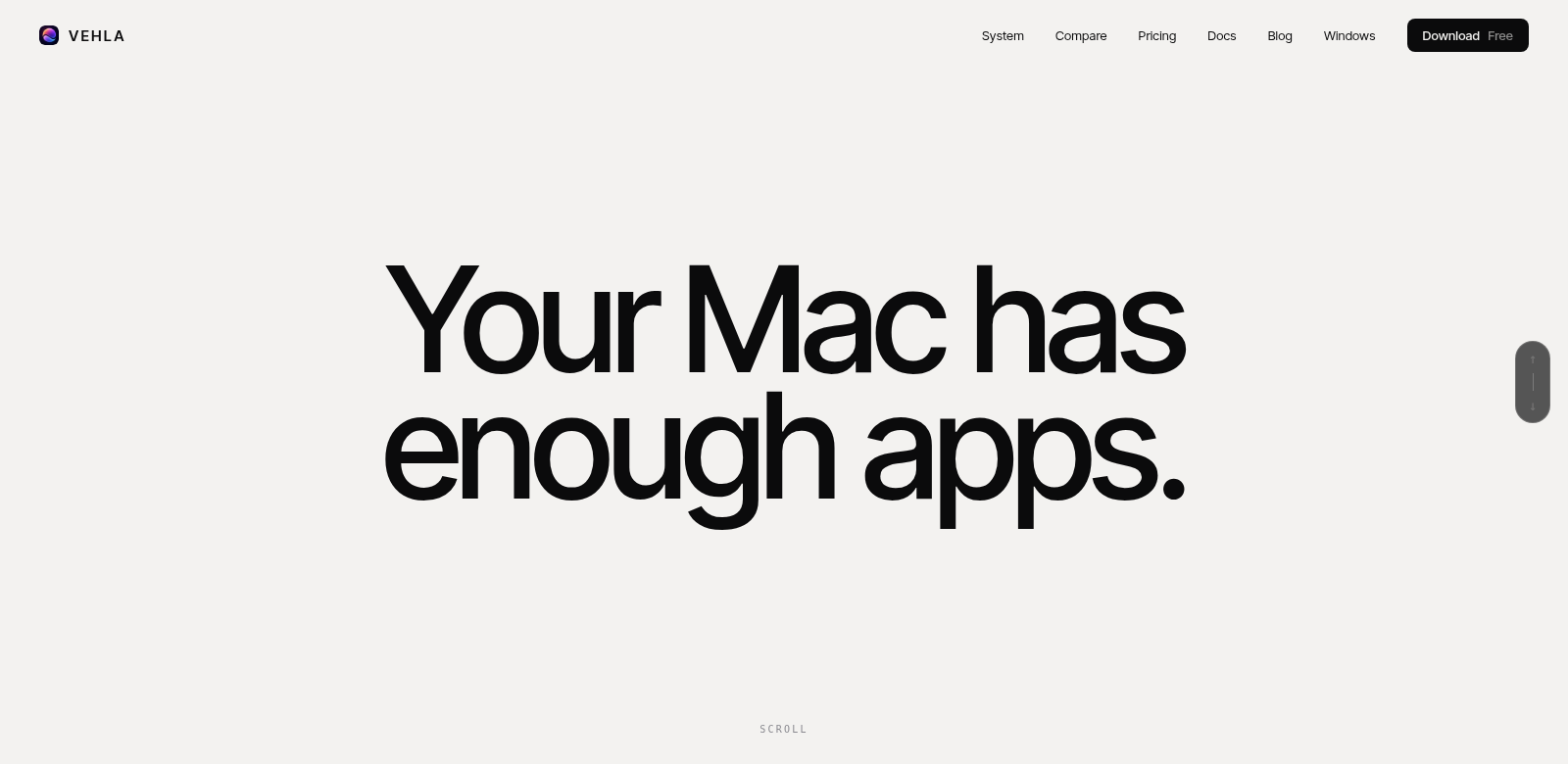
Vehla: Your Mac's New Command Center
Vehla is a native Mac app that brings together a ton of features into one place. Think of it as your launcher, clipboard manager, window manager, dictation tool, and OCR system, all powered by on-device AI. It's a solid alternative to tools like Raycast, and it offers a generous free version. If you want more, the Pro features are a one-time purchase of $29.99. If you're looking to get more done and simplify how you work on macOS, Vehla is a must-have. It's packed with modern features that work for everyone, from students to seasoned software developers.
Who Uses Vehla?
Vehla helps all sorts of people, each with their own unique needs. Here's a look at who gets the most out of it:
-
Casual Users:
If you just need to handle basic tasks without advanced integrations, Vehla is perfect. Its simple interface makes launching apps or managing your clipboard super easy. -
Students:
Students often juggle many projects. Vehla’s smart window management and clipboard features help them stay organized and study better, without getting lost in digital clutter. -
Freelancers:
Freelancers constantly switch tasks. They can use Vehla’s app launcher and dictation tools to stay focused on their work, instead of worrying about managing their digital tools. -
Software Developers:
Developers need quick access to tools and resources. Vehla’s advanced clipboard and integration features save them a ton of time they'd otherwise spend searching for files. -
Business Professionals:
For business pros, efficient window management, AI-powered dictation, and OCR features are crucial for staying productive when multitasking.
Problems Vehla Solves
Let's be honest, working on a computer can be frustrating. We all hit roadblocks that slow us down. Vehla tackles these head-on with its all-in-one approach.
The Headaches Vehla Fixes
-
Slow App Access:
You waste time digging through folders just to open an app or find a document. -
Clipboard Chaos:
macOS's built-in clipboard is basic. You often lose track of things you've copied. -
Window Overload:
Too many open windows turn your screen into a mess, making it hard to focus. -
Search Takes Forever:
Traditional search methods can be slow, making you wait for what you need. -
Offline Limitations:
Many dictation and OCR tools need internet, which means you're stuck when you're offline.
How Vehla Solves Them
Vehla brings everything together to fix these issues. Because it combines so many features, you can launch apps instantly with keyboard shortcuts, skipping all that wasted clicking around. Its smart clipboard manager remembers everything you've copied, so you can easily grab old items.
The window management system helps you organize and resize windows exactly how you need them, making the most of your screen space. Plus, with built-in AI, you can dictate notes or tasks without an internet connection, keeping your work flowing. And its OCR tools let you scan and convert text from images digitally, boosting your productivity without needing extra software.
How You Can Use Vehla
Vehla fits into many different workflows. Here are a few examples:
- Task Management: Easily launch apps and switch between tasks. This helps you build a smooth workflow and make every minute count.
- Academic Projects: Students can quickly gather research materials with the clipboard manager. Dictation features also make note-taking during lectures or study sessions a breeze.
- Software Testing: Developers can manage testing environments better by launching multiple apps and windows. This streamlines their work without adding extra hassle.
- Business Presentations: Business pros can use dictation to create presentations on the fly. It helps them capture ideas clearly without all the tedious typing.
- Creative Work: Artists and designers can arrange their tools and resources with window management, keeping their focus squarely on the creative process.
Vehla's Best Features
Vehla comes packed with features designed to make your life easier:
-
Command Center:
Launch, manage, and switch between your apps effortlessly. -
Smart Clipboard Manager:
It remembers everything you copy, so you can easily get back to old items. -
Window Manager:
Keep your open windows organized. This cuts